KhazodaCore Needed by Plushables 2.6.1+26.1.x
requiredMatching file found Matched file: 1.0.3+26.1.x
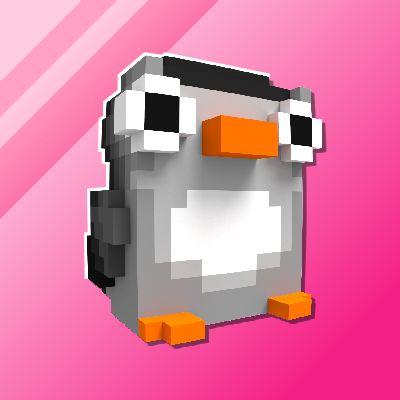
CurseForge · Minecraft mod
Bring cute plushies into your home
Quick answer
Plushables 2.6.1+26.1.x targets 26.1, 26.1.1, 26.1.2 with NeoForge. The project page does not say whether it belongs on the client. The project page does not say whether it belongs on the dedicated server. All 1 required mods have matching files.
Where it goes
The project page does not say whether it belongs on the client. The project page does not say whether it belongs on the dedicated server.
The source does not explicitly classify this release as client-only or server-only.
2.6.1+26.1.x. Change the file and its required mods may change too.
Install KhazodaCore first. We found matching files for this game-version and loader setup.
We only count dependency files that match this setup. A file for another loader does not fill the gap.
Before you install it
Built for Plushables 2.6.1+26.1.x. Pick another file and the loader, install side or required mods may change.
Use 2.6.1+26.1.x. It targets 26.1, 26.1.1, 26.1.2 with NeoForge; another release may have different loader, side or dependency requirements.
Install KhazodaCore first. We found matching files for this game-version and loader setup.
The project page does not say whether it belongs on the client. The project page does not say whether it belongs on the dedicated server.
Use the “Get this file” button beside 2.6.1+26.1.x. It opens that exact file at the source.
About this project
🏷️ This description may not reflect the version of the mod you’re using. If you have questions or need help, ask in the #support channel on my Discord server. 




Plushables adds over 45 craftable plushies that you can hold, place and wear. Check them out in the Gallery.
This mod prides itself on offering a diverse mix of plushies that anyone and everyone can enjoy. The primary focus is on a wide array of original designs and adapting animals that don't already exist within Minecraft. Plushables is always expanding. At the mod's inception in 2019 there were only 3 plushies. The list is evergrowing, and constructive feedback and ideas are always appreciated.
Finding any type of flower, a gold nugget or a bottle of honey will all unlock the Heart of Gold recipe for you.
Every plushable is crafted shapelessly from one wool block (of varying colour), one heart of gold, and one other thematic item. Every recipe is unlocked in your recipe book once you craft your first Heart of Gold.
You might recognize some plushables from other mods. Those authors have been kind enough to allow their amazing models to be used or adapted to be in Plushables! If you like a mod's plushie, why not check out the mod itself? The following plushables exist thanks to generous mod authors and artists:
I accidentally put an item in a plushable, how do I get it out? Shift + Right Click with an empty hand to take items out of plushables. Is there a (fabric/forge/neoforge/risugami's modloader) version? Plushables exists on both Fabric and NeoForge. If you're running Quilt, use the Fabric jar. Can you backport the mod to Minecraft 1.X.X? Plushables will not be backported. The mod will however support new major versions of Minecraft. I found a bug / my game crashed If you find any problems with Plushables, please feel encouraged to create an issue on the GitHub repository issue tracker. Bug reports are incredibly useful and help this mod reach its full potential.
Project description from CurseForge.
Pick your setup
Choose the version and loader you play, then open the matching release.
Check the dependencies, then try the file in a copied instance before changing a world you care about.
Recent files
plushables-neoforge-2.6.1+26.1.jar
12 Jul 2026
plushables-fabric-2.6.1+26.1.jar
12 Jul 2026
plushables-neoforge-2.3.2+1.21.1.jar
12 Jul 2026
plushables-fabric-2.3.2+1.21.1.jar
12 Jul 2026
plushables-neoforge-2.3.1+1.21.1.jar
5 Jul 2026
plushables-fabric-2.3.1+1.21.1.jar
5 Jul 2026
plushables-neoforge-2.3.0+1.21.1.jar
22 Jun 2026
plushables-fabric-2.3.0+1.21.1.jar
22 Jun 2026
plushables-neoforge-2.2.1+1.21.1.jar
4 Jun 2026
plushables-fabric-2.2.1+1.21.1.jar
4 Jun 2026
plushables-neoforge-2.5.1+26.1.jar
4 Jun 2026
plushables-fabric-2.5.1+26.1.jar
4 Jun 2026
Looking for an older file? The official CurseForge project page is in Resources.
 mod
modCryonUtil is a Minecraft 26.2 utility mod that adds automation, mobile mining, item transportation, lighting support, security systems, accessibility features, and special equipment for survival.
 mod
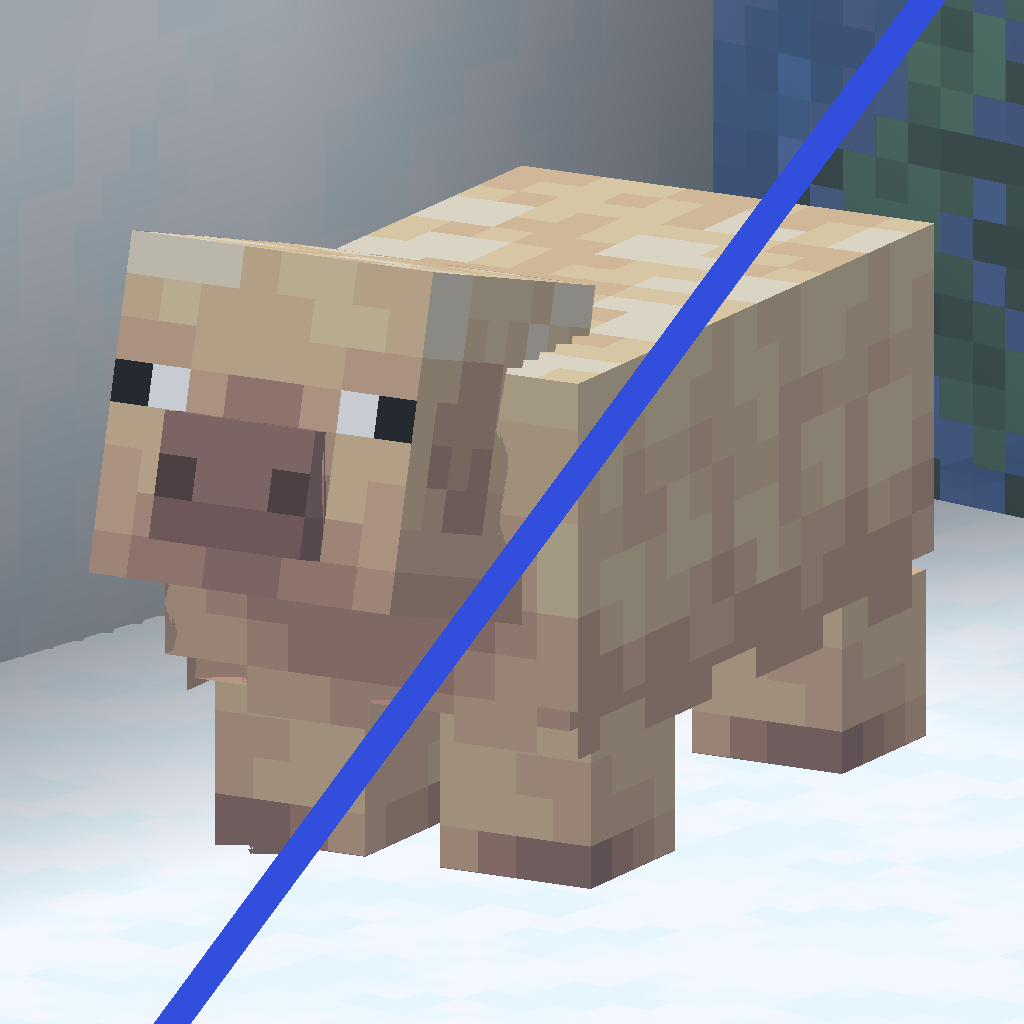
modFixes flickering, jaggies and Z-fighting on long distances using the Reverse Z technique.
 mod
modInteract with job sites to locate or teleport villagers, or click on villagers to identify their current workplace,profession reset ,remove job,fire villager
