Minecraft version
Back to mods 
CurseForge · Minecraft mod
Turf
Decorative grass blocks that you can dye.
Choose a version Pick your version below, then grab the matching file.
Quick answer
Which Turf release should I use?
Latest stable file turf-1.20.1-1.0.6.jar
Game version 1.20.1
Loader NeoForge, Forge
turf-1.20.1-1.0.6.jar targets 1.20.1 with NeoForge, Forge. The project page does not say whether this file belongs on the client, dedicated server, or both. No extra mods listed for this file.
Where it goes
Is Turf required on the client, server, or both?
The project page does not say whether this file belongs on the client, dedicated server, or both.
Client Source doesn’t say
Dedicated server Source doesn’t say
Loader for this release NeoForge, Forge
Required install it here Optional supported, not mandatory Not supported do not install here Source doesn’t say do not assume
The source does not explicitly classify this release as client-only or server-only.
What else does turf-1.20.1-1.0.6.jar need?
turf-1.20.1-1.0.6.jar. Change the file and its required mods may change too.
This file does not list any required mods. Do not add a library just because a different file uses it.
This file does not list any required or optional mods.
Before you install it
Add Turf without breaking your instance.
Built for turf-1.20.1-1.0.6.jar. Pick another file and the loader, install side or required mods may change.
- 01
Stick to this file
Use turf-1.20.1-1.0.6.jar. It targets 1.20.1 with NeoForge, Forge; another release may have different loader, side or dependency requirements.
- 02
Bring the mods it needs
This file does not list any required mods. Do not add a library just because a different file uses it.
- 03
Put it on the correct side
The project page does not say whether this file belongs on the client, dedicated server, or both.
- 04
Pick the file you checked
Use the “Get this file” button beside turf-1.20.1-1.0.6.jar. It opens that exact file at the source.
About this project
What does Turf add?
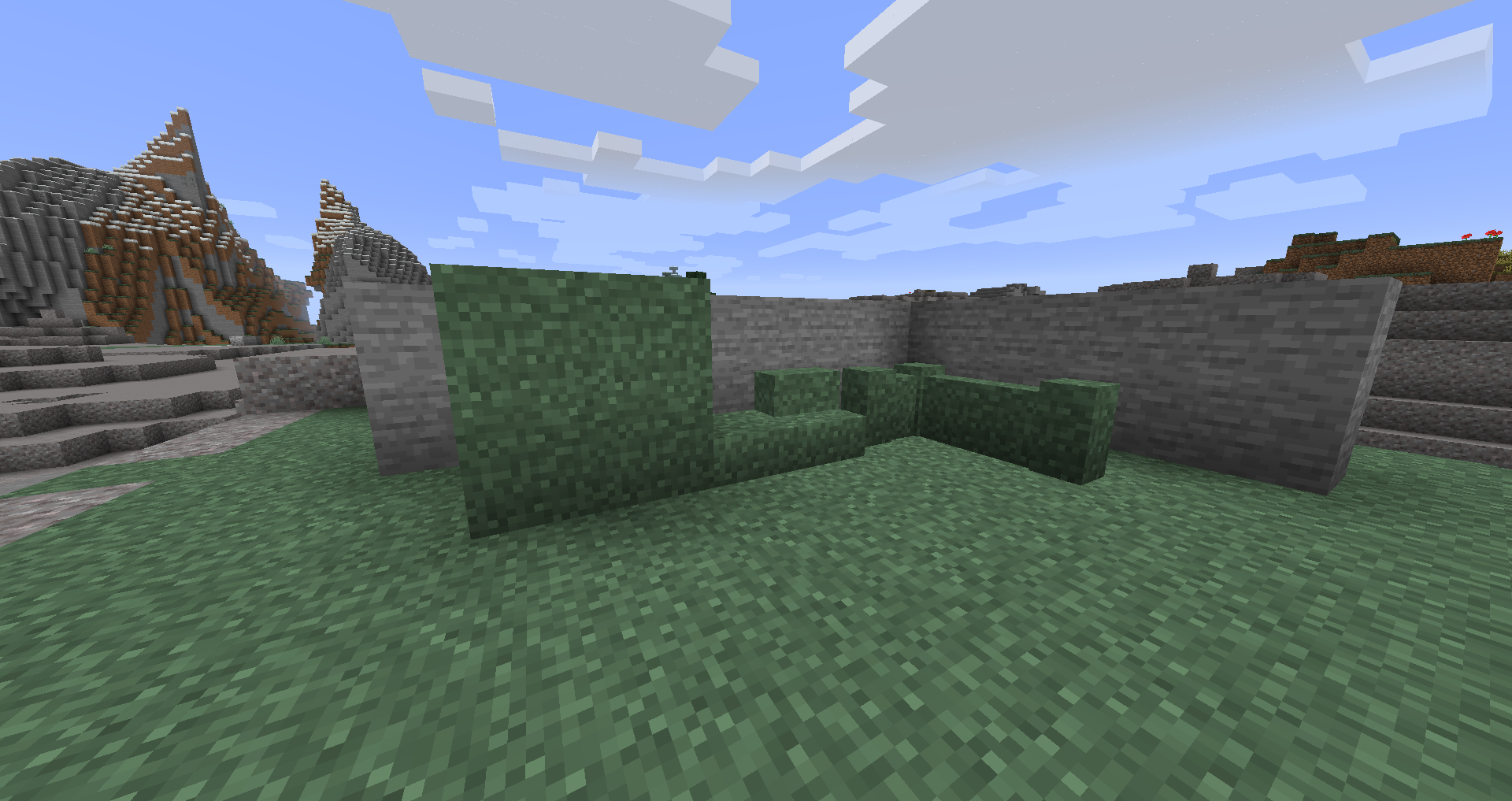
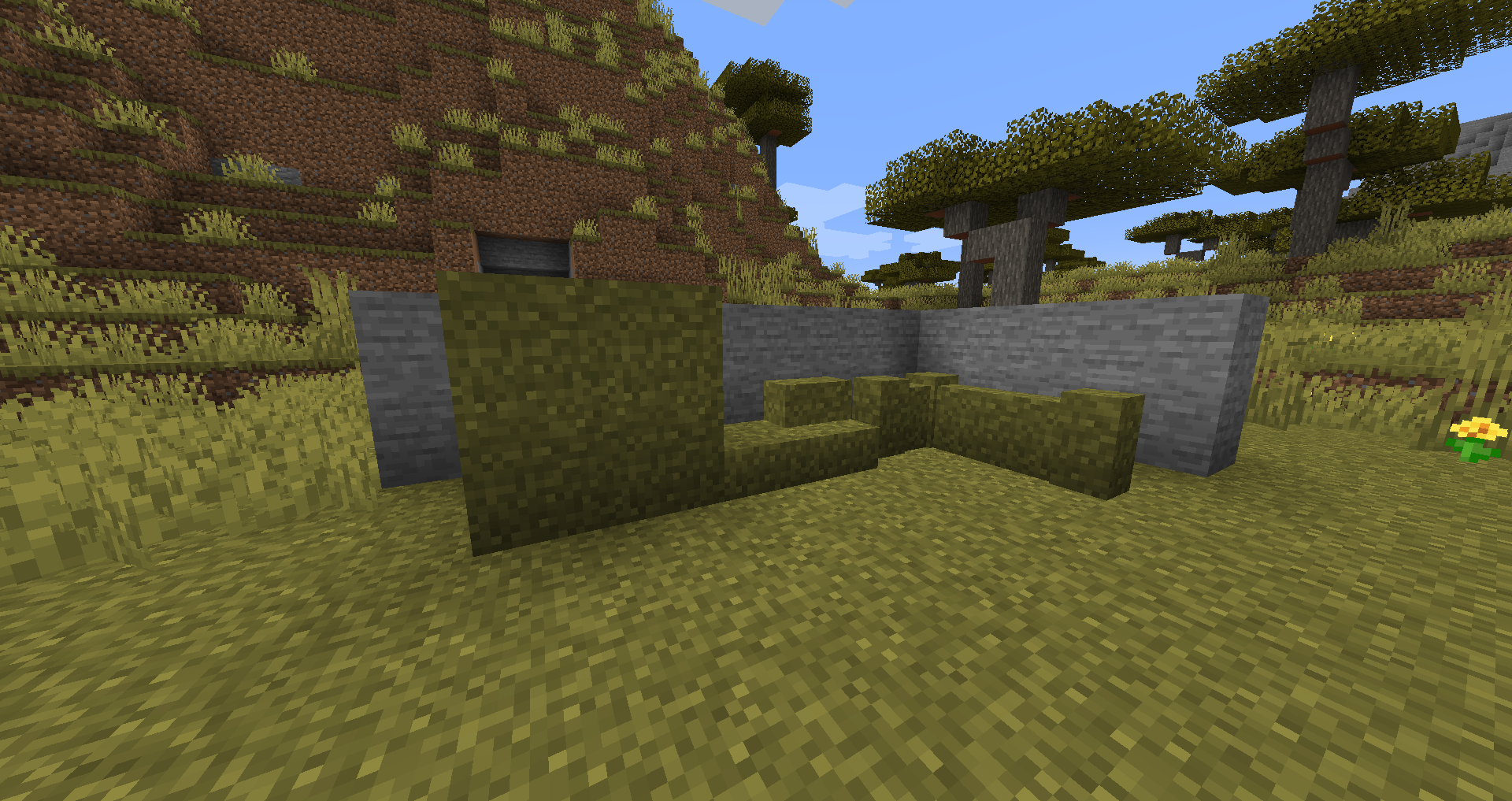
Turf is a simple decorative mod. With grass you can craft yourself Turf, which is just a decorative grass block. It takes the appearance and color of normal grass and blends with it.
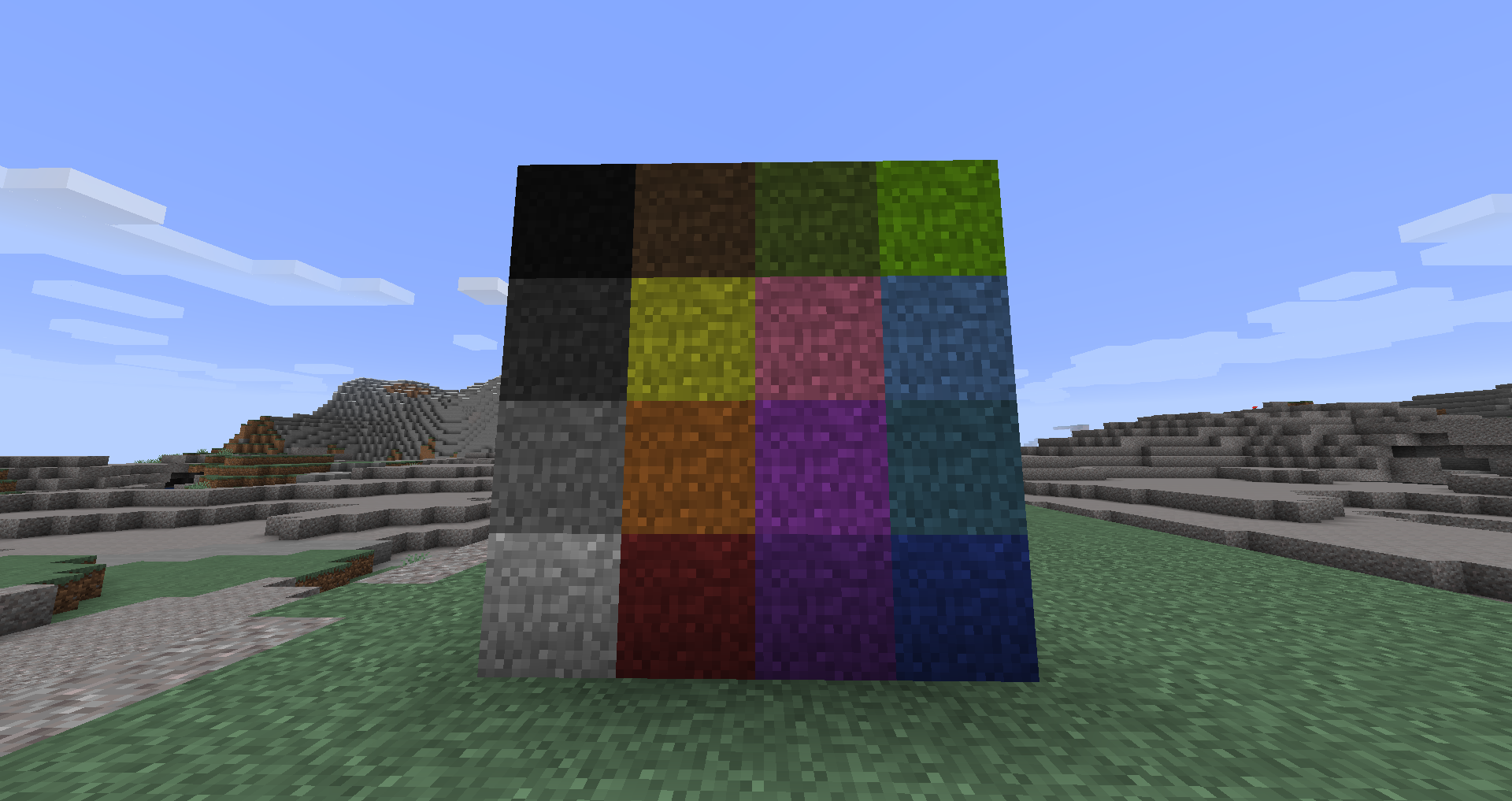
You can craft Turf into slabs, stairs and walls, as well as dye it in any of the 16 colors (which can also be made into slabs, stairs and walls).
To see everything in action, check out the screenshot section at the top.
Because Turf uses the vanilla grass texture, it is fully compatible with any resource pack!
Why would I use this over vanilla 1.17+ moss?
It's seamless with grass (moss looks slightly different), matches grass biome color, can be dyed, and has stairs, slabs, and walls.
Project description from CurseForge.
Pick your setup
Turf by Minecraft version and loader
Choose the version and loader you play, then open the matching release.
Minecraft version
1.19.2
2 loader buildsMinecraft version
1.19.1
2 loader buildsMinecraft version
1.19
1 loader buildMinecraft version
1.18.2
1 loader buildMinecraft version
1.18.1
1 loader buildMinecraft version
1.18
1 loader buildMinecraft version
1.16.5
1 loader buildMinecraft version
1.16.4
1 loader buildMinecraft version
1.16.3
1 loader buildMinecraft version
1.16.2
1 loader buildMinecraft version
1.16.1
1 loader buildShowing the newest 12 of 14 game versions. Older files are in the list below.
Check the dependencies, then try the file in a copied instance before changing a world you care about.
Recent files
Turf versions and loaders
turf-1.20.1-1.0.6.jar
8 Apr 2024
Client Source doesn’t say Server Source doesn’t say Dependencies No extras listed Listed on Release listing
Check the 1.20.1 · NeoForge setup NeoForge1.20.1Forge release
turf-1.19.2-1.0.5.jar
6 Aug 2023
Client Source doesn’t say Server Source doesn’t say Dependencies No extras listed Listed on Release listing
Check the 1.19.2 · NeoForge setup 1.19.2NeoForgeForge1.19.1 release
turf-1.19.2-1.0.4.jar
14 Jan 2023
Client Source doesn’t say Server Source doesn’t say Dependencies No extras listed Listed on Release listing
Check the 1.19.2 · Forge setup 1.19.2Forge1.19.11.19 release
turf-1.19-1.0.3.jar
27 Jul 2022
Client Source doesn’t say Server Source doesn’t say Dependencies No extras listed Listed on Release listing
Check the 1.19.2 · Forge setup 1.19.2Forge1.19.11.19 release
turf-1.19-1.0.2.jar
12 Jun 2022
Client Source doesn’t say Server Source doesn’t say Dependencies No extras listed Listed on Release listing
Check the 1.19 · Forge setup Forge1.19 release
turf-1.18-1.0.1.jar
2 Dec 2021
Client Source doesn’t say Server Source doesn’t say Dependencies No extras listed Listed on Release listing
Check the 1.18.2 · Forge setup 1.18.11.18.2Forge1.18 release
turf-1.16.4-1.0.1.jar
3 Nov 2020
Client Source doesn’t say Server Source doesn’t say Dependencies No extras listed Listed on Release listing
Check the 1.16.5 · Forge setup 1.16.31.16.5Forge1.16.4 release
turf-1.16.3-1.0.1.jar
15 Sept 2020
Client Source doesn’t say Server Source doesn’t say Dependencies No extras listed Listed on Release listing
Check the 1.16.3 · Forge setup 1.16.3Forge release
turf-1.16.2-1.0.1.jar
7 Sept 2020
Client Source doesn’t say Server Source doesn’t say Dependencies No extras listed Listed on Release listing
Check the 1.16.2 · Forge setup Forge1.16.2 release
turf-1.16.1-1.0.1.jar
26 Aug 2020
Client Source doesn’t say Server Source doesn’t say Dependencies No extras listed Listed on Release listing
Check the 1.16.1 · Forge setup 1.16.1Forge release
turf-1.15.2-1.0.0.jar
17 Apr 2020
Client Source doesn’t say Server Source doesn’t say Dependencies No extras listed Listed on Release listing
Check the 1.15.2 · Forge setup 1.15.2Forge release
turf-1.14.4-1.0.0.jar
22 Aug 2019
Client Source doesn’t say Server Source doesn’t say Dependencies No extras listed Listed on Release listing
Check the 1.14.4 · Forge setup 1.14.4Forge release
Looking for an older file? The official CurseForge project page is in Resources.
 mod
CurseForge + Modrinth · Minecraft
The Aether II
The Iconic Dimension Mod Returns! Step into a renewed and expanded Aether Dimension with The Aether II!
 mod
CurseForge · Minecraft
Tokyo Revengers Gang Addon
An immersive Tokyo Revengers addon featuring gang territories, custom uniforms and created gang, combat skills, boss challenges, territory raids, passive skills and interactive NPC allies.
 mod
CurseForge + Modrinth · Minecraft
World Portal
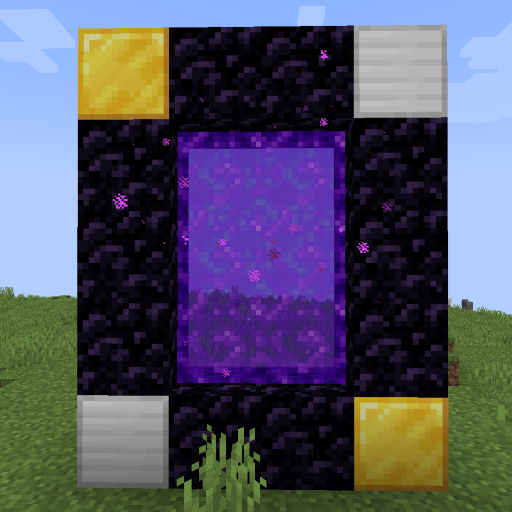
Create custom world portal to travel between dimensions.