

Minecraft version
Back to mods 
CurseForge · Minecraft mod
Dragon Block Super
A dragon ball mod made in memory of the late JinRyuu
Choose a version Pick your version below, then grab the matching file.
Quick answer
Which Dragon Block Super release should I use?
Latest stable file Dragon Block Super V1.6.3
Game version 1.15.2
Loader Forge
Dragon Block Super V1.6.3 targets 1.15.2 with Forge. The project page does not say whether it belongs on the client. The project page does not say whether it belongs on the dedicated server. No extra mods listed for this file.
Where it goes
Is Dragon Block Super required on the client, server, or both?
The project page does not say whether it belongs on the client. The project page does not say whether it belongs on the dedicated server.
Client Source doesn’t say
Dedicated server Source doesn’t say
Loader for this release Forge
Required install it here Optional supported, not mandatory Not supported do not install here Source doesn’t say do not assume
The source does not explicitly classify this release as client-only or server-only.
What else does Dragon Block Super V1.6.3 need?
Dragon Block Super V1.6.3. Change the file and its required mods may change too.
This file does not list any required mods. Do not add a library just because a different file uses it.
This file does not list any required or optional mods.
Before you install it
Add Dragon Block Super without breaking your instance.
Built for Dragon Block Super V1.6.3. Pick another file and the loader, install side or required mods may change.
- 01
Stick to this file
Use Dragon Block Super V1.6.3. It targets 1.15.2 with Forge; another release may have different loader, side or dependency requirements.
- 02
Bring the mods it needs
This file does not list any required mods. Do not add a library just because a different file uses it.
- 03
Put it on the correct side
The project page does not say whether it belongs on the client. The project page does not say whether it belongs on the dedicated server.
- 04
Pick the file you checked
Use the “Get this file” button beside Dragon Block Super V1.6.3. It opens that exact file at the source.
About this project
What does Dragon Block Super add?
A new Dragon Ball mod emerges...
Before I get too deep into the features of this mod, here's a quick history lesson
for those who are new to the whole Dragon Ball mod stuff.
Quite a long time ago, a very talented programmer going by JinRyuu
created Dragon Ball mod for Minecraft, called Dragon Block C.
Jin raised an amazing community and continued to update his
mod over the years, however it never made it past version 1.7.10 of
Minecraft, due to the extensive render changes introduced in 1.8
As the years went by it became clear that Dragon Block C wasn't
going to update to a newer version any time soon. Sometime in 2018
I approached Jin about porting his mod to 1.12.2, and we decided
that I would attempt to port his mod to 1.12.2 while he continued to
update the 1.7.10 version. Things were rough making the transition to
1.12.2, but there was some motion. Unfortunately an accident occurred
in late 2018 and Jin sadly lost his life. This loss majorly impacted
the Minecraft modding community. Jin was my friend and my teacher,
and I miss him to this day.
After Jin's passing, his brother Ben picked up his projects, but development
was slow, and I don't blame Ben, he had to learn how to read Jin's code
and add on to it. I continued to work on the 1.12.2 port until the Dev
group I was working with disbanded, I lost the drive to finish the port,
so I felt that it would be better to scrap it, and let Ben handle Jin's works.
Fast forward to January of 2020, and here I am, building a new mod from
scratch, and I dedicate this mod to Jin.
If you wish to donate and provide support for Jin's family you can visit
his supporter site at http://supporters.jingames.net/
You can join Jin's community discord at https://discord.gg/Ayc33jN
Mod Features
Seven Playable Races
Human / Half Saiyan

Saiyan
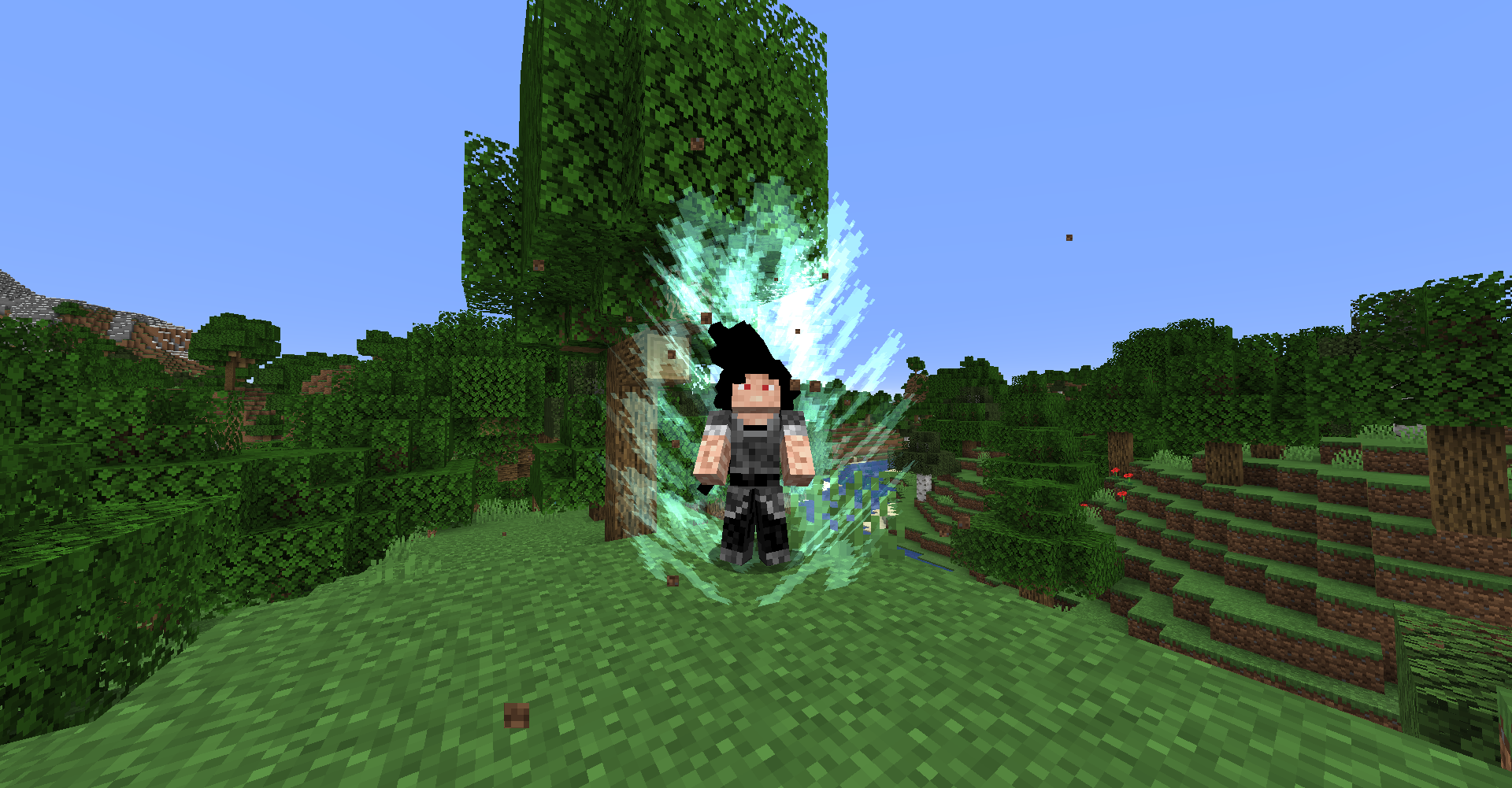
Namekian

Majin

Arcosian/Frieza Race

Bio-Android

Race Specific Skills
Skill Tree

Transformations
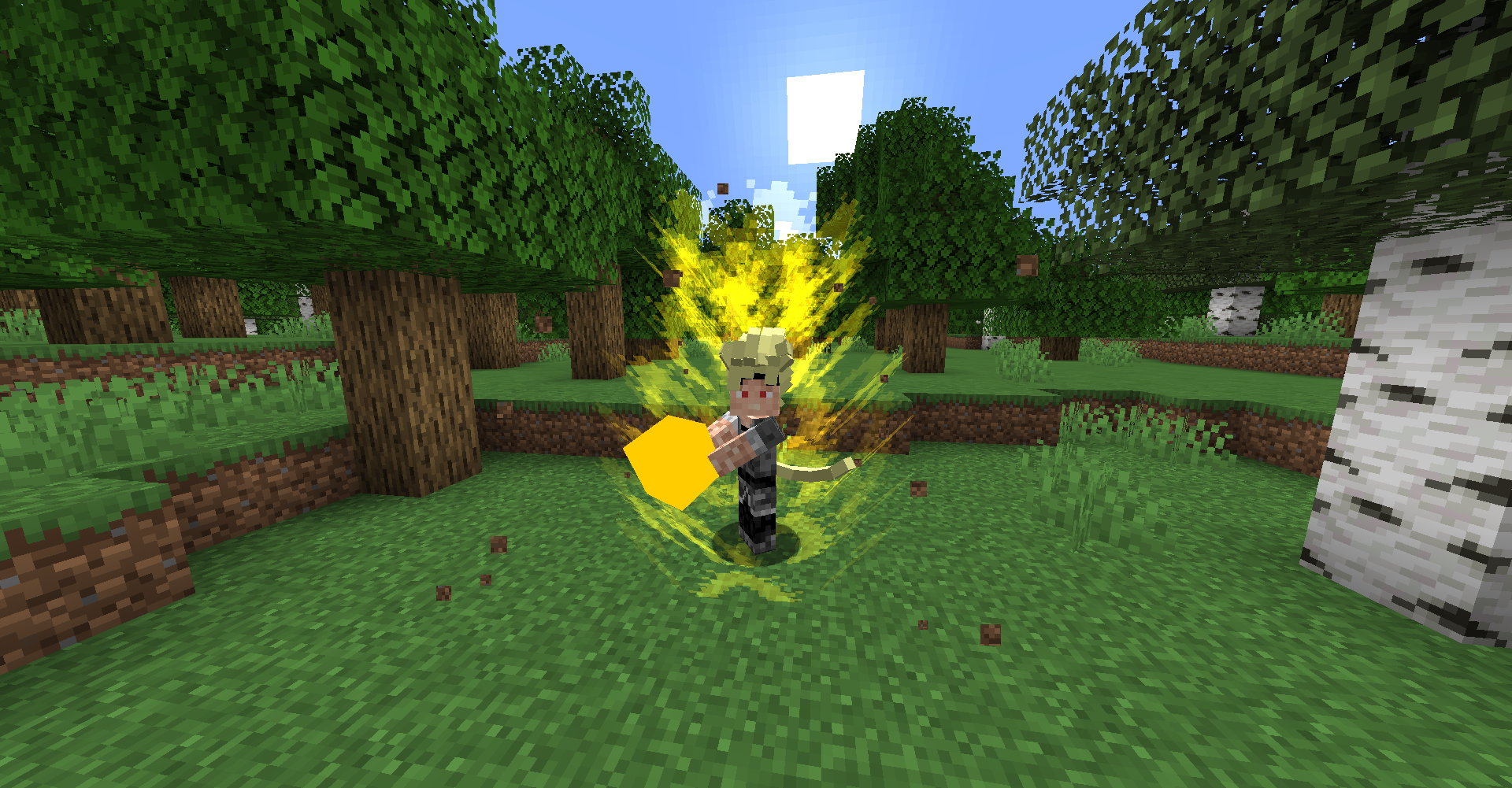
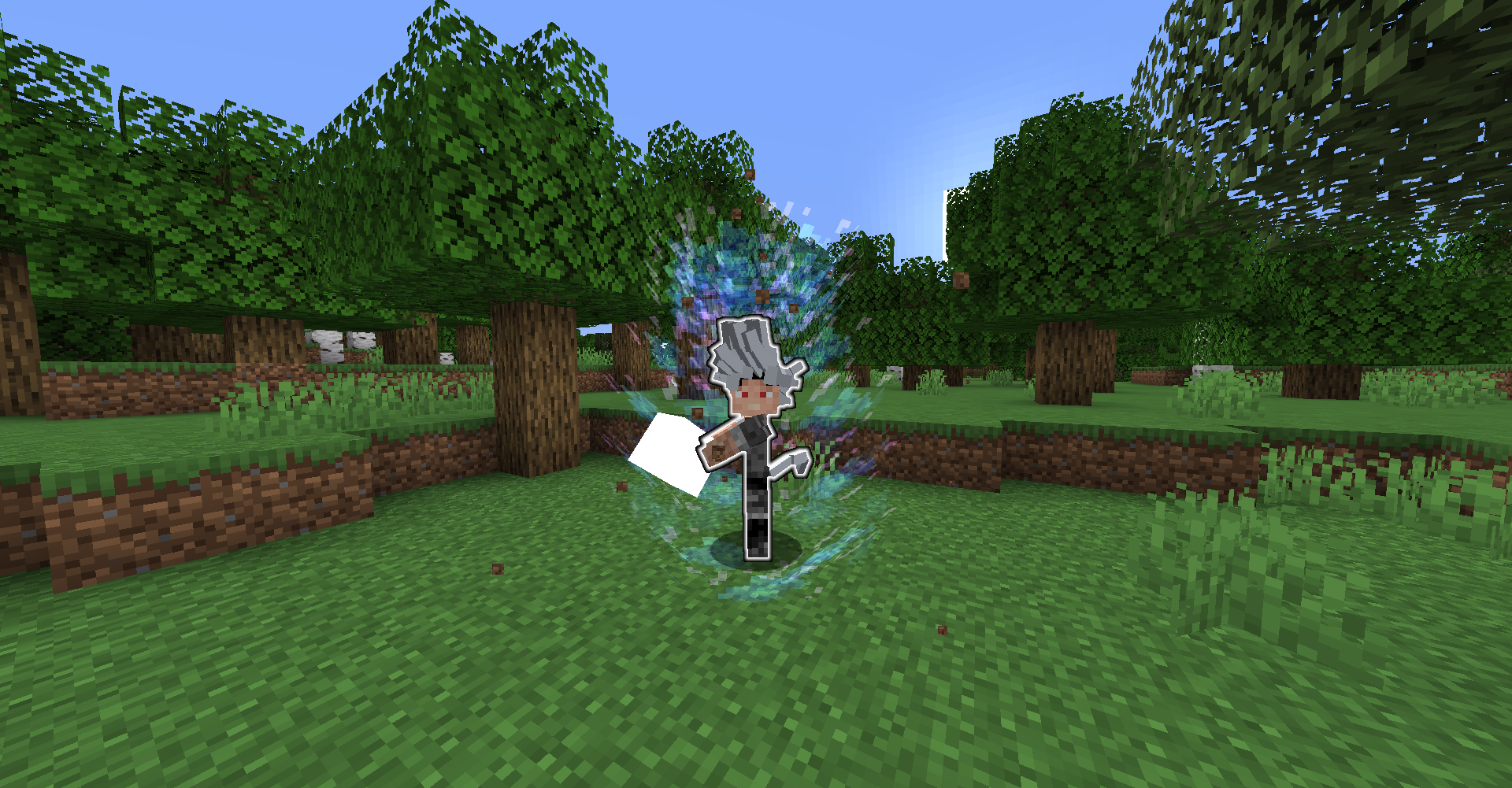
Gameplay Functions
Expect this part of the mod to change frequently.
Keep in mind that some GUI buttons do not yet have functionality.
There is a new flight system. Toggle flight modes with "R" by default. Double tap space to enter these modes. press your Ki charge button, by default "C" to boost fly while in fast mode.
Open quest log with "L"
Open the help with ""
Press "X" to lock on to a target.
Select an unlocked skill by pressing 1, 2, 3 or 4 while hovering over the skill. Cycle through equipped skills with the arrow keys. Equip transformations by pressing 5 over a transformation. Press "Z" to use selected skill.
Purple bar is your skill gauge, which determines how long you can stay transformed. Once this runs out you will start to lose Ki to maintain your transformation.
Hold "G" to transform.
With cheats enabled use /addExp (name) (amount) to give yourself Exp.
Ki clash with your friends by using beams, then MASH "B" to clash.
Hold "ALT" to block.
Snap vanish by attacking while holding block while the user is targeted.
THIS MOD IS STILL IN EARLY STAGES
PLEASE LEAVE ANY BUGS YOU FIND IN THE
COMMENTS! THANK YOU!!!!
Don't use /kill or you'll break your game.
Many of the textures used in this mod were made by my friend OkappaVerde.
Disclaimer: Due to low resources, many of the skins used as textures for characters are downloaded from public posts on Minecraft skin websites, if you notice your skin on a character and wish to see it removed please contact me. Additionally if you want to contribute a custom skin please contact me. Thanks!
Mod is still in very early stages, please remember this before posting un-constructive criticism. All bugs posted here and on the Discord are being looked at, and many are usually fixed for the next version. I appreciate all feedback.
At the moment you may NOT make a public mod pack with this mod. Compatibility issues have not been ironed out yet and the mod is still in early phases.
You can join my community discord at https://discord.gg/S76es4s
PLEASE STOP ASKING WHERE DR. BRIEFS IS, HOVER OVER THE QUEST TO GET THE COORDINATES!!!!
Project description from CurseForge.
Pick your setup
Dragon Block Super by Minecraft version and loader
Choose the version and loader you play, then open the matching release.
Check the dependencies, then try the file in a copied instance before changing a world you care about.
Recent files
Dragon Block Super versions and loaders
Dragon Block Super V1.7
Dragon Block Super V1.7.jar
15 Sept 2020
Client Source doesn’t say Server Source doesn’t say Dependencies No extras listed Listed on Release listing
Check the 1.15.2 · Forge setup 1.15.2Forge beta
Dragon Block Super V1.6.3
Dragon Block Super 1.15.2-1.6.3.jar
14 Apr 2020
Client Source doesn’t say Server Source doesn’t say Dependencies No extras listed Listed on Release listing
Check the 1.15.2 · Forge setup 1.15.2Forge release
Dragon Block Super V1.1.7
Dragon Block Super 1.15.2-1.1.7.jar
12 Mar 2020
Client Source doesn’t say Server Source doesn’t say Dependencies No extras listed Listed on Release listing
Check the 1.15.2 · Forge setup 1.15.2Forge release
Dragon Block Super V1.0.4
Dragon Block Super 1.15.2-1.0.4.jar
3 Mar 2020
Client Source doesn’t say Server Source doesn’t say Dependencies No extras listed Listed on Release listing
Check the 1.15.2 · Forge setup 1.15.2Forge release
Dragon Block Super V0.1.2
Dragon Block Super 1.15.2-0.1.2.jar
21 Feb 2020
Client Source doesn’t say Server Source doesn’t say Dependencies No extras listed Listed on Release listing
Check the 1.15.2 · Forge setup 1.15.2Forge alpha
Dragon Block Super V0.1.1
Dragon Block Super 1.15.2.jar
20 Feb 2020
Client Source doesn’t say Server Source doesn’t say Dependencies No extras listed Listed on Release listing
Check the 1.15.2 · Forge setup 1.15.2Forge alpha
Looking for an older file? The official CurseForge project page is in Resources.
 mod
mod CurseForge + Modrinth · Minecraft
MCA: Romantic Expansion
An expansion mod that adds romantic(Player-to-player) interaction features to Minecraft Comes Alive (MCA).
 mod
mod CurseForge + Modrinth · Minecraft
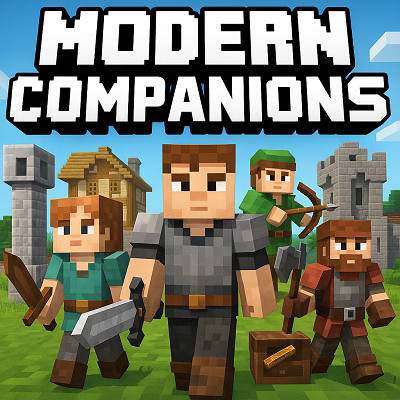
Modern Companions
Recruit 14 RPG-style human followers with unique AI, infinite leveling, custom weapons, and useful tools! Pack them into Soul Gems, then summon your fully geared squad in any dimension to guard, patrol, or follow as you carve a campaign across Minecraft!
 mod
mod CurseForge · Minecraft
Carry Mechanics
Pick up, carry, and place blocks and entities with your bare hands! A lightweight, configurable successor to Carry On.