Minecraft version
Back to mods 
CurseForge · Minecraft mod
OmniTranslation
OmniTranslation
Choose a version Pick your version below, then grab the matching file.
Quick answer
Which OmniTranslation release matches 1.16.2?
Best match for your filters OT-1.16.2-Fabric-1.1.3
Game version 1.16.2
Loader fabric
OmniTranslation OT-1.16.2-Fabric-1.1.3 targets 1.16.2. The project page does not say whether this file belongs on the client, dedicated server, or both. No extra mods listed for this file.
Where it goes
Is OmniTranslation required on the client, server, or both?
The project page does not say whether this file belongs on the client, dedicated server, or both.
Client Source doesn’t say
Dedicated server Source doesn’t say
Loader for this release No loader listed
Required install it here Optional supported, not mandatory Not supported do not install here Source doesn’t say do not assume
The source does not explicitly classify this release as client-only or server-only.
What else does OmniTranslation OT-1.16.2-Fabric-1.1.3 need?
OT-1.16.2-Fabric-1.1.3 on 1.16.2. Every mod below is checked against that same setup.
This file does not list any required mods. Do not add a library just because a different file uses it.
This file does not list any required or optional mods.
Before you install it
Add OmniTranslation without breaking your instance.
Built for OmniTranslation OT-1.16.2-Fabric-1.1.3 on 1.16.2. Pick another file and the loader, install side or required mods may change.
- 01
Stick to this file
Use OT-1.16.2-Fabric-1.1.3. It targets 1.16.2; another release may have different loader, side or dependency requirements.
- 02
Bring the mods it needs
This file does not list any required mods. Do not add a library just because a different file uses it.
- 03
Put it on the correct side
The project page does not say whether this file belongs on the client, dedicated server, or both.
- 04
Pick the file you checked
Use the “Get this file” button beside OT-1.16.2-Fabric-1.1.3. It opens that exact file at the source.
About this project
What does OmniTranslation add?
OmniTranslation(万能翻译)
- 用ZIP打开MOD 在
assets\ot\lang\创建语言文件格式为JSON 左边原文右边翻译 - 修改
assets\ot\configlanguage的值为语言文件文件的文件名
语言文件模板 打开.minecraft\OmniTranslation\saveStringList.json (游戏关闭后会生成 要确保渲染过原文)
- Open the MOD with ZIP and create the language file format in
assets\ot\lang\as JSON, the original text on the left is translated on the right - Modify the value of
assets\ot\configlanguage to the file name of the language file
Language file template Open .minecraft\OmniTranslation\saveStringList.json (will be generated after the game is closed, make sure the original text is rendered)
template(模板) 
language file(语言文件)


Project description from CurseForge.
Pick your setup
OmniTranslation by Minecraft version and loader
Choose the version and loader you play, then open the matching release.
Minecraft version
1.16.3
1 loader buildMinecraft version
1.16.2
1 loader buildMinecraft version
1.16-Snapshot
1 loader buildMinecraft version
1.16
1 loader buildMinecraft version
1.15.2
2 loader buildsCheck the dependencies, then try the file in a copied instance before changing a world you care about.
Recent files
OmniTranslation versions and loaders
OT-1.16.2-Fabric-1.1.3
OT-1.16.2-Fabric-1.1.3.jar
8 Sept 2020
Client Source doesn’t say Server Source doesn’t say Dependencies No extras listed Listed on Release listing
Check the 1.16.2 setup 1.16.2 release
Looking for an older file? The official CurseForge project page is in Resources.
 mod
CurseForge · Minecraft
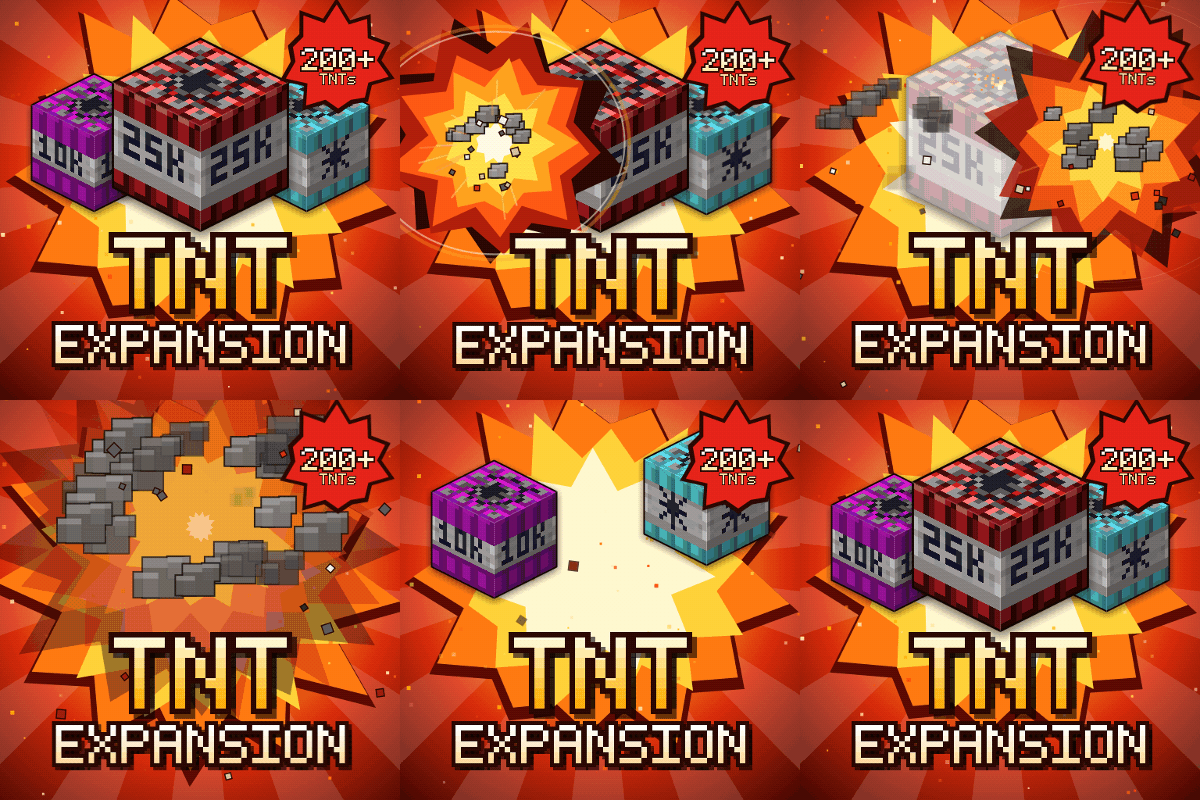
TNT Expansion (+200 new craftable TNT)
Over 200 craftable TNTs for Minecraft, from harmless mini TNTs to nukes, meteors, tornadoes, volcanoes, black holes, and the Brutal Cataclysm. Or leave the world with TNT Error 404: say goodbye to your entire world!
 mod
CurseForge · Minecraft
Mob Sunscreen
Stop Zombies and Skeletons from Burning in the Sun!
 mod
CurseForge · Minecraft
Jump Over Fences
Don't let walls and fences stop you! Jump over them!