Fabric API Needed by 'Slight' Gui Modifications [Fabric 1.20(.1)] v2.6.1
requiredMatching file found Matched file: [1.20.1] Fabric API 0.92.12+1.20.1

CurseForge · Minecraft mod
Allows 'slight' gui modifications
Quick answer
'Slight' Gui Modifications [Fabric 1.20(.1)] v2.6.1 targets 1.20.1, 1.20, 1.20-Snapshot with Fabric, Quilt. The project page does not say whether this file belongs on the client, dedicated server, or both. All 4 required mods have matching files.
Where it goes
The project page does not say whether this file belongs on the client, dedicated server, or both.
The source does not explicitly classify this release as client-only or server-only.
[Fabric 1.20(.1)] v2.6.1. Change the file and its required mods may change too.
Install Fabric API, ARRP, Cloth Config API (Fabric/Forge/NeoForge), Architectury API first. We found matching files for this game-version and loader setup.
We only count dependency files that match this setup. A file for another loader does not fill the gap.
Before you install it
Built for 'Slight' Gui Modifications [Fabric 1.20(.1)] v2.6.1. Pick another file and the loader, install side or required mods may change.
Use [Fabric 1.20(.1)] v2.6.1. It targets 1.20.1, 1.20, 1.20-Snapshot with Fabric, Quilt; another release may have different loader, side or dependency requirements.
Install Fabric API, ARRP, Cloth Config API (Fabric/Forge/NeoForge), Architectury API first. We found matching files for this game-version and loader setup.
The project page does not say whether this file belongs on the client, dedicated server, or both.
Use the “Get this file” button beside [Fabric 1.20(.1)] v2.6.1. It opens that exact file at the source.
About this project
'Slight' Gui Modifications is a mod to bring 'Slight' Gui Modifications (sarcastically)
Requires https://www.curseforge.com/minecraft/mc-mods/architectury-fabric https://www.curseforge.com/minecraft/mc-mods/cloth-config and https://www.curseforge.com/minecraft/mc-mods/arrp
Works best with Smooth Scrolling Everywhere.
https://www.curseforge.com/minecraft/mc-mods/smooth-scrolling-everywhere-fabric
Note: NONE of these modifications are enabled by default, please enable yourselves if you want to try!
Need a server to play with friends? Or don't know how to setup one? Just rent a server that is already configured

Click on the picture above, select plan (at least 4 GB), use my code shedaniel to get 25% off your first month and enjoy playing with your friends
Use Mod Menu, or find the config button in options. (only appear if modmenu is not loaded)
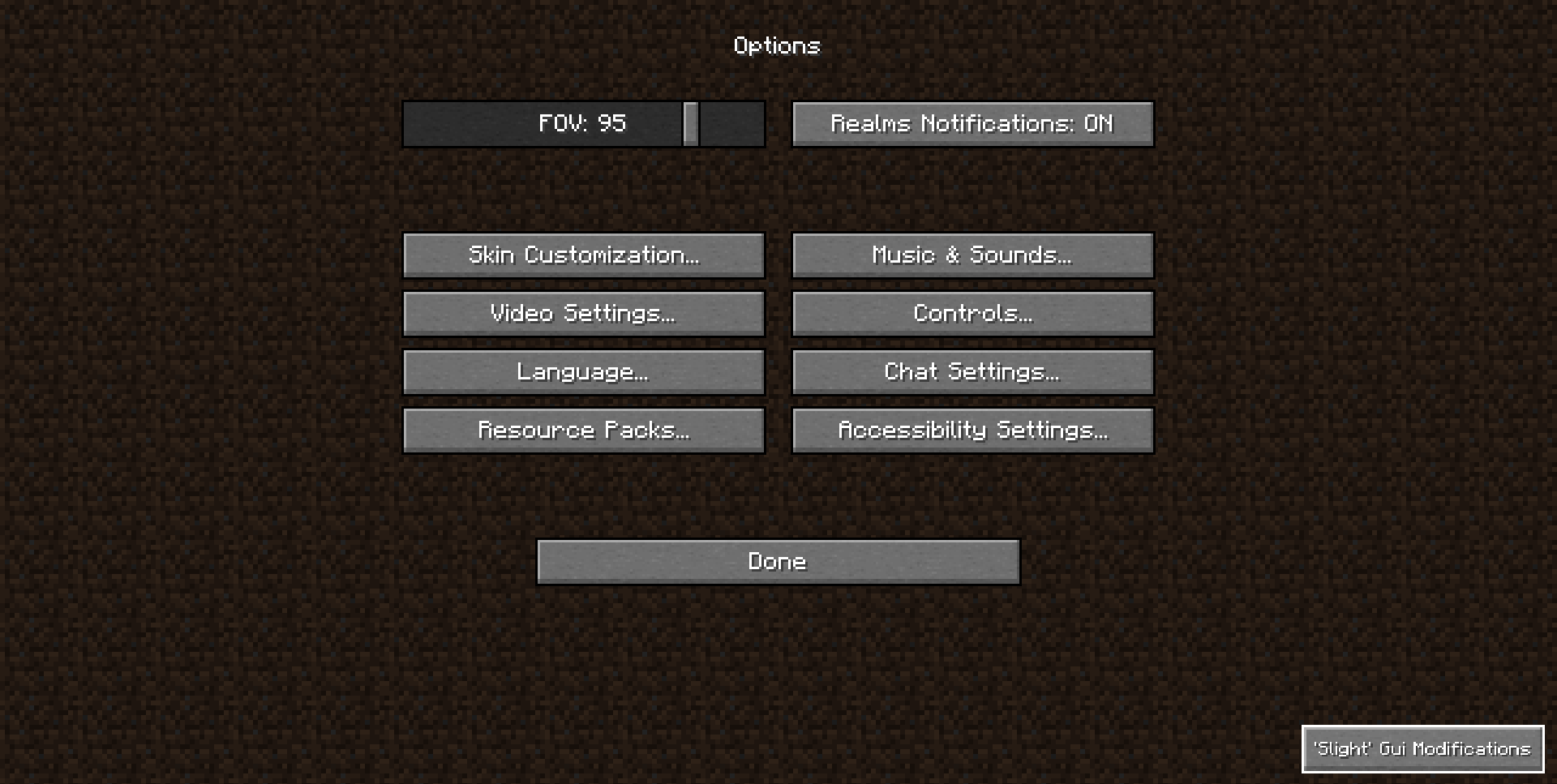
- Custom Title Screen
Slight Gui Modifications provide optional groovy scripting for Custom Title Screen.
Learn more at https://github.com/shedaniel/slight-gui-modifications/wiki/Custom-Title-Screen
- Chat Animation
Adds an opening animation on opening chat.
- Satisfying Screenshots
- Fluid Advancements
Adds a nice fluid animation when advancements pop into your view.
Turns the gui scale option into a slider.
- Unlimit Title Screen FPS
Removes the hardcoded 60 FPS limit before loading into a world
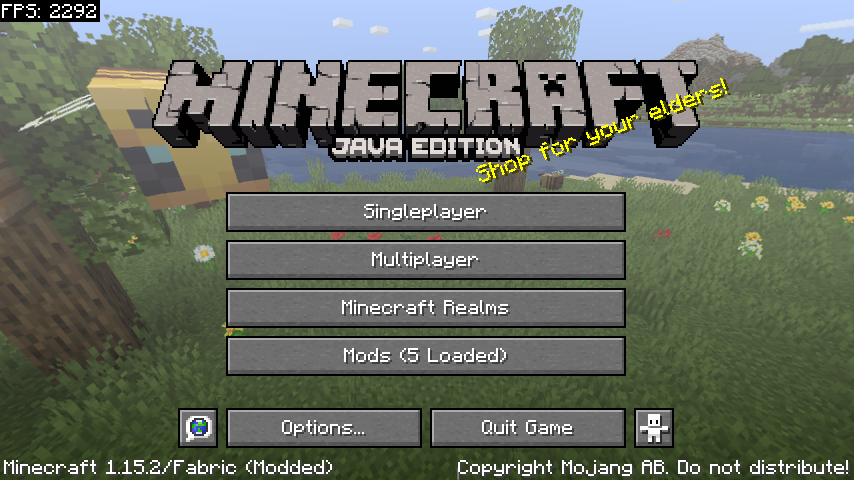
- Opening Animation
Adds an opening animation.
- Text Field Background
Custom Text Field Color / Texture using 9-patch.
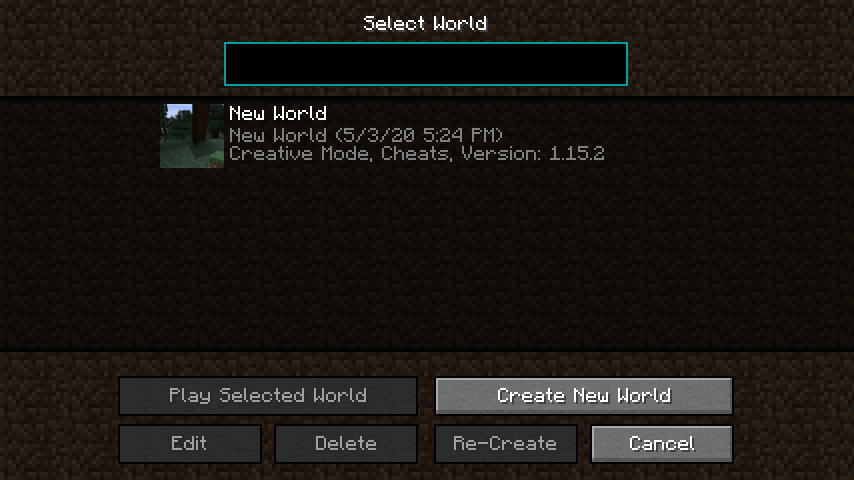
- Text Field Highlight
Custom Text Field highlight.
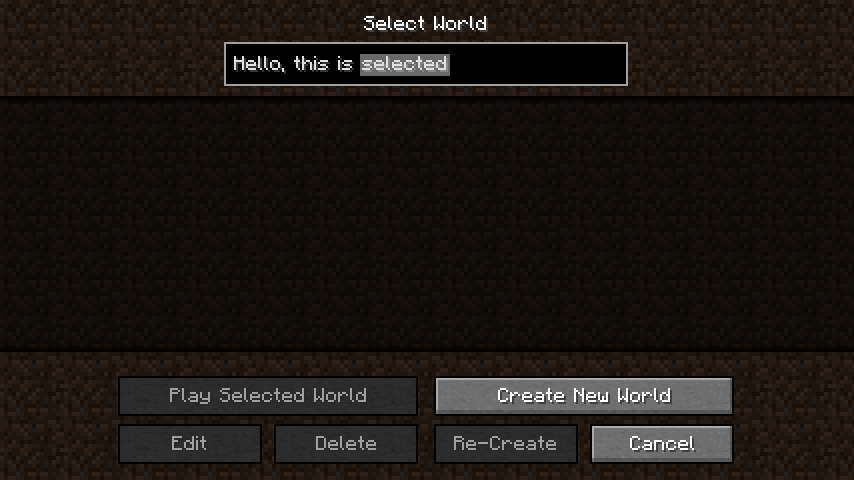
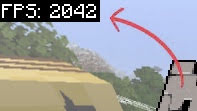
- Debug FPS
- Tooltip Modifications

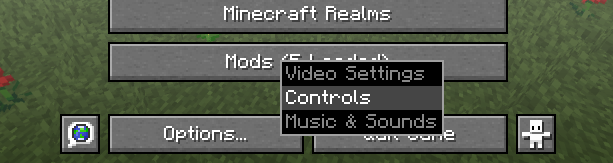
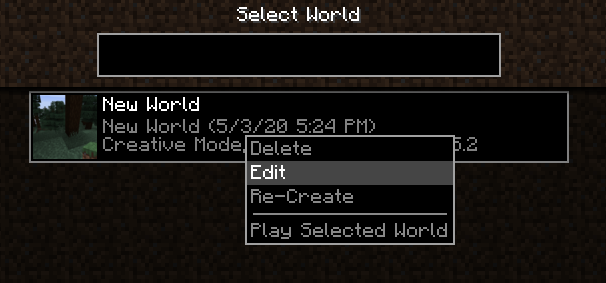
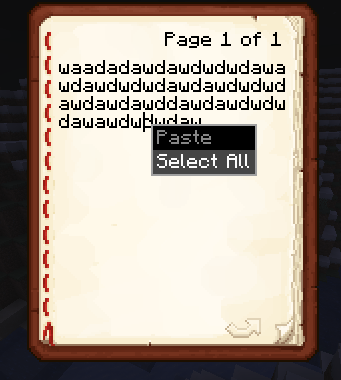
- Right-Click Actions
- Custom Decimal Gui Scaling
- Fluid Potion Effects
- Custom Slot Highlighting
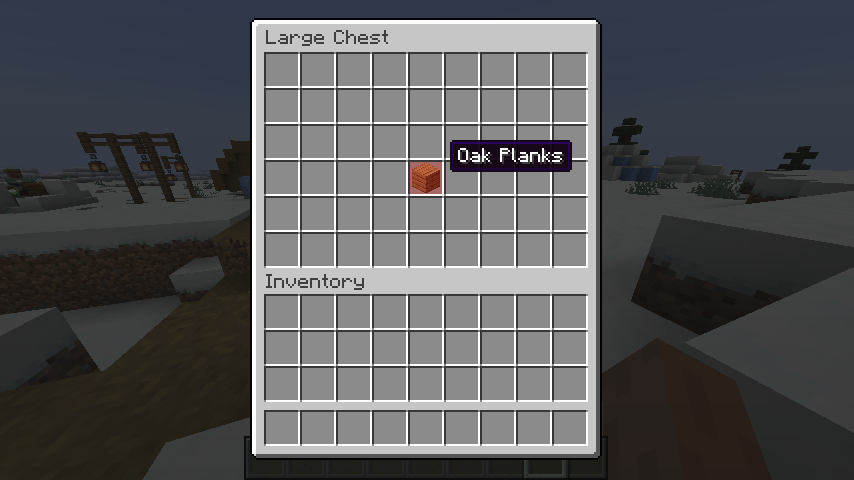
Project description from CurseForge.
Pick your setup
Choose the version and loader you play, then open the matching release.
Showing the newest 12 of 28 game versions. Older files are in the list below.
Check the dependencies, then try the file in a copied instance before changing a world you care about.
Recent files
slight-gui-modifications-2.6.1.jar
18 Jun 2023
slight-gui-modifications-2.6.0.jar
17 Jun 2023
slight-gui-modifications-2.5.0.jar
17 Jun 2023
slight-gui-modifications-2.4.0.jar
17 Jun 2023
slight-gui-modifications-2.1.1.jar
10 Sept 2022
slight-gui-modifications-2.3.0.jar
20 Aug 2022
slight-gui-modifications-2.2.1.jar
20 Aug 2022
slight-gui-modifications-2.2.0.jar
30 Jun 2022
slight-gui-modifications-2.1.0.jar
7 Mar 2022
slight-gui-modifications-2.0.3.jar
30 Jan 2022
slight-gui-modifications-2.0.2.jar
2 Nov 2021
slight-gui-modifications-2.0.1.jar
8 Jul 2021
Looking for an older file? The official CurseForge project page is in Resources.
 mod
mod✏️ Add any extra item drops to entities via commands and config, drop chance supported.
 mod
modAdds features to the Biome Beats mod including Lost Cities compat
 mod
modA feature-packed corpse overhaul with dynamic ragdoll physics, persistent lootable bodies, visible equipment, dismemberment, and broad support for players and mobs.