Minecraft version
Back to mods 
CurseForge · Minecraft mod
Mental Blocks!
Adds a small variety of blocks that are just mental. Take a look!
Choose a version Pick your version below, then grab the matching file.
Quick answer
Which Mental Blocks! release matches 1.15?
Best match for your filters mentalblocks-1.0.jar
Game version 1.15, 1.15.2, 1.15.1
Loader Not required
Mental Blocks! mentalblocks-1.0.jar targets 1.15, 1.15.2, 1.15.1. The project page does not say whether this file belongs on the client, dedicated server, or both. No extra mods listed for this file.
Where it goes
Is Mental Blocks! required on the client, server, or both?
The project page does not say whether this file belongs on the client, dedicated server, or both.
Client Source doesn’t say
Dedicated server Source doesn’t say
Loader for this release No loader listed
Required install it here Optional supported, not mandatory Not supported do not install here Source doesn’t say do not assume
The source does not explicitly classify this release as client-only or server-only.
What else does Mental Blocks! mentalblocks-1.0.jar need?
mentalblocks-1.0.jar on 1.15. Every mod below is checked against that same setup.
This file does not list any required mods. Do not add a library just because a different file uses it.
This file does not list any required or optional mods.
Before you install it
Add Mental Blocks! without breaking your instance.
Built for Mental Blocks! mentalblocks-1.0.jar on 1.15. Pick another file and the loader, install side or required mods may change.
- 01
Stick to this file
Use mentalblocks-1.0.jar. It targets 1.15, 1.15.2, 1.15.1; another release may have different loader, side or dependency requirements.
- 02
Bring the mods it needs
This file does not list any required mods. Do not add a library just because a different file uses it.
- 03
Put it on the correct side
The project page does not say whether this file belongs on the client, dedicated server, or both.
- 04
Pick the file you checked
Use the “Get this file” button beside mentalblocks-1.0.jar. It opens that exact file at the source.
About this project
What does Mental Blocks! add?
THIS IS PROBABLY A PLACEHOLDER UNTIL I GET MOTIVATED TO PUT SOMETHING MORE VISUALLY PLEASING HERE
MENTAL BLOCKS!
- These blocks are mental!
- Good if you have a mental block (writer's block, modder's block, ...)
- Did I mention that this mod is absolutely nuts???
This mod adds a few blocks taken out of the texture github that Malcolm Riley generously provided right here. I made this mod mainly because I had an extreme case of lack of motivation but wanted to force through it. It is my first real Minecraft mod, so although it might not look like much, understand that I picked up the coding as I went.
I might add crafting recipes and additional blocks if I decide that I need to code on this mod again.
Known bugs: crash when clicking on the mod entry in the forge mod menu. Not sure what causes this...
Project description from CurseForge.
Pick your setup
Mental Blocks! by Minecraft version and loader
Choose the version and loader you play, then open the matching release.
Minecraft version
1.15.1
1 loader buildMinecraft version
1.15
1 loader buildCheck the dependencies, then try the file in a copied instance before changing a world you care about.
Recent files
Mental Blocks! versions and loaders
mentalblocks-1.0.jar
29 May 2020
Client Source doesn’t say Server Source doesn’t say Dependencies No extras listed Listed on Release listing
Check the 1.15 setup 1.151.15.21.15.1 release
Looking for an older file? The official CurseForge project page is in Resources.
 mod
CurseForge · Minecraft
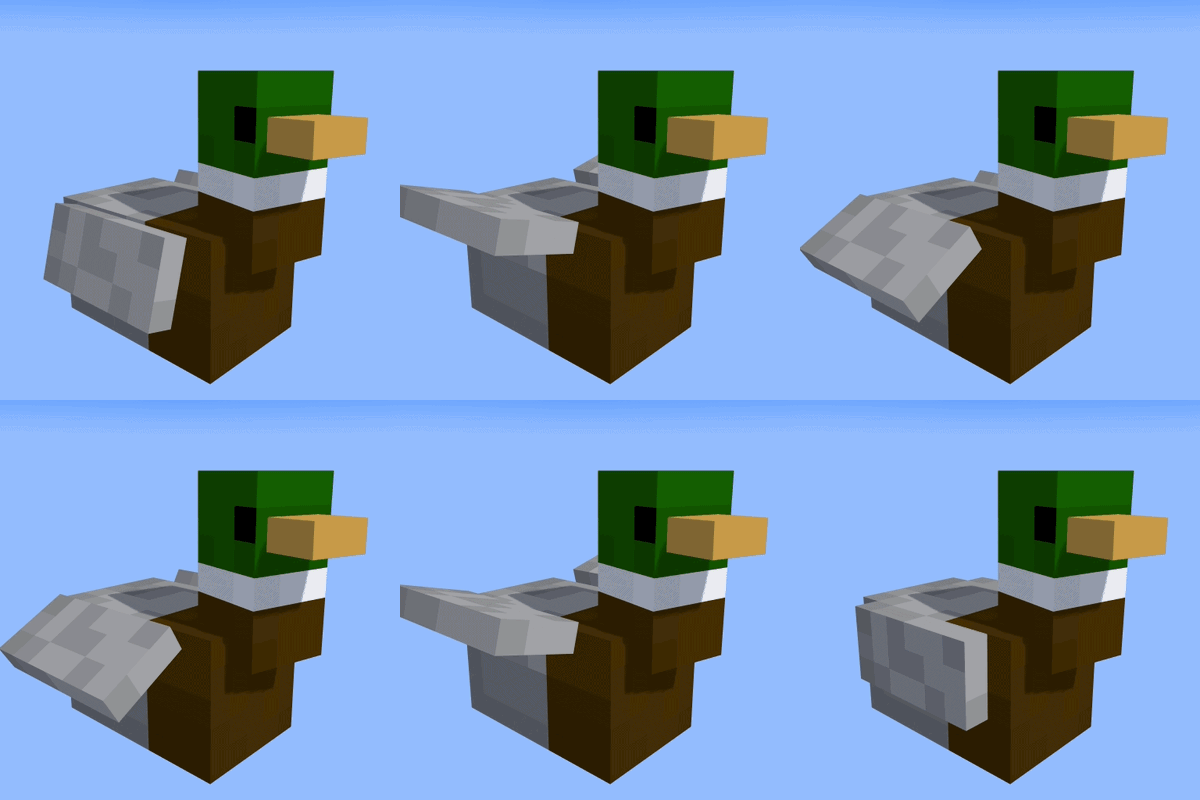
Jeff's Pets
Adds completely client-sided pets to your game. Supports every vanilla mob, some custom ones, and will work on any server, including in singleplayer!
 mod
CurseForge · Minecraft
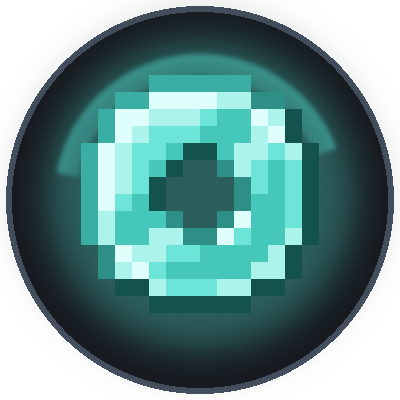
Throwing Discs: Returning Blades That Pierce & Ricochet
The throwing disc, now: a blade that flies flat and spinning with no gravity, cuts through every mob in its path, ricochets off walls and comes back to the hand that threw it. Copper, iron, gold, diamond and netherite.
 mod
CurseForge · Minecraft
TONI's Magic: Wizardry
Become a wizard: 13 spells from tomes (Arcane Ray, meteor, blizzard...), an Inscription Table and spell hotkeys, good and dark wizards, the Ancient Mage, Dark Towers and the Arcane Bunker dungeon.