FTB Library (NeoForge) Needed by FTB Jar Mod (Forge) ftb-jar-mod-1605.1.0-build.28.jar
requiredMatching file found Matched file: ftb-library-forge-1605.3.5-build.724.jar

CurseForge · Minecraft mod
Adds early game item and fluid processing blocks that use custom recipes added by modpack
Quick answer
FTB Jar Mod (Forge) ftb-jar-mod-1605.1.0-build.28.jar targets 1.16.5. The project page does not say whether this file belongs on the client, dedicated server, or both. All 2 required mods have matching files.
Where it goes
The project page does not say whether this file belongs on the client, dedicated server, or both.
The source does not explicitly classify this release as client-only or server-only.
ftb-jar-mod-1605.1.0-build.28.jar. Change the file and its required mods may change too.
Install FTB Library (NeoForge), Architectury API first. We found matching files for this game-version and loader setup. 2 come through another mod in the chain.
2 extra mods were pulled in by other dependencies. Indented rows show who needs each one. We only count dependency files that match this setup. A file for another loader does not fill the gap.
Before you install it
Built for FTB Jar Mod (Forge) ftb-jar-mod-1605.1.0-build.28.jar. Pick another file and the loader, install side or required mods may change.
Use ftb-jar-mod-1605.1.0-build.28.jar. It targets 1.16.5; another release may have different loader, side or dependency requirements.
Install FTB Library (NeoForge), Architectury API first. We found matching files for this game-version and loader setup. 2 come through another mod in the chain.
The project page does not say whether this file belongs on the client, dedicated server, or both.
Use the “Get this file” button beside ftb-jar-mod-1605.1.0-build.28.jar. It opens that exact file at the source.
About this project
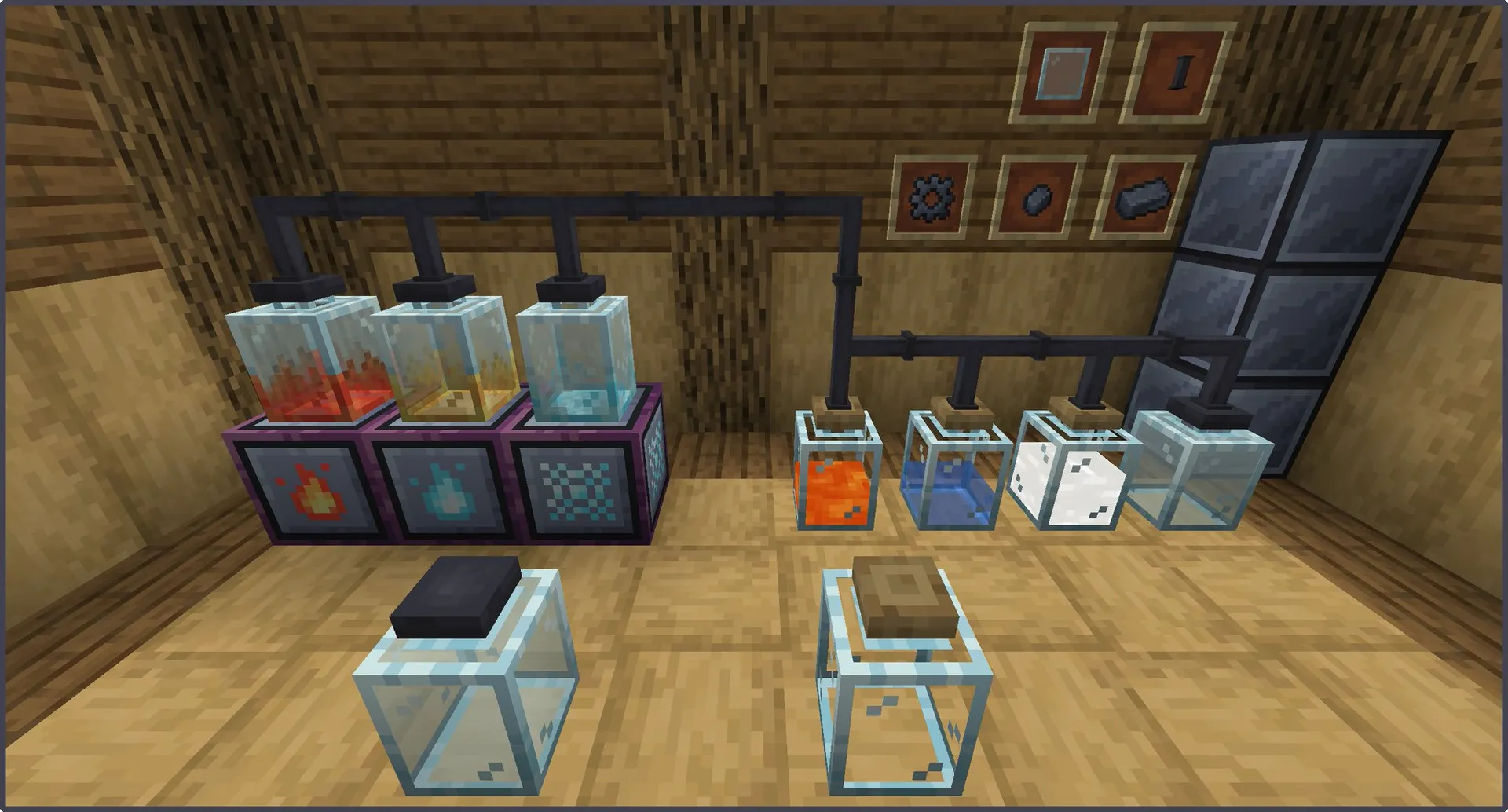
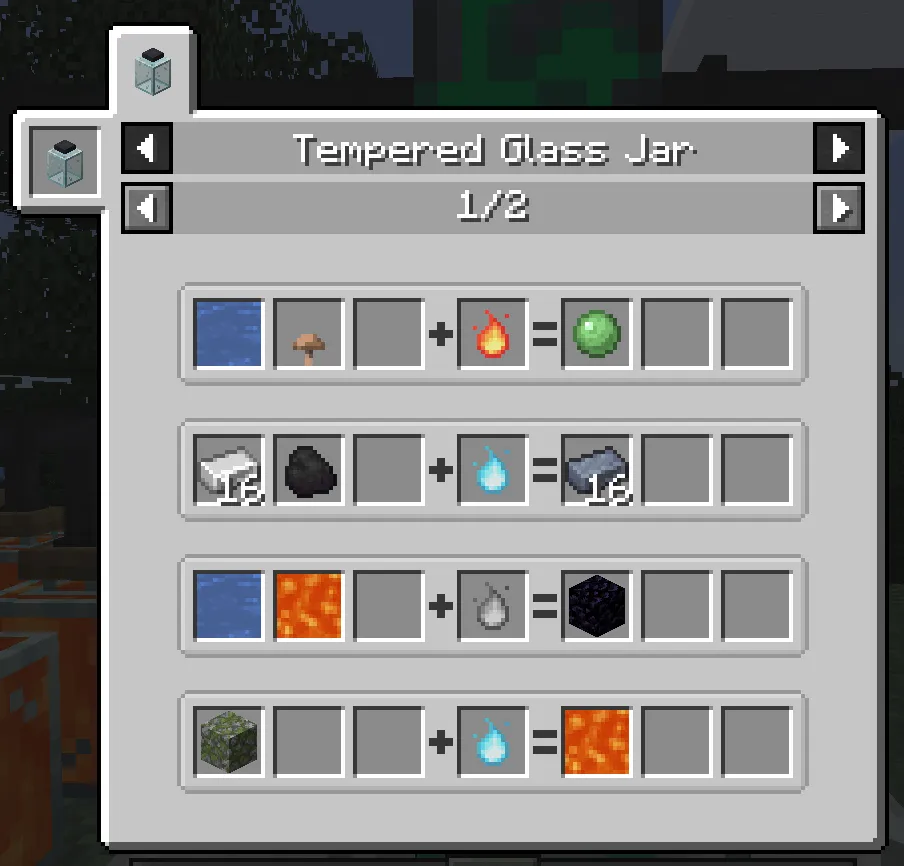
This mod adds jars that let you add custom recipes with KubeJS or datapacks. Supports both item and fluid inputs and outputs. Tempered Jars can be connected with tubes to tanks, chests and other item/fluid handlers. You can put Auto-Processing block on top of it to enable automation. The jar will stop if there's no room for outputs.
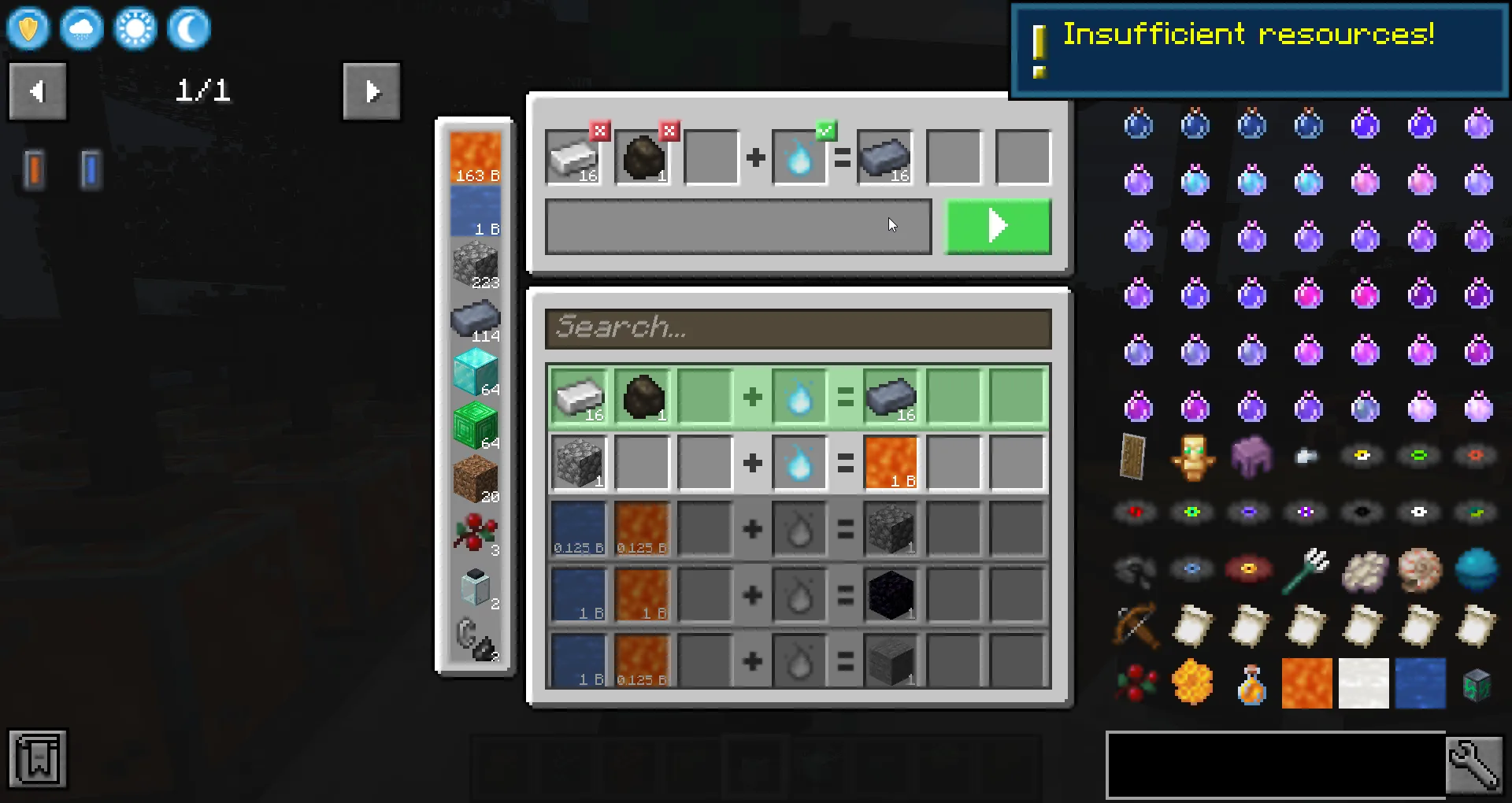
The game will let you know, if you have missing items
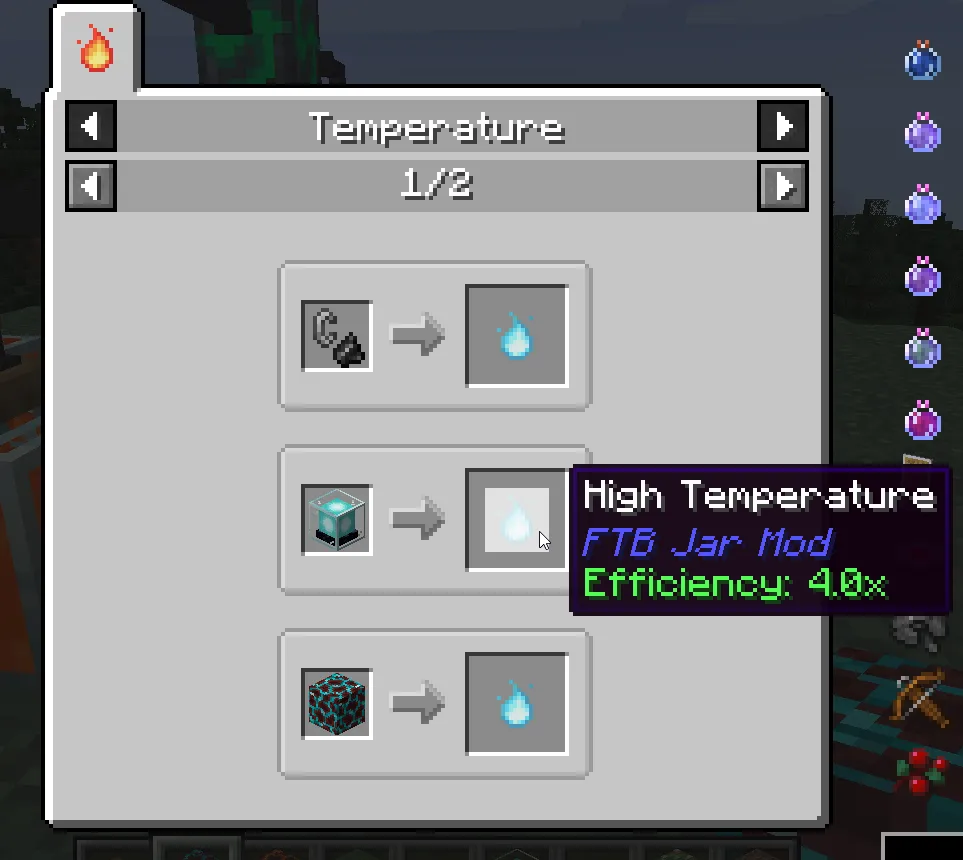
Each type of temperature has multiple items that make it either more or less efficient


Project description from CurseForge.
Pick your setup
Choose the version and loader you play, then open the matching release.
Check the dependencies, then try the file in a copied instance before changing a world you care about.
Recent files
5 Dec 2021
15 Oct 2021
15 Sept 2021
10 Sept 2021
Looking for an older file? The official CurseForge project page is in Resources.
 mod
modOre Processing with Real Processes using Multiblock Machines in the style of Immersive Engineering (add-on mod for IE)
 mod
modAddon for Immersive Engineering, backporting critical bug fixes and minor content to 1.20.1
 mod
modAdds cool items like wireless redstone, logic gates, magic staffs, tools and more.. beyond normal ores mod with just armours and weapons.