Cloth Config API Needed by Player Journal 2.0.1
requiredMatching file found Matched file: 15.0.140+neoforge

Modrinth · Minecraft mod
Extend your player journal to increase and earn new skills
Quick answer
Player Journal 2.0.1 targets 1.21.1 with NeoForge. Installation on the client is optional. Installation on the dedicated server is optional. All 1 required mods have matching files.
Where it goes
Installation on the client is optional. Installation on the dedicated server is optional.
The source marks this as usable on both the client and server.
2.0.1. Change the file and its required mods may change too.
Install Cloth Config API first. We found matching files for this game-version and loader setup. 1 comes through another mod in the chain.
1 extra mod was pulled in by another dependency. Indented rows show who needs each one. We only count dependency files that match this setup. A file for another loader does not fill the gap.
Before you install it
Built for Player Journal 2.0.1. Pick another file and the loader, install side or required mods may change.
Use 2.0.1. It targets 1.21.1 with NeoForge; another release may have different loader, side or dependency requirements.
Install Cloth Config API first. We found matching files for this game-version and loader setup. 1 comes through another mod in the chain.
Installation on the client is optional. Installation on the dedicated server is optional.
Use the “Get this file” button beside 2.0.1. It opens that exact file at the source.
About this project
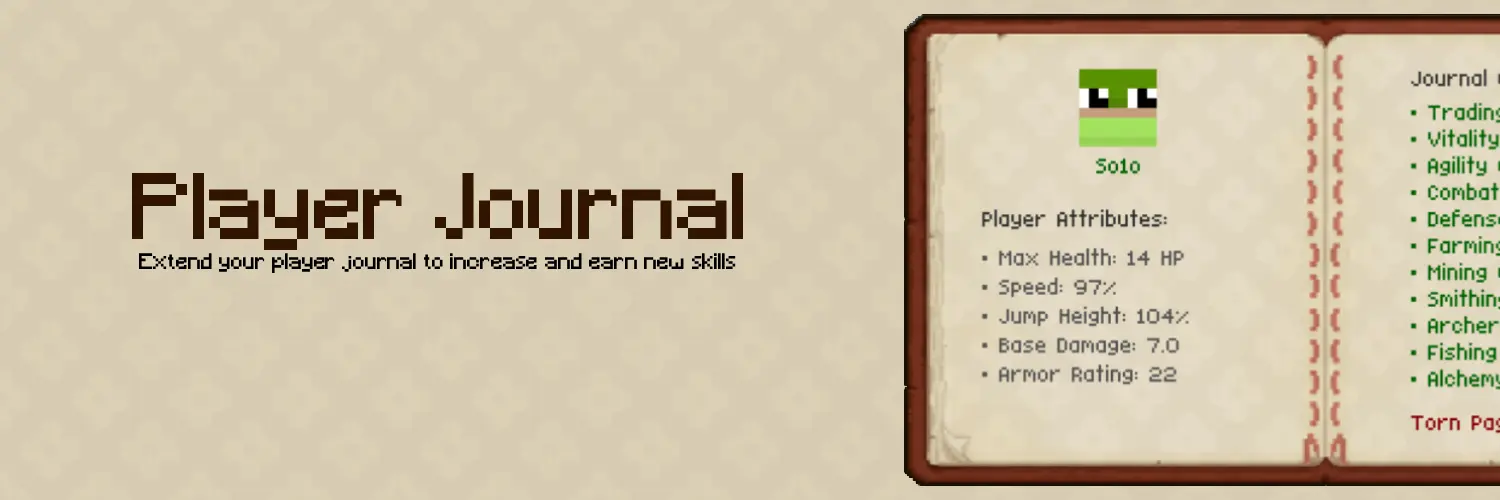
Player Journal adds a true RPG progression system to the game. Players start with 4 pages. Vitality, Agility, Combat and Defense. Players can unlock more pages of the journal to advance in other professions.
Players can level basic classes such as Vitality, Combat, Agility and Defense and have the option to unlock more using pages.
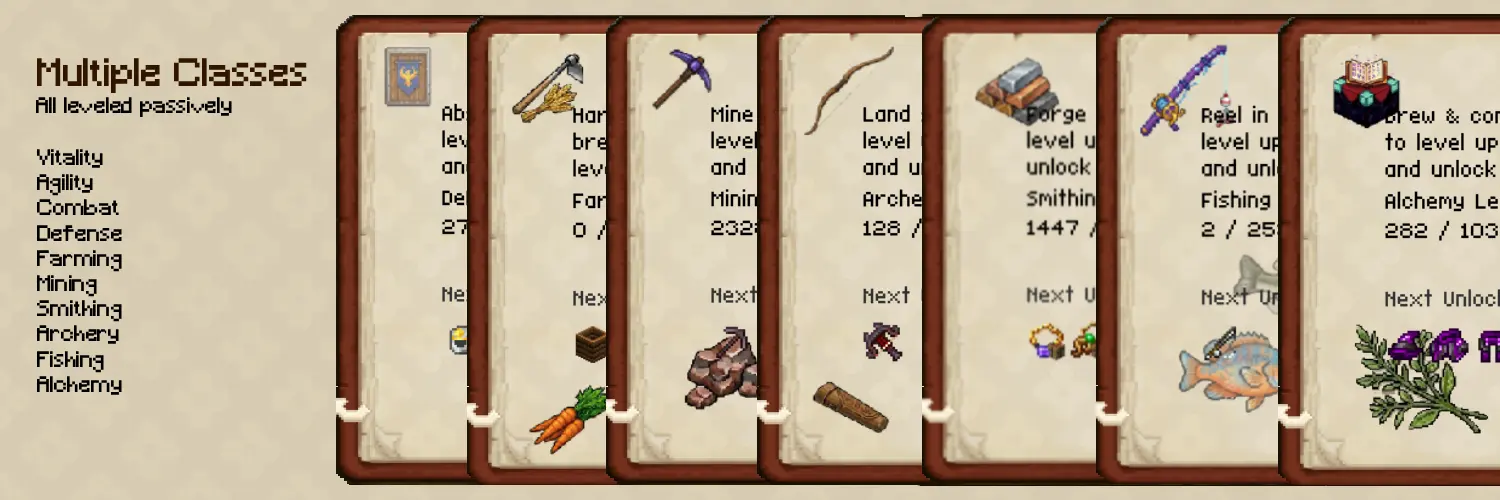
Features
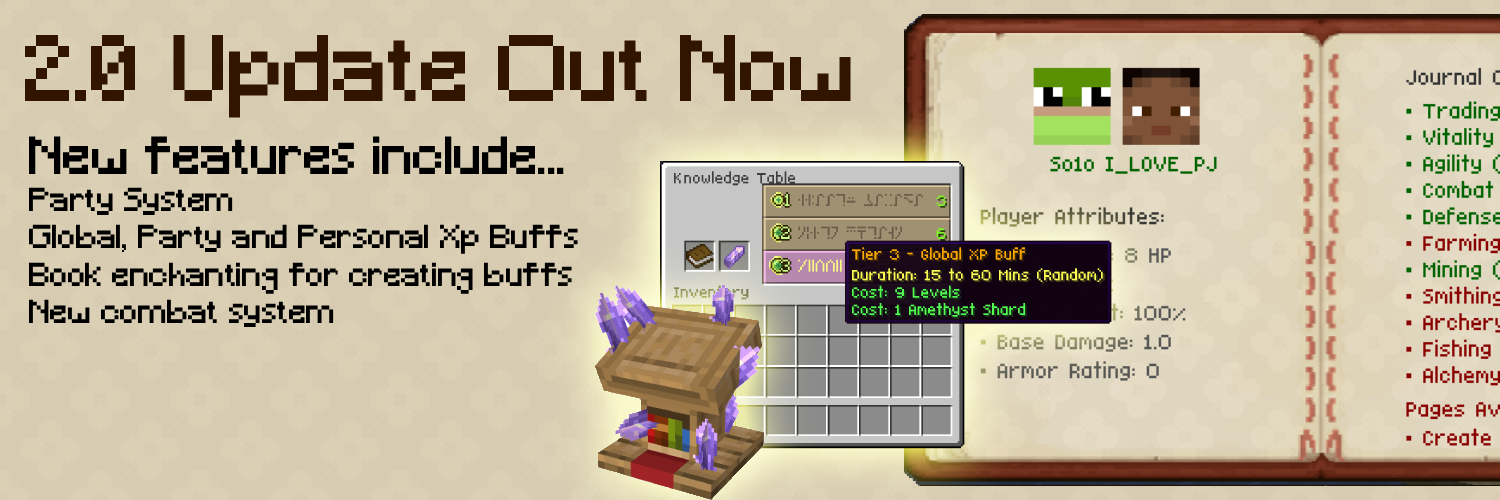
Config
Custom item in config example...
Or a crafting restriction like this
Or the same system can be used to edit the already implemented items
Built in mod support
Planned Features
For Features/Mod support requests or to submit issues, use the issues link
Project description from Modrinth.
Pick your setup
Choose the version and loader you play, then open the matching release.
Check the dependencies, then try the file in a copied instance before changing a world you care about.
Recent files
playerjournal-2.0.1.jar
13 Aug 2026
playerjournal-2.0.jar
12 Aug 2026
playerjournal-1.2.5.jar
1 Aug 2026
playerjournal-1.2.4.jar
28 Jul 2026
playerjournal-1.2.3.jar
23 Jul 2026
playerjournal-1.2.2.jar
21 Jul 2026
playerjournal-1.2.1.jar
17 Jul 2026
playerjournal-1.2.0.jar
14 Jul 2026
playerjournal-1.1.0.jar
12 Jul 2026
playerjournal-1.0.0.jar
7 Jul 2026
Looking for an older file? The official Modrinth project page is in Resources.
 mod
modA port of setycz's Chickens mod, and timrwood's Roost mod to 1.21.1 combined into a single package for NeoForge.
 mod
modRecruit 14 RPG-style human followers with unique AI, infinite leveling, custom weapons, and useful tools! Pack them into Soul Gems, then summon your fully geared squad in any dimension to guard, patrol, or follow as you carve a campaign across Minecraft!
 mod
modA Minecraft mod that pays homage to the art of hypnosis, blending RPG progression with immersive trance mechanics for both singleplayer and multiplayer.