Minecraft version
Back to mods 
CurseForge · Minecraft mod
Playing Cards
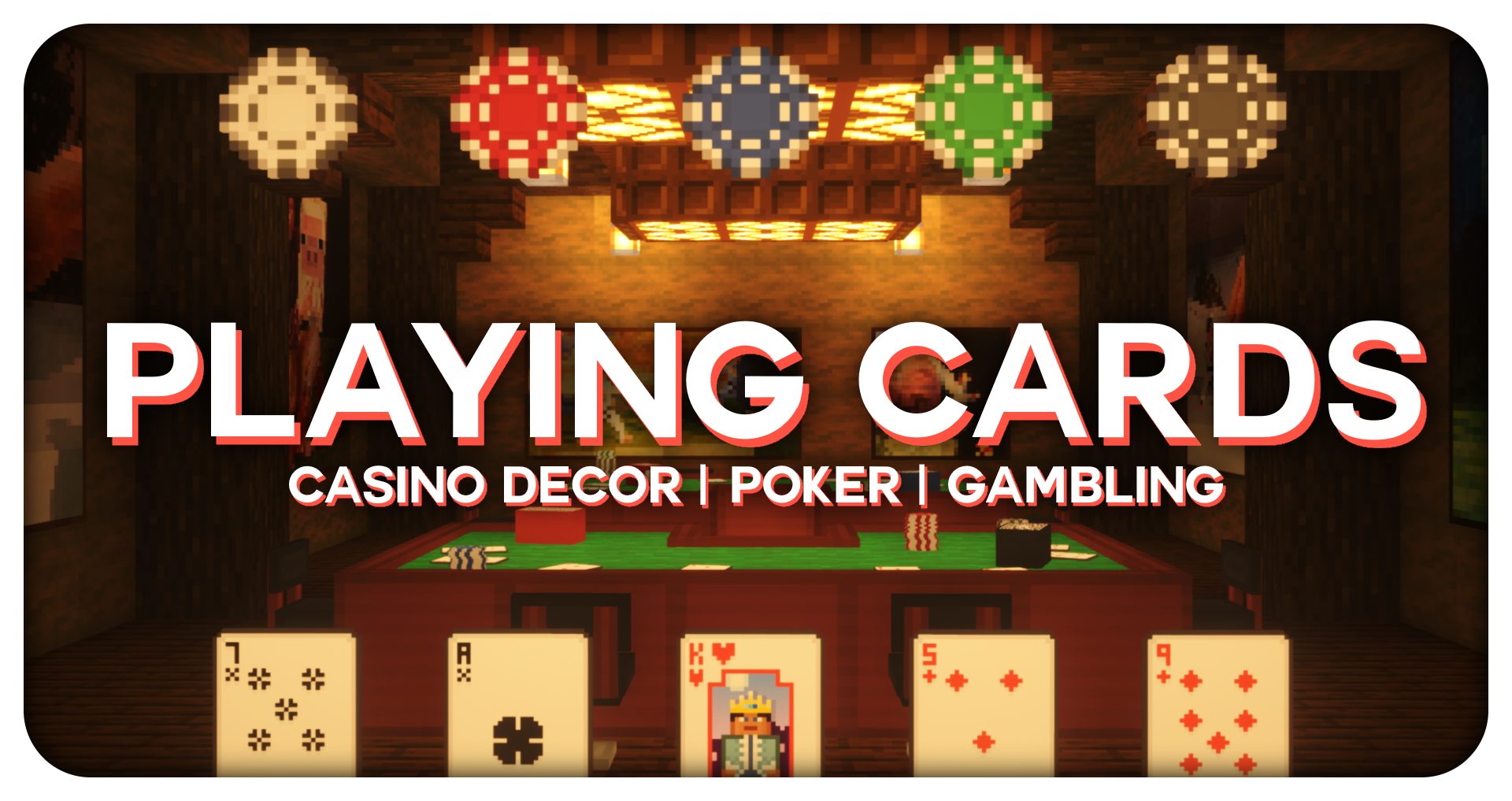
Adds card decks, poker chips & casino decor!
Choose a version Pick your version below, then grab the matching file.
Quick answer
Which Playing Cards release matches 1.15.2 Forge?
Best match for your filters Playing Cards MC 1.15.2 - v1.0.3
Game version 1.15.2
Loader Forge
Playing Cards MC 1.15.2 - v1.0.3 targets 1.15.2 with Forge. The project page does not say whether this file belongs on the client, dedicated server, or both. No extra mods listed for this file.
Where it goes
Is Playing Cards required on the client, server, or both?
The project page does not say whether this file belongs on the client, dedicated server, or both.
Client Source doesn’t say
Dedicated server Source doesn’t say
Loader for this release Forge
Required install it here Optional supported, not mandatory Not supported do not install here Source doesn’t say do not assume
The source does not explicitly classify this release as client-only or server-only.
What else does Playing Cards MC 1.15.2 - v1.0.3 need?
Playing Cards MC 1.15.2 - v1.0.3 on 1.15.2 Forge. Every mod below is checked against that same setup.
This file does not list any required mods. Do not add a library just because a different file uses it.
This file does not list any required or optional mods.
Before you install it
Add Playing Cards without breaking your instance.
Built for Playing Cards MC 1.15.2 - v1.0.3 on 1.15.2 Forge. Pick another file and the loader, install side or required mods may change.
- 01
Stick to this file
Use Playing Cards MC 1.15.2 - v1.0.3. It targets 1.15.2 with Forge; another release may have different loader, side or dependency requirements.
- 02
Bring the mods it needs
This file does not list any required mods. Do not add a library just because a different file uses it.
- 03
Put it on the correct side
The project page does not say whether this file belongs on the client, dedicated server, or both.
- 04
Pick the file you checked
Use the “Get this file” button beside Playing Cards MC 1.15.2 - v1.0.3. It opens that exact file at the source.
About this project
What does Playing Cards add?
Introduction
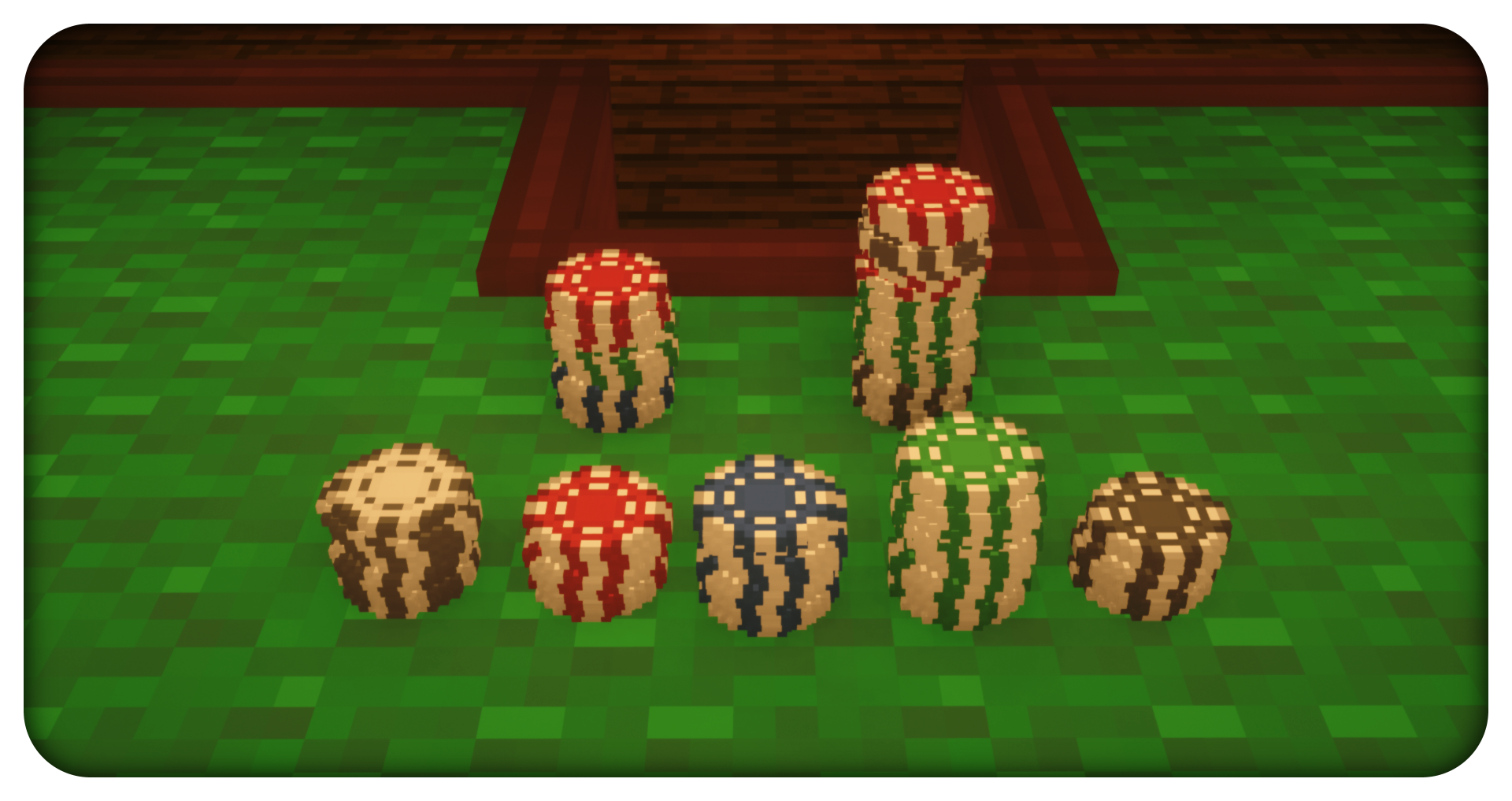
Ever wanted to play cards in Minecraft? Host your very own casino? Gamble your life savings away? Me too...I mean...now you can! This mod includes 4 different 52-card decks (blue, red, black, pig variant), 5 different poker chips (white, red, blue, green, black), poker table blocks, and bar stools! The cards can be stacked & flipped, and the deck can be shuffled. The poker chips can be stacked, and marked by a casino owner (so nobody brings their own!) The poker table is free-form; meaning you can make your own table shapes to suit all of your decoration needs. Lastly, the bar stools can be rotated and sat on!
Development for this mod has been halted!
Unfortunately, I do not have time for modding anymore, so development for this mod has stopped. However, I give anyone full permission to port this mod to future versions of the game as long as credit is pointed back to me for the art and code. I will no longer reply to private messages asking me to update this mod to x version.
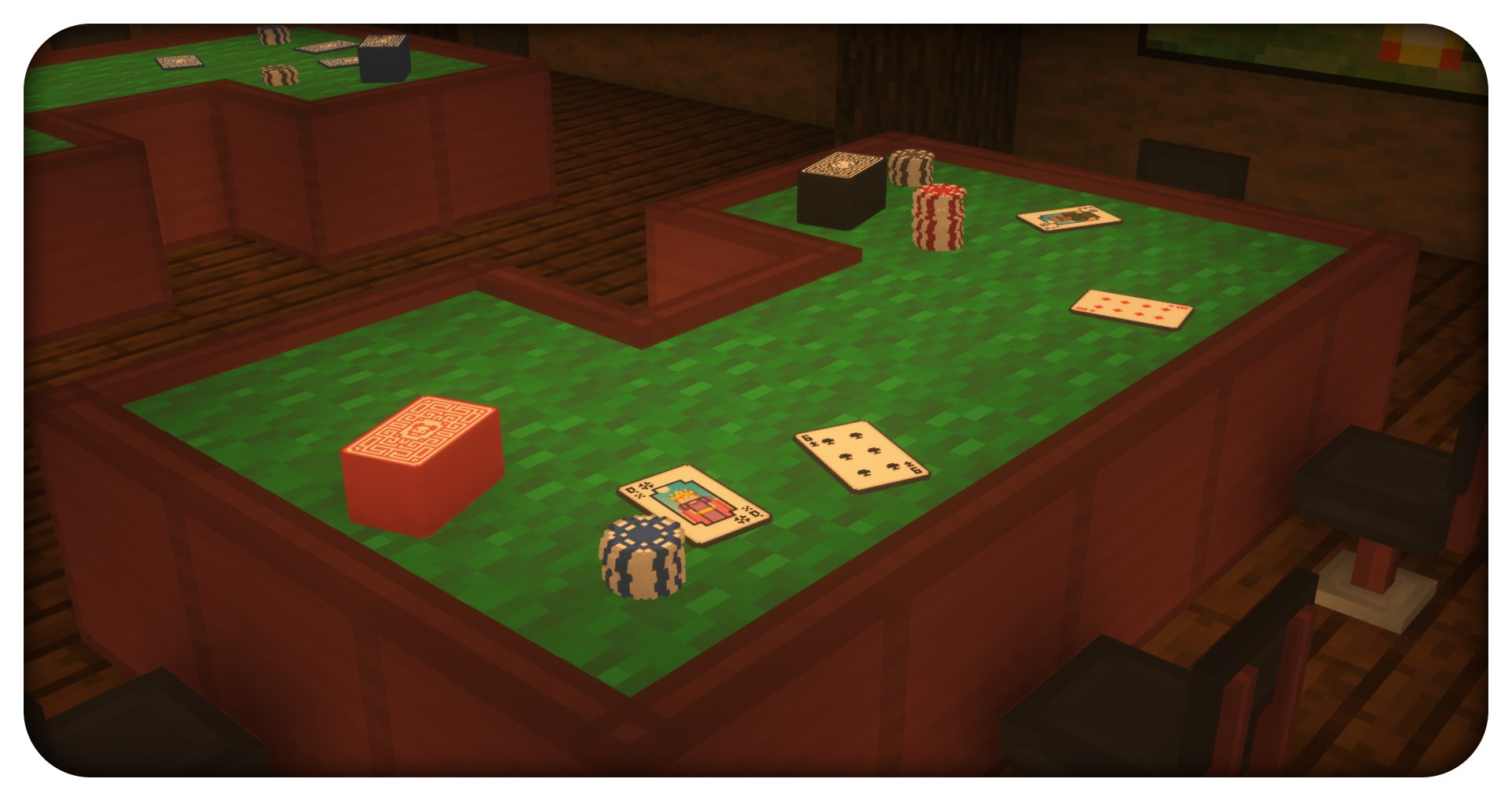
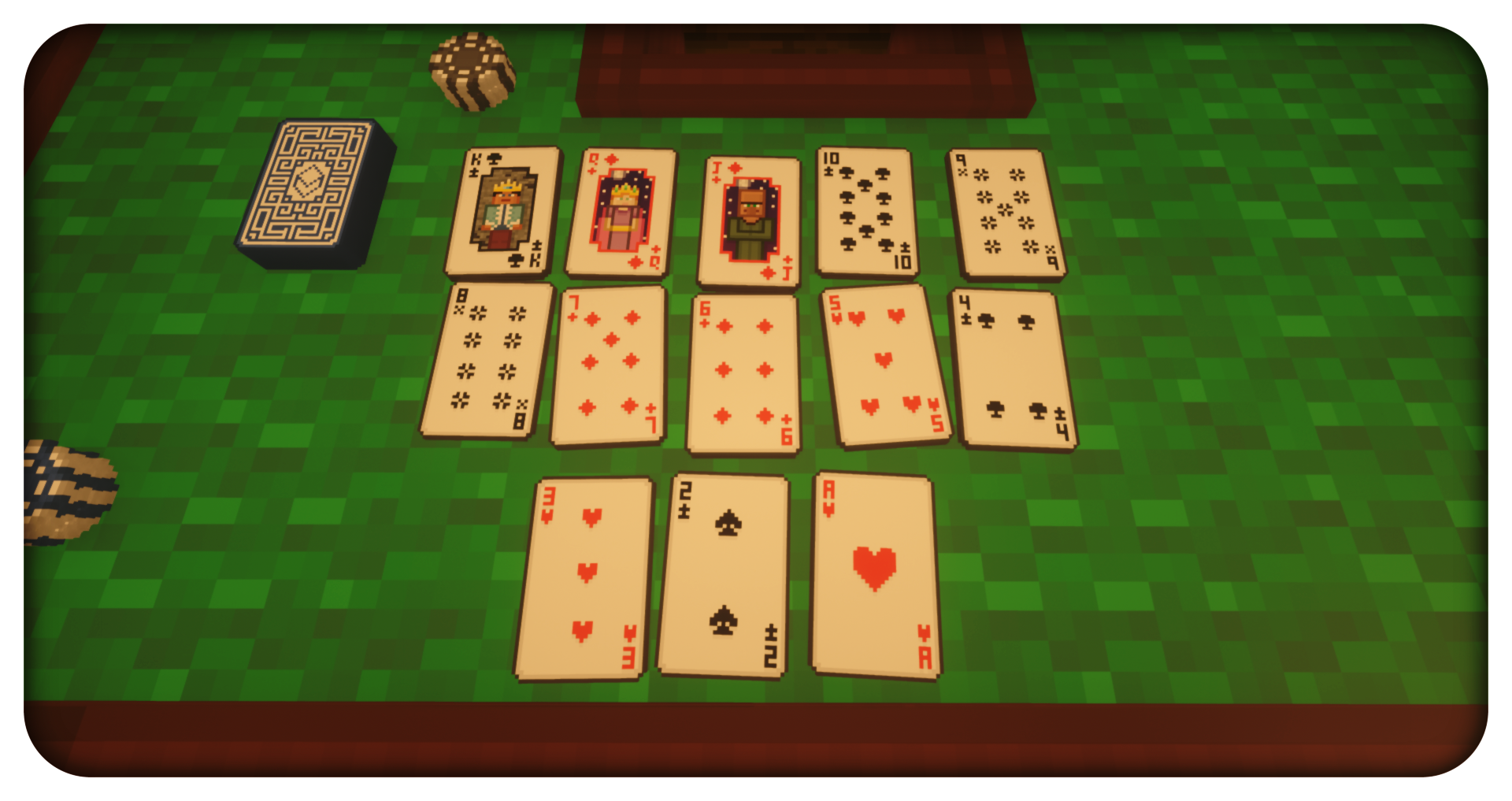
Controls
Card Deck
Shuffle: Attack
Pick Up: Sneak-Attack
Card
Flip: Left-Click
Place & Stack: Right-Click (With Card)
Pick Up: Right-Click
Poker Chip
Place & Stack: Right-Click (With Poker Chip)
Pick Up: Right-Click
Modpack Policy
You can use this mod in any modpack whether it's public or private. Just do not claim this mod as your own!
Project description from CurseForge.
Pick your setup
Playing Cards by Minecraft version and loader
Choose the version and loader you play, then open the matching release.
Minecraft version
1.18.1
1 loader buildMinecraft version
1.16.5
1 loader buildMinecraft version
1.16.4
1 loader buildMinecraft version
1.15.2
1 loader buildCheck the dependencies, then try the file in a copied instance before changing a world you care about.
Recent files
Playing Cards versions and loaders
Playing Cards MC 1.15.2 - v1.0.3
PlayingCards-1.0.3-MC1.15.2.jar
6 Nov 2020
Client Source doesn’t say Server Source doesn’t say Dependencies No extras listed Listed on Release listing
Check the 1.15.2 · Forge setup 1.15.2Forge release
Playing Cards MC 1.15.2 - v1.0.2
PlayingCards-1.0.2-MC1.15.2.jar
4 Nov 2020
Client Source doesn’t say Server Source doesn’t say Dependencies No extras listed Listed on Release listing
Check the 1.15.2 · Forge setup 1.15.2Forge beta
Playing Cards MC 1.15.2 - v1.0.0
PlayingCards-1.0.0-MC1.15.2.jar
2 Nov 2020
Client Source doesn’t say Server Source doesn’t say Dependencies No extras listed Listed on Release listing
Check the 1.15.2 · Forge setup 1.15.2Forge alpha
Looking for an older file? The official CurseForge project page is in Resources.