Minecraft version
Back to mods 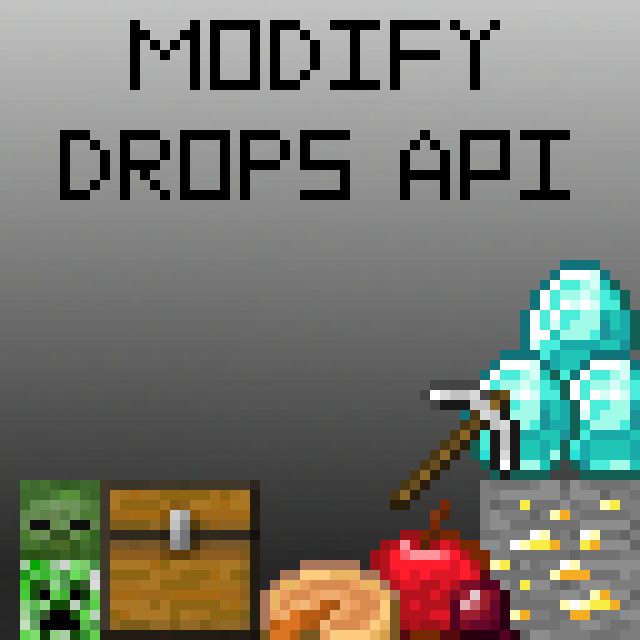
CurseForge · Minecraft mod
Modify Drops API
Allows for more complex and context-sensitive item drops
Choose a version Pick your version below, then grab the matching file.
Quick answer
Which Modify Drops API release should I use?
Latest stable file modify-drops-api-0.3.1.jar
Game version 1.16.3, 1.16.1, 1.16.4
Loader Fabric
Modify Drops API modify-drops-api-0.3.1.jar targets 1.16.3, 1.16.1, 1.16.4 with Fabric. The project page does not say whether this file belongs on the client, dedicated server, or both. No extra mods listed for this file.
Where it goes
Is Modify Drops API required on the client, server, or both?
The project page does not say whether this file belongs on the client, dedicated server, or both.
Client Source doesn’t say
Dedicated server Source doesn’t say
Loader for this release Fabric
Required install it here Optional supported, not mandatory Not supported do not install here Source doesn’t say do not assume
The source does not explicitly classify this release as client-only or server-only.
What else does Modify Drops API modify-drops-api-0.3.1.jar need?
modify-drops-api-0.3.1.jar. Change the file and its required mods may change too.
This file does not list any required mods. Do not add a library just because a different file uses it.
This file does not list any required or optional mods.
Before you install it
Add Modify Drops API without breaking your instance.
Built for Modify Drops API modify-drops-api-0.3.1.jar. Pick another file and the loader, install side or required mods may change.
- 01
Stick to this file
Use modify-drops-api-0.3.1.jar. It targets 1.16.3, 1.16.1, 1.16.4 with Fabric; another release may have different loader, side or dependency requirements.
- 02
Bring the mods it needs
This file does not list any required mods. Do not add a library just because a different file uses it.
- 03
Put it on the correct side
The project page does not say whether this file belongs on the client, dedicated server, or both.
- 04
Pick the file you checked
Use the “Get this file” button beside modify-drops-api-0.3.1.jar. It opens that exact file at the source.
About this project
What does Modify Drops API add?
Modify Drops API
Modify Drops API allows for more complex and context-sensitive item drops. It is an API created for use in Chest Cavity and Hellish Materials, but is valuable to anyone who wants to have greater control over the output of loot tables.
How it Works
Whenever loot is generated from a loot table (even if the result is no drops), Modify Drops API will call the following events in order: GenerateLootCallbackAddLoot, GenerateLootCallbackModifyLoot, and GenerateLootCallbackAddUnmodifiableLoot.
GenerateLootCallbackAddLoot listeners accept the loot table's LootContextType and LootContext, and return a List<Itemstack>. Anything in the returned list is added to the existing list of drops. GenerateEntity and GenerateBlockLootCallbackAddLoot are called if the LootContextType is ENTITY or BLOCK, and so can be used when adding drops to those loot events instead of checking the LootContextType yourself.
GenerateLootCallbackModifyLoot listerners accept the loot table's LootContextType, LootContext, and the List<Itemstack> of drops. They return a List<Itemstack> which will replace the old loot. ModifyLoot, like AddLoot, calls Entity and Block sub-events for ease of use.
GenerateLootCallbackAddUnmodifiableLoot functions identically to AddLoot, but is called after ModifyLoot and so is for drops that you do not want other listeners to interact with.
Importing Modify Drops API
To use Modify Drops API in your mod, add the following line to your dependencies in build.gradle:
modApi "com.github.tigereye504:modify-drops-api:x.x.x"
Optionally, you can embed Modify Drops API as a jar-in-jar by also including the following in your dependencies:
include "com.github.tigereye504:modify-drops-api:x.x.x"
where x.x.x is the version of the API you wish to use.
Project description from CurseForge.
Pick your setup
Modify Drops API by Minecraft version and loader
Choose the version and loader you play, then open the matching release.
Minecraft version
1.16.3
1 loader buildMinecraft version
1.16.2
1 loader buildMinecraft version
1.16.1
1 loader buildCheck the dependencies, then try the file in a copied instance before changing a world you care about.
Recent files
Modify Drops API versions and loaders
modify-drops-api-0.3.1.jar
18 Nov 2020
Client Source doesn’t say Server Source doesn’t say Dependencies No extras listed Listed on Release listing
Check the 1.16.4 · Fabric setup 1.16.31.16.1Fabric1.16.4 release
Looking for an older file? The official CurseForge project page is in Resources.
 mod
CurseForge + Modrinth · Minecraft
HoloGui
HoloGui is an immersive way to add holographic gui's to Minecraft
 mod
CurseForge · Minecraft
MMD OreSpawn
Minecraft library mod that provides customizable spawning of ores in Minecraft.
 mod
CurseForge + Modrinth · Minecraft
Bodycam
This mod introduces a bodycam ecosystem that, among other things, allows you to spectate other players in real-time