Minecraft version
Back to mods 
CurseForge · Minecraft mod
Chat Sound
ARCHIVED/DISCONTINUED. Plays a sound when you get a message. Plays another sound when someone says your name. Fully configurable! You can set any minecraft or custom sound. Version for Forge and Fabric.
Choose a version Pick your version below, then grab the matching file.
Quick answer
Which Chat Sound release should I use?
Latest stable file ChatSound 1.0.5+03 (Forge)
Game version 1.18.1
Loader Forge
Chat Sound ChatSound 1.0.5+03 (Forge) targets 1.18.1 with Forge. The project page does not say whether this file belongs on the client, dedicated server, or both. No extra mods listed for this file.
Where it goes
Is Chat Sound required on the client, server, or both?
The project page does not say whether this file belongs on the client, dedicated server, or both.
Client Source doesn’t say
Dedicated server Source doesn’t say
Loader for this release Forge
Required install it here Optional supported, not mandatory Not supported do not install here Source doesn’t say do not assume
The source does not explicitly classify this release as client-only or server-only.
What else does Chat Sound ChatSound 1.0.5+03 (Forge) need?
ChatSound 1.0.5+03 (Forge). Change the file and its required mods may change too.
This file does not list any required mods. Do not add a library just because a different file uses it.
This file does not list any required or optional mods.
Before you install it
Add Chat Sound without breaking your instance.
Built for Chat Sound ChatSound 1.0.5+03 (Forge). Pick another file and the loader, install side or required mods may change.
- 01
Stick to this file
Use ChatSound 1.0.5+03 (Forge). It targets 1.18.1 with Forge; another release may have different loader, side or dependency requirements.
- 02
Bring the mods it needs
This file does not list any required mods. Do not add a library just because a different file uses it.
- 03
Put it on the correct side
The project page does not say whether this file belongs on the client, dedicated server, or both.
- 04
Pick the file you checked
Use the “Get this file” button beside ChatSound 1.0.5+03 (Forge). It opens that exact file at the source.
About this project
What does Chat Sound add?
ARCHIVED/DISCONTINUED. I think I'm done modding.
Chat Sound
Adds sounds to Minecraft's chat. Plays sounds when you get a message. Plays a special sound when someone says your name.
Works on Forge and Fabric modding environments!
Disclaimer
** Disclaimer: CurseForge.com and forgecdn.net are the current official locations to obtain this mod. Files obtained elsewhere were uploaded without permission from iPixeli. It is possible that files and mod packs obtained from other locations or means are not genuine and have been altered or tampered with. The only one with my permission to continue this mod (should I ever stop) is iChun (https://twitter.com/ohaiiChun) **
Installation
- Install:
- or -
• FabricMCloader and FabricAPI
2) Put a the .jar file into the mods folder (see below).
• Windows: /AppData/Roaming/.minecraft
• Mac: Home -> Library -> Application Support -> Minecraft
• Linux: ~/.minecraft
3) If you have a .zip file, extract file into the mods folder
FAQ
**• Can the sounds be changed?**Yes, you can change the sound effects by either editing the mod's configuration file or by using the in-game configuration screen to change the settings. You will need to know the correct path of the sound in order to use it. You can use both sounds included in Minecraft, sounds added by resource packs and mods. If you want to use a sound added by a mod, please contact that mod's author for the correct path.
**• If I install this on the server, will everyone hear the sounds?**For all players to hear the sounds, they need to install the mod.
• Do you plan to add more to this mod?
Yes, at some point... Hit the follow button to be notified of updates.
• Can I use this mod in a video?
Yes. Please link back to this page: https://www.curseforge.com/minecraft/mc-mods/chatsound
• Can I put this mod in a ModPack?
Yes. Please see the README file included inside the download file.
• Can I host the mod file on my website / server / online so others can download it?
No. Please see the README file included inside the download file.
• Where did you get the idea for this mod?
Sometimes I'm not sure if slowness is network or client related. Made this mod to add an on-screen indication.
Future Features
• Word/phrase list
• Custom sounds for each list entry
• RegEx support
Wordpress • CurseForge • Twitter • GitHub • MinecraftForum • Twitch • PMC
Project description from CurseForge.
Pick your setup
Chat Sound by Minecraft version and loader
Choose the version and loader you play, then open the matching release.
Minecraft version
1.17.1
1 loader buildMinecraft version
1.16.5
2 loader buildsMinecraft version
1.16.4
1 loader buildMinecraft version
1.16.3
1 loader buildMinecraft version
1.16.2
1 loader buildMinecraft version
1.16.1
1 loader buildMinecraft version
1.16
1 loader buildCheck the dependencies, then try the file in a copied instance before changing a world you care about.
Recent files
Chat Sound versions and loaders
ChatSound 1.0.5+03 (Forge)
[1.18.1]ChatSound-1.0.4.jar
16 Feb 2022
Client Source doesn’t say Server Source doesn’t say Dependencies No extras listed Listed on Release listing
Check the 1.18.1 · Forge setup 1.18.1Forge release
ChatSound 1.0.4+03 (Forge)
[1.17.1]ChatSound-1.0.4.jar
13 Feb 2022
Client Source doesn’t say Server Source doesn’t say Dependencies No extras listed Listed on Release listing
Check the 1.17.1 · Forge setup 1.17.1Forge release
ChatSound 1.0.3+03 (Fabric)
[1.16.5]ChatSound-fabric-1.0.3+03.jar
19 Jul 2021
Client Source doesn’t say Server Source doesn’t say Dependencies No extras listed Listed on Release listing
Check the 1.16.5 · Fabric setup Fabric1.16.5 beta
ChatSound 1.0.3+02 (Forge)
[1.16.5]ChatSound-1.0.3.jar
19 Jul 2021
Client Source doesn’t say Server Source doesn’t say Dependencies No extras listed Listed on Release listing
Check the 1.16.5 · Forge setup 1.16.31.16.11.161.16.5 release
ChatSound 1.0.2+01 (Fabric)
[1.16.5]ChatSound-fabric-1.0.2+01.jar
27 Apr 2021
Client Source doesn’t say Server Source doesn’t say Dependencies No extras listed Listed on Release listing
Check the 1.16.5 · Fabric setup Fabric1.16.5 alpha
ChatSound 1.0.1 (Forge)
[1.16.4]ChatSound-1.0.1.jar
4 Jan 2021
Client Source doesn’t say Server Source doesn’t say Dependencies No extras listed Listed on Release listing
Check the 1.16.5 · Forge setup 1.16.31.16.11.161.16.5 alpha
ChatSound 1.0.0 (Forge)
[1.16.4]ChatSound-1.0.0.jar
27 Dec 2020
Client Source doesn’t say Server Source doesn’t say Dependencies No extras listed Listed on Release listing
Check the 1.16.4 · Forge setup 1.16.31.16.11.16Forge alpha
Looking for an older file? The official CurseForge project page is in Resources.
 mod
CurseForge · Minecraft
Amendments
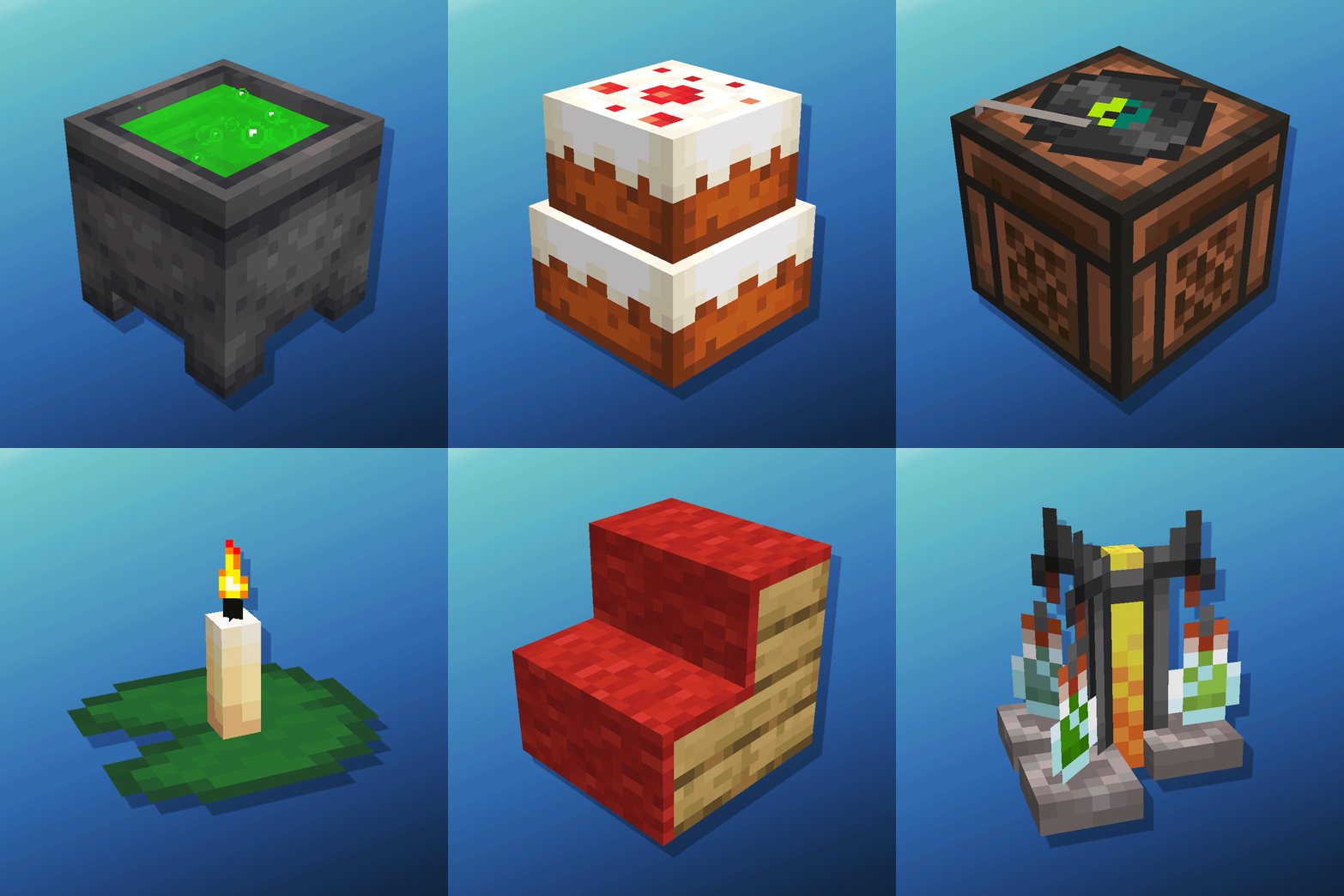
Cauldron Potion Mixing, Lanterns Animation, Carpeted Stairs, Candle Skulls, Double Cakes, Better Lilypads and much more
 mod
CurseForge · Minecraft
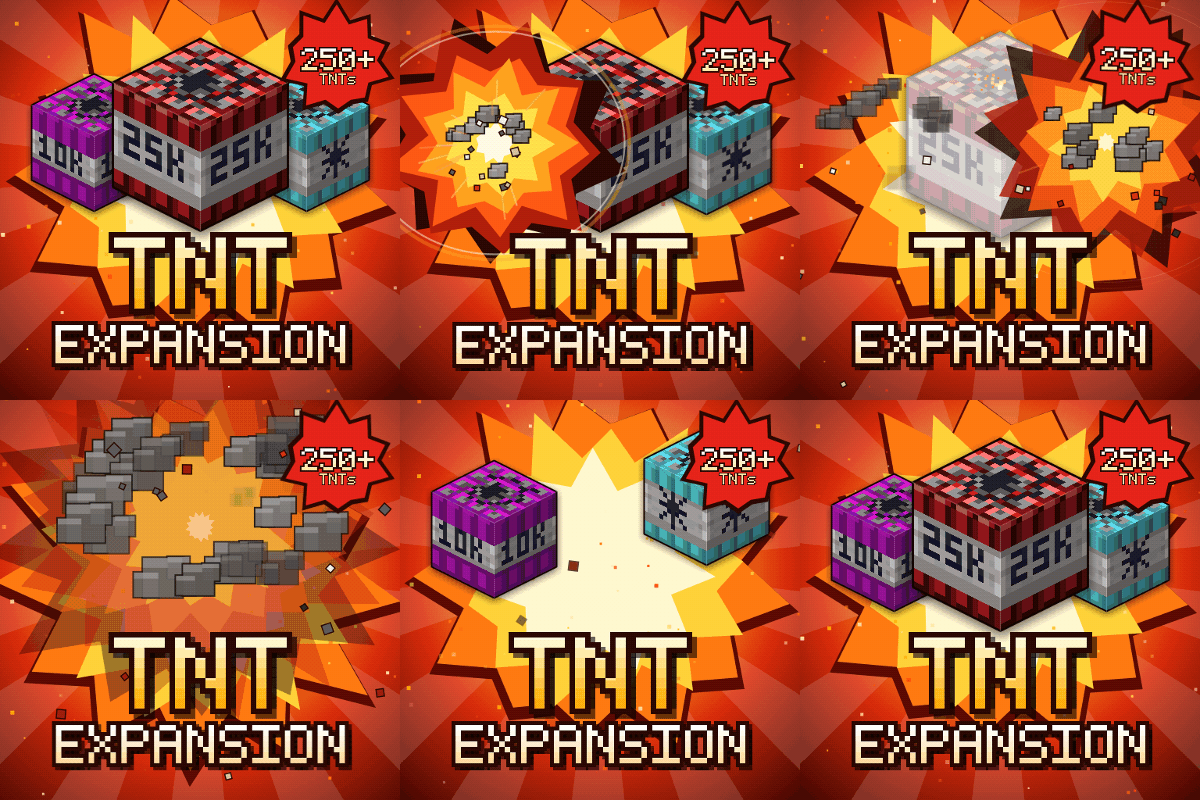
TNT Expansion (+250 new craftable TNT)
276 craftable TNTs, from harmless mini TNTs to nukes, a TNT x100,000, tornadoes and black holes. Build your own at the Workbench and see every TNT in 3D in the guide book. Or try Error 404: say goodbye to your world!
 mod
CurseForge · Minecraft
Guhs
Chubby pink plush mice to tame, dress up and cuddle, and a whole pink Guhmension!