GeckoLib Needed by Prehistoric Legacy prehistoric_legacy-1.0.5-forge-1.20.1.jar
requiredMatching file found Matched file: geckolib-forge-1.20.1-4.8.4.jar

CurseForge · Minecraft mod
Bring dinosaurs to life
Quick answer
Prehistoric Legacy prehistoric_legacy-1.0.5-forge-1.20.1.jar targets 1.20.1 with Forge. The project page does not say whether this file belongs on the client, dedicated server, or both. All 1 required mods have matching files.
Where it goes
The project page does not say whether this file belongs on the client, dedicated server, or both.
The source does not explicitly classify this release as client-only or server-only.
prehistoric_legacy-1.0.5-forge-1.20.1.jar. Change the file and its required mods may change too.
Install GeckoLib first. We found matching files for this game-version and loader setup.
We only count dependency files that match this setup. A file for another loader does not fill the gap.
Before you install it
Built for Prehistoric Legacy prehistoric_legacy-1.0.5-forge-1.20.1.jar. Pick another file and the loader, install side or required mods may change.
Use prehistoric_legacy-1.0.5-forge-1.20.1.jar. It targets 1.20.1 with Forge; another release may have different loader, side or dependency requirements.
Install GeckoLib first. We found matching files for this game-version and loader setup.
The project page does not say whether this file belongs on the client, dedicated server, or both.
Use the “Get this file” button beside prehistoric_legacy-1.0.5-forge-1.20.1.jar. It opens that exact file at the source.
About this project
Introducing the new Minecraft mod for CurseForge: "Prehistoric Legacy"! This updated version, designed for Minecraft 1.20.1, is a complete remake of the original mod released for version 1.12.2. While several species have been discarded in this alpha phase, we have included exciting features and mechanics to make this an exceptional experience.

This mod requires GeckoLib
In this mod, you will find four carnivorous species:
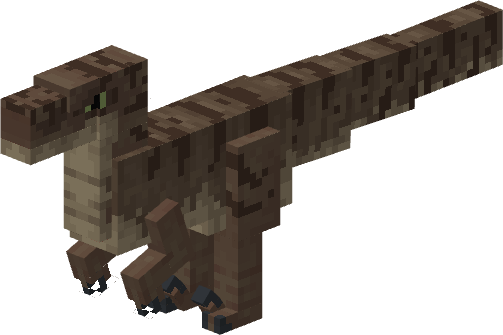
Velociraptor
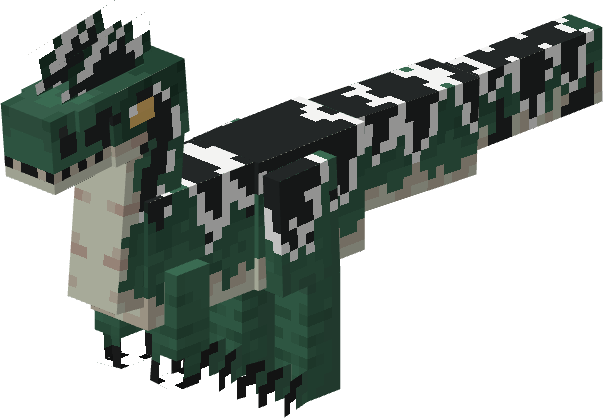
Dilophosaurus
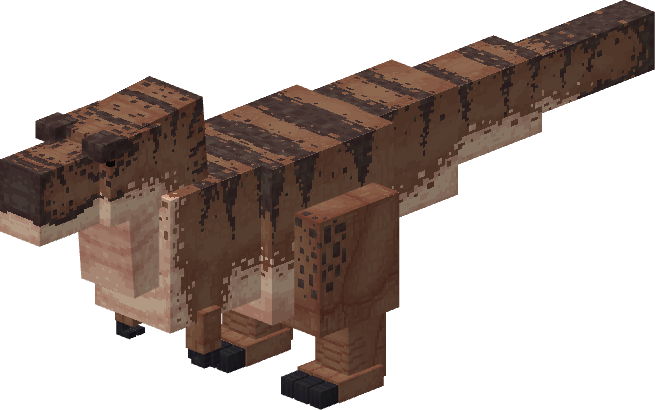
Tyrannosaurus Rex
Spinosaurus

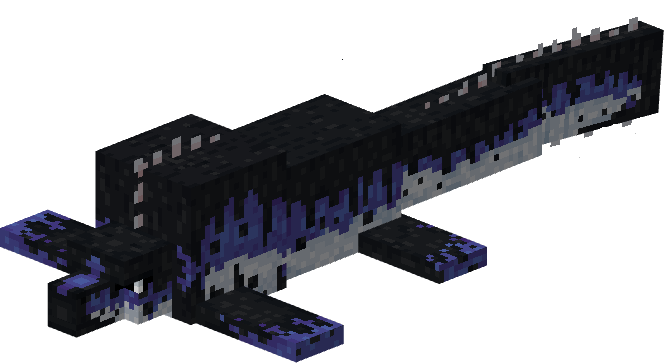
Tylosaurus
Pteranodon

Carnotaurus
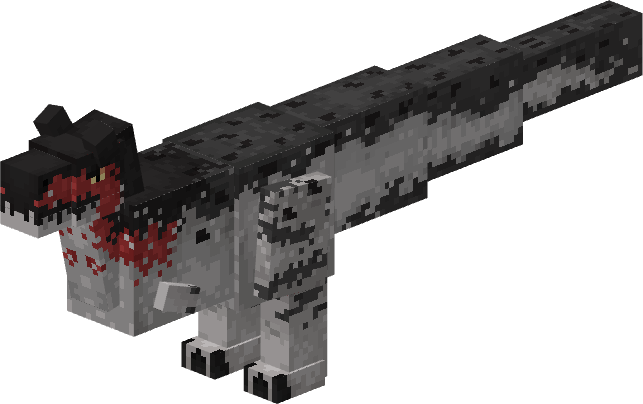
Baryonyx

Compsognathus
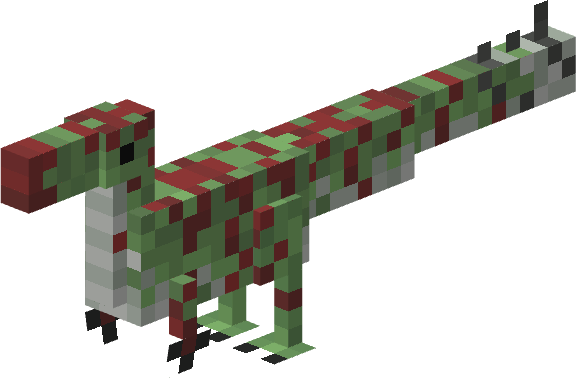
Cryolophosaurus

Additionally, we have added four herbivorous species:
Brachiosaurus
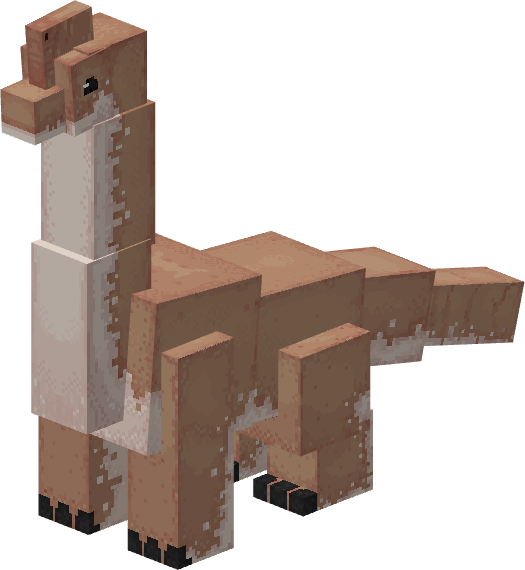
Triceratops

Stegosaurus

Gallimimus

Dodo
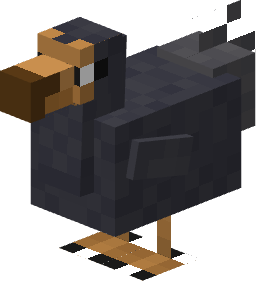
Archelon
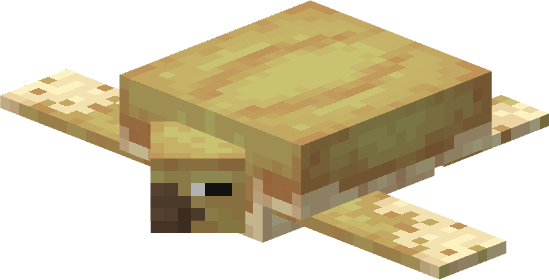
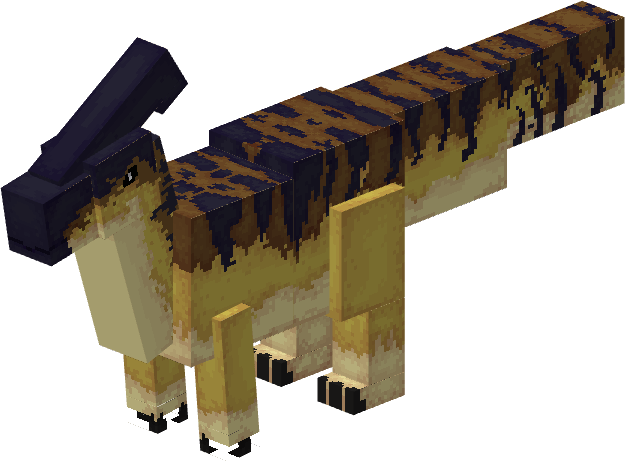
Parasaurolophus
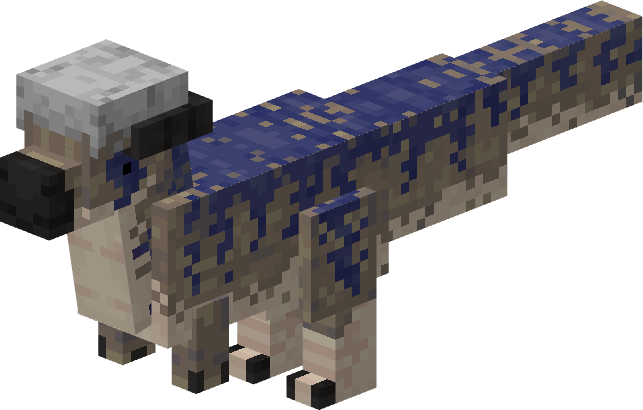
Pachycephalosaurus
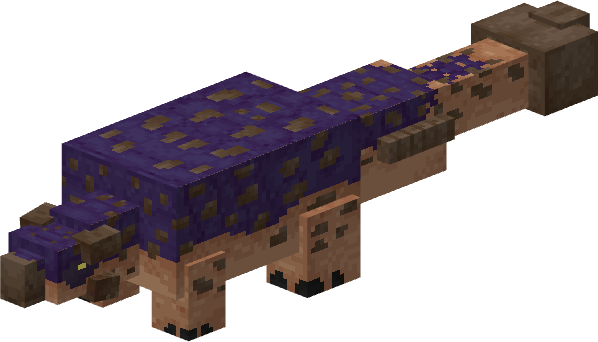
Ankylosaurus
Prehistoric Legacy is a mod that adds a variety of 18 new species to the world. Species that existed (or not exactly) in the world millions of years ago. That said, this mod adds a variety of items, objects, and mechanics that make the vanilla experience more enriching.
If you want to learn more about the mechanics, items, and how to get started, we recommend visiting the Prehistoric Legacy Wiki.
If you prefer to experience dinosaurs coexisting with the Minecraft world without being revived, you can activate the game rule called "doDinoSpawn" and the dinosaurs will appear in the main world (Overworld).
Get ready to explore the age of dinosaurs in Minecraft with our exciting "Prehistoric Legacy" mod!
Project description from CurseForge.
Pick your setup
Choose the version and loader you play, then open the matching release.
Check the dependencies, then try the file in a copied instance before changing a world you care about.
Recent files
27 Jul 2026
30 Sept 2025
27 Jun 2025
8 Sept 2024
8 Sept 2024
23 Jul 2024
Prehistoric+Legacy.jar
11 Jul 2023
PrehistoricMine 1.0.3.jar
11 Mar 2021
PrehistoricMine 1.0.2.jar
24 Feb 2021
Prehistoricmine 1.0.1.jar
9 Feb 2021
PrehistoricMine.jar
25 Jan 2021
Looking for an older file? The official CurseForge project page is in Resources.
 mod
Player like mobs that look at you from a distance
 mod
Explore the world of Minecraft through the most game-accurate DELTARUNE combat simulator.
 mod
This is a DragonMineZ addon that scales TP gains dynamically based on your current Battle Power, keeping training useful throughout progression. The Battle Power multiplier stays at x1 below 1,000,000 BP and increases continuously above that.