Fabric API Needed by Panorama [1.21.4] [Fabric] Panorama 1.3.0
requiredMatching file found Matched file: [1.21.4] Fabric API 0.119.4+1.21.4

CurseForge · Minecraft mod
Take panoramic screenshots in Minecraft
Quick answer
Panorama [1.21.4] [Fabric] Panorama 1.3.0 targets 1.21.4 with Fabric. The project page does not say whether this file belongs on the client, dedicated server, or both. All 1 required mods have matching files.
Where it goes
The project page does not say whether this file belongs on the client, dedicated server, or both.
The source does not explicitly classify this release as client-only or server-only.
[1.21.4] [Fabric] Panorama 1.3.0 on Fabric. Every mod below is checked against that same setup.
Install Fabric API first. We found matching files for this game-version and loader setup.
We only count dependency files that match this setup. A file for another loader does not fill the gap.
Before you install it
Built for Panorama [1.21.4] [Fabric] Panorama 1.3.0 on Fabric. Pick another file and the loader, install side or required mods may change.
Use [1.21.4] [Fabric] Panorama 1.3.0. It targets 1.21.4 with Fabric; another release may have different loader, side or dependency requirements.
Install Fabric API first. We found matching files for this game-version and loader setup.
The project page does not say whether this file belongs on the client, dedicated server, or both.
Use the “Get this file” button beside [1.21.4] [Fabric] Panorama 1.3.0. It opens that exact file at the source.
About this project

The Panorama mod adds the ability to take panoramic screenshots into Minecraft. The mod also adds in an ability to view all your panoramic screenshots in game and select a specific one to use for the titlescreen background. You can also use this mod to take panoramic images to use in resourcepacks.
By default to take a screenshot press the F4 key. This will then generate the screenshot. Once the screenshot has been generated a message will popup in game.
To apply the panorama to the titlescreen, first goto the title screen and click the "Panorama" button in the top left. This will bring you to the panorama selection screen. From this screen you can search all your panoramas and select the one you wish to apply. If you want to return to the default Minecraft panorama click the "Reset" button in the top right.
The panorama files are saved in the mods folder under a folder called "panorama".
To use a panorama in a resourcepack, goto the directory mentioned above. You can then extract the contents of one of the zip files to obtain the images which can be used in a resourcepack.
Yes. To share a panorama all you need to do is send the other user the .zip file form the panorama folder. You can also customise the file by adding a file called "icon.png". If this file is present the mod will use this as the defualt icon in the GUI rather than the default image.
Project description from CurseForge.
Pick your setup
Choose the version and loader you play, then open the matching release.
Showing the newest 12 of 18 game versions. Older files are in the list below.
Check the dependencies, then try the file in a copied instance before changing a world you care about.
Recent files
panorama-1.3.0.jar
30 Jan 2025
panorama-1.3.0.jar
4 Jul 2024
panorama-1.3.0 - 1.20.1.jar
13 Jul 2023
panorama-1.3.0 - 1.20.jar
13 Jul 2023
panorama-1.3.0 - 1.20 - 23w12a.jar
23 Mar 2023
panorama-1.3.0.jar
16 Mar 2023
panorama-1.3.0.jar
8 Mar 2023
panorama-1.3.0.jar
7 Mar 2023
panorama-1.2.0 - 1.19.3.jar
4 Jan 2023
panorama-1.2.0.jar
1 Dec 2022
panorama-1.2.0.jar
1 Dec 2022
panorama-1.2.0 - 1.17.1.jar
1 Dec 2022
Looking for an older file? The official CurseForge project page is in Resources.
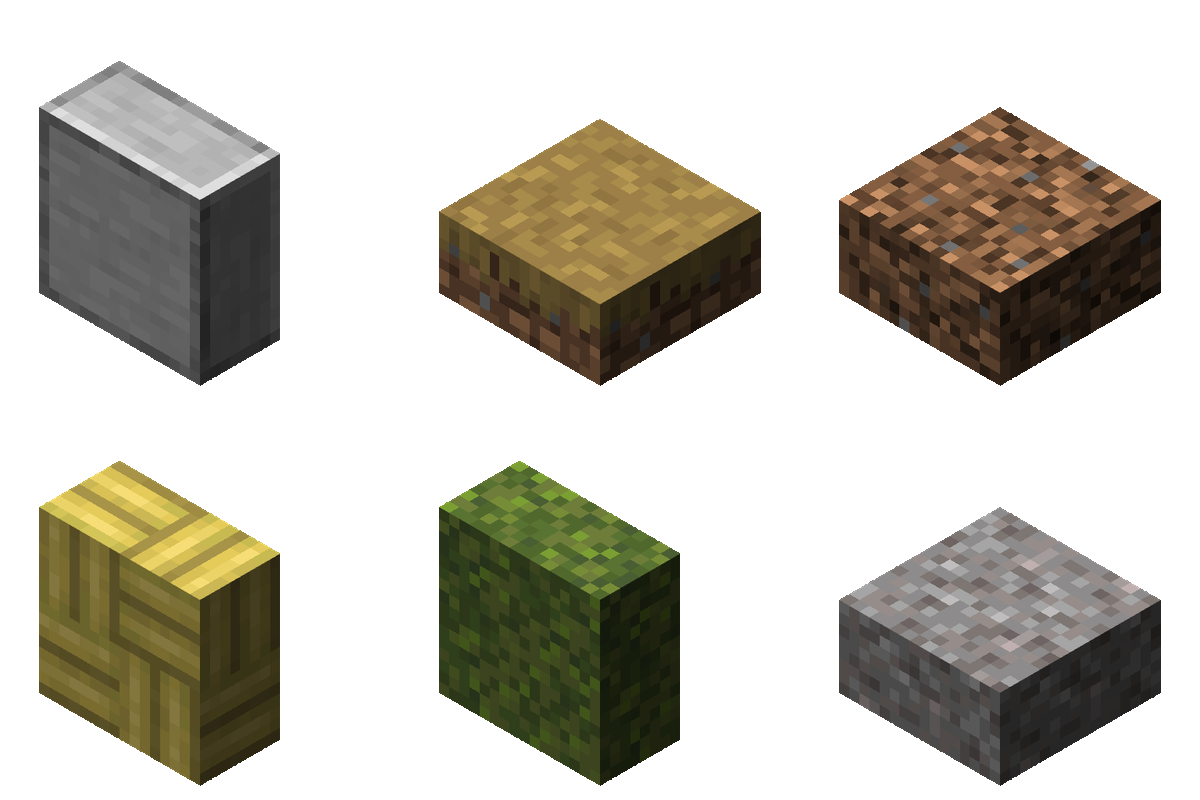 mod
The horizontal and vertical slabs that should have been.
 mod
Minimap + world map, custom HUD, zoom, freecam, chest finder, dynamic lights and a schematic printer (no Litematica needed on 26.3). One mod, one menu.
 mod
Ecliptic Seasons - Serene API Compat bridges mods that use the Serene Seasons API to work with Ecliptic Seasons, allowing them to display seasonal changes without needing direct Ecliptic Seasons support.