Cloth Config API (Fabric/Forge/NeoForge) Needed by Colored Item Tooltips 1.1 for 1.19-1.19.4
requiredMatching file found Matched file: [Fabric 1.19.3] v9.1.104
CurseForge · Minecraft mod
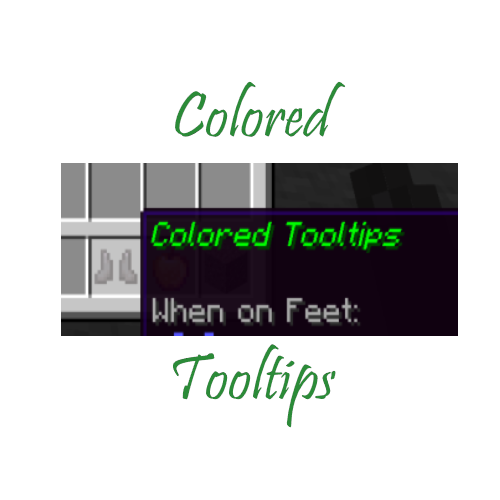
Allows for tooltips to be colored for items and items with custom names
Quick answer
Colored Item Tooltips 1.1 for 1.19-1.19.4 targets 1.19.3, 1.19.4, 1.19.2 with Fabric. The project page does not say whether this file belongs on the client, dedicated server, or both. All 1 required mods have matching files.
Where it goes
The project page does not say whether this file belongs on the client, dedicated server, or both.
The source does not explicitly classify this release as client-only or server-only.
1.1 for 1.19-1.19.4. Change the file and its required mods may change too.
Install Cloth Config API (Fabric/Forge/NeoForge) first. We found matching files for this game-version and loader setup.
We only count dependency files that match this setup. A file for another loader does not fill the gap.
Before you install it
Built for Colored Item Tooltips 1.1 for 1.19-1.19.4. Pick another file and the loader, install side or required mods may change.
Use 1.1 for 1.19-1.19.4. It targets 1.19.3, 1.19.4, 1.19.2 with Fabric; another release may have different loader, side or dependency requirements.
Install Cloth Config API (Fabric/Forge/NeoForge) first. We found matching files for this game-version and loader setup.
The project page does not say whether this file belongs on the client, dedicated server, or both.
Use the “Get this file” button beside 1.1 for 1.19-1.19.4. It opens that exact file at the source.
About this project
Colored Tooltips allows for the player to configure custom colors for items and items with custom names, as well as make new "rarities". This is done through the config, which is why I highly suggest for the user to install ModMenu. However, to configure it, you do need to use valid JSON. For rarities, the syntax is this: {"id": "example", "color": "<hex color code>"}, for items the syntax is: {"id": "<item id, for example: minecraft:wooden_sword>", "<color or rarity>": "<color hex code or rarity id>"}, for names the syntax is: {"name": "item name", "color or rarity": "<color or rarity id>"}. This can be configured with or without modmenu, but again I highly suggest using modmenu. If you have any questions, reach out to me over CurseForge or Discord. My discord is gamma_02#5181, and my curseforge is gamma_02.
Project description from CurseForge.
Pick your setup
Choose the version and loader you play, then open the matching release.
Check the dependencies, then try the file in a copied instance before changing a world you care about.
Recent files
colored-tooltips-1.1.jar
27 Aug 2023
colored-tooltips-1.2.jar
7 Mar 2022
colored-tooltips-1.1.jar
7 Mar 2022
colored-tooltips-1.0.jar
17 Feb 2022
Looking for an older file? The official CurseForge project page is in Resources.
 mod
Farming automation mod. Planters and raised beds grow your crops and trees for you.
 mod
Raise a glowing companion moth, catch, jar and breed 48 wild moths, fly a Great Lumen, and wear a Mothman shawl that opens into wings.
 mod
Client-side building toolkit: select areas, save and load .schem, .litematic and .nbt schematics, and build from ghost-block placements with a material checker.