Minecraft version
Back to mods 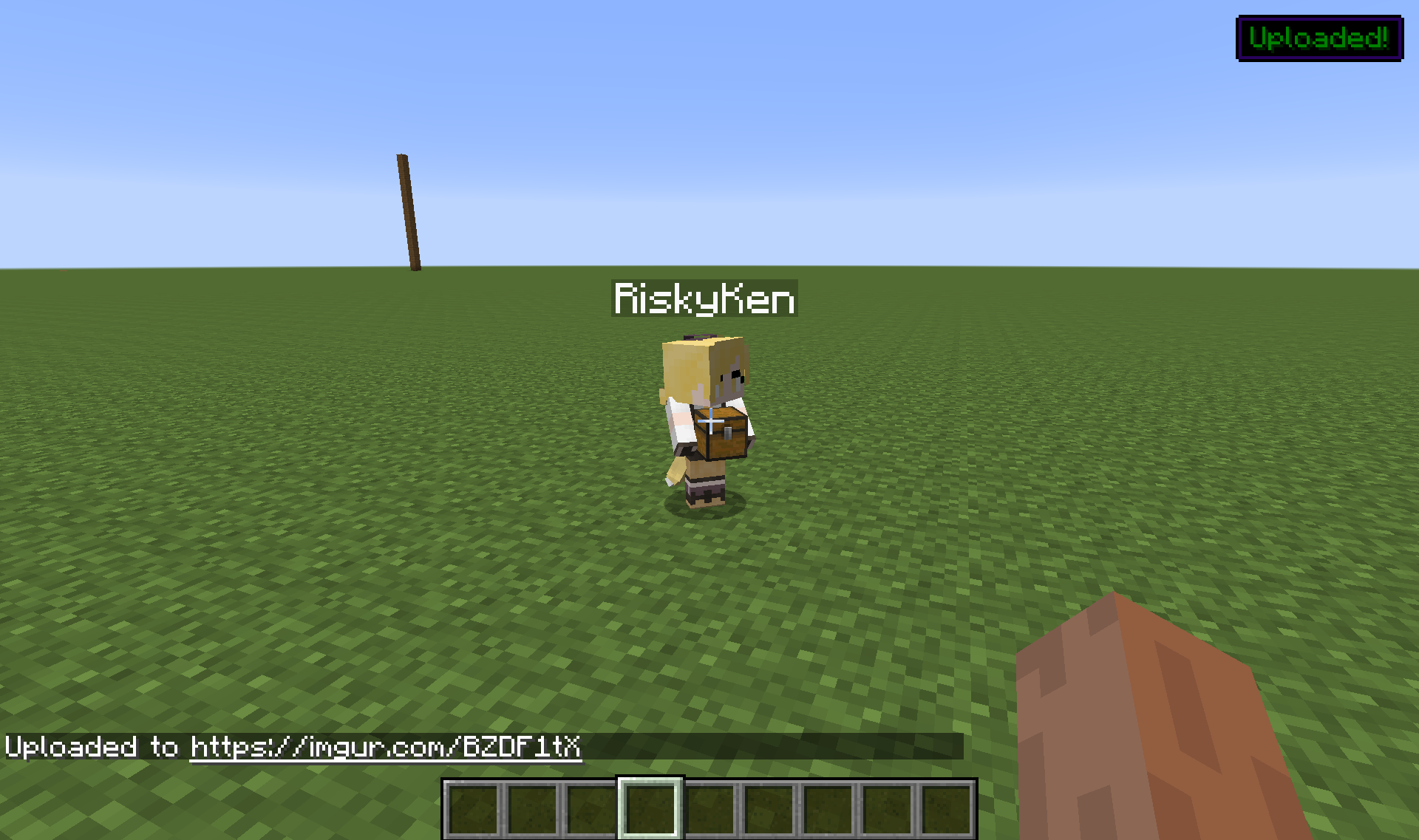
CurseForge · Minecraft mod
Screenshot Uploader
Upload your screenshots with the push of a button
Choose a version Pick your version below, then grab the matching file.
Quick answer
Which Screenshot Uploader release matches 1.4.7?
Best match for your filters ScreenshotUploader-v1.zip
Game version 1.4.7
Loader Not required
Screenshot Uploader ScreenshotUploader-v1.zip targets 1.4.7. The project page does not say whether this file belongs on the client, dedicated server, or both. No extra mods listed for this file.
Where it goes
Is Screenshot Uploader required on the client, server, or both?
The project page does not say whether this file belongs on the client, dedicated server, or both.
Client Source doesn’t say
Dedicated server Source doesn’t say
Loader for this release No loader listed
Required install it here Optional supported, not mandatory Not supported do not install here Source doesn’t say do not assume
The source does not explicitly classify this release as client-only or server-only.
What else does Screenshot Uploader ScreenshotUploader-v1.zip need?
ScreenshotUploader-v1.zip on 1.4.7. Every mod below is checked against that same setup.
This file does not list any required mods. Do not add a library just because a different file uses it.
This file does not list any required or optional mods.
Before you install it
Add Screenshot Uploader without breaking your instance.
Built for Screenshot Uploader ScreenshotUploader-v1.zip on 1.4.7. Pick another file and the loader, install side or required mods may change.
- 01
Stick to this file
Use ScreenshotUploader-v1.zip. It targets 1.4.7; another release may have different loader, side or dependency requirements.
- 02
Bring the mods it needs
This file does not list any required mods. Do not add a library just because a different file uses it.
- 03
Put it on the correct side
The project page does not say whether this file belongs on the client, dedicated server, or both.
- 04
Pick the file you checked
Use the “Get this file” button beside ScreenshotUploader-v1.zip. It opens that exact file at the source.
About this project
What does Screenshot Uploader add?
Screenshot Uploader
This simple mod uploads any screenshots you take directly to Imgur and provides you with a link.

To take a screenshot and upload it to Imgur, simply press F12! (This can be changed in the Controls menu)
Don't want to upload the screenshot? Just use the default Minecraft screenshot button! (F2)
Requirements
Minecraft
Forge - http:minecraftforge.net/
Installation Instructions
(I recommend using MultiMC for managing mods)
Install Forge
Add ScreenshotUploader file to your mods folder
NOTE: This is a client side only mod, it is not required server side
Known Issues
Binding my screenshot key to F2 will take two screenshots
Planned Features
Ability to save Imgur links to a file locally or view a history of them
Add more image hosts as options
Social
- Twitter: KitsuneKihira
- Patreon: Kihira
- IRC: #kihira on esper.net
Modpacks
You are allowed to distribute this mod in your public or private mod pack so no long no revenue is generated in doing so
Project description from CurseForge.
Pick your setup
Screenshot Uploader by Minecraft version and loader
Choose the version and loader you play, then open the matching release.
Minecraft version
1.9
1 loader buildMinecraft version
1.8.9
1 loader buildMinecraft version
1.8
1 loader buildMinecraft version
1.7.10
1 loader buildMinecraft version
1.7.2
1 loader buildMinecraft version
1.6.2
1 loader buildMinecraft version
1.5.2
1 loader buildMinecraft version
1.4.7
1 loader buildCheck the dependencies, then try the file in a copied instance before changing a world you care about.
Recent files
Screenshot Uploader versions and loaders
ScreenshotUploader-v1.zip
21 Jun 2013
Client Source doesn’t say Server Source doesn’t say Dependencies No extras listed Listed on Release listing
Check the 1.4.7 setup 1.4.7 release
Looking for an older file? The official CurseForge project page is in Resources.
 mod
CurseForge · Minecraft
JourneyMap
Real-time map used for mapping in-game or your browser as you explore.
 mod
CurseForge · Minecraft
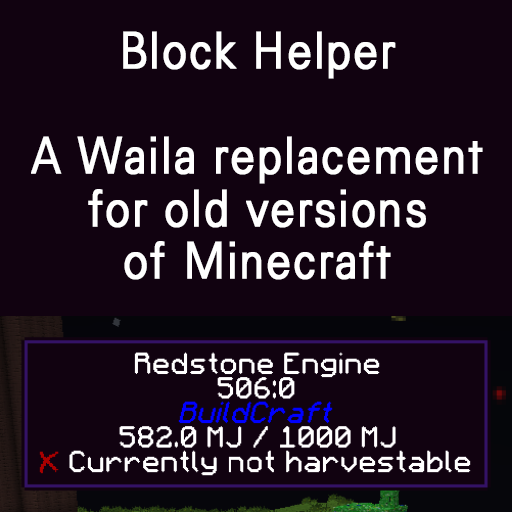
Block Helper
A WAILA port for a1.2.6 - 1.5.2
 mod
CurseForge · Minecraft
MAtmos ambient sound
The MAtmos Ambient Sound Mod adds environmental and interaction sounds, raverberation, and echo to dramatically improve your gaming audio experience.