Minecraft version
Back to mods 
CurseForge · Minecraft mod
Create Lab
Creative dimension for testing builds/contraptions
Choose a version Pick your version below, then grab the matching file.
Quick answer
Which Create Lab release matches 1.16.1?
beta file 1.16.5-0.5.0-beta
Game version 1.16.3, 1.16.1, 1.16
Loader forge
Create Lab 1.16.5-0.5.0-beta targets 1.16.3, 1.16.1, 1.16. The project page does not say whether this file belongs on the client, dedicated server, or both. No extra mods listed for this file.
Where it goes
Is Create Lab required on the client, server, or both?
The project page does not say whether this file belongs on the client, dedicated server, or both.
Client Source doesn’t say
Dedicated server Source doesn’t say
Loader for this release No loader listed
Required install it here Optional supported, not mandatory Not supported do not install here Source doesn’t say do not assume
The source does not explicitly classify this release as client-only or server-only.
What else does Create Lab 1.16.5-0.5.0-beta need?
1.16.5-0.5.0-beta on 1.16.1. Every mod below is checked against that same setup.
This file does not list any required mods. Do not add a library just because a different file uses it.
This file does not list any required or optional mods.
Before you install it
Add Create Lab without breaking your instance.
Built for Create Lab 1.16.5-0.5.0-beta on 1.16.1. Pick another file and the loader, install side or required mods may change.
- 01
Stick to this file
Use 1.16.5-0.5.0-beta. It targets 1.16.3, 1.16.1, 1.16; another release may have different loader, side or dependency requirements.
- 02
Bring the mods it needs
This file does not list any required mods. Do not add a library just because a different file uses it.
- 03
Put it on the correct side
The project page does not say whether this file belongs on the client, dedicated server, or both.
- 04
Pick the file you checked
Use the “Get this file” button beside 1.16.5-0.5.0-beta. It opens that exact file at the source.
About this project
What does Create Lab add?
Create Lab
CurseForge· Report Bug · Request Feature
Overview
Create lab is a dimension mod initially designed to be paired with the Create mod. This mod adds a new "laboratory" dimension that is a test world for you to try out builds, contraptions, etc in creative mode without having to switch to another save game. The laboratory dimension holds its own player inventory allowing you to switch between the lab and your survival world without one impacting the other.
Please note the mod is currently in Beta though the core features have been implemented the mod is still very much under development. If you come across any bugs please report using the links above.
Features
- The laboratory, a creative mode, flat gen dimension with no mob spawns.
- Separate inventories between survival dimensions and the laboratory.
- Dimension access via survival crafted portal or using
/lab tpif OP. - Curios integration, curios inventory slots will also be kept separate from survival dimensions.
- Configuration, change possible frame blocks, disable items/blocks in the lab dimension
Planned Features
- Cosmetics integration
- Disabling of statistics and advancements in Laboratory
How to use
- Craft the laboratory portal catalyst using 4 quartz and a diamond.

- Build a portal frame using smooth quartz, the portal frame rules are the same as vanilla nether portals.

- Right click on the portal frame using the laboratory catalyst to create the portal

Project description from CurseForge.
Pick your setup
Create Lab by Minecraft version and loader
Choose the version and loader you play, then open the matching release.
Minecraft version
1.16.4
1 loader buildMinecraft version
1.16.3
1 loader buildMinecraft version
1.16.2
1 loader buildMinecraft version
1.16.1
1 loader buildMinecraft version
1.16
1 loader buildCheck the dependencies, then try the file in a copied instance before changing a world you care about.
Recent files
Create Lab versions and loaders
1.16.5-0.5.0-beta
CreateLab-v1.16.5-0.5.0-beta.jar
19 Apr 2022
Client Source doesn’t say Server Source doesn’t say Dependencies No extras listed Listed on Release listing
Check the 1.16.1 setup 1.16.31.16.11.161.16.5 beta
1.16.5-0.4.0-alpha
CreateLab-v1.16.5-0.4.0-alpha.jar
10 Apr 2022
Client Source doesn’t say Server Source doesn’t say Dependencies No extras listed Listed on Release listing
Check the 1.16.1 setup 1.16.31.16.11.161.16.5 alpha
Looking for an older file? The official CurseForge project page is in Resources.
 mod
CurseForge + Modrinth · Minecraft
Safra
Don’t mess with the server Play Minecraft with your friends in 2 clicks via P2P
 mod
CurseForge + Modrinth · Minecraft
Shoulder Surfing Reloaded
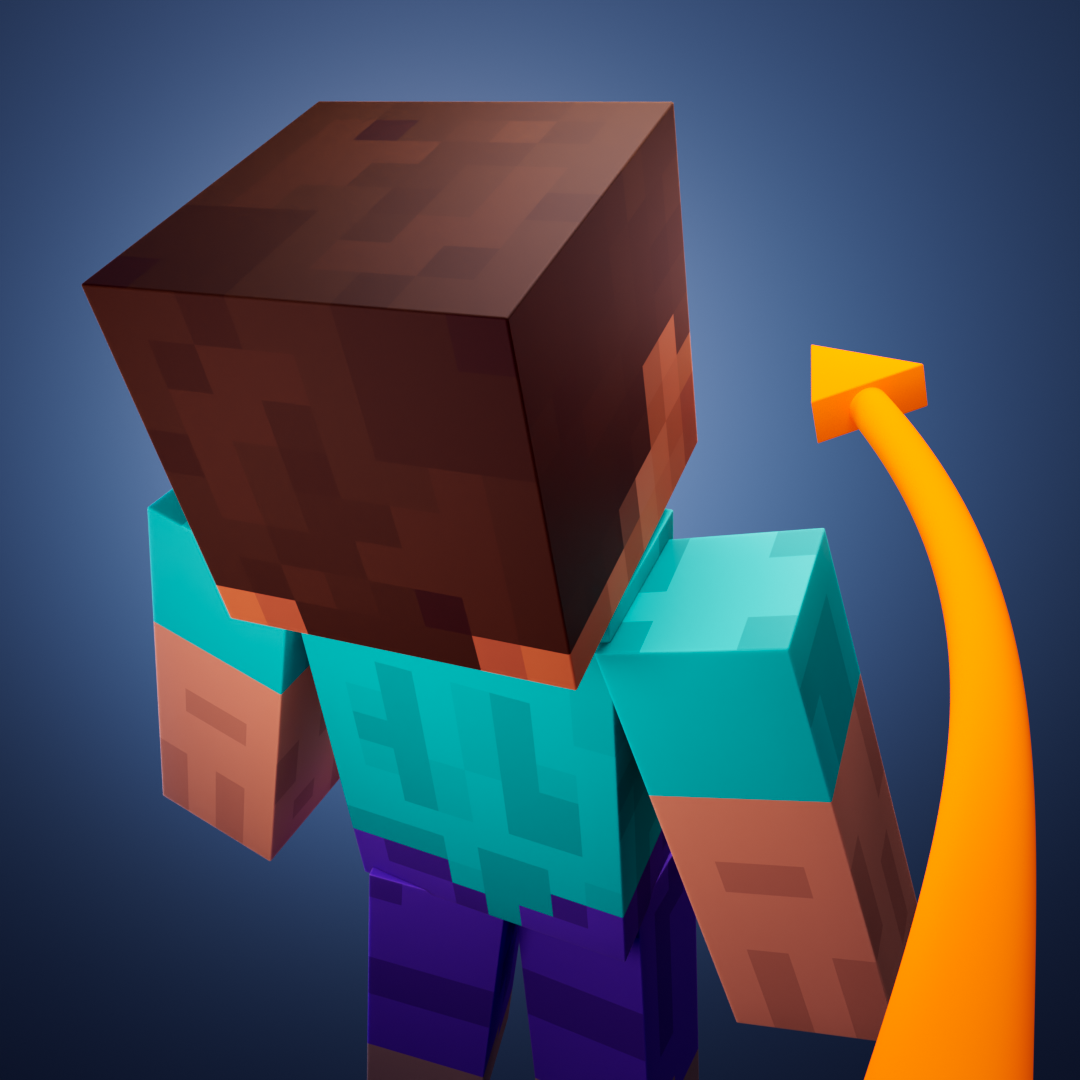
Shoulder Surfing Reloaded is a highly configurable third person camera mod for Minecraft
 mod
CurseForge · Minecraft
Mo Glass
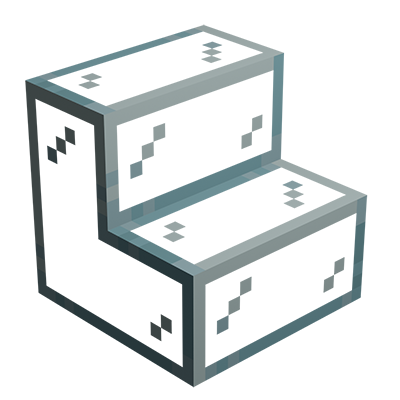
Minecraft mod that adds glass stairs and glass slabs. They look great in any build and connect seamlessly with vanilla glass blocks.