Ticks Optional for Steve's Realistic Sleep 1.12.0
optionalMatching file found Matched file: 1.0.0+1.21.1

CurseForge · Minecraft mod
Makes sleeping speed up time instead of skipping to day.
Quick answer
Steve's Realistic Sleep 1.12.0 targets 1.21.1 with NeoForge. The project page does not say whether it belongs on the client. The project page does not say whether it belongs on the dedicated server. No extra mods listed for this file.
Where it goes
The project page does not say whether it belongs on the client. The project page does not say whether it belongs on the dedicated server.
The source does not explicitly classify this release as client-only or server-only.
1.12.0. Change the file and its required mods may change too.
This file does not list any required mods. Do not add a library just because a different file uses it.
2 extra mods were pulled in by other dependencies. Indented rows show who needs each one. We only count dependency files that match this setup. A file for another loader does not fill the gap.
Before you install it
Built for Steve's Realistic Sleep 1.12.0. Pick another file and the loader, install side or required mods may change.
Use 1.12.0. It targets 1.21.1 with NeoForge; another release may have different loader, side or dependency requirements.
This file does not list any required mods. Do not add a library just because a different file uses it.
The project page does not say whether it belongs on the client. The project page does not say whether it belongs on the dedicated server.
Use the “Get this file” button beside 1.12.0. It opens that exact file at the source.
About this project

Makes sleeping speed up time instead of skipping to day.

This mod is featured in "Minecraft Mod Combinations That Work Perfectly Together #5" By AsianHalfSquat 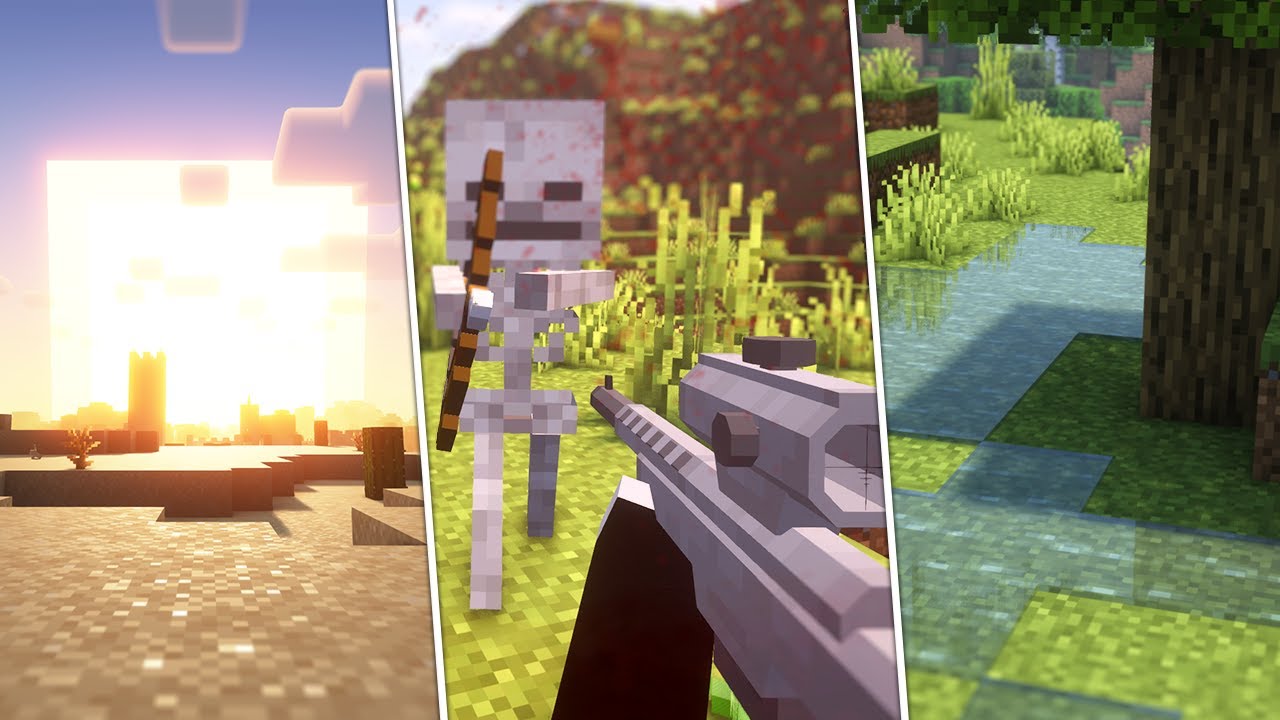
Any mods that add sleep voting, or otherwise modify the sleeping mechanic itself will not work with this mod.
You can set a minimum amount of players that have to sleep using the vanilla Minecraft gamerule PLAYERS_SLEEP_PERCENTAGE.
Any mods which simply add buffs/debuffs after waking up should work. Create an issue on the issue tracker if you've found an incompatibility!


See the version info in the filename for the supported Minecraft versions.
Made for the Fabric, Quilt, Forge, and NeoForge modloaders.
Server side (with optional client side support for the cloud speed multiplier and a sleep vignette config option).
Q: Will you be backporting this to lower Minecraft versions?
A: No.
Q: Does this mod work in multiplayer?
A: Yes! The speed of the night scales for each player that's sleeping at the same time. The scale curve can be changed in the config.
Q: Does only the server need this mod or does the client need it too?
A: Only the server needs this mod (but it works on the client too if you're going to host LAN or play singleplayer). There's optional clientside support for the cloud speed multiplier and a sleep vignette config option.
Q: Can you still avoid rain/thunder by sleeping?
A: Yes. After sleeping until dawn the weather will become clear. I might make this configurable in the future, let me know if you want this.
Q: Does this mod speed up things like furnaces, redstone, the raid timer, and other (modded) block entities?
A: Yes!
If you've encountered a problem or you want to suggest features, create an issue on the issue tracker.
git clone https://github.com/steves-underwater-paradise/stevesrealisticsleep.gitcd stevesrealisticsleep./gradlew buildThis project is licensed under LGPLv2.1, see LICENSE.
Project description from CurseForge.
Pick your setup
Choose the version and loader you play, then open the matching release.
Showing the newest 12 of 17 game versions. Older files are in the list below.
Check the dependencies, then try the file in a copied instance before changing a world you care about.
Recent files
stevesrealisticsleep-1.12.0-neoforge-1.21.1.jar
3 Aug 2026
stevesrealisticsleep-1.12.0-fabric-1.21.1.jar
3 Aug 2026
stevesrealisticsleep-forge-1.11.2+mc1.20-1.20.1.jar
4 Dec 2024
stevesrealisticsleep-fabric-1.11.2+mc1.20-1.20.1.jar
4 Dec 2024
stevesrealisticsleep-neoforge-1.11.2+mc1.21-1.21.1.jar
4 Dec 2024
stevesrealisticsleep-fabric-1.11.2+mc1.21-1.21.1.jar
4 Dec 2024
stevesrealisticsleep-neoforge-1.11.1+mc1.21-1.21.1.jar
9 Sept 2024
stevesrealisticsleep-fabric-1.11.1+mc1.21-1.21.1.jar
9 Sept 2024
stevesrealisticsleep-forge-1.11.0+mc1.20-1.20.1.jar
8 Sept 2024
stevesrealisticsleep-fabric-1.11.0+mc1.20-1.20.1.jar
8 Sept 2024
stevesrealisticsleep-neoforge-1.11.0+mc1.21-1.21.1.jar
8 Sept 2024
stevesrealisticsleep-fabric-1.11.0+mc1.21-1.21.1.jar
8 Sept 2024
Looking for an older file? The official CurseForge project page is in Resources.
 mod
modHow Rotten! adds a new infection mechanic from zombie mobs to the game!
 mod
modUnusual Prehistory 2 Addon that adds wonderful creatures
 mod
modWe've got everything we can with mangoes! Check out the new dimensions, resources, biomes, and mobs through this mod!