Minecraft version
Back to mods 
CurseForge · Minecraft mod
Beautify!
Adds lots of vanilla-styled ways to spice up your builds.
Choose a version Pick your version below, then grab the matching file.
Quick answer
Which Beautify! release should I use?
Latest stable file Beautify 1.21-V.2.0.2 [NeoForge]
Game version 1.21, 1.21.1
Loader NeoForge
Beautify! Beautify 1.21-V.2.0.2 [NeoForge] targets 1.21, 1.21.1 with NeoForge. The project page does not say whether this file belongs on the client, dedicated server, or both. No extra mods listed for this file.
Where it goes
Is Beautify! required on the client, server, or both?
The project page does not say whether this file belongs on the client, dedicated server, or both.
Client Source doesn’t say
Dedicated server Source doesn’t say
Loader for this release NeoForge
Required install it here Optional supported, not mandatory Not supported do not install here Source doesn’t say do not assume
The source does not explicitly classify this release as client-only or server-only.
What else does Beautify! Beautify 1.21-V.2.0.2 [NeoForge] need?
Beautify 1.21-V.2.0.2 [NeoForge]. Change the file and its required mods may change too.
This file does not list any required mods. Do not add a library just because a different file uses it.
This file does not list any required or optional mods.
Before you install it
Add Beautify! without breaking your instance.
Built for Beautify! Beautify 1.21-V.2.0.2 [NeoForge]. Pick another file and the loader, install side or required mods may change.
- 01
Stick to this file
Use Beautify 1.21-V.2.0.2 [NeoForge]. It targets 1.21, 1.21.1 with NeoForge; another release may have different loader, side or dependency requirements.
- 02
Bring the mods it needs
This file does not list any required mods. Do not add a library just because a different file uses it.
- 03
Put it on the correct side
The project page does not say whether this file belongs on the client, dedicated server, or both.
- 04
Pick the file you checked
Use the “Get this file” button beside Beautify 1.21-V.2.0.2 [NeoForge]. It opens that exact file at the source.
About this project
What does Beautify! add?
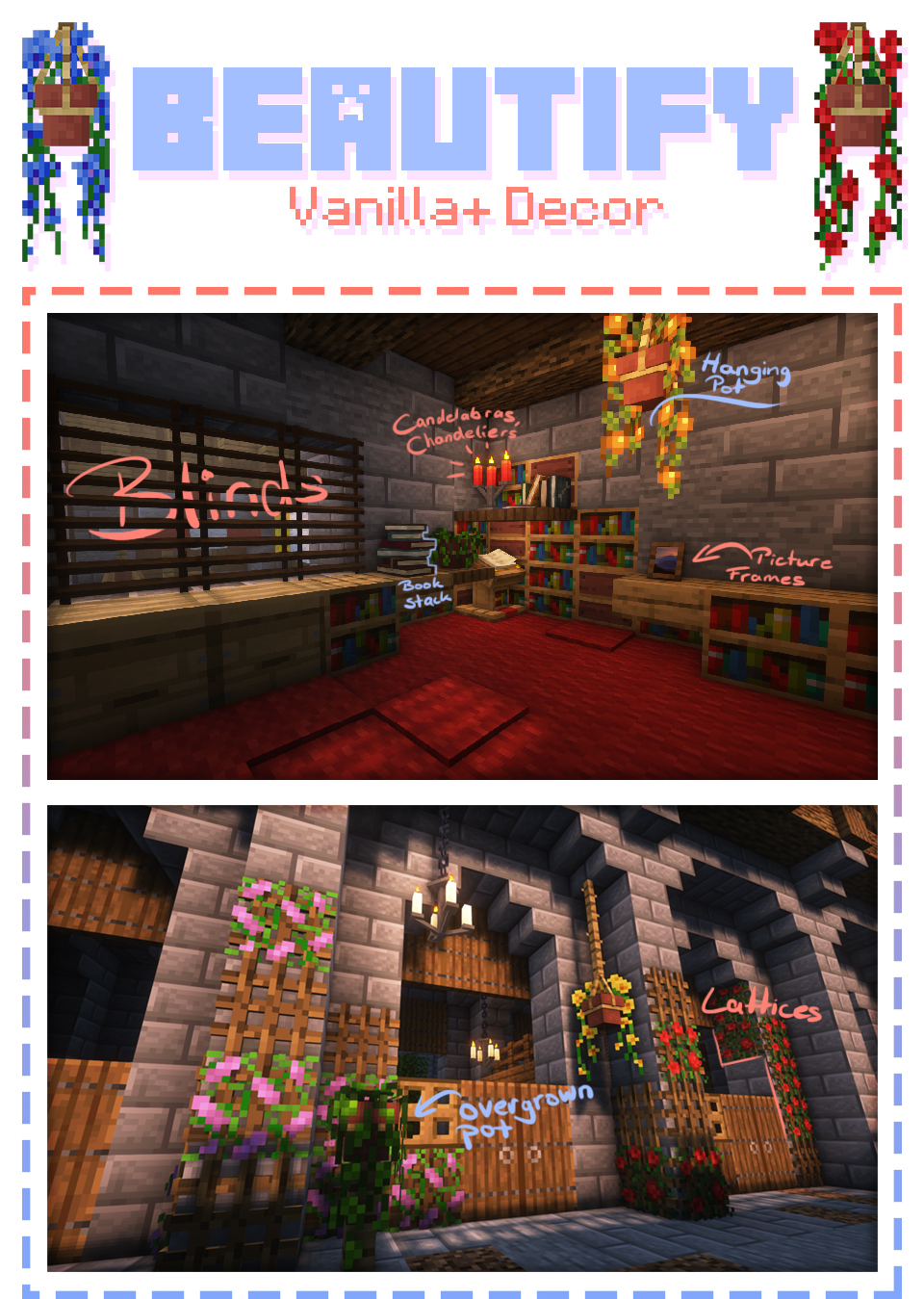
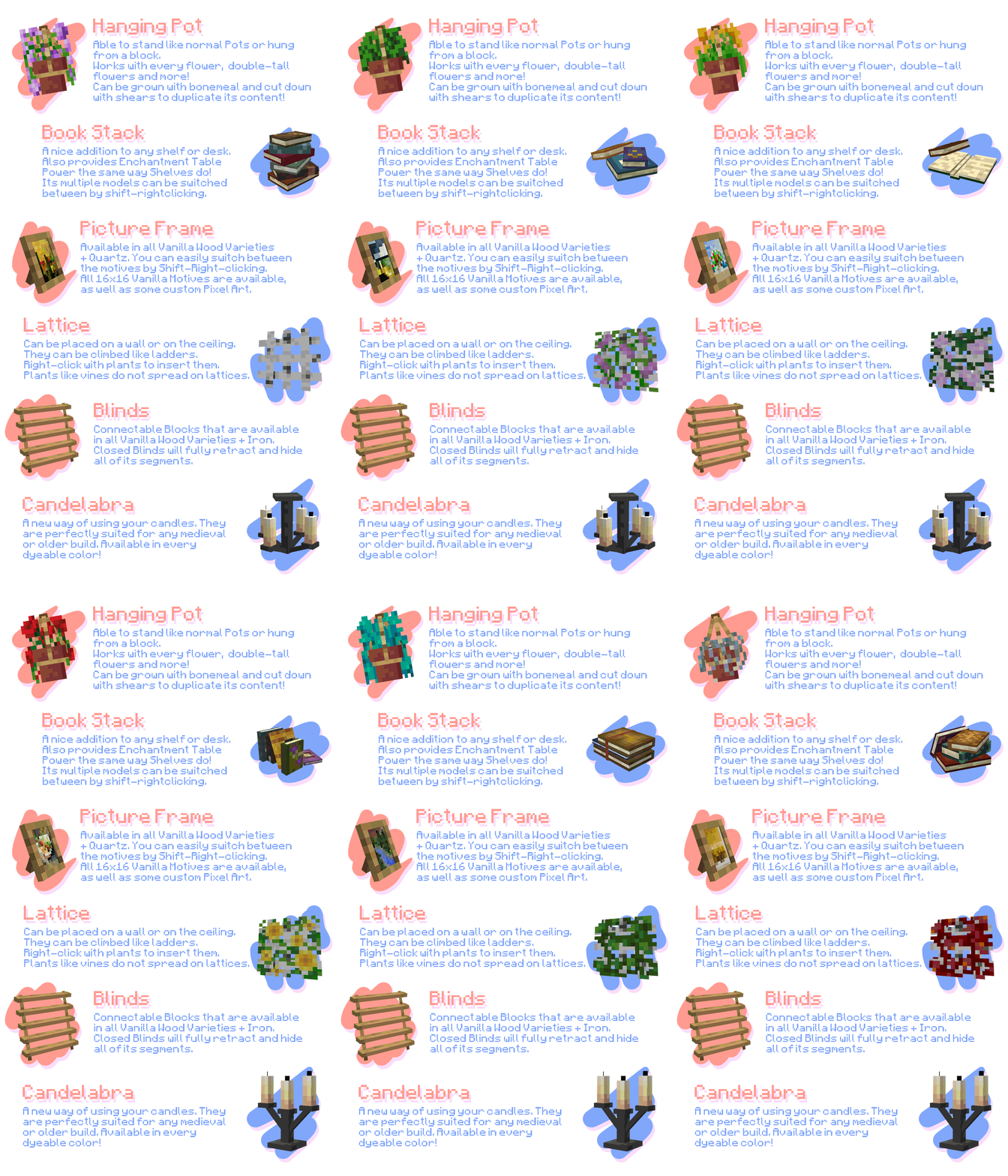

What is Beautify?
Beautify is a client and serverside deco-mod that adds lots of vanilla-styled ways to spice up your builds with custom models.
My goal with this mod is to increase the detail in builds without killing the need for imagination and creativity.
Additionally, most blocks include new features. For example, potted plants (such as 1 tall flowers) can be duplicated using bone meal.
Versions [Forge]: 1.18.2 | 1.19 | 1.19.1 | 1.19.2 | 1.20.1
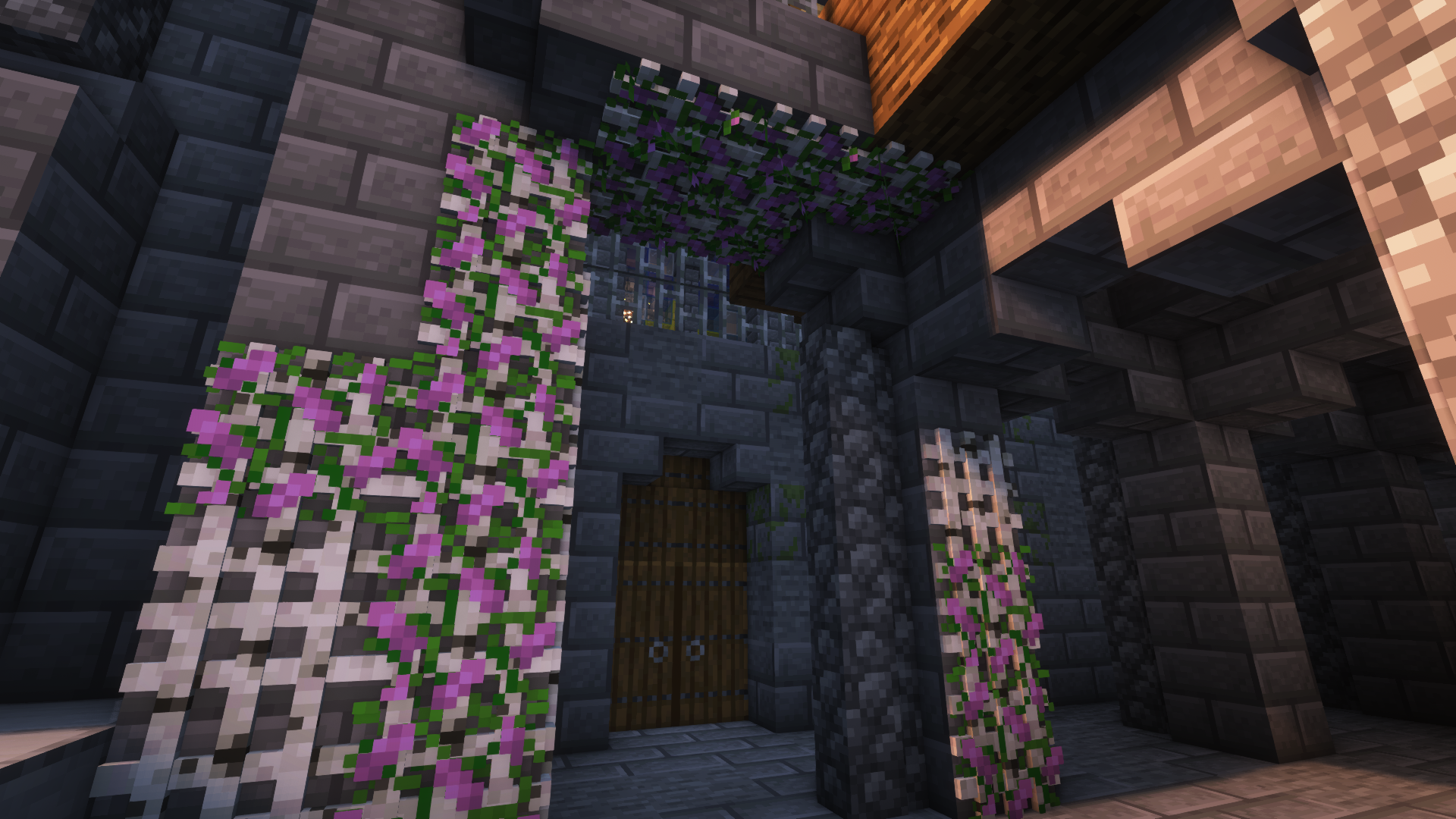
More Pictures:
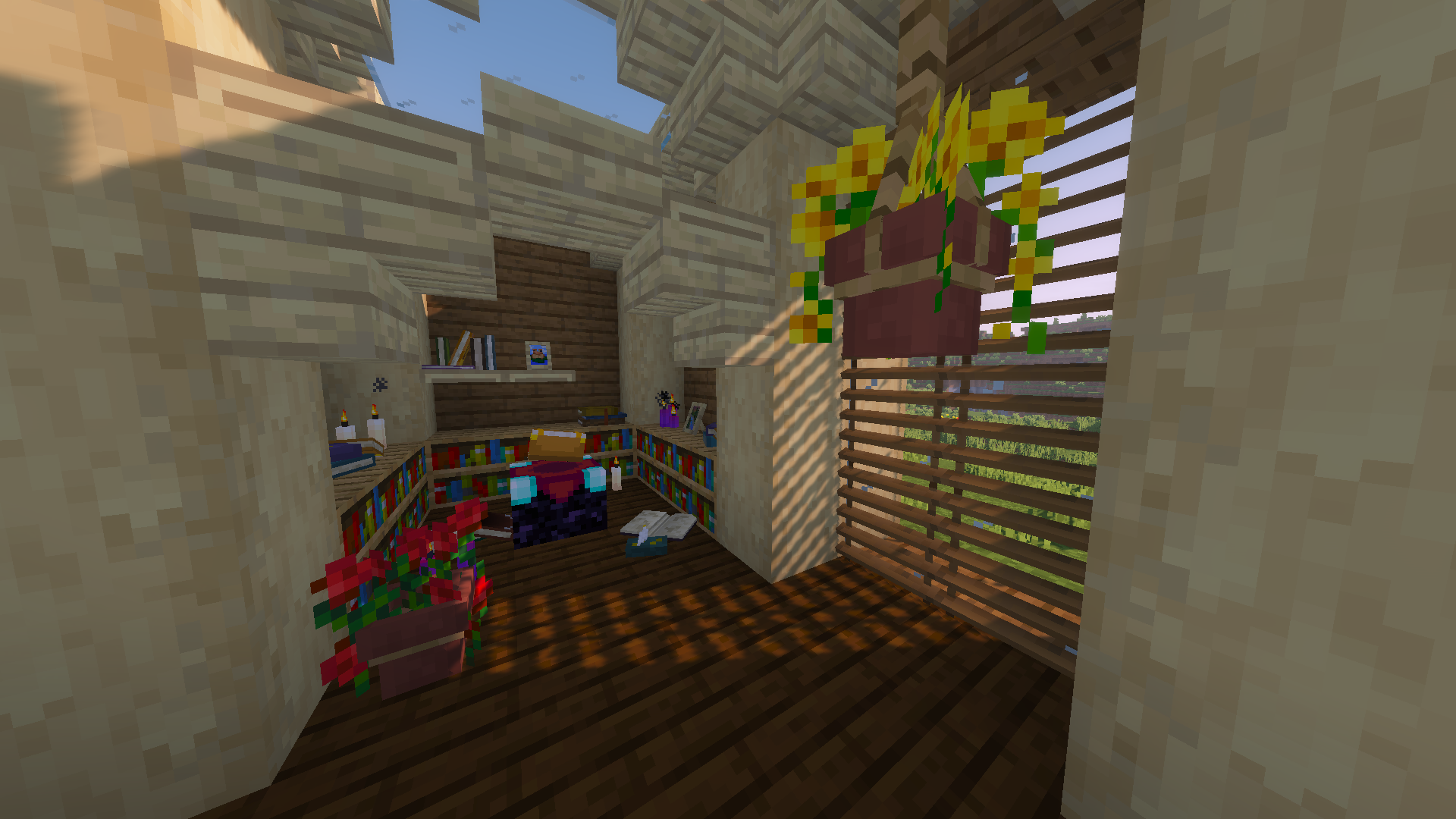
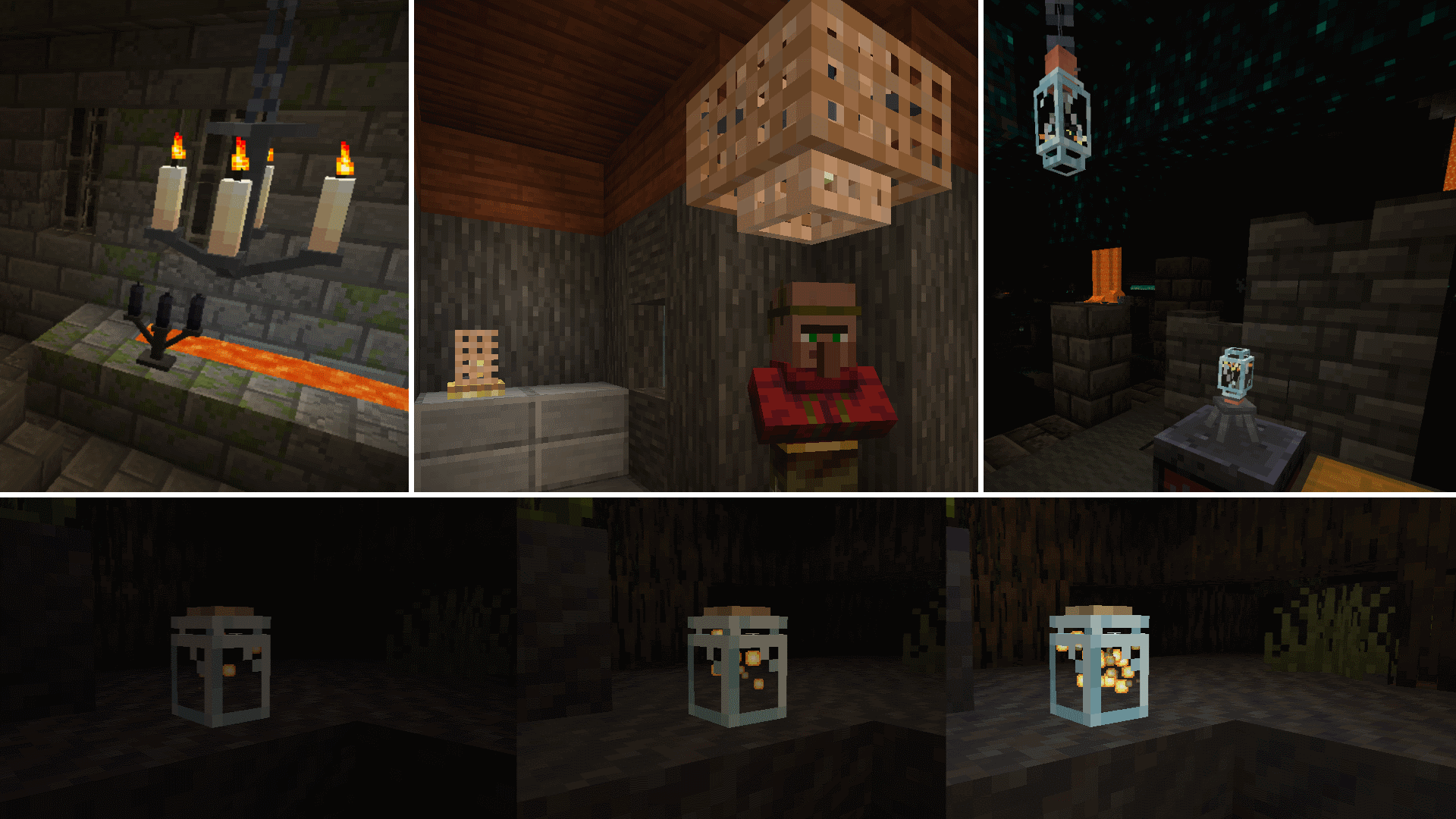

Showcase Video by Jeikir:
Features summary:
- Hanging Pots with custom flower models and a wide variety of supported plants
- Book Stacks with different models that can power an enchantment table
- Blinds to add details to your windows or create new types of entrances
- Picture Frames with all 16x16 Vanilla Painting motives and more
- Rope that Hanging Pots and other Blocks can be attached to and Players can climb
- New forms of light sources: Bamboo Lantern, Candelabras/ Chandeliers, Glowessence Jar, Light Bulbs
- Lattices for putting plants on walls and ceilings
- more coming soon
For more info on the blocks and their uses, please visit the wiki!
As this is my first mod, I'm thankful for any suggestions, feedback etc. and will be working on this in the future!
Project description from CurseForge.
Pick your setup
Beautify! by Minecraft version and loader
Choose the version and loader you play, then open the matching release.
Minecraft version
1.21
2 loader buildsMinecraft version
1.20.4
2 loader buildsMinecraft version
1.20.2
2 loader buildsMinecraft version
1.20.1
2 loader buildsMinecraft version
1.20
1 loader buildMinecraft version
1.19.4
2 loader buildsMinecraft version
1.19.2
1 loader buildMinecraft version
1.19.1
1 loader buildMinecraft version
1.19
1 loader buildMinecraft version
1.18.2
1 loader buildCheck the dependencies, then try the file in a copied instance before changing a world you care about.
Recent files
Beautify! versions and loaders
Beautify 1.21-V.2.0.2 [NeoForge]
beautify-neoforge-1.21.1-2.0.2.jar
29 Nov 2024
Client Source doesn’t say Server Source doesn’t say Dependencies No extras listed Listed on Release listing
Check the 1.21.1 · NeoForge setup 1.21NeoForge1.21.1 release
Beautify 1.21-V.2.0.2 [Forge]
beautify-2.0.2-1.21.jar
14 Oct 2024
Client Source doesn’t say Server Source doesn’t say Dependencies No extras listed Listed on Release listing
Check the 1.21.1 · Forge setup 1.21Forge1.21.1 release
Beautify 1.20.4-V.2.0.2 [Forge]
beautify-2.0.2-1.20.4.jar
28 Feb 2024
Client Source doesn’t say Server Source doesn’t say Dependencies No extras listed Listed on Release listing
Check the 1.20.4 · NeoForge setup NeoForgeForge1.20.4 release
Beautify 1.19.4-V.2.0.2 [Forge]
beautify-2.0.2-1.19.4.jar
15 Nov 2023
Client Source doesn’t say Server Source doesn’t say Dependencies No extras listed Listed on Release listing
Check the 1.19.4 · NeoForge setup 1.19.4NeoForgeForge release
Beautify 1.20.2-V.2.0.2 [Forge]
beautify-2.0.2.jar
4 Oct 2023
Client Source doesn’t say Server Source doesn’t say Dependencies No extras listed Listed on Release listing
Check the 1.20.2 · NeoForge setup 1.20.2NeoForgeForge release
Beautify 1.20.1-V.2.0.2 [Forge]
beautify-2.0.2.jar
4 Oct 2023
Client Source doesn’t say Server Source doesn’t say Dependencies No extras listed Listed on Release listing
Check the 1.20.1 · NeoForge setup NeoForge1.20.1Forge release
Beautify 1.20.1-V.2.0.1 [Forge]
beautify-2.0.1.jar
15 Aug 2023
Client Source doesn’t say Server Source doesn’t say Dependencies No extras listed Listed on Release listing
Check the 1.20.1 · Forge setup 1.20.1Forge1.20 release
Beautify 1.20.1-V.2.0.0 [Forge]
beautify-2.0.0.jar
10 Aug 2023
Client Source doesn’t say Server Source doesn’t say Dependencies No extras listed Listed on Release listing
Check the 1.20.1 · Forge setup 1.20.1Forge1.20 release
Beautify 1.19.2-V.1.4.3 [Forge]
beautify-1.4.3.jar
21 Oct 2022
Client Source doesn’t say Server Source doesn’t say Dependencies No extras listed Listed on Release listing
Check the 1.19.2 · Forge setup 1.19.2Forge release
Beautify 1.18.2-V.1.4.1 [Forge]
beautify-1.18.2-1.4.1.jar
21 Oct 2022
Client Source doesn’t say Server Source doesn’t say Dependencies No extras listed Listed on Release listing
Check the 1.18.2 · Forge setup 1.18.2Forge release
Beautify 1.19.2-V.1.4.2 [Forge]
Beautify 1.19.2-V.1.4.2 [Forge].jar
11 Oct 2022
Client Source doesn’t say Server Source doesn’t say Dependencies No extras listed Listed on Release listing
Check the 1.19.2 · Forge setup 1.19.2Forge release
Beautify 1.19.1-V.1.4.1 [Forge]
Beautify 1.19.1-V.1.4.1 [Forge].jar
6 Sept 2022
Client Source doesn’t say Server Source doesn’t say Dependencies No extras listed Listed on Release listing
Check the 1.19.1 · Forge setup Forge1.19.1 release
Looking for an older file? The official CurseForge project page is in Resources.
 mod
mod CurseForge + Modrinth · Minecraft
Fancy Toasts | Better Advancements
Overhauls the old advancement toast system, focusing on the presentation of advancements
 mod
mod CurseForge · Minecraft
Epic Werewolves Overhaul
A model and animation overhaul of Vampirism Werewolves mod using Epic Fight!
 mod
mod CurseForge · Minecraft
[VIME]Visual Iron's Mobs Edit
A simple mod that provides an in‑game visual GUI, allowing you to easily grant in‑game entities the ability to cast spells from Iron's Spells 'n Spellbooks