Cloth Config API (Fabric/Forge/NeoForge) Needed by Powah! (Rearchitected) [NEOFORGE 1.21.1] v6.2.10
requiredMatching file found Matched file: [NeoForge 1.21] v15.0.140
CurseForge · Minecraft mod
A tech mod that adds various ways to generate, store and transmit Energy.
This page is having a moment, so a few details may be a little behind.
Quick answer
Powah! (Rearchitected) [NEOFORGE 1.21.1] v6.2.10 targets 1.21.1 with NeoForge. The project page does not say whether it belongs on the client. The project page does not say whether it belongs on the dedicated server. All 2 required mods have matching files.
Where it goes
The project page does not say whether it belongs on the client. The project page does not say whether it belongs on the dedicated server.
The source does not explicitly classify this release as client-only or server-only.
[NEOFORGE 1.21.1] v6.2.10. Change the file and its required mods may change too.
Install Cloth Config API (Fabric/Forge/NeoForge), GuideME first. We found matching files for this game-version and loader setup.
We only count dependency files that match this setup. A file for another loader does not fill the gap.
Before you install it
Built for Powah! (Rearchitected) [NEOFORGE 1.21.1] v6.2.10. Pick another file and the loader, install side or required mods may change.
Use [NEOFORGE 1.21.1] v6.2.10. It targets 1.21.1 with NeoForge; another release may have different loader, side or dependency requirements.
Install Cloth Config API (Fabric/Forge/NeoForge), GuideME first. We found matching files for this game-version and loader setup.
The project page does not say whether it belongs on the client. The project page does not say whether it belongs on the dedicated server.
Use the “Get this file” button beside [NEOFORGE 1.21.1] v6.2.10. It opens that exact file at the source.
About this project
This is the 1.18+ port of Powah!, originally made by owmii for Forge 1.14-1.16. The license is LGPL and owmii has been MIA since 2021, so I decided to pick up the mod. Available on Forge and Fabric in 1.18-1.20. NeoForge-exclusive from 1.21.
Join the AE2 discord server for discussion, in the #powah channel!
Requires Cloth Config and GuideME!
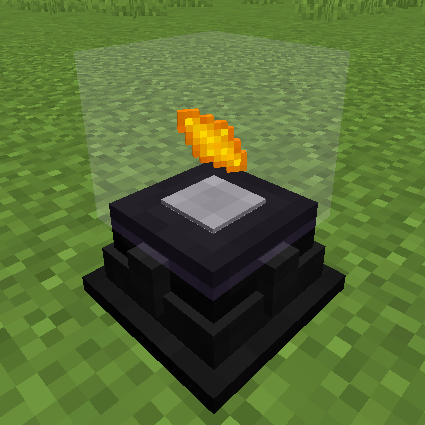
To generate energy, Powah! adds Furnators, Magmators, Solar Panels, Thermo Generators, and of course the Reactor multiblocks! 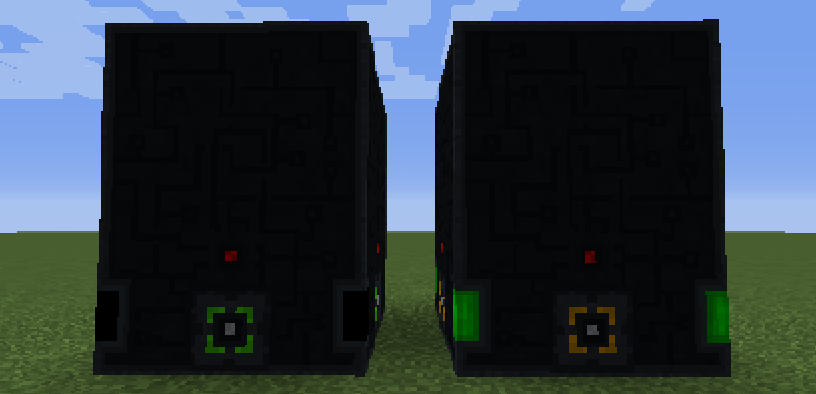
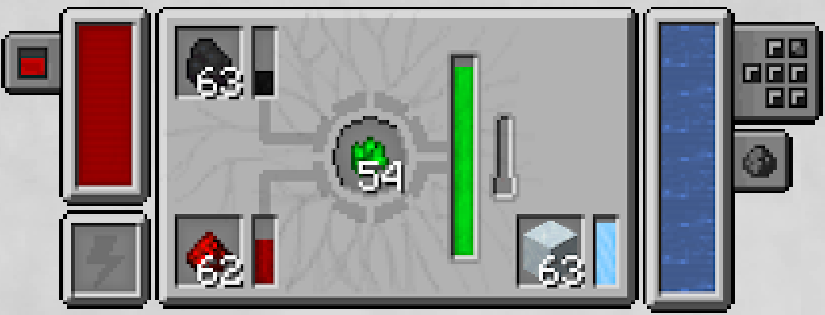
Powah! also adds the classic Energy Cables and Energy Cells, but also cool and unique mechanics such as the upgradable Ender Network, Player Transmitters, the Energizing crafting system, and a bunch of cool gadgets and items such as the Charged Snowball!
For a good explanation of the mod's content, please have a look at the Manual.
Project description from CurseForge.
Pick your setup
Choose the version and loader you play, then open the matching release.
Check the dependencies, then try the file in a copied instance before changing a world you care about.
Recent files
Powah-7.0.4-alpha.jar
2 May 2026
Powah-6.2.10.jar
29 Apr 2026
Powah-6.2.9.jar
28 Apr 2026
Powah-7.0.3-alpha.jar
27 Apr 2026
Powah-6.2.8.jar
21 Jan 2026
Powah-7.0.2-alpha.jar
1 Jan 2026
Powah-7.0.1-alpha.jar
28 Dec 2025
Powah-7.0.0-alpha.jar
26 Dec 2025
Powah-6.2.7.jar
27 Nov 2025
Powah-6.2.6.jar
30 Jul 2025
Powah-6.2.5.jar
30 Jul 2025
Powah-5.0.11.jar
30 Jul 2025
Looking for an older file? The official CurseForge project page is in Resources.
 mod
modExtensions and helper for tinkering with TaCZ.
 mod
modColor-coded energy turrets for Aeronautics ships — blue, green, and red, each with its own sound, configurable fire rate, and wrench-adjustable aim.
 mod
modA high quality mod that adds different tiers of barrels. (Ex:- Iron Barrel, Gold Barrel).