Minecraft version
Back to mods 
CurseForge · Minecraft mod
File Director
Modpack creator tool for installing and updating modpack configurations with remote support
Choose a version Pick your version below, then grab the matching file.
Quick answer
Which File Director release should I use?
Latest stable file 1.9.1
Game version 1.9.3, 1.8.7, 1.7.4
Loader Forge
File Director 1.9.1 targets 1.9.3, 1.8.7, 1.7.4 with Forge. The project page does not say whether this file belongs on the client, dedicated server, or both. No extra mods listed for this file.
Where it goes
Is File Director required on the client, server, or both?
The project page does not say whether this file belongs on the client, dedicated server, or both.
Client Source doesn’t say
Dedicated server Source doesn’t say
Loader for this release Forge
Required install it here Optional supported, not mandatory Not supported do not install here Source doesn’t say do not assume
The source does not explicitly classify this release as client-only or server-only.
What else does File Director 1.9.1 need?
1.9.1. Change the file and its required mods may change too.
This file does not list any required mods. Do not add a library just because a different file uses it.
This file does not list any required or optional mods.
Before you install it
Add File Director without breaking your instance.
Built for File Director 1.9.1. Pick another file and the loader, install side or required mods may change.
- 01
Stick to this file
Use 1.9.1. It targets 1.9.3, 1.8.7, 1.7.4 with Forge; another release may have different loader, side or dependency requirements.
- 02
Bring the mods it needs
This file does not list any required mods. Do not add a library just because a different file uses it.
- 03
Put it on the correct side
The project page does not say whether this file belongs on the client, dedicated server, or both.
- 04
Pick the file you checked
Use the “Get this file” button beside 1.9.1. It opens that exact file at the source.
About this project
What does File Director add?
File Director
**Bringing a new era of legacy modpack development!
Introduction to File Director**
- File Director is a fork & continuation of ModDirector.
- File Director aims to be a hassle-free tool for modpack creators, streamlining update processes for a more seamless experience.
What's different from Mod Director so-far?
- File Director can once again download mods from CurseForge.
- Bulk downloading several files at a time per configuration
bundle.json, as opposed to having anurl.jsonorcurse.jsonfor each & every mod or file. - Extracting whole .zip files instead of downloading individual files.
- Force updating files.
- Renaming files on download.
- Remote modpack version number checking!
- Leaving custom comments in your
config.jsonfiles with information about what you're downloading!
[New functionalities are explained in the wiki!
Previews;](https://github.com/TerraFirmaCraft-The-Final-Frontier/FileDirector/wiki)

Usage of File Director in modpacks;
- You don't need to request permission for usage of File Director in your modpacks/projects. Credit, where credit is due, would be appreciated though.
- CurseForge Mod Download
- Modrinth Mod Download
Project description from CurseForge.
Pick your setup
File Director by Minecraft version and loader
Choose the version and loader you play, then open the matching release.
Minecraft version
1.12.1
1 loader buildMinecraft version
1.12
1 loader buildMinecraft version
1.11.2
1 loader buildMinecraft version
1.11.1
1 loader buildMinecraft version
1.11
1 loader buildMinecraft version
1.10.2
1 loader buildMinecraft version
1.10.1
1 loader buildMinecraft version
1.10
1 loader buildMinecraft version
1.9.4
1 loader buildMinecraft version
1.9.3
1 loader buildMinecraft version
1.9.2
1 loader buildShowing the newest 12 of 33 game versions. Older files are in the list below.
Check the dependencies, then try the file in a copied instance before changing a world you care about.
Recent files
File Director versions and loaders
1.9.1
!mod-director-launchwrapper-1.9.1.jar
18 Apr 2025
Client Source doesn’t say Server Source doesn’t say Dependencies No extras listed Listed on Release listing
Check the 1.12.2 · Forge setup 1.9.31.8.71.7.41.7.7 release
1.9.0
!mod-director-launchwrapper-1.9.0.jar
17 Apr 2025
Client Source doesn’t say Server Source doesn’t say Dependencies No extras listed Listed on Release listing
Check the 1.12.2 · Forge setup 1.7.61.9.11.9.31.8.7 release
1.8.3
!mod-director-launchwrapper-1.8.3.jar
18 Apr 2024
Client Source doesn’t say Server Source doesn’t say Dependencies No extras listed Listed on Release listing
Check the 1.12.2 · Forge setup 1.7.61.9.11.9.31.8.7 release
1.8.2
!mod-director-launchwrapper-1.8.2-all.jar
23 Mar 2024
Client Source doesn’t say Server Source doesn’t say Dependencies No extras listed Listed on Release listing
Check the 1.12.2 · Forge setup 1.7.61.9.11.9.31.8.7 release
1.8.1
!mod-director-launchwrapper-1.8.1-all.jar
4 Mar 2024
Client Source doesn’t say Server Source doesn’t say Dependencies No extras listed Listed on Release listing
Check the 1.12.2 · Forge setup 1.7.61.9.11.9.31.8.7 release
Looking for an older file? The official CurseForge project page is in Resources.
 mod
mod CurseForge · Minecraft
Ascend RPG Core - Stat Leveling
Ascend is a RPG core that adds leveling and future configurable mechanics
 mod
mod CurseForge · Minecraft
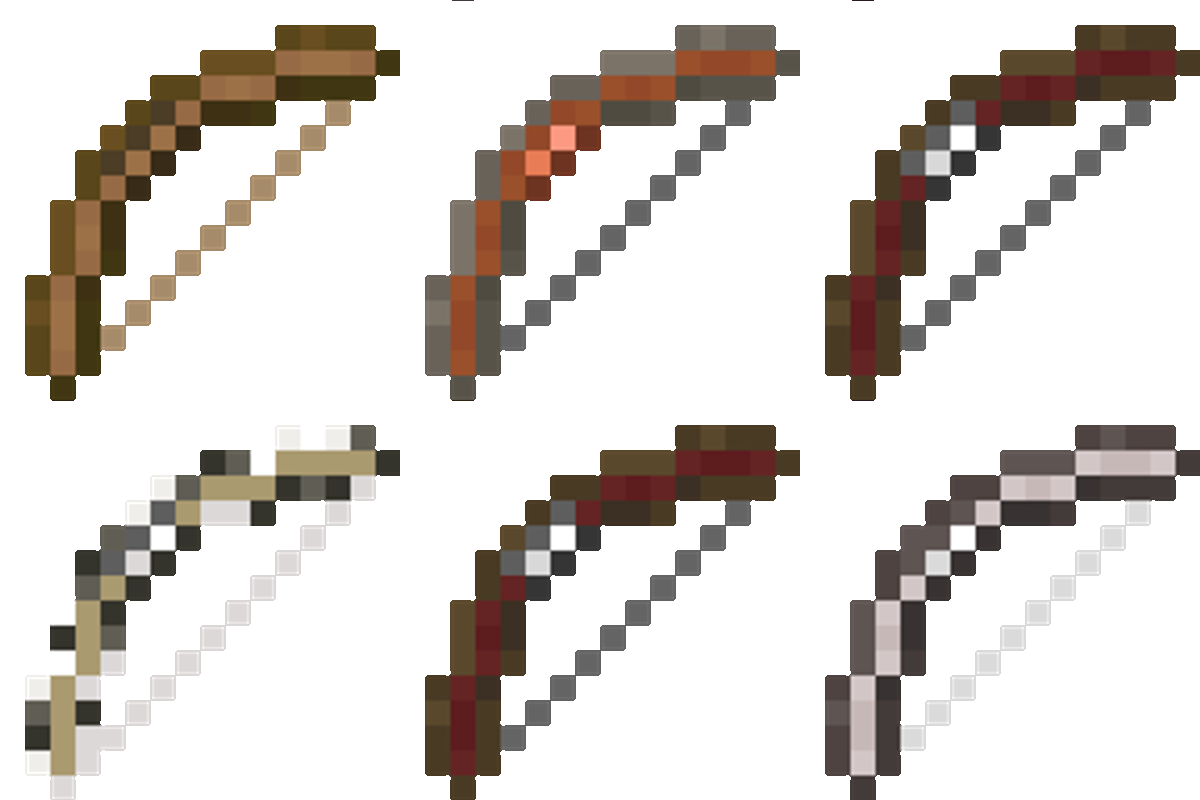
Fletcher's Trestle - Archery Mod
Fletcher’s Trestle overhauls Minecraft’s archery by replacing the basic crafting table bow with a deep, rewarding modular system. From the raw log to the perfect release, every step of the process is in your hands.
 mod
mod CurseForge · Minecraft
Create : Tick Control
Create Tick Control optimisation smart block entities ticks optimise create server and client