Just Enough Items (JEI) Optional for Washing Cauldron [1.19.X-Forge] Washing Cauldron
optionalMatching file found Matched file: 11.80.0.1094 for Forge 1.19.2

CurseForge · Minecraft mod
Wash dyed items in a cauldron to undye them - also modded ones
Quick answer
Washing Cauldron [1.19.X-Forge] Washing Cauldron targets 1.19.2, 1.19.1, 1.19 with Forge. The project page does not say whether this file belongs on the client, dedicated server, or both. No extra mods listed for this file.
Where it goes
The project page does not say whether this file belongs on the client, dedicated server, or both.
The source does not explicitly classify this release as client-only or server-only.
[1.19.X-Forge] Washing Cauldron. Change the file and its required mods may change too.
This file does not list any required mods. Do not add a library just because a different file uses it.
2 extra mods were pulled in by other dependencies. Indented rows show who needs each one. We only count dependency files that match this setup. A file for another loader does not fill the gap.
Before you install it
Built for Washing Cauldron [1.19.X-Forge] Washing Cauldron. Pick another file and the loader, install side or required mods may change.
Use [1.19.X-Forge] Washing Cauldron. It targets 1.19.2, 1.19.1, 1.19 with Forge; another release may have different loader, side or dependency requirements.
This file does not list any required mods. Do not add a library just because a different file uses it.
The project page does not say whether this file belongs on the client, dedicated server, or both.
Use the “Get this file” button beside [1.19.X-Forge] Washing Cauldron. It opens that exact file at the source.
About this project
You have finally finished farming enough sand for your colorful glass-build. After waiting for it to be smelted, you want to dye it, but you accidentally craft too much green glass. What to do with all the remaining green glass? Or you just don't like your yellow bed, and you don't have enough wool to craft a new one? If you have ever asked yourself questions like these, you'll love this mod.
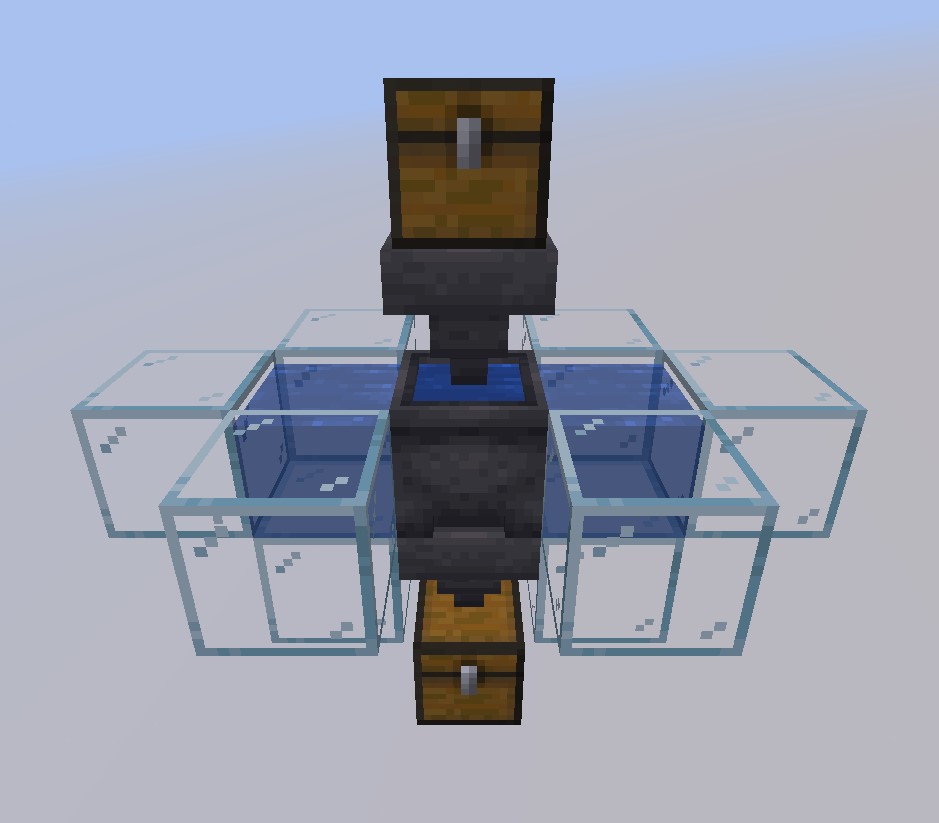
This mod adds more use to the regular old cauldron. You can already undye Shulker Boxes by right-clicking them, but why not just for all items - even modded ones? With this mod, you can! Just right-click a cauldron filled with water with a dyed item to remove the dye and be left with the undyed version. When placing water sources on two sides of the cauldron, you have an unlimited source of water for your cauldron. If you want to automate this process, just place a hopper pointing into the cauldron as input and one on its bottom as output. (They have to be hoppers because otherwise, I would have needed to make the cauldron a block entity and this would cause issues for Redstoners as cauldrons wouldn't be moveable anymore.)
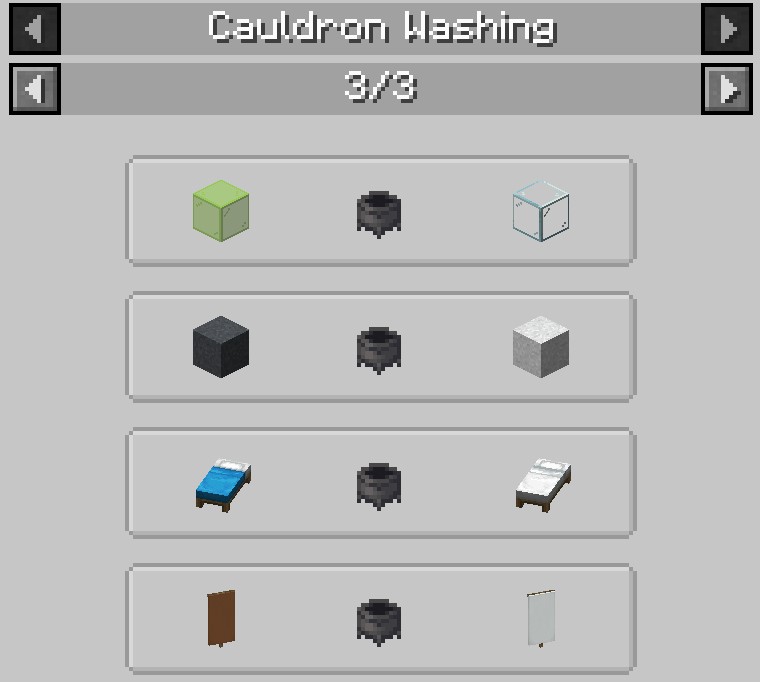
The mod is compatible with Just Enough Items
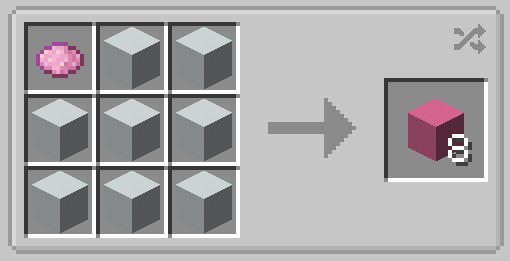
The mod also adds crafting recipes to redye the undyed items
Configuring the mod for Modpacks, often not needed (look at the config file to not be entirely confused):
If you only want to add your own recipes, set "DynamicRecipes" in the config file to false, else leave it true.To add your own recipes, you need to add them via datapacks, the file should look like this:
{
  "type": "washingcauldron:cauldron_washing",
  "input": {
    "tag": [InputTag] (or alternatively item, like output)
  },
  "output": {
    "item": [OutputItem]
  }
}
To know what items you should blacklist or which recipes you should add, you need to know how the dynamic recipes are created: For every item, which contains "light_gray", recipes will be created with the output item being the input but "white" instead of "light_gray" or, if the item exists, entirely without "light_gray" and possibly without the words before or after "light_gray", which are called "IgnoreWords" in the config file. An example for this would be "minecraft:gray_stained_glass", of which the undyed version is "minecraft:glass" instead of "minecraft:stained_glass". If you know how to program Mods, you can look at the source code here to see how the dynamic recipes are created exactly.
Other things, like adding the recoloring recipes, should be pretty self-explanatory when using the config file. If you still have any problems when configuring the mod for a modpack, let me know in the comments of the mod.
If you want your own Minecraft server to play with friends, check out Kinetic Hosting. They provide powerful servers for a fair price while being easy to use, and they have a nice support. Click on the image below for more information, and if you are interested, use code LAIDBACKSLOTH at checkout for a 15% discount.
Project description from CurseForge.
Pick your setup
Choose the version and loader you play, then open the matching release.
Check the dependencies, then try the file in a copied instance before changing a world you care about.
Recent files
washingcauldron-forge-1.0-1.19.jar
23 Aug 2022
washingcauldron-forge-1.0-1.18.2.jar
23 Aug 2022
Looking for an older file? The official CurseForge project page is in Resources.
 mod
This is a re-creation of old but gold NuclearCraft on a modern MC version
 mod
Adds robots that can be programmed in-game using a custom simple language.
 mod
Murderous psychopaths hiding among villagers