Fzzy Config Needed by Simply Tooltips 0.1.3
requiredMatching file found Matched file: 0.7.6+1.20.1

Modrinth · Minecraft mod
Modern data driven tooltip rendering
Quick answer
Simply Tooltips 0.1.3 targets 1.20.1 with Fabric. It must be installed on the client. Do not install it on the dedicated server. 1 required mod needs a matching file.
Where it goes
It must be installed on the client. Do not install it on the dedicated server.
This file is marked client-only.
0.1.3. Change the file and its required mods may change too.
Install Fzzy Config, Architectury API, Fabric API, Fabric Language Kotlin first, but 1 required mod has no matching file for this setup. Do not mix loader builds to force a match. 2 come through another mod in the chain.
2 extra mods were pulled in by other dependencies. Indented rows show who needs each one. We only count dependency files that match this setup. A file for another loader does not fill the gap.
Before you install it
Built for Simply Tooltips 0.1.3. Pick another file and the loader, install side or required mods may change.
Use 0.1.3. It targets 1.20.1 with Fabric; another release may have different loader, side or dependency requirements.
Install Fzzy Config, Architectury API, Fabric API, Fabric Language Kotlin first, but 1 required mod has no matching file for this setup. Do not mix loader builds to force a match. 2 come through another mod in the chain.
It must be installed on the client. Do not install it on the dedicated server.
Use the “Get this file” button beside 0.1.3. It opens that exact file at the source.
About this project
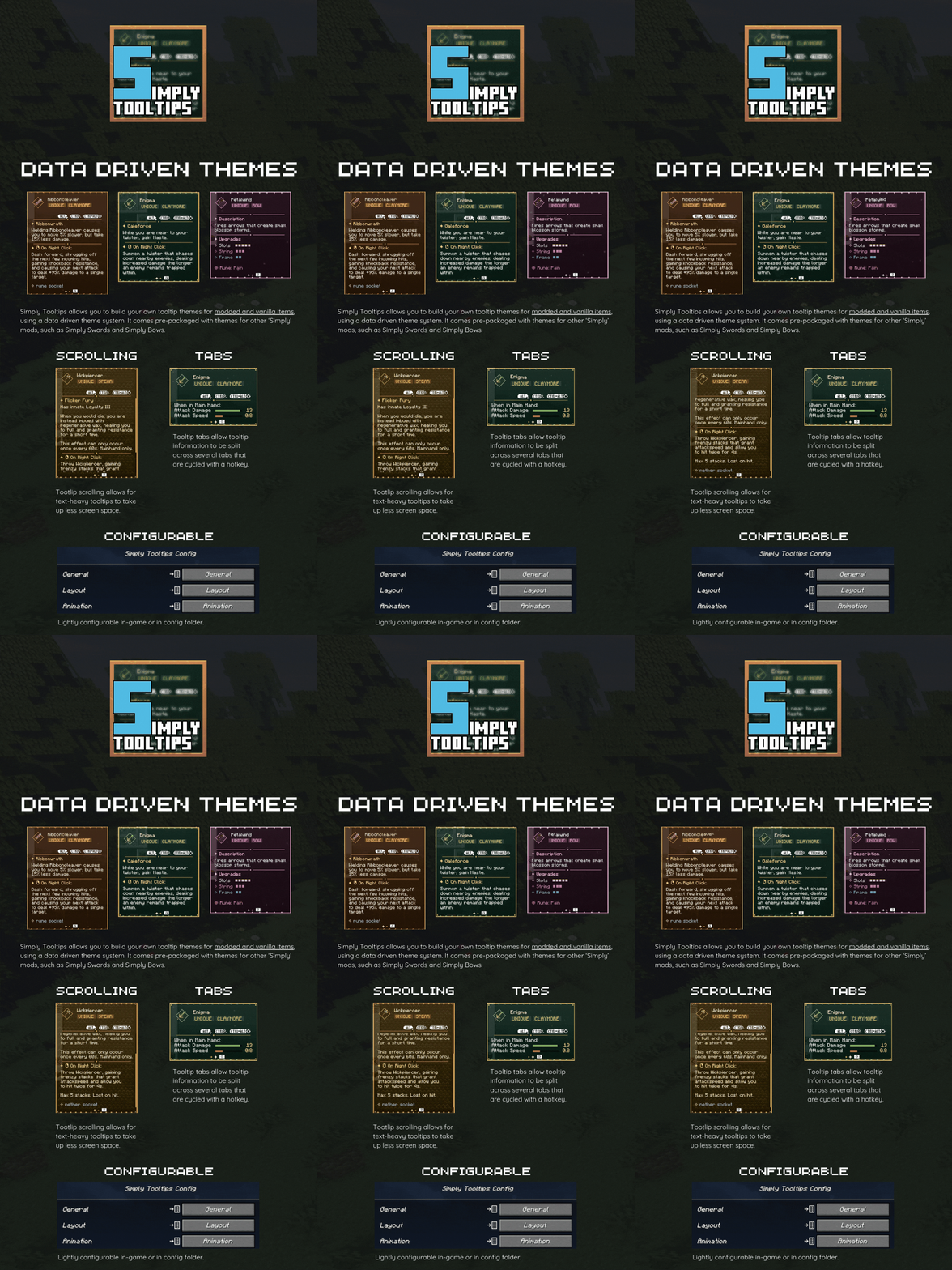
Note: By default, Simply Tooltips will only render for modded items that have valid Simply Tooltip theme files created (such as Simply Swords and Simply Bows).
Simply Tooltips allows you to create your own tooltip themes, and apply them to any item in the game (modded or vanilla). This is entirely data driven, allowing these themes to be applied via resourcepacks.
For information on how to create and assign these themes, please see the GitHub page.
Simply Tooltips allows you to generate gifs of any on-screen tooltip by pressing the hotkey ('H' by default). This saves a short gif of the tooltip to the screenshots folder. Useful for showcasing your custom themes.
Project description from Modrinth.
Pick your setup
Choose the version and loader you play, then open the matching release.
Check the dependencies, then try the file in a copied instance before changing a world you care about.
Recent files
SimplyTooltips-fabric-0.1.3.jar
21 Apr 2026
SimplyTooltips-forge-0.1.3.jar
21 Apr 2026
SimplyTooltips-fabric-0.1.3.jar
6 Mar 2026
SimplyTooltips-neoforge-0.1.3.jar
6 Mar 2026
SimplyTooltips-fabric-0.1.2.jar
6 Mar 2026
SimplyTooltips-neoforge-0.1.2.jar
6 Mar 2026
SimplyTooltips-neoforge-0.1.1.jar
3 Mar 2026
SimplyTooltips-fabric-0.1.1.jar
3 Mar 2026
Looking for an older file? The official Modrinth project page is in Resources.
 mod
modSome texture packs glitch when used with Emotecraft. This mod fixes that.
 mod
modDisclosure: The code for this mod was 100% AI generated. A fully client-side mod that automatically scans your inventory and displays every item you are currently able to craft.
 mod
modRealistic darkness: pitch-black caves and truly dark nights, with the sky, fog and clouds darkened too, so silhouettes won't save you. Optional moonlight that follows the real moon phase. Client-side horror mod, every setting live in game.