Fabric Language Kotlin Needed by Elytra Trims Fabric 4.9.0 for 26.3
requiredMatching file found Matched file: Fabric Language Kotlin 1.14.1+kotlin.2.4.20
CurseForge · Minecraft mod
Lightweight and customizable support for elytra trims, patterns and dyes
Quick answer
Elytra Trims Fabric 4.9.0 for 26.3 targets 26.3 with Fabric. The project page does not say whether this file belongs on the client, dedicated server, or both. All 2 required mods have matching files.
Where it goes
The project page does not say whether this file belongs on the client, dedicated server, or both.
The source does not explicitly classify this release as client-only or server-only.
Elytra Trims Fabric 4.9.0 for 26.3. Change the file and its required mods may change too.
Install Fabric Language Kotlin, Fabric API first. We found matching files for this game-version and loader setup.
We only count dependency files that match this setup. A file for another loader does not fill the gap.
Before you install it
Built for Elytra Trims Fabric 4.9.0 for 26.3. Pick another file and the loader, install side or required mods may change.
Use Elytra Trims Fabric 4.9.0 for 26.3. It targets 26.3 with Fabric; another release may have different loader, side or dependency requirements.
Install Fabric Language Kotlin, Fabric API first. We found matching files for this game-version and loader setup.
The project page does not say whether this file belongs on the client, dedicated server, or both.
Use the “Get this file” button beside Elytra Trims Fabric 4.9.0 for 26.3. It opens that exact file at the source.
About this project
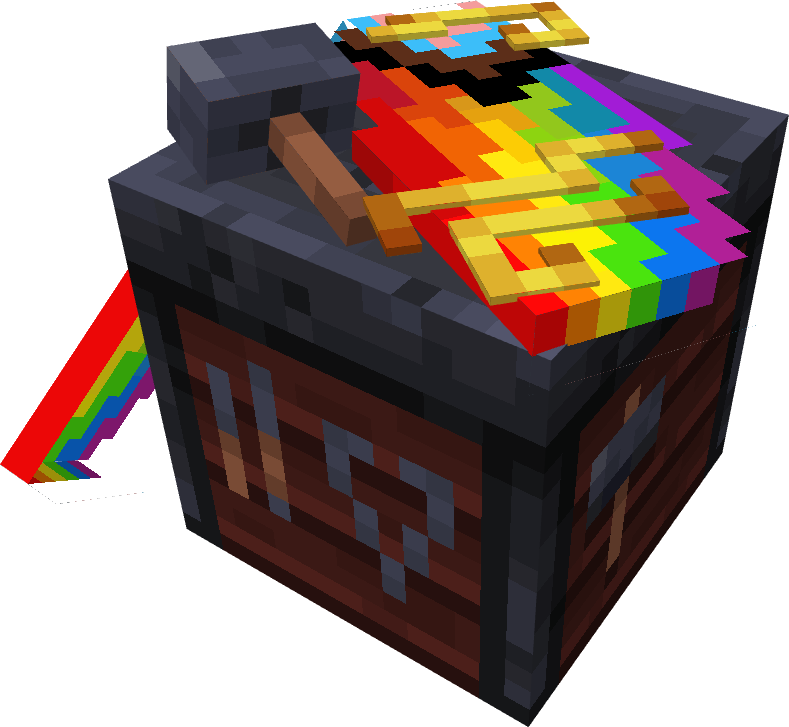
With this mod, you can add armor trims, dye your elytra in any color, and put banner patterns on them.







[!IMPORTANT]
Mod functionality and compatibility may be different across Minecraft updates!
Elytra Trims requires Fabric Language Kotlin or Kotlin Lang Forge (alternatively Kotlin for Forge) on the respective mod loader.
On 1.20 and 1.21 you may also need YACL and ModMenu (Fabric only).
In multiplayer, Elytra Trims must be installed on the server, however this doesn't prevent players without the mod from joining.
| Elytra Trims = ET | Player doesn't have ET | Player has ET |
|---|---|---|
| Server doesn't have ET | Vanilla experience. | Player can join, but can't apply trims, patterns, etc. to elytras. |
| Server has ET | Player can join, but doesn't see trims, patterns, etc. | Player can craft and see decorated elytras. |
Trims can be applied to elytras similar to the armor. By default, the mod provides textures for a all vanilla trims, and some custom ones!
Note: on 1.20 and 1.21 you may need to install Elytra Trims Extensions for trim compat.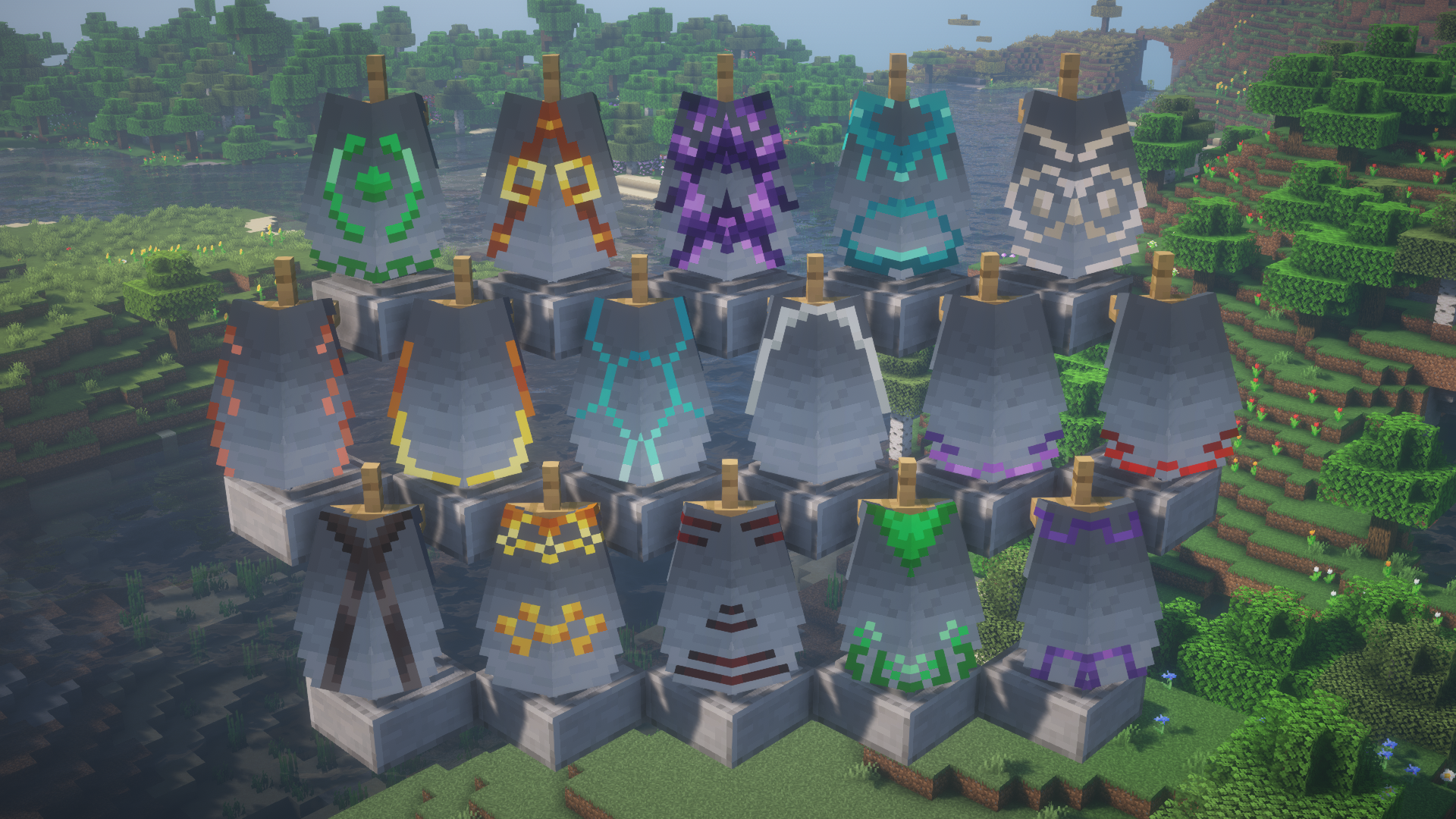
Additionally, you can replace the trim pattern in the recipe with a trial key to get access to even more elytras.
Note: this feature is currently only available on 1.21.10 and newer.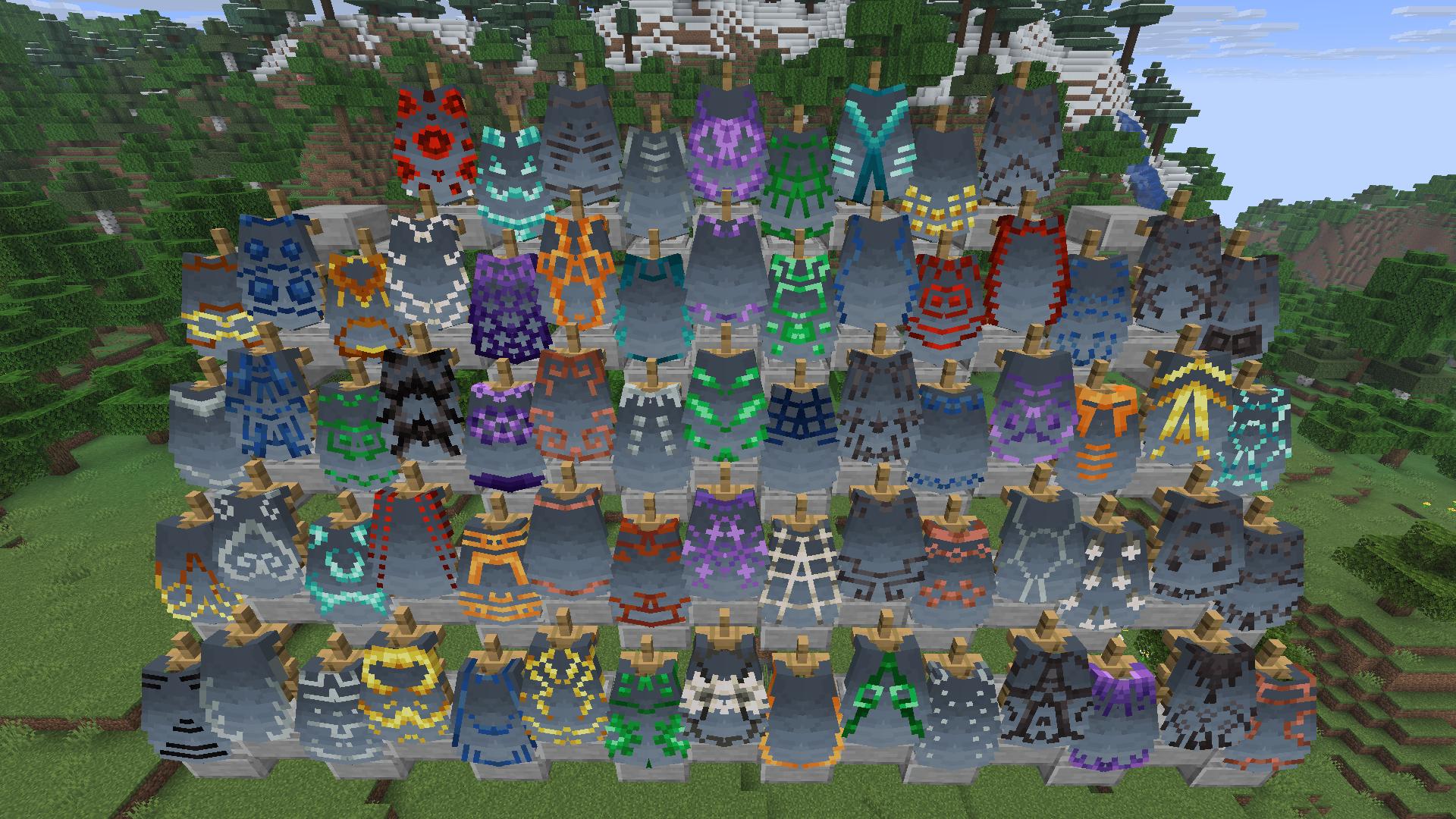
Banners can be applied to elytras to show the patterns. In the smithing table, combining elytra with a banner and either paper or leather will transfer banner or shield patterns respectively.
Note: the patterns are applied without the base - you need to dye the elytra to add it.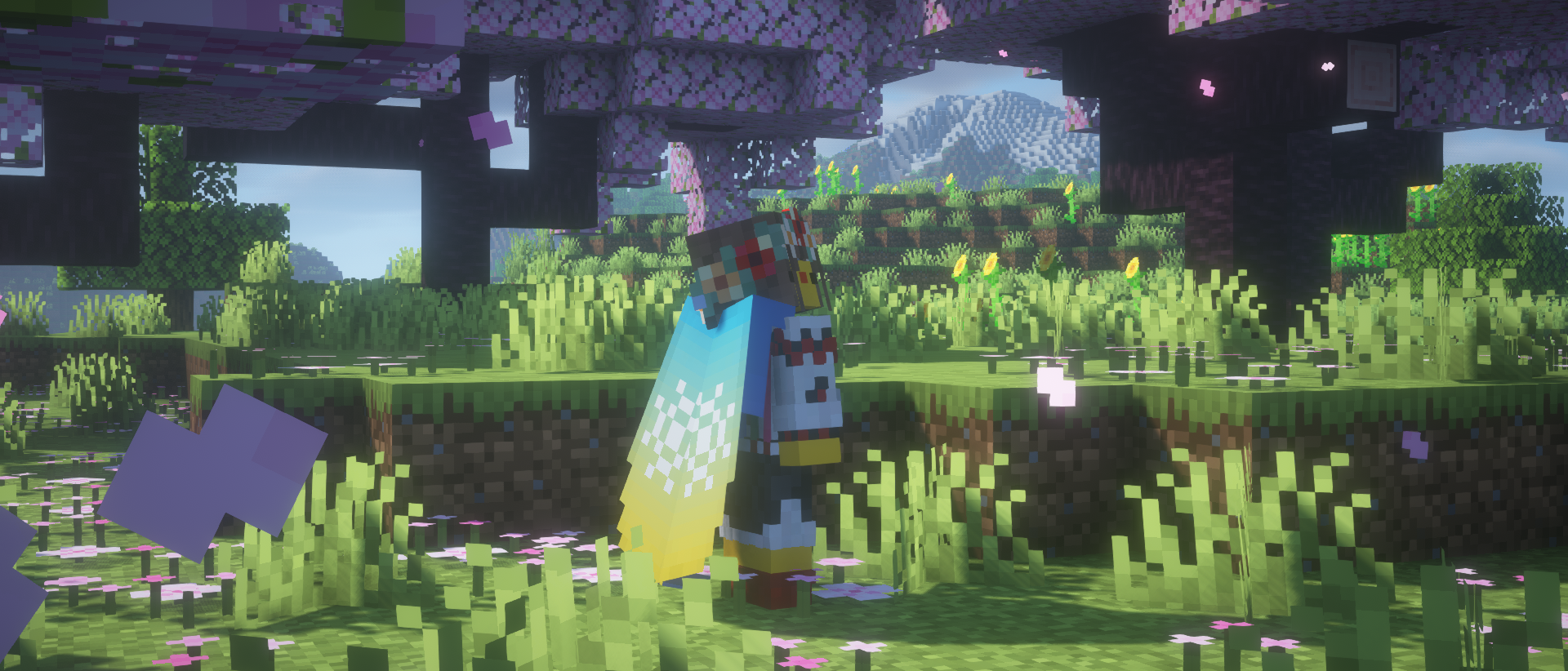
If you fancy something simplistic, dye your elytra however you want in a crafting table.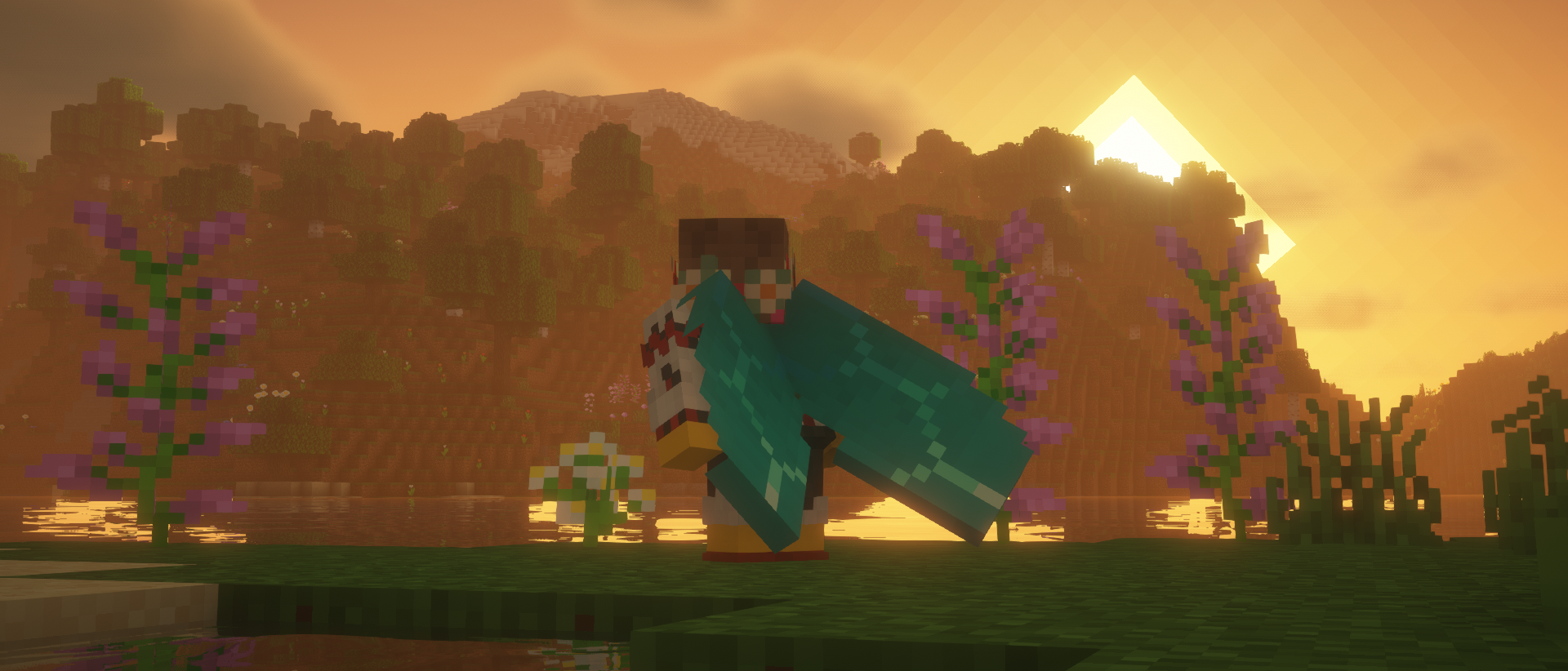
Combine an elytra with a glow ink sac in the crafting table to make it glow! 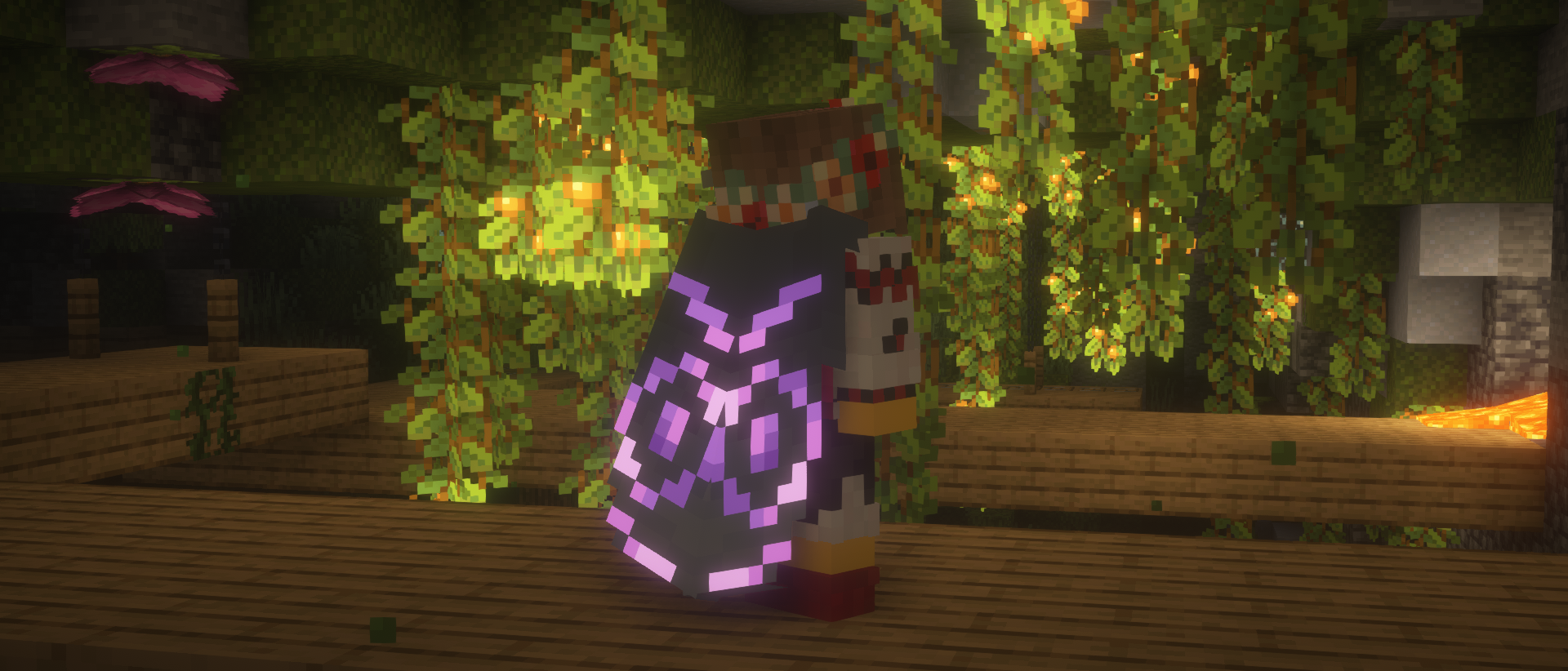
An expensive endeavor, but if you're willing to part with a nether star, you can apply a unique effect to your elytra. 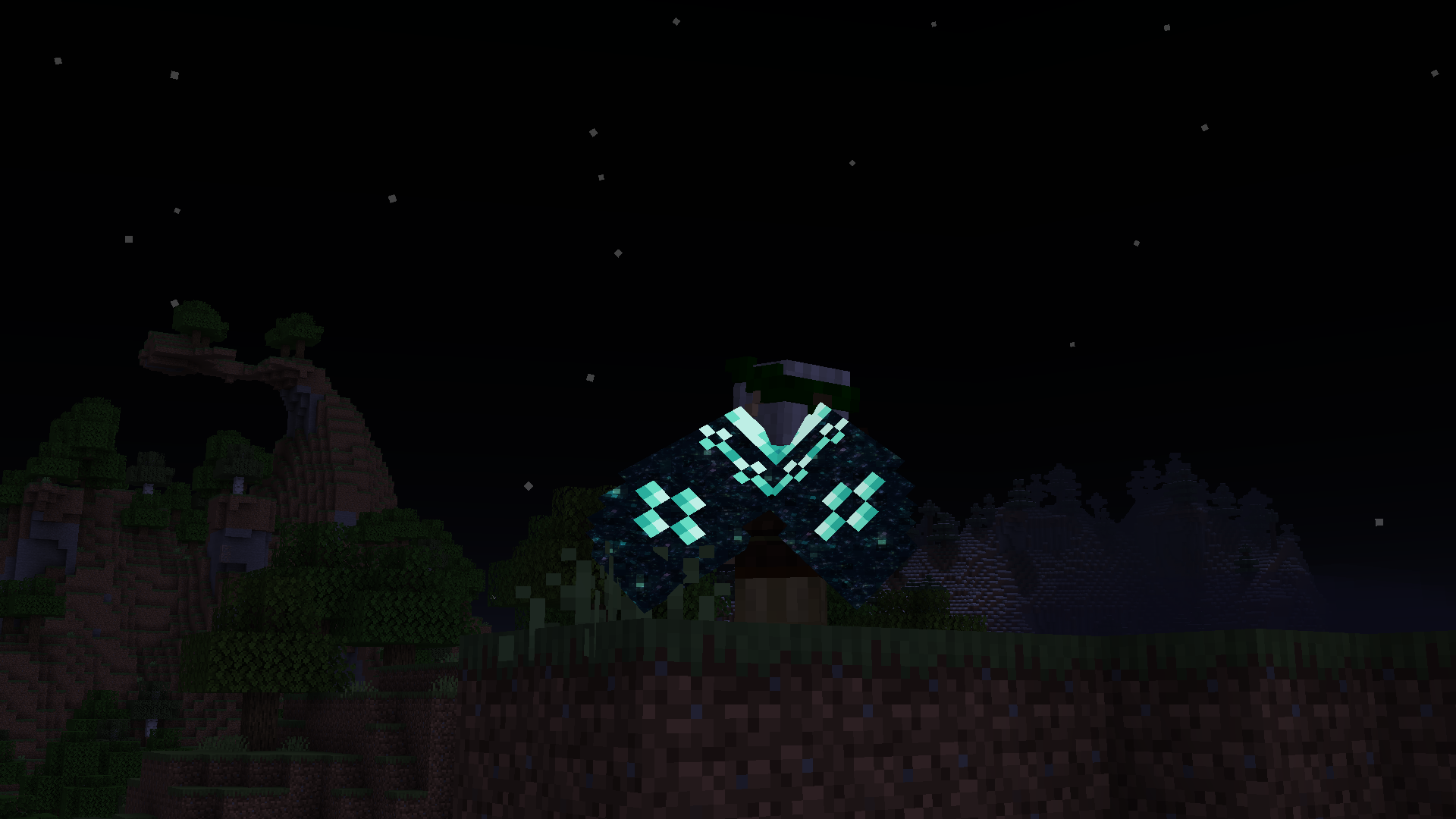
Elytra Trims has a couple secret recipes and interactions, which are best discovered by accident, so keep your eyes out!
You can find the full information about Elytra Trims recipes on the wiki.
Please check the following criteria:
If nothing helps, please make an issue report.
Please check the following criteria:
If it's a trim provided by a mod or a datapack, it will need custom textures for the elytra. Please make a trim request, but be patient, as it takes creative work to make good trim designs.
If it's a non-vanilla elytra, it may need explicit support from Elytra Trims. In this or other cases, please make an issue report.
Project description from CurseForge.
Pick your setup
Choose the version and loader you play, then open the matching release.
Showing the newest 12 of 26 game versions. Older files are in the list below.
Check the dependencies, then try the file in a copied instance before changing a world you care about.
Recent files
elytratrims-fabric-4.9.0+26.3.jar
16 Sept 2026
elytratrims-neoforge-4.9.0+26.3.jar
16 Sept 2026
elytratrims-fabric-4.9.0+26.2.jar
16 Sept 2026
elytratrims-neoforge-4.9.0+26.2.jar
16 Sept 2026
elytratrims-fabric-4.9.0+26.1.2.jar
16 Sept 2026
elytratrims-neoforge-4.9.0+26.1.2.jar
16 Sept 2026
elytratrims-fabric-4.9.0-beta.6+26.2.jar
25 Aug 2026
elytratrims-neoforge-4.9.0-beta.6+26.2.jar
25 Aug 2026
elytratrims-fabric-4.9.0-beta.6+26.1.2.jar
25 Aug 2026
elytratrims-neoforge-4.9.0-beta.6+26.1.2.jar
25 Aug 2026
elytratrims-fabric-4.9.0-beta.6+26.3-snapshot-10.jar
25 Aug 2026
elytratrims-neoforge-4.9.0-beta.5+26.2.jar
8 Aug 2026
Looking for an older file? The official CurseForge project page is in Resources.
 mod
modThe Lotr Mod reforged for Minecraft 1.21.1 and future versions like 26.2 and 26.3.
 mod
mod✨A mod adds the Villager Post, a block designed to lock villagers to their job sites, ensuring perfectly organized and efficient trading halls!
 mod
modAdds 25 authentic 1890s zoological wall charts as new Minecraft paintings!