SuperMartijn642's Config Lib Needed by Wormhole (Portals) 1.1.16 for NeoForge 26.2
requiredMatching file found Matched file: SuperMartijn642's Config Library 1.1.8 for NeoForge 26.2
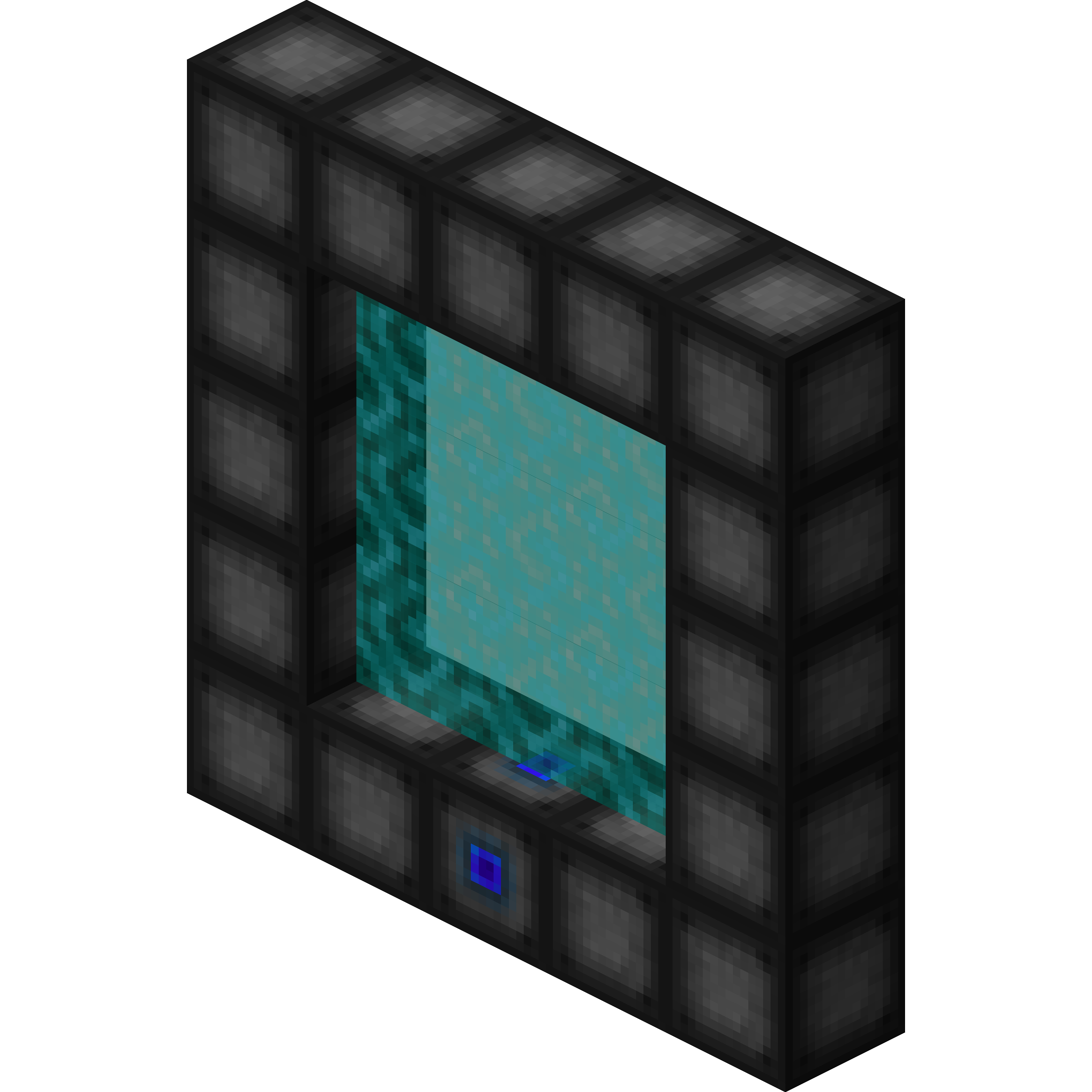
CurseForge · Minecraft mod
Wormhole allows you to construct teleportation portals with the use of wormhole stabilizer technology!
Quick answer
Wormhole (Portals) 1.1.16 for NeoForge 26.2 targets 26.2 with NeoForge. The project page does not say whether this file belongs on the client, dedicated server, or both. All 4 required mods have matching files.
Where it goes
The project page does not say whether this file belongs on the client, dedicated server, or both.
The source does not explicitly classify this release as client-only or server-only.
Wormhole (Portals) 1.1.16 for NeoForge 26.2. Change the file and its required mods may change too.
Install SuperMartijn642's Config Lib, SuperMartijn642's Core Lib, SuperMartijn642's Config Lib, SuperMartijn642's Core Lib first. We found matching files for this game-version and loader setup.
We only count dependency files that match this setup. A file for another loader does not fill the gap.
Before you install it
Built for Wormhole (Portals) 1.1.16 for NeoForge 26.2. Pick another file and the loader, install side or required mods may change.
Use Wormhole (Portals) 1.1.16 for NeoForge 26.2. It targets 26.2 with NeoForge; another release may have different loader, side or dependency requirements.
Install SuperMartijn642's Config Lib, SuperMartijn642's Core Lib, SuperMartijn642's Config Lib, SuperMartijn642's Core Lib first. We found matching files for this game-version and loader setup.
The project page does not say whether this file belongs on the client, dedicated server, or both.
Use the “Get this file” button beside Wormhole (Portals) 1.1.16 for NeoForge 26.2. It opens that exact file at the source.
About this project


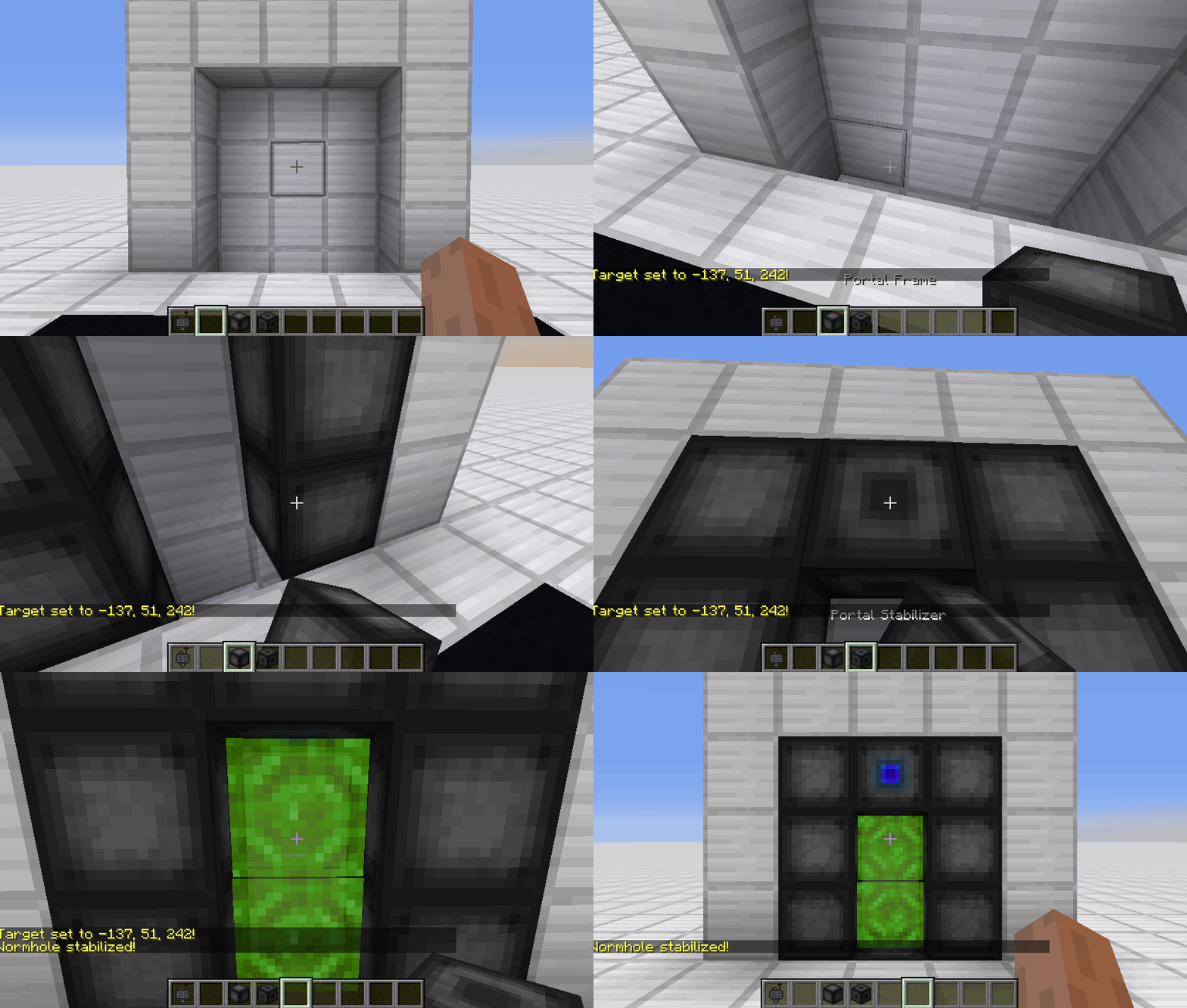
 Portal Stabilizer
The Portal Stabilizer creates a wormhole to your target!
Right-click a with a Target Definition Device to open a portal's gui
Every portal needs at least one Portal Stabilizer
Can store 1 target
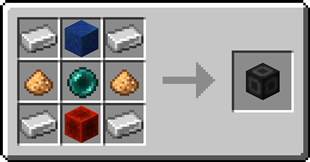
 Portal Frame
 Basic Energy Cell
Stores energy for use by the portal
Can be added as part of the portal frame
Advanced Energy CellStores energy for use by the portal
Can be added as part of the portal frame
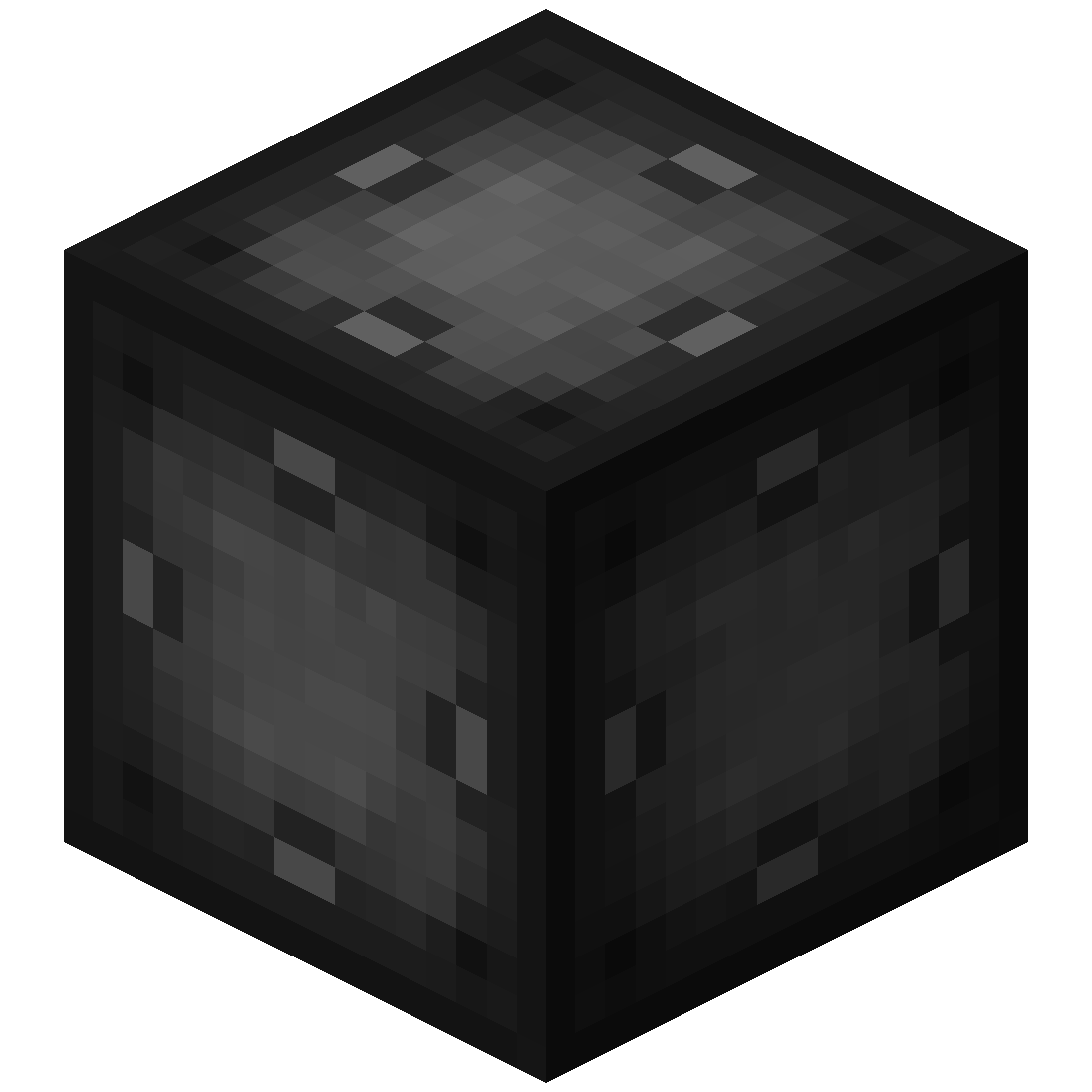 Basic Target Cell
Stores targets which can be selected in the portal's gui
Can be added as part of the portal frame
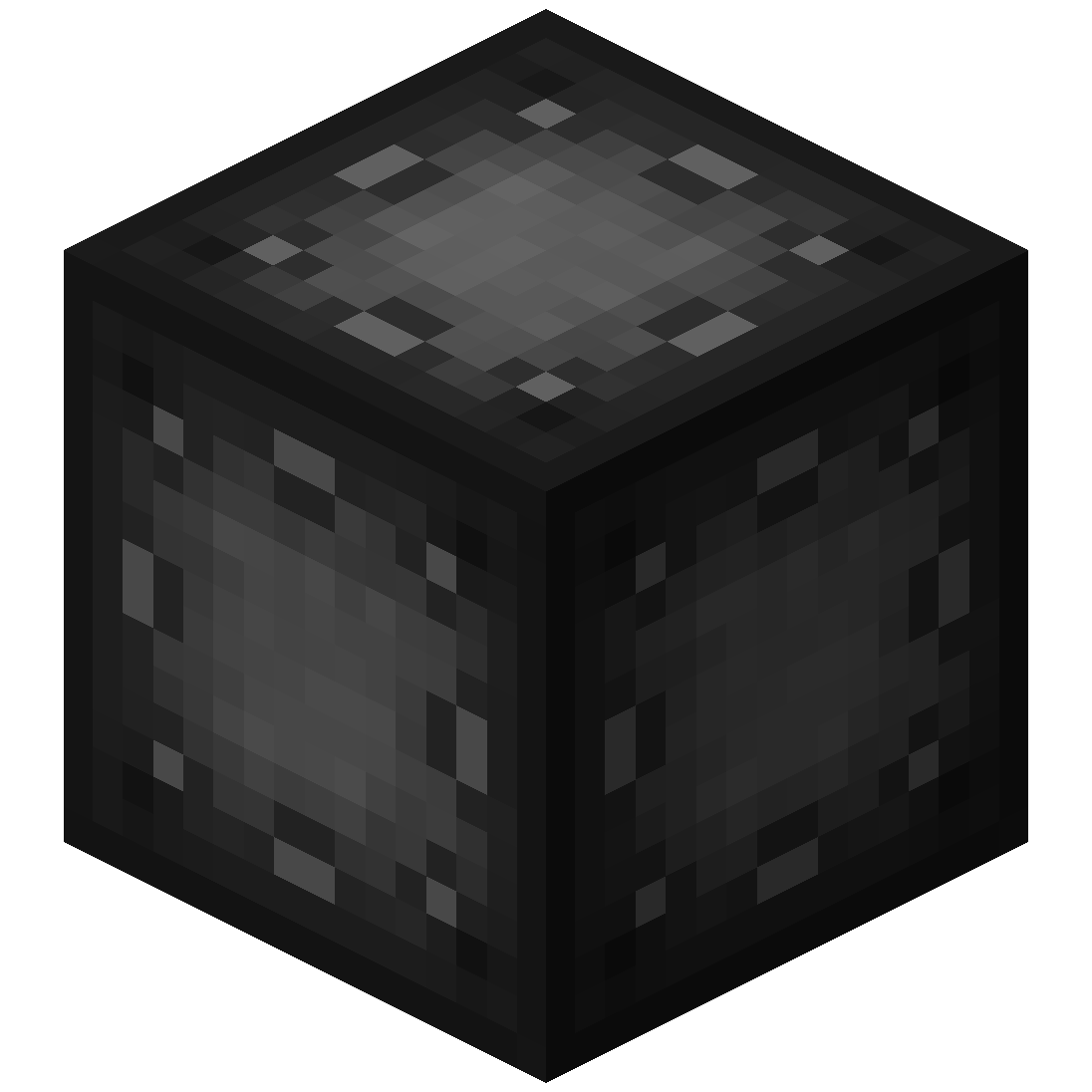 Advanced Target Cell
Stores targets which can be selected in the portal's gui
Can be added as part of the portal frame
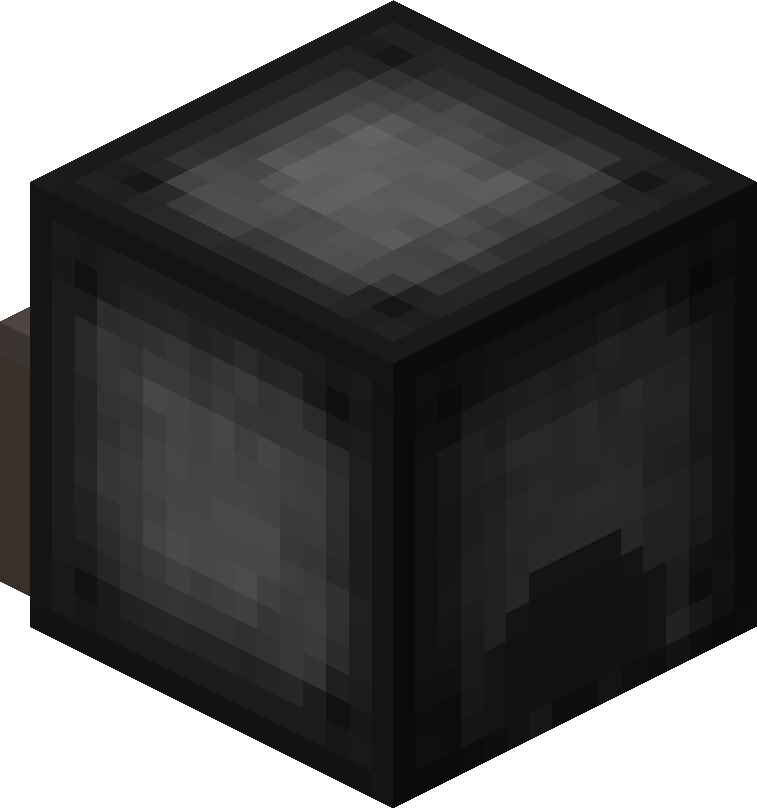 Coal Generator
The Coal Generator generates energy by burning items
Energy is given to blocks in a 5x5x5 area
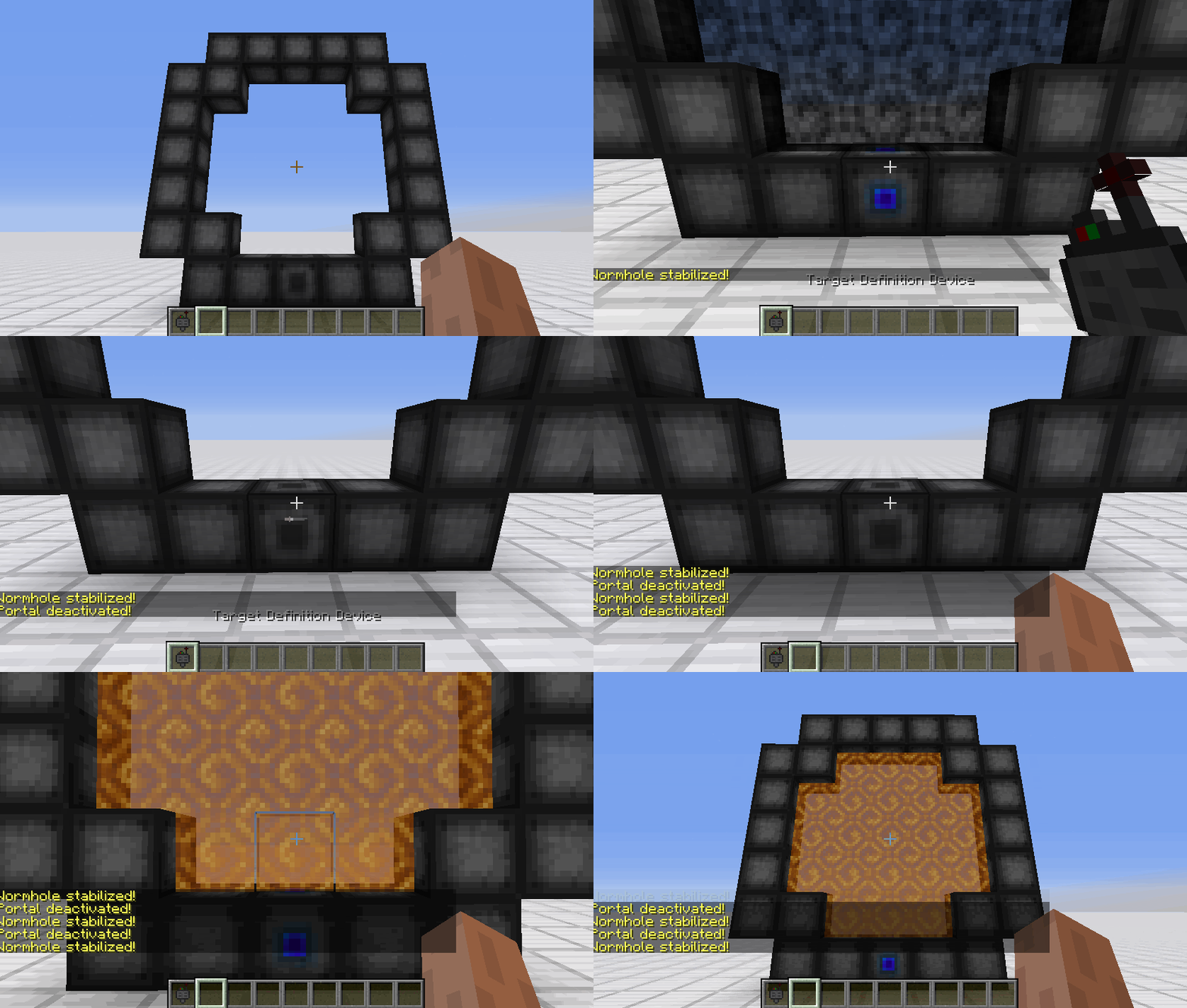
 Target Definition Device
The Target Definition Device can define a target!
Right-click the Portal Stabilizer to set its target
Can hold one target
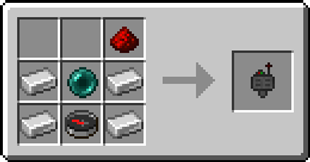
 Advanced Target Definition Device
The Advanced Target Definition Device can define targets!
Right-click the Portal Stabilizer to set its target
Can hold up to 5 targets
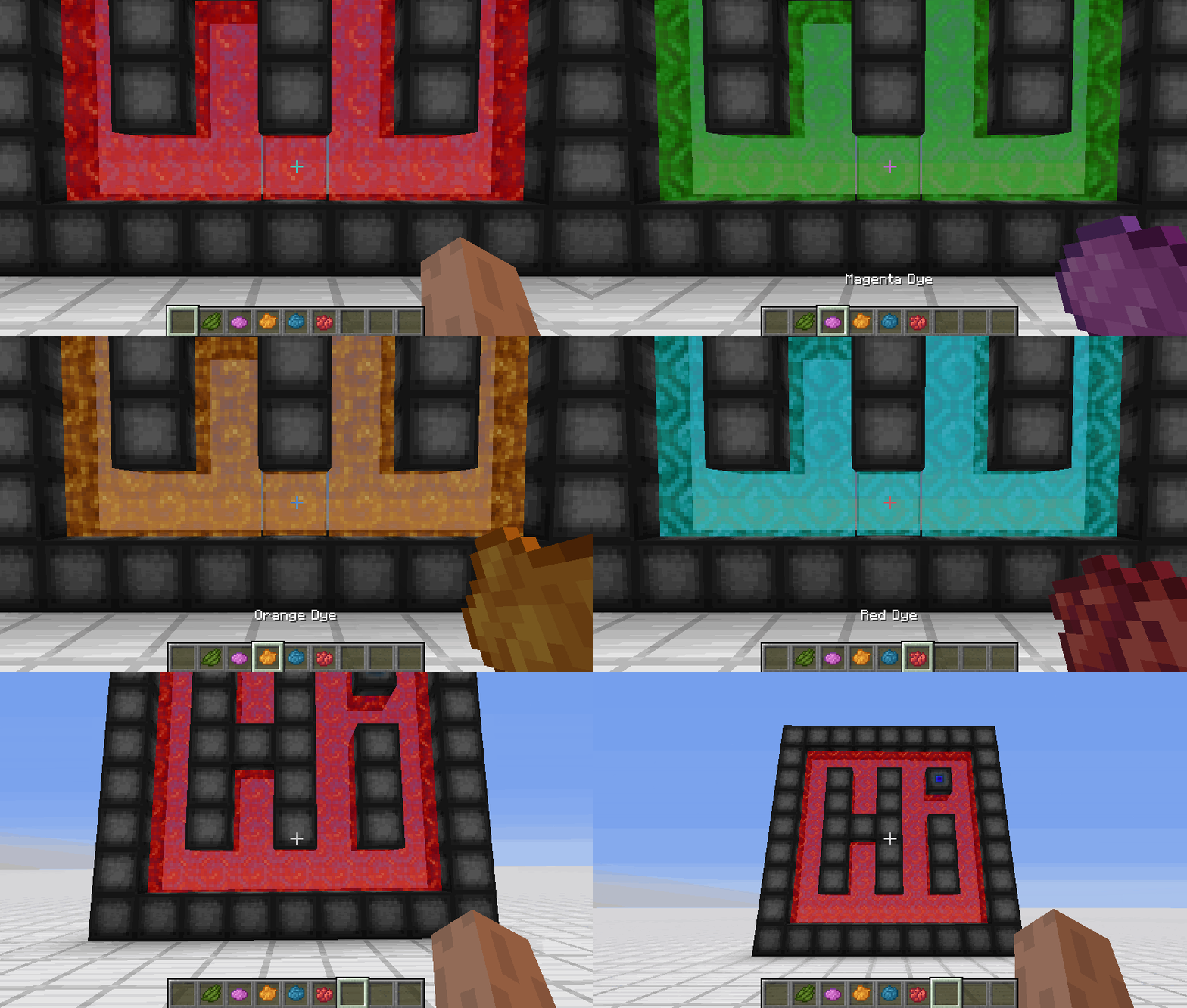

Project description from CurseForge.
Pick your setup
Choose the version and loader you play, then open the matching release.
Showing the newest 12 of 50 game versions. Older files are in the list below.
Check the dependencies, then try the file in a copied instance before changing a world you care about.
Recent files
wormhole-1.1.16-neoforge-mc26.2.jar
4 Jul 2026
wormhole-1.1.16a-fabric-mc26.2.jar
4 Jul 2026
wormhole-1.1.16-forge-mc26.2.jar
4 Jul 2026
wormhole-1.1.16-neoforge-mc26.1.jar
4 Jul 2026
wormhole-1.1.16a-fabric-mc26.1.jar
4 Jul 2026
wormhole-1.1.16-forge-mc26.1.jar
4 Jul 2026
wormhole-1.1.16a-fabric-mc1.21.11.jar
7 Jan 2026
wormhole-1.1.16a-fabric-mc1.21.10.jar
7 Jan 2026
wormhole-1.1.16-neoforge-mc1.21.11.jar
29 Dec 2025
wormhole-1.1.16-fabric-mc1.21.11.jar
29 Dec 2025
wormhole-1.1.16-forge-mc1.21.11.jar
29 Dec 2025
wormhole-1.1.16-neoforge-mc1.21.10.jar
25 Dec 2025
Looking for an older file? The official CurseForge project page is in Resources.
 mod
modRadioactive hazards into Minecraft
 mod
modMakes early-game survival tougher and more realistic through primitive processing.
 mod
modMark creature, defeat creature, obtain creature, summon creature, enhance creature.