Fzzy Config Needed by Immersive Paintings 0.7.9+1.21.11
requiredMatching file found Matched file: 0.7.7+1.21.11+neoforge

Modrinth · Minecraft mod
Drag and drop, pixelate and hang up beautiful art. On servers too.
Quick answer
Immersive Paintings 0.7.9+1.21.11 targets 1.21.11 with NeoForge. Installation on the client is optional. Installation on the dedicated server is optional. All 2 required mods have matching files.
Where it goes
Installation on the client is optional. Installation on the dedicated server is optional.
The source marks this as usable on both the client and server.
0.7.9+1.21.11. Change the file and its required mods may change too.
Install Fzzy Config, Kotlin for Forge first. We found matching files for this game-version and loader setup. 1 comes through another mod in the chain.
1 extra mod was pulled in by another dependency. Indented rows show who needs each one. We only count dependency files that match this setup. A file for another loader does not fill the gap.
Before you install it
Built for Immersive Paintings 0.7.9+1.21.11. Pick another file and the loader, install side or required mods may change.
Use 0.7.9+1.21.11. It targets 1.21.11 with NeoForge; another release may have different loader, side or dependency requirements.
Install Fzzy Config, Kotlin for Forge first. We found matching files for this game-version and loader setup. 1 comes through another mod in the chain.
Installation on the client is optional. Installation on the dedicated server is optional.
Use the “Get this file” button beside 0.7.9+1.21.11. It opens that exact file at the source.
About this project





Tired of the overly pixelated, limited amount of paintings without a proper selection GUI? Immersive Paintings allows users to create their own, Minecraft-stylized paintings via drag and drop, screenshots, or by providing a URL. No resource pack required, Multiplayer friendly and easy to use.
The mod offers a simple yet powerful GUI to select your paintings, those from fellow players or those provided via optional datapacks. Default datapack available for a quick start!
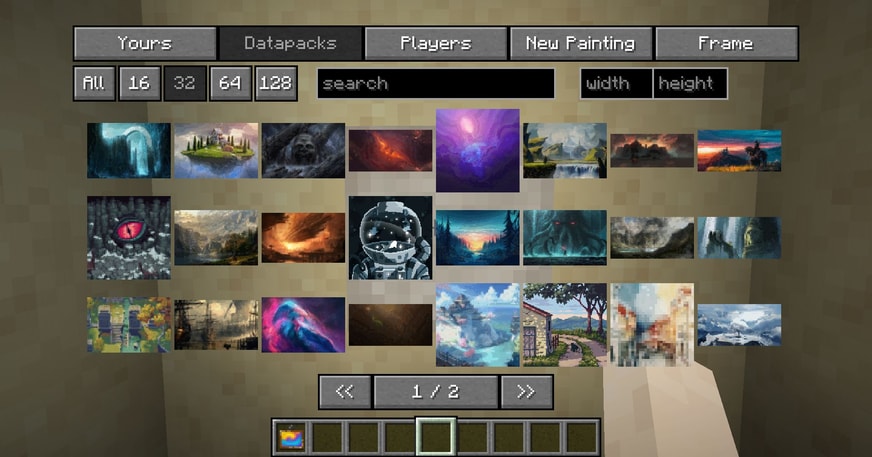
The creation menu allows you to quickly pixelate your images and apply post-effects and dithering to make them look like they fit into Minecraft, without much fiddling around.

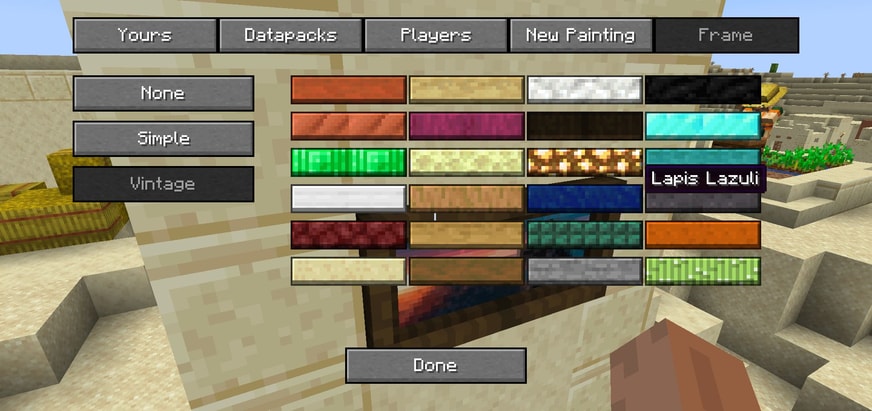
But what's a fancy painting without a fancy frame? Select from different styles and a lot of materials to put your artwork into a better focus.
Using smart level of details, caching and lazy streaming of data the performance impact is not noticeable.
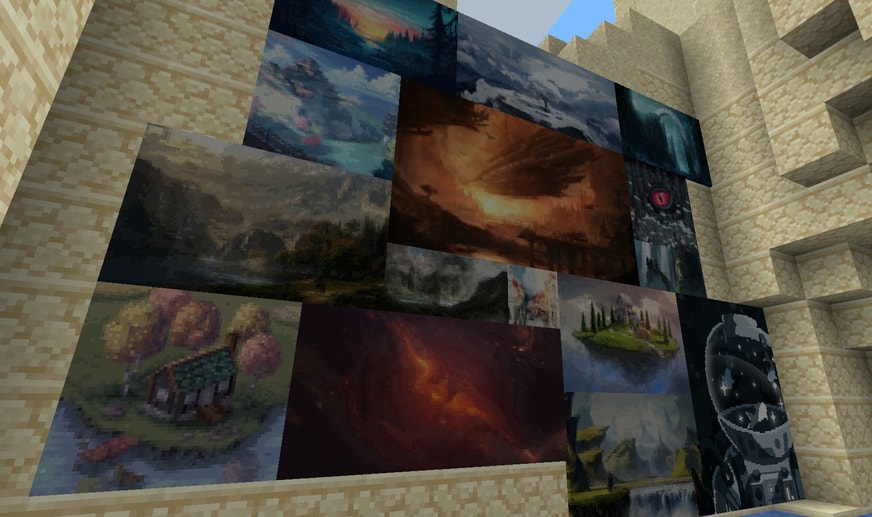

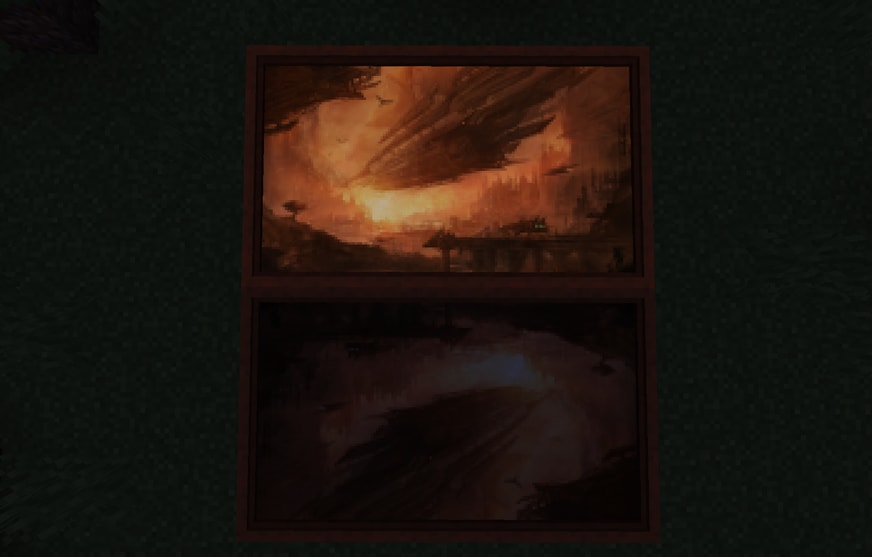
Available with glowing paint as well!
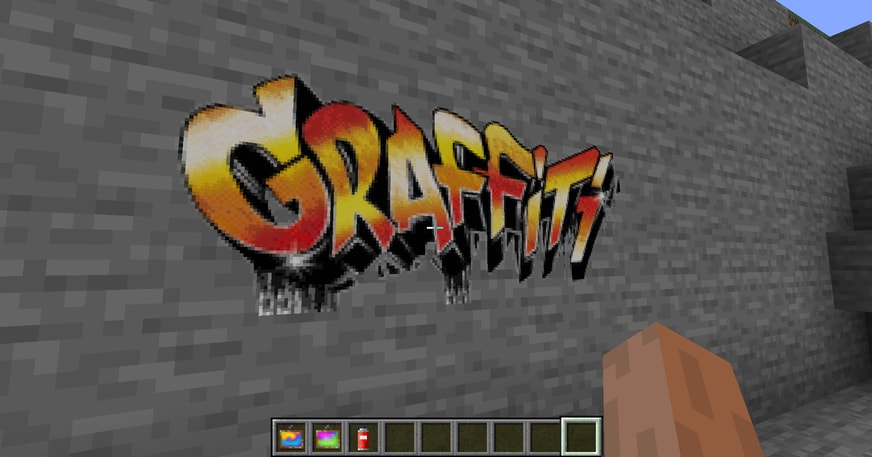
Your image has transparency? No problem, use a graffiti and spray it on every wall!
And here is the crafting recipe.
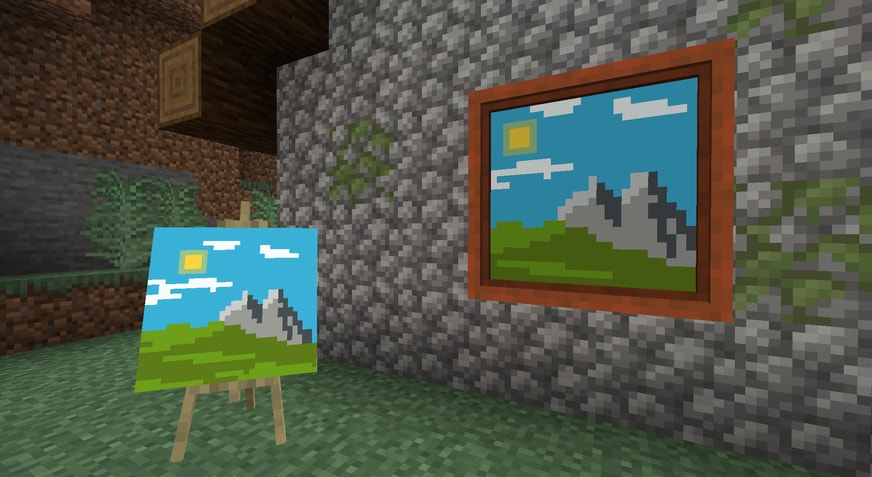
Joy of Painting compatible! Just slap a canvas on a painting to showcase!
Immersive Paintings has to transfer and store images, on a server they may get quite a lot. If your server suffers from low bandwidth, or storage space, take a look at the config file. It allows a few limitations for users and bandwidth throttling to adjust to your need.
Optionally, share packs of paintings using datapacks.
You would like to have the mod in your language? Help translate the mod on Crowdin







Project description from Modrinth.
Pick your setup
Choose the version and loader you play, then open the matching release.
Check the dependencies, then try the file in a copied instance before changing a world you care about.
Recent files
immersive_paintings-neoforge-1.21.11-0.7.9.jar
13 Sept 2026
immersive_paintings-fabric-1.21.11-0.7.9.jar
13 Sept 2026
immersive_paintings-neoforge-26.1.2-0.7.9.jar
13 Sept 2026
immersive_paintings-fabric-26.1.2-0.7.9.jar
13 Sept 2026
immersive_paintings-neoforge-26.2-0.7.9.jar
13 Sept 2026
immersive_paintings-fabric-26.2-0.7.9.jar
13 Sept 2026
immersive_paintings-neoforge-1.21.1-0.7.9.jar
13 Sept 2026
immersive_paintings-fabric-1.21.1-0.7.9.jar
13 Sept 2026
immersive_paintings-neoforge-26.2-0.7.8.jar
13 Jul 2026
immersive_paintings-fabric-26.2-0.7.8.jar
13 Jul 2026
immersive_paintings-neoforge-1.21.11-0.7.8.jar
4 Jun 2026
immersive_paintings-fabric-1.21.11-0.7.8.jar
4 Jun 2026
Looking for an older file? The official Modrinth project page is in Resources.
 mod
mod🏠 Little yet powerful homes management mod for Fabric with GUI support
 mod
modIn all biomes of the world, the earth is covered with snow, and the water freezes!
 mod
modA compact client-side BedWars HUD with TNT timers, resource and wool counters, kill effects, messages and a movable editor.