Fragmentum [NeoForge Edition] Needed by Obscure Tooltips 4.2.5
requiredMatching file found Matched file: Fragmentum 5.0.0
CurseForge · Minecraft mod
Stylized tooltips with beautiful effects and smooth animations!
Quick answer
Obscure Tooltips 4.2.5 targets 1.21.1 with NeoForge. The project page does not say whether this file belongs on the client, dedicated server, or both. All 2 required mods have matching files.
Where it goes
The project page does not say whether this file belongs on the client, dedicated server, or both.
The source does not explicitly classify this release as client-only or server-only.
Obscure Tooltips 4.2.5. Change the file and its required mods may change too.
Install Fragmentum [NeoForge Edition], Fragmentum first. We found matching files for this game-version and loader setup.
We only count dependency files that match this setup. A file for another loader does not fill the gap.
Before you install it
Built for Obscure Tooltips 4.2.5. Pick another file and the loader, install side or required mods may change.
Use Obscure Tooltips 4.2.5. It targets 1.21.1 with NeoForge; another release may have different loader, side or dependency requirements.
Install Fragmentum [NeoForge Edition], Fragmentum first. We found matching files for this game-version and loader setup.
The project page does not say whether this file belongs on the client, dedicated server, or both.
Use the “Get this file” button beside Obscure Tooltips 4.2.5. It opens that exact file at the source.
About this project



⠀⠀
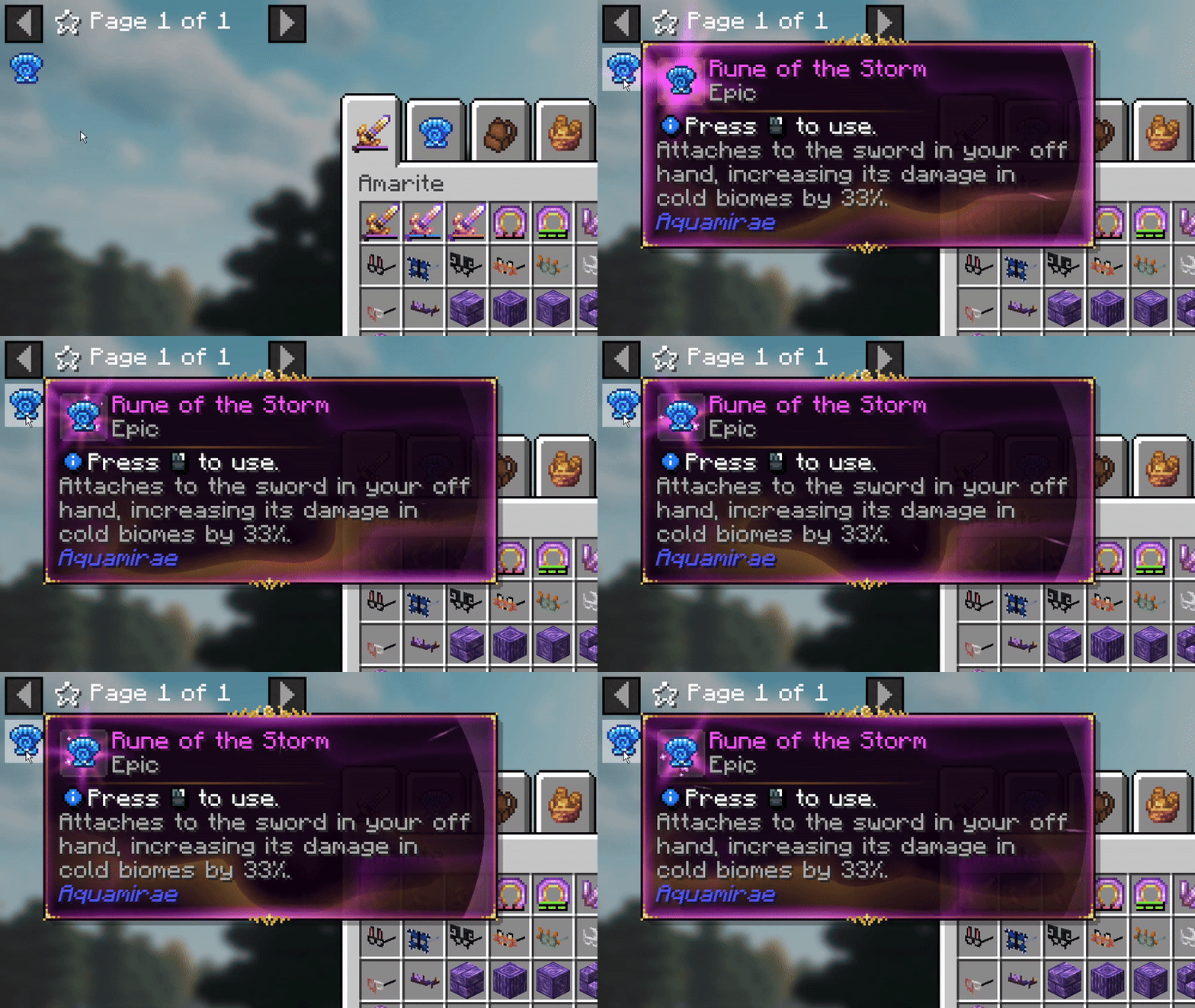
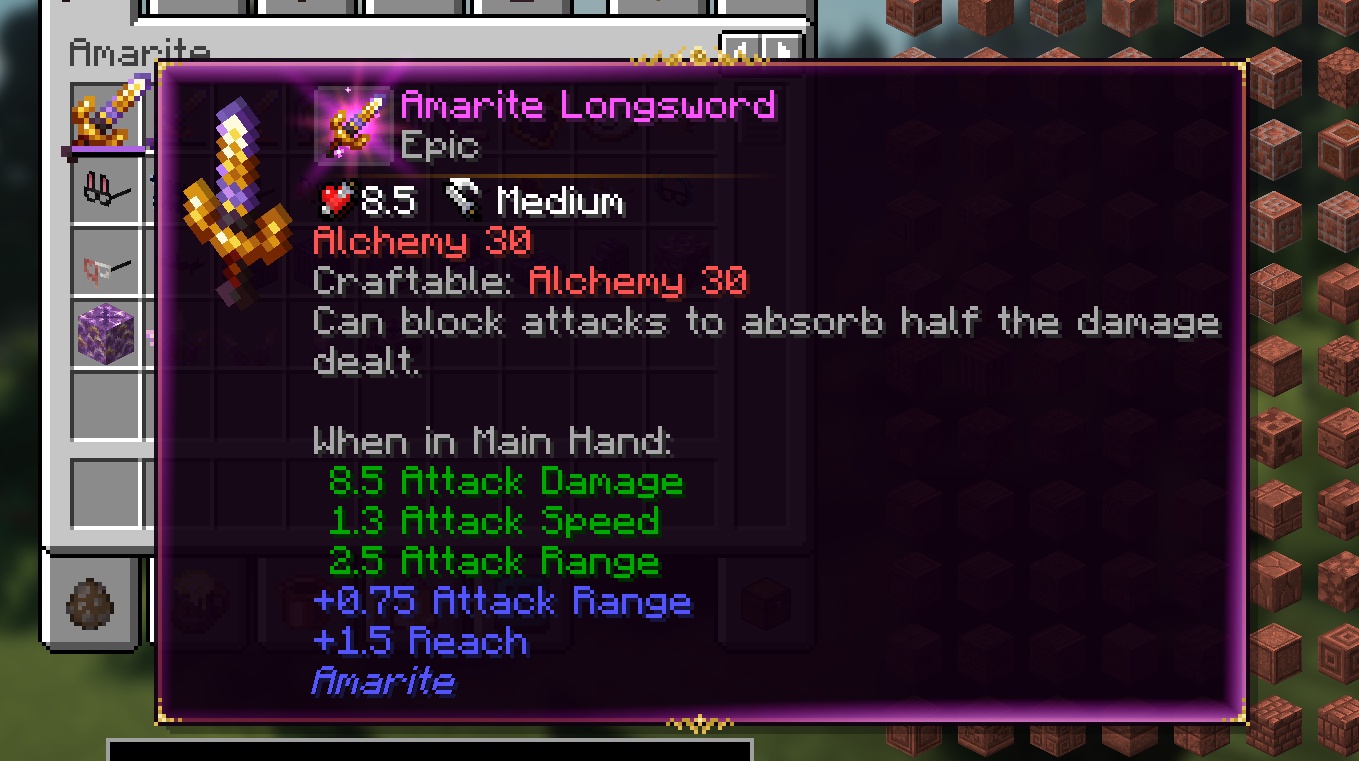
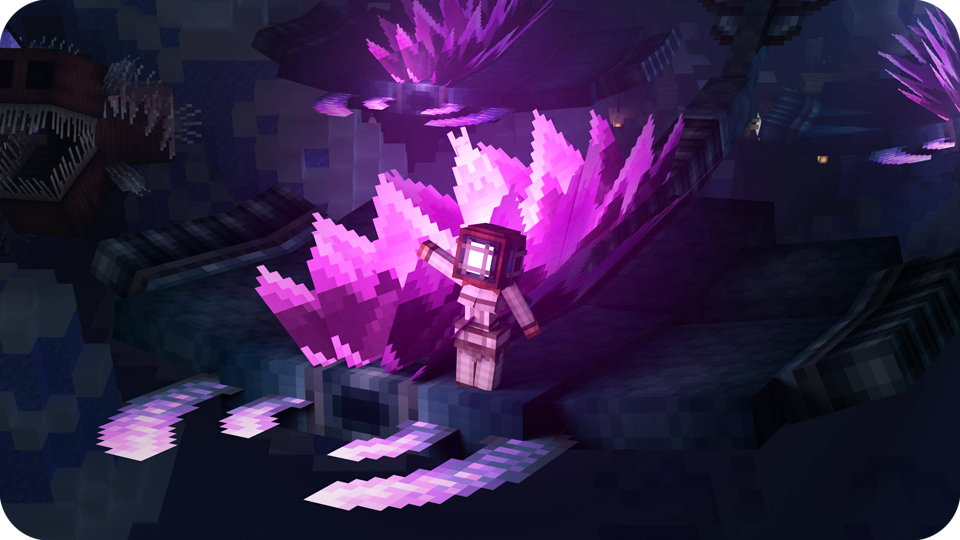
Smooth animations, glowing borders, and subtle particle effects bring every tooltip to life. Styles support a wide range of visual flourishes – from animated ornaments to layered effects – letting every item feel distinct and expressive.
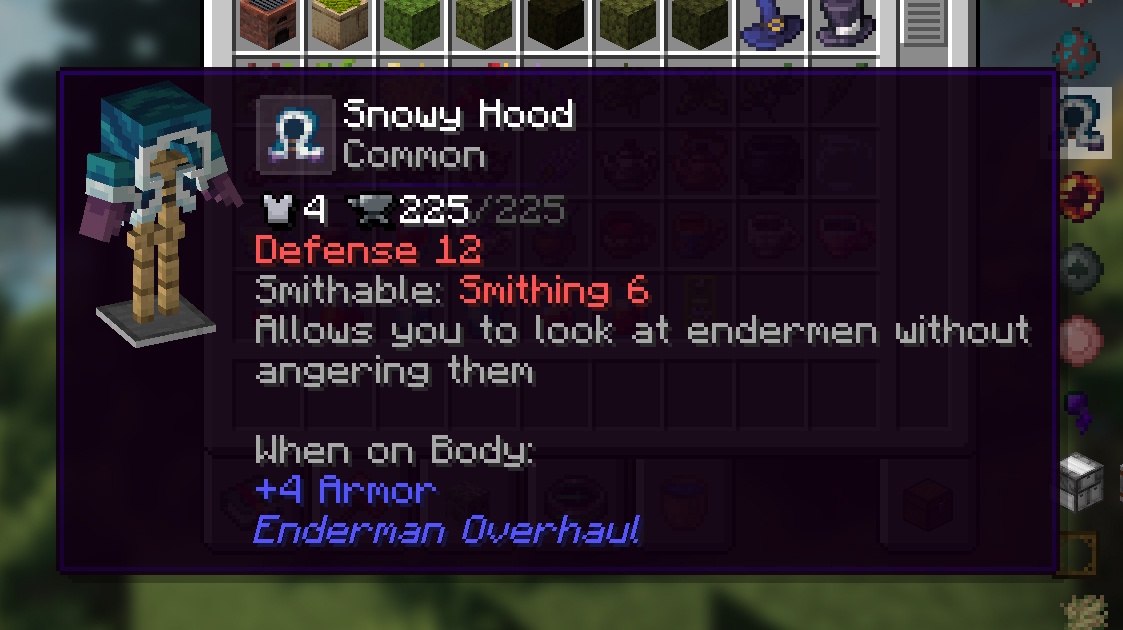
See any armor piece, tool, or weapon in fully integrated 3D directly inside the tooltip. Preview gear instantly without equipping it or opening extra menus.
⠀⠀
⠀⠀
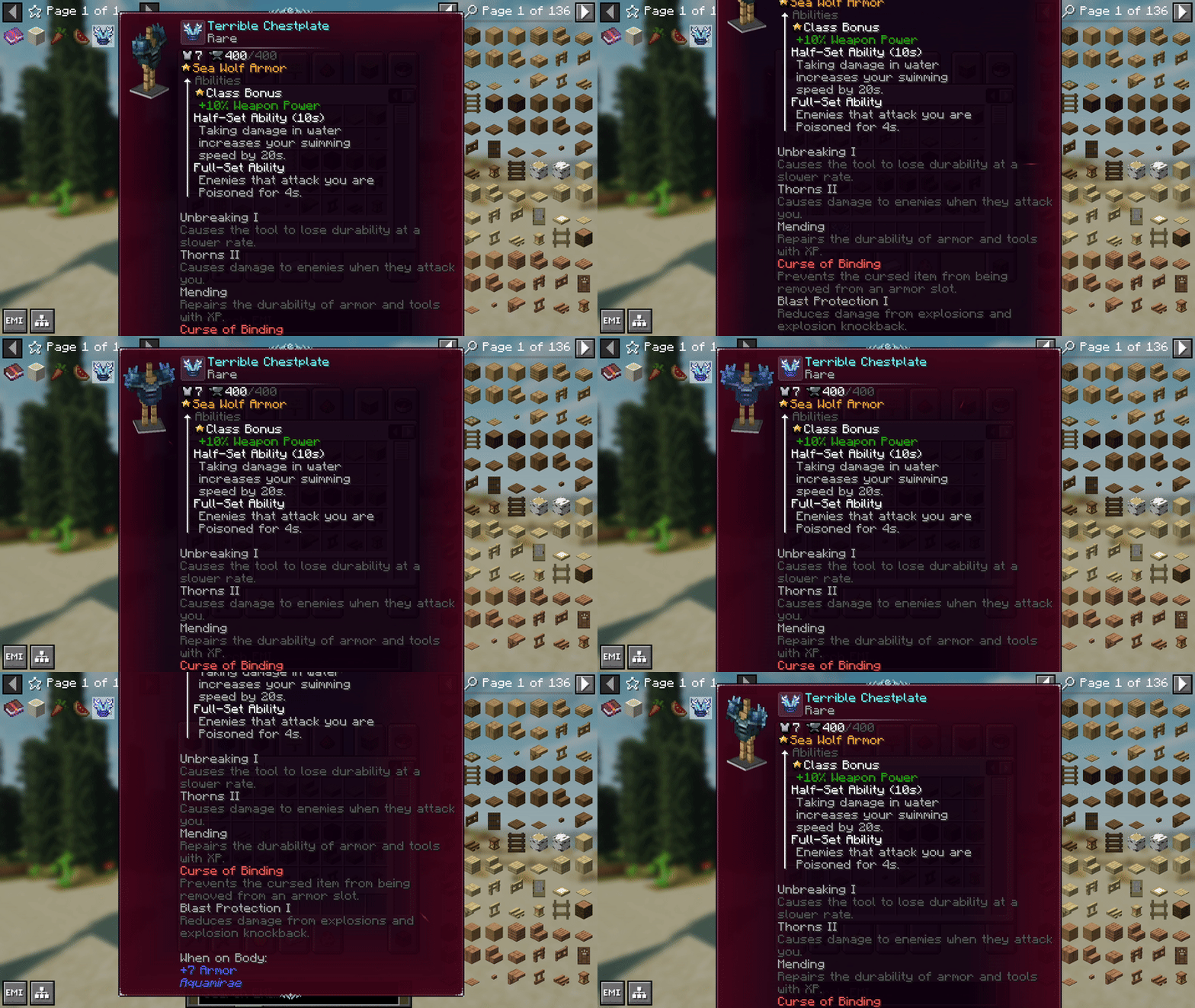
Automatic smooth scrolling activates when a tooltip exceeds screen height, keeping text readable without clutter. It lets you read long descriptions naturally, without resizing your UI.
Smart line wrapping keeps wide tooltips clean, readable, and perfectly formatted. Long names, lore, and stats stay aligned and won't spill out of the layout.
⠀⠀
⠀⠀
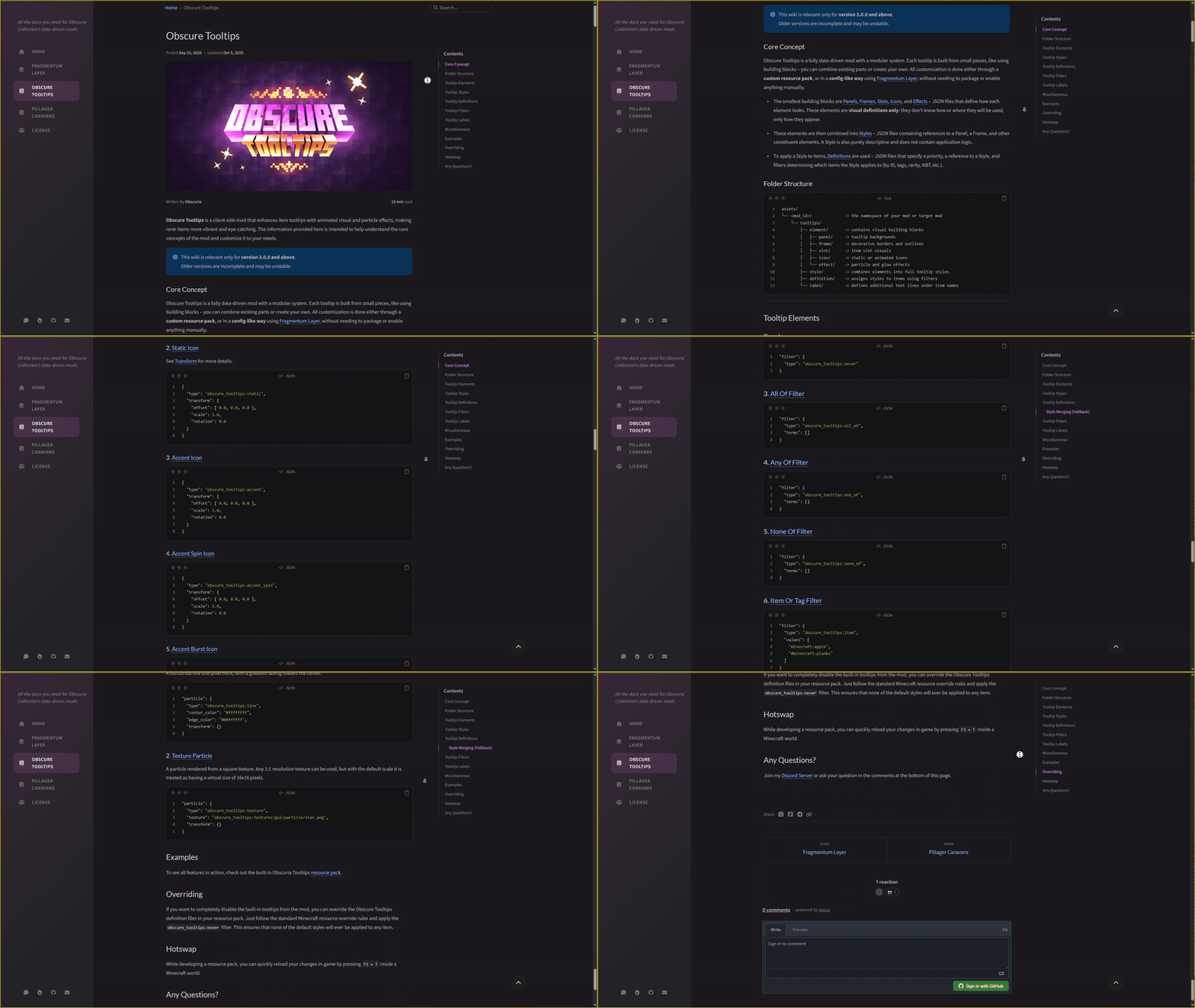
Obscure Tooltips was the first mod to introduce fully animated, visually rich tooltips, and while similar mods have appeared since, its modular, data-driven design still offers a uniquely flexible way to build and merge styles, create conditions, and customize every element to fit your vision.

On Minecraft 1.20.1, in-game configuration menus are available when using Forge Config Screens or Configured. Without these mods, all settings can still be adjusted through config files (config/obscuria/obscure_tooltips-client.toml). Starting with Minecraft 1.21.1, in-game config screens are available out of the box, with no additional dependencies required.




Project description from CurseForge.
Pick your setup
Choose the version and loader you play, then open the matching release.
Check the dependencies, then try the file in a copied instance before changing a world you care about.
Recent files
obscure_tooltips-neoforge-1.21.1-4.2.5.jar
19 Sept 2026
obscure_tooltips-fabric-1.21.1-4.2.5.jar
19 Sept 2026
obscure_tooltips-forge-1.20.1-3.10.1.jar
19 Sept 2026
obscure_tooltips-fabric-1.20.1-3.10.1.jar
19 Sept 2026
obscure_tooltips-neoforge-1.21.1-4.2.4.jar
19 Aug 2026
obscure_tooltips-fabric-1.21.1-4.2.4.jar
19 Aug 2026
obscure_tooltips-neoforge-1.21.1-4.2.3.jar
19 Aug 2026
obscure_tooltips-fabric-1.21.1-4.2.3.jar
19 Aug 2026
obscure_tooltips-forge-1.12.2-3.10.2.jar
27 Jul 2026
obscure_tooltips-forge-1.12.2-3.10.1.jar
20 Jun 2026
obscure_tooltips-forge-1.12.2-3.10.0.jar
18 Jun 2026
obscure_tooltips-neoforge-1.21.11-5.0.0.jar
17 Feb 2026
Looking for an older file? The official CurseForge project page is in Resources.
 mod
modAdds essences of tiers beyond those added by Mystical Agriculture and Mystical Extended Tier
 mod
modIn this mod the traditional adventure for obtaining the eyes of ender and beating the ender dragon changes. Now ender pearls and blaze powder are not enough ingredients to craft them. Enter the deep dark and discover their recipe in a new dimension.
 mod
modAn unofficial community remaster of Ancient Warfare 2, restoring and expanding its NPCs, automation, research, structures, vehicles, siege warfare, and mod compatibility.
