Just Enough Items (JEI) Needed by Tinted Dyes 2.1.1
requiredMatching file found Matched file: 19.71.0.475

Modrinth · Minecraft mod
Overhaul of the Dye Mechanics + New Dyes!
Quick answer
Tinted Dyes 2.1.1 targets 1.21.1 with NeoForge. Installation on the client is optional. Installation on the dedicated server is optional. All 2 required mods have matching files.
Where it goes
Installation on the client is optional. Installation on the dedicated server is optional.
The source marks this as usable on both the client and server.
2.1.1. Change the file and its required mods may change too.
Install Just Enough Items (JEI), MezzConfig first. We found matching files for this game-version and loader setup. 2 come through another mod in the chain.
2 extra mods were pulled in by other dependencies. Indented rows show who needs each one. We only count dependency files that match this setup. A file for another loader does not fill the gap.
Before you install it
Built for Tinted Dyes 2.1.1. Pick another file and the loader, install side or required mods may change.
Use 2.1.1. It targets 1.21.1 with NeoForge; another release may have different loader, side or dependency requirements.
Install Just Enough Items (JEI), MezzConfig first. We found matching files for this game-version and loader setup. 2 come through another mod in the chain.
Installation on the client is optional. Installation on the dedicated server is optional.
Use the “Get this file” button beside 2.1.1. It opens that exact file at the source.
About this project
My Projects
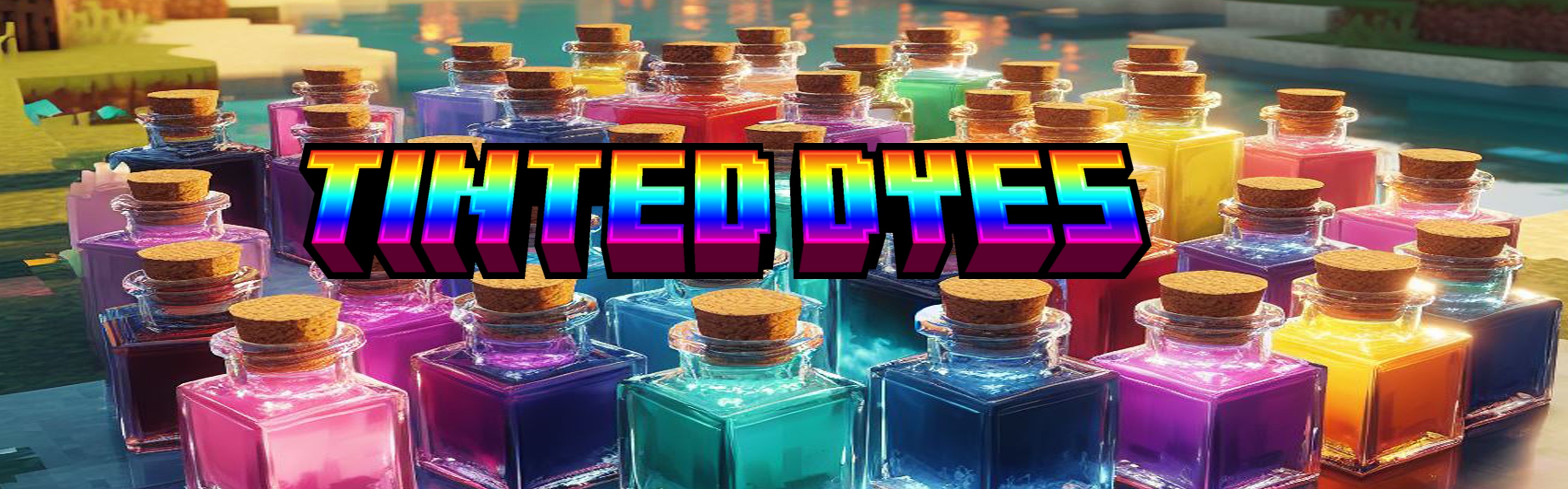
Tinted Dyes is an overhaul mod of the vanilla dye system.
This mod has 75 Dye colors total, 16 of which are retextured vanilla dyes.
Recipes can be viewed In-game via Just Enough Items.

Crafting
Smelting
Wanna Help Support Me?
Project description from Modrinth.
Pick your setup
Choose the version and loader you play, then open the matching release.
Check the dependencies, then try the file in a copied instance before changing a world you care about.
Recent files
tinted_dyes-2.1.1-neoforge-1.21.1.jar
20 Sept 2025
tinted_dyes-2.1.0-neoforge-1.21.1.jar
14 Aug 2025
tinted_dyes-2.0.3-forge-1.20.1.jar
7 Jun 2025
tinted_dyes-2.0.2-forge-1.20.1.jar
7 Apr 2025
tinted_dyes-2.0.1-forge-1.20.1.jar
9 Mar 2025
tinted_dyes-2.0.0-forge-1.20.1.jar
23 Jan 2025
tinted_dyes-1.0.2-neoforge-1.21.1.jar
18 Dec 2024
tinted_dyes-1.0.2-forge-1.20.1.jar
18 Dec 2024
tinted_dyes-1.0.1-neoforge-1.21.1.jar
31 Oct 2024
tinted_dyes-1.0.1-neoforge-1.20.6.jar
12 Sept 2024
tinted_dyes-1.0.1-forge-1.20.1.jar
12 Sept 2024
tinted_dyes-1.0.0-neoforge-1.20.6.jar
22 Jul 2024
Looking for an older file? The official Modrinth project page is in Resources.
 mod
A physics tweak for Create Aeronautics that makes wheel mount drag fully customizable so aircraft can overcome speed limits to take off. It preserves normal ground handling and allows landing brakes to be toggled via Redstone.
 mod
All items can act like Totems of Undying when held
 mod
Adds a config file in which you can add and remove fluids that can be used by the Aero Engine.














