Minecraft version
Back to mods 
CurseForge · Minecraft mod
Gilded Tools
Adds new materials to upgrade tools and weapons alike!
Choose a version Pick your version below, then grab the matching file.
Quick answer
Which Gilded Tools release should I use?
beta file GildedTools-forge 1.19.4-v0.2.0.jar
Game version 1.19.4
Loader Forge
Gilded Tools GildedTools-forge 1.19.4-v0.2.0.jar targets 1.19.4 with Forge. The project page does not say whether this file belongs on the client, dedicated server, or both. No extra mods listed for this file.
Where it goes
Is Gilded Tools required on the client, server, or both?
The project page does not say whether this file belongs on the client, dedicated server, or both.
Client Source doesn’t say
Dedicated server Source doesn’t say
Loader for this release Forge
Required install it here Optional supported, not mandatory Not supported do not install here Source doesn’t say do not assume
The source does not explicitly classify this release as client-only or server-only.
What else does Gilded Tools GildedTools-forge 1.19.4-v0.2.0.jar need?
GildedTools-forge 1.19.4-v0.2.0.jar. Change the file and its required mods may change too.
This file does not list any required mods. Do not add a library just because a different file uses it.
This file does not list any required or optional mods.
Before you install it
Add Gilded Tools without breaking your instance.
Built for Gilded Tools GildedTools-forge 1.19.4-v0.2.0.jar. Pick another file and the loader, install side or required mods may change.
- 01
Stick to this file
Use GildedTools-forge 1.19.4-v0.2.0.jar. It targets 1.19.4 with Forge; another release may have different loader, side or dependency requirements.
- 02
Bring the mods it needs
This file does not list any required mods. Do not add a library just because a different file uses it.
- 03
Put it on the correct side
The project page does not say whether this file belongs on the client, dedicated server, or both.
- 04
Pick the file you checked
Use the “Get this file” button beside GildedTools-forge 1.19.4-v0.2.0.jar. It opens that exact file at the source.
About this project
What does Gilded Tools add?
Ever wished diamond and netherite tools could be just a little better? What about all the other tools too? Well, now they can be a little better.
This mod currently adds 4 new materials to help upgrade your tools
Gilded Ingot: Increases enchantability by 10 but decreases item durability by 20%
Glossy Ingot: Increases tool efficiency by 2 and sword swing speed by 0.4 but decreases weapon damage by 0.5
Jagged Ingot: Increases tool damage by 1 but decreases efficiency by 1
Reinforced Ingot: Increases tool durability by 20% & 200 but decreases tool enchantability by 4
Upgrade your tool by placing it in a smithing table with the corresponding ingot. Upgrading a tool is a one way street and can not be reverted. In other words, once a tool is upgraded, it can not be changed back.
In order to craft these ingots, you need 4 copper, 1 amethyst crystal and 4 of the corresponding material: gold ingots, quartz, prismarine shards, and obsidian respectively. These are crafted in a crafting table similar to the crafting pattern used to create a netherite ingot.
Project description from CurseForge.
Pick your setup
Gilded Tools by Minecraft version and loader
Choose the version and loader you play, then open the matching release.
Minecraft version
1.19.2
1 loader buildCheck the dependencies, then try the file in a copied instance before changing a world you care about.
Recent files
Gilded Tools versions and loaders
GildedTools-forge 1.19.4-v0.2.0.jar
18 Jul 2023
Client Source doesn’t say Server Source doesn’t say Dependencies No extras listed Listed on Release listing
Check the 1.19.4 · Forge setup 1.19.4Forge beta
GildedTools-forge 1.19.2-v0.1.2.jar
27 Mar 2023
Client Source doesn’t say Server Source doesn’t say Dependencies No extras listed Listed on Release listing
Check the 1.19.2 · Forge setup 1.19.2Forge beta
GildedTools-forge 1.19.2-v0.2.0.jar
25 Mar 2023
Client Source doesn’t say Server Source doesn’t say Dependencies No extras listed Listed on Release listing
Check the 1.19.2 · Forge setup 1.19.2Forge beta
GildedTools-forge 1.19.2-v0.1.0.jar
24 Mar 2023
Client Source doesn’t say Server Source doesn’t say Dependencies No extras listed Listed on Release listing
Check the 1.19.2 · Forge setup 1.19.2Forge beta
GildedTools-forge 1.19.2-v0.0.2.jar
3 Feb 2023
Client Source doesn’t say Server Source doesn’t say Dependencies No extras listed Listed on Release listing
Check the 1.19.2 · Forge setup 1.19.2Forge alpha
GildedTools-forge 1.19.2-v0.0.1.jar
29 Jan 2023
Client Source doesn’t say Server Source doesn’t say Dependencies No extras listed Listed on Release listing
Check the 1.19.2 · Forge setup 1.19.2Forge alpha
Looking for an older file? The official CurseForge project page is in Resources.
 mod
CurseForge + Modrinth · Minecraft
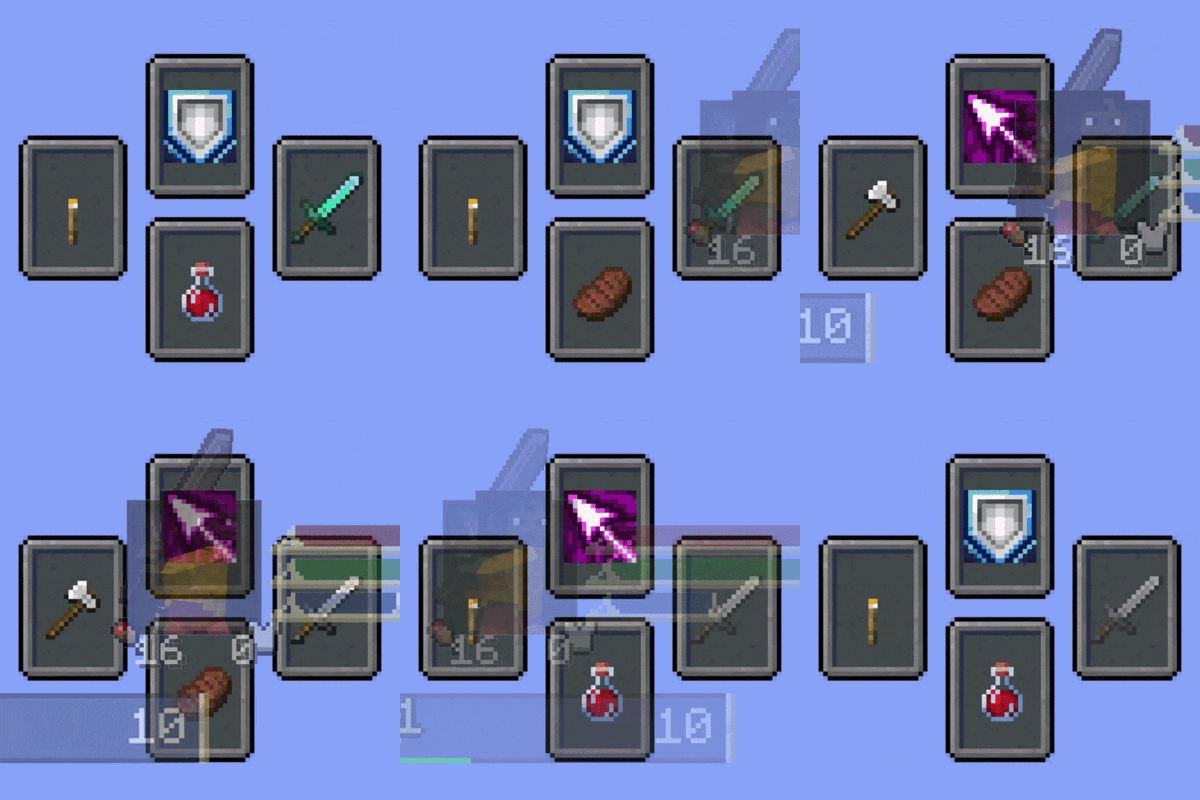
Souls Combat HUD
Adds a soulslike HUD featuring equipment slots, boss bar, status gauges and team display.
 mod
CurseForge · Minecraft
KingKanman's Blood N' Guts
Disguise yourself from zombies by covering yourself in their flesh!
 mod
CurseForge · Minecraft
The Between Awakens
Massive Exploration Content Overhaul Mod With Bosses