Puzzles Lib Needed by Held Item Tooltips v4.0.0-1.19.2-Forge
requiredNo matching file

CurseForge · Minecraft mod
See item enchantments, potion effects, shulker box contents and much more directly above your hotbar.
Quick answer
Held Item Tooltips v4.0.0-1.19.2-Forge targets 1.19.2 with Forge. It must be installed on the client. Do not install it on the dedicated server. 1 required mod needs a matching file.
Where it goes
It must be installed on the client. Do not install it on the dedicated server.
This file is marked client-only.
v4.0.0-1.19.2-Forge on 1.19.2 Forge. Every mod below is checked against that same setup.
Install Puzzles Lib first, but 1 required mod has no matching file for this setup. Do not mix loader builds to force a match.
We only count dependency files that match this setup. A file for another loader does not fill the gap.
Before you install it
Built for Held Item Tooltips v4.0.0-1.19.2-Forge on 1.19.2 Forge. Pick another file and the loader, install side or required mods may change.
Use v4.0.0-1.19.2-Forge. It targets 1.19.2 with Forge; another release may have different loader, side or dependency requirements.
Install Puzzles Lib first, but 1 required mod has no matching file for this setup. Do not mix loader builds to force a match.
It must be installed on the client. Do not install it on the dedicated server.
Use the “Get this file” button beside v4.0.0-1.19.2-Forge. It opens that exact file at the source.
About this project
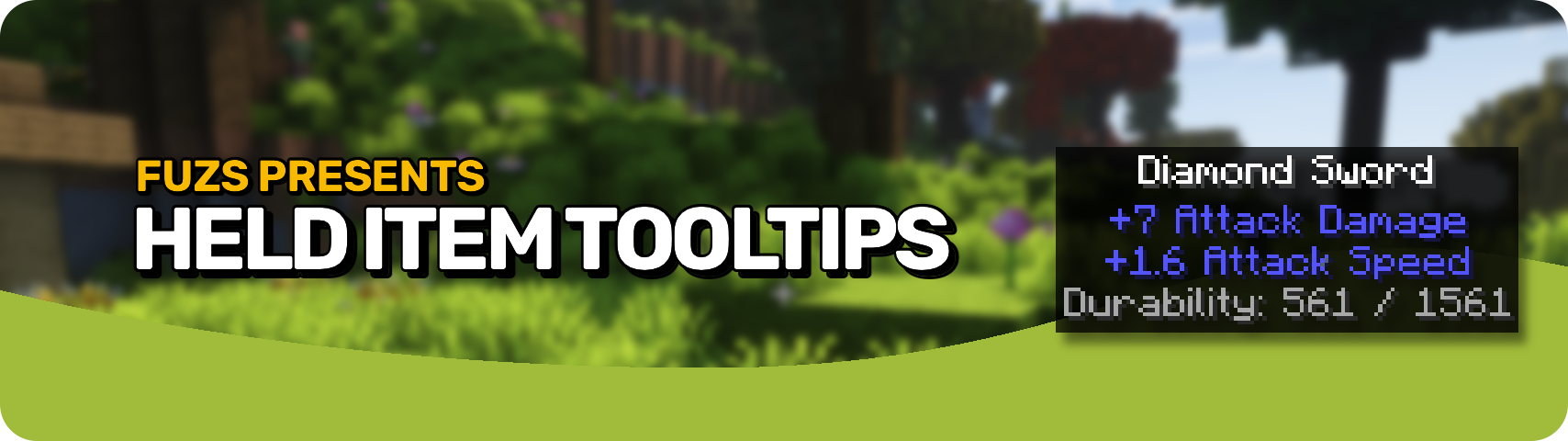







Held Item Tooltips enhances the tooltip shown above your hotbar when switching items, giving you far more information at a glance. ✨
See enchantments, durability, potion effects, shulker box contents, firework details, map IDs, item attributes, and much more without opening additional screens. Whether you're organizing storage, checking equipment, or browsing your inventory, the information you need is always right in front of you. 🔍
Everything is fully customizable. Adjust the appearance, choose which information should be displayed, control the order of tooltip sections, and tailor the experience to fit your needs. ⚙️


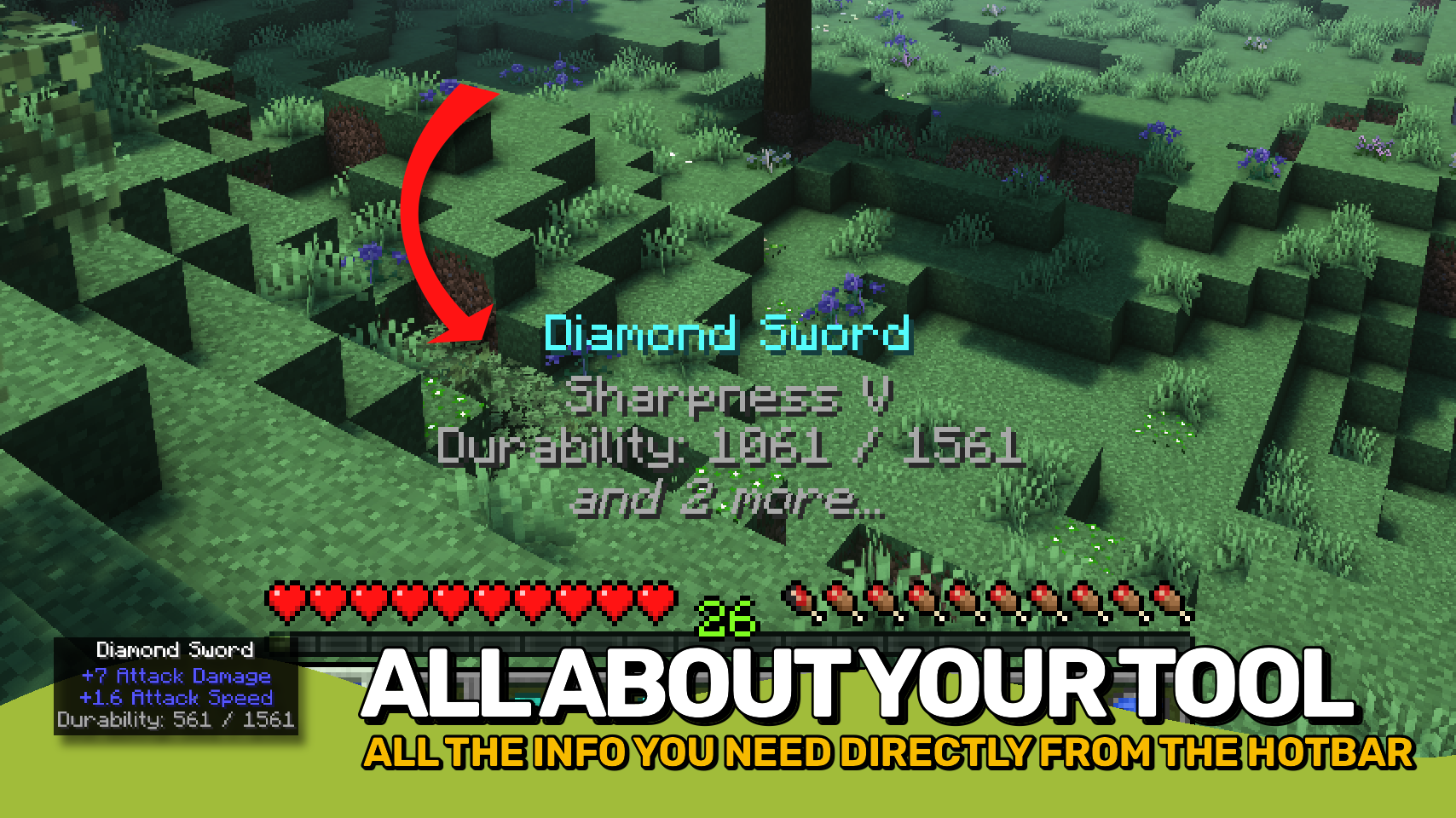
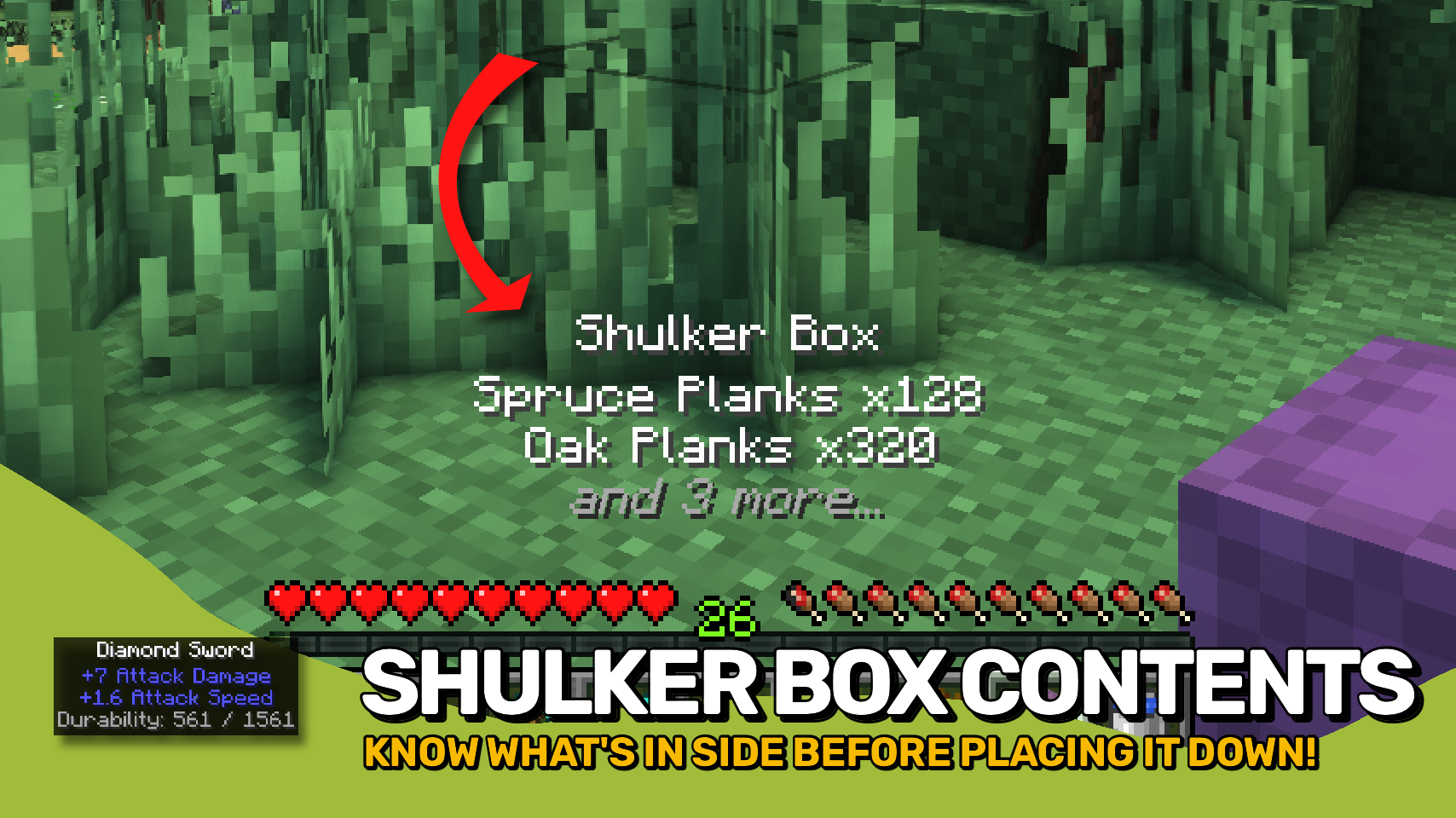
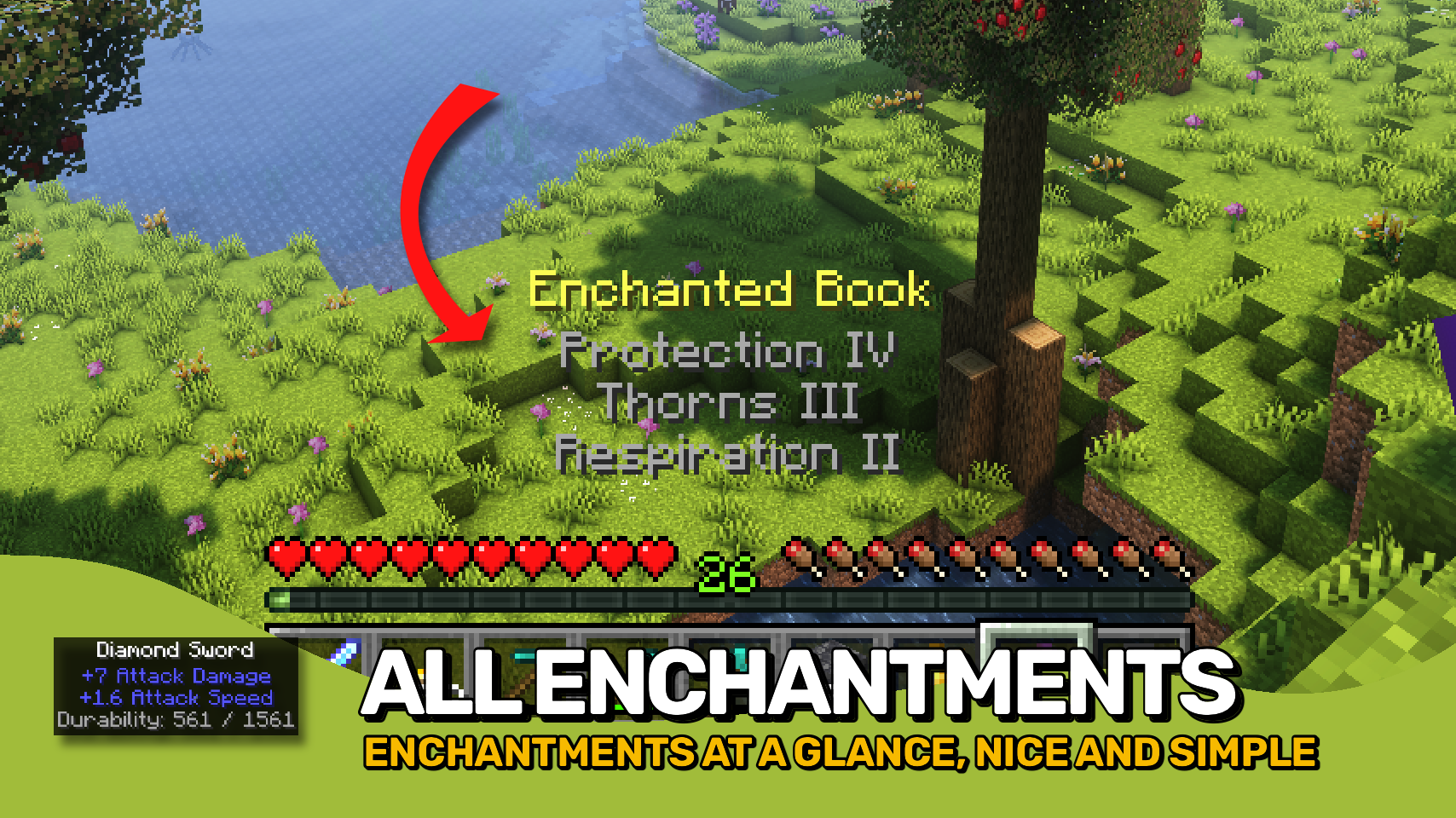

⏩ INSTALLATION REQUIRED ON CLIENT
⏩ REQUIRES PUZZLES LIB TO BE INSTALLED (FABRIC & NEOFORGE)
⏩ REQUIRES FABRIC API TO BE INSTALLED (FABRIC)
⏩ REQUIRES FORGE CONFIG API PORT TO BE INSTALLED (FABRIC)

If available for a mod, configuration is possible directly from in-game using the mod menu (requires Mod Menu by Prospector to be installed on Fabric).
For manual configuration using an external text editor all files are found at .minecraft/config, named as MOD_ID-client.toml, MOD_ID-common.toml, or MOD_ID-server.toml, depending on the type of config. Not all types might exist for a mod, if any at all.
 |
 |
|
|---|---|---|
 |
 |
|
 |
 |
|
 |
 |
|
 |
 |
|

© 2026 @heyitsfuzs. All rights reserved. This page was last edited on 11 September 2026, at 06:44 (UTC).
Project description from CurseForge.
Pick your setup
Choose the version and loader you play, then open the matching release.
Showing the newest 12 of 20 game versions. Older files are in the list below.
Check the dependencies, then try the file in a copied instance before changing a world you care about.
Recent files
HeldItemTooltips-v4.0.0-1.19.2-Forge.jar
20 Apr 2023
HeldItemTooltips-v4.0.0-1.19.2-Forge.jar
20 Apr 2023
Looking for an older file? The official CurseForge project page is in Resources.
 mod
Why is it called Puzzles? That's the puzzle.
 mod
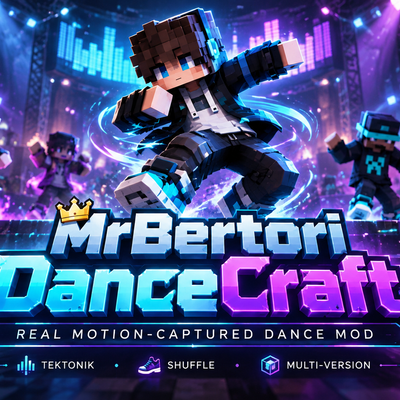
Add smooth motion-captured dance emotes to your Minecraft character through a simple in-game emote menu.
 mod
This mod lets you easily change the time and weather!