Fabric API Needed by Updating World Icon 1.0.1 for 26.1 Fabric
requiredMatching file found Matched file: [26.1.2] Fabric API 0.155.2+26.1.2
CurseForge · Minecraft mod
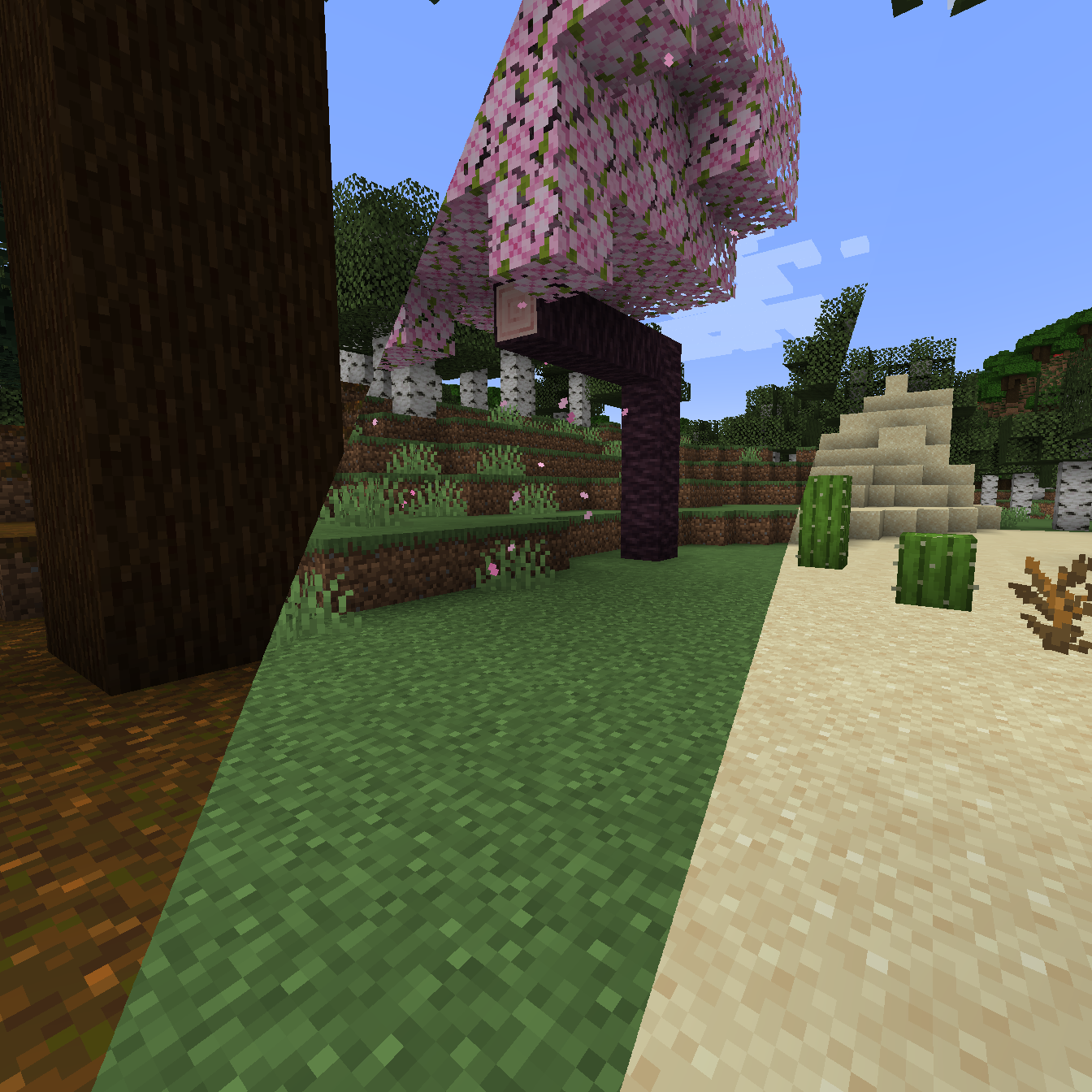
Makes the singleplayer world icon regenerate each time the world is loaded, instead of keeping the first icon forever.
Quick answer
Updating World Icon 1.0.1 for 26.1 Fabric targets 26.1 with Fabric. The project page does not say whether it belongs on the client. The project page does not say whether it belongs on the dedicated server. All 1 required mods have matching files.
Where it goes
The project page does not say whether it belongs on the client. The project page does not say whether it belongs on the dedicated server.
The source does not explicitly classify this release as client-only or server-only.
Updating World Icon 1.0.1 for 26.1 Fabric. Change the file and its required mods may change too.
Install Fabric API first. We found matching files for this game-version and loader setup.
We only count dependency files that match this setup. A file for another loader does not fill the gap.
Before you install it
Built for Updating World Icon 1.0.1 for 26.1 Fabric. Pick another file and the loader, install side or required mods may change.
Use Updating World Icon 1.0.1 for 26.1 Fabric. It targets 26.1 with Fabric; another release may have different loader, side or dependency requirements.
Install Fabric API first. We found matching files for this game-version and loader setup.
The project page does not say whether it belongs on the client. The project page does not say whether it belongs on the dedicated server.
Use the “Get this file” button beside Updating World Icon 1.0.1 for 26.1 Fabric. It opens that exact file at the source.
About this project
Makes the singleplayer world icon regenerate each time the world is loaded, instead of keeping the first icon forever.
Project description from CurseForge.
Pick your setup
Choose the version and loader you play, then open the matching release.
Showing the newest 12 of 16 game versions. Older files are in the list below.
Check the dependencies, then try the file in a copied instance before changing a world you care about.
Recent files
updatingworldicon-1.0.1+26.1-fabric.jar
25 Mar 2026
updatingworldicon-1.0.1+26.1-neoforge.jar
25 Mar 2026
updatingworldicon-1.0.1+1.21.11-neoforge.jar
18 Feb 2026
updatingworldicon-1.0.1+1.21.11-fabric.jar
18 Feb 2026
updatingworldicon-1.0.1+1.21.10-fabric.jar
17 Feb 2026
updatingworldicon-1.0.1+1.21.10-neoforge.jar
17 Feb 2026
updatingworldicon-1.0.1+1.21.9-neoforge.jar
16 Feb 2026
updatingworldicon-1.0.1+1.21.9-fabric.jar
16 Feb 2026
updatingworldicon-1.0.1+1.21.8-fabric.jar
15 Feb 2026
updatingworldicon-1.0.1+1.21.8-neoforge.jar
15 Feb 2026
updatingworldicon-1.0.1+1.21.7-fabric.jar
14 Feb 2026
updatingworldicon-1.0.1+1.21.7-neoforge.jar
14 Feb 2026
Looking for an older file? The official CurseForge project page is in Resources.
 mod
modAn advanced vein mining mod with radial menu, RGB-customizable block outline highlighter, custom mining shapes, and a skill system for harvesting, tree-felling, and liquid handling.
 mod
modUltimate Woodcutter. As it was intented, Compatible with ANY Mod, automatically. Includes Carpenter Villager
 mod
modA "laser eyes" addon for the Viltrumite mod.