Minecraft version
Back to mods 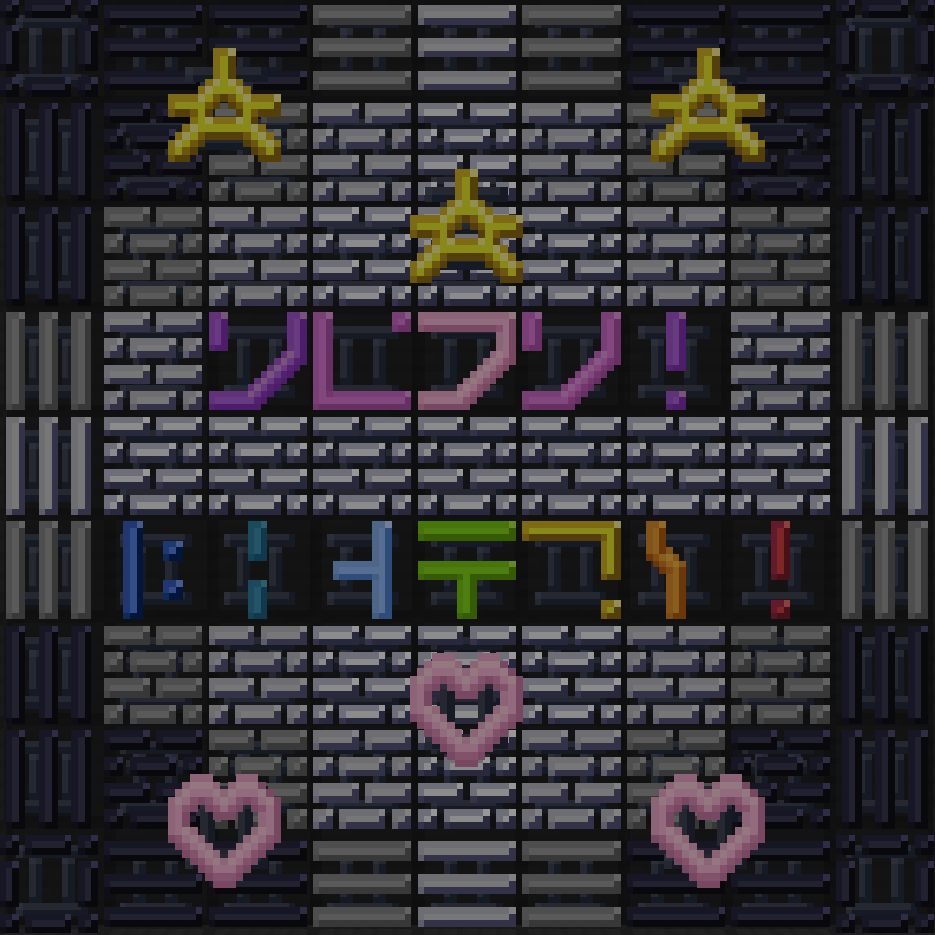
CurseForge · Minecraft mod
Mirak's Neon Lights
A mod with glowing symbols for any decorative needs.
Choose a version Pick your version below, then grab the matching file.
Quick answer
Which Mirak's Neon Lights release should I use?
Latest stable file Neon_Lights.jar
Game version 1.20.6
Loader NeoForge
Mirak's Neon Lights Neon_Lights.jar targets 1.20.6 with NeoForge. The project page does not say whether this file belongs on the client, dedicated server, or both. No extra mods listed for this file.
Where it goes
Is Mirak's Neon Lights required on the client, server, or both?
The project page does not say whether this file belongs on the client, dedicated server, or both.
Client Source doesn’t say
Dedicated server Source doesn’t say
Loader for this release NeoForge
Required install it here Optional supported, not mandatory Not supported do not install here Source doesn’t say do not assume
The source does not explicitly classify this release as client-only or server-only.
What else does Mirak's Neon Lights Neon_Lights.jar need?
Neon_Lights.jar. Change the file and its required mods may change too.
This file does not list any required mods. Do not add a library just because a different file uses it.
This file does not list any required or optional mods.
Before you install it
Add Mirak's Neon Lights without breaking your instance.
Built for Mirak's Neon Lights Neon_Lights.jar. Pick another file and the loader, install side or required mods may change.
- 01
Stick to this file
Use Neon_Lights.jar. It targets 1.20.6 with NeoForge; another release may have different loader, side or dependency requirements.
- 02
Bring the mods it needs
This file does not list any required mods. Do not add a library just because a different file uses it.
- 03
Put it on the correct side
The project page does not say whether this file belongs on the client, dedicated server, or both.
- 04
Pick the file you checked
Use the “Get this file” button beside Neon_Lights.jar. It opens that exact file at the source.
About this project
What does Mirak's Neon Lights add?
Neon Lights was created as a decorative passion project, with an idea I have never seen anyone else attempt in Minecraft like this. You can find 51 various symbols in all 16 dye colors, such as glowing bricks, stars and hearts, smiley faces, The enchantment table language [for more outspread compatibility], and many more. An infinite amount of opportunities lie before you. These new blocks help anyone make their builds glow, as well as light up your world in a new way.
Note: Works best without Smooth Lighting.
Project description from CurseForge.
Pick your setup
Mirak's Neon Lights by Minecraft version and loader
Choose the version and loader you play, then open the matching release.
Minecraft version
1.20.1
1 loader buildMinecraft version
1.19.4
1 loader buildCheck the dependencies, then try the file in a copied instance before changing a world you care about.
Recent files
Mirak's Neon Lights versions and loaders
Neon_Lights.jar
9 Aug 2024
Client Source doesn’t say Server Source doesn’t say Dependencies No extras listed Listed on Release listing
Check the 1.20.6 · NeoForge setup NeoForge1.20.6 release
Neon Lights 1.20.1
Neon_Lights.jar
22 Oct 2023
Client Source doesn’t say Server Source doesn’t say Dependencies No extras listed Listed on Release listing
Check the 1.20.1 · Forge setup 1.20.1Forge release
Neon Lights 1.1
Neon_Lights.jar
20 Jul 2023
Client Source doesn’t say Server Source doesn’t say Dependencies No extras listed Listed on Release listing
Check the 1.19.4 · Forge setup 1.19.4Forge release
Neon Lights 1.0
Neon_Lights.jar
19 Jul 2023
Client Source doesn’t say Server Source doesn’t say Dependencies No extras listed Listed on Release listing
Check the 1.19.4 · Forge setup 1.19.4Forge release
Looking for an older file? The official CurseForge project page is in Resources.
 mod
CurseForge + Modrinth · Minecraft
Hunter'sReturn
Add evil Hunter's mob! They hunt the animals while making a cheeky laugh...
 mod
CurseForge · Minecraft
CRH-Hexie
China style EMU and normal train ,railway system deco mod for create6+.
 mod
CurseForge · Minecraft
Unified Mana - Shared Mana for Spell Mods
One unified mana pool for every supported magic mod, displayed on a single HUD bar!