Hbm's Nuclear Tech Mod Optional for PC Compat 0.2.0
optionalMatching file found Matched file: Hbm's Nuclear Tech Mod 1.0.27X5687 for Minecraft 1.7.10

CurseForge · Minecraft mod
Additional compatibility for PowerConverters3
Quick answer
PC Compat 0.2.0 targets 1.7.10 with Forge. The project page does not say whether this file belongs on the client, dedicated server, or both. 1 required mod needs a matching file.
Where it goes
The project page does not say whether this file belongs on the client, dedicated server, or both.
The source does not explicitly classify this release as client-only or server-only.
0.2.0. Change the file and its required mods may change too.
Install PowerConverters first, but 1 required mod has no matching file for this setup. Do not mix loader builds to force a match.
We only count dependency files that match this setup. A file for another loader does not fill the gap.
Before you install it
Built for PC Compat 0.2.0. Pick another file and the loader, install side or required mods may change.
Use 0.2.0. It targets 1.7.10 with Forge; another release may have different loader, side or dependency requirements.
Install PowerConverters first, but 1 required mod has no matching file for this setup. Do not mix loader builds to force a match.
The project page does not say whether this file belongs on the client, dedicated server, or both.
Use the “Get this file” button beside 0.2.0. It opens that exact file at the source.
About this project
PC Compat adds additional compatibility for other mods to PowerConverters3 by covers1624.
Need a Server? Try Realtox Media
Producers and consumers are added for the following mods:
PC Compat is licensed under AGPL+ALEC. Redistributions MUST somewhere include the word ALEC.
Project description from CurseForge.
Pick your setup
Choose the version and loader you play, then open the matching release.
Check the dependencies, then try the file in a copied instance before changing a world you care about.
Recent files
pccompat-0.3.0.jar
6 Sept 2025
pccompat-0.2.0.jar
13 Apr 2024
pccompat-0.1.0.jar
21 Jul 2023
Looking for an older file? The official CurseForge project page is in Resources.
 mod
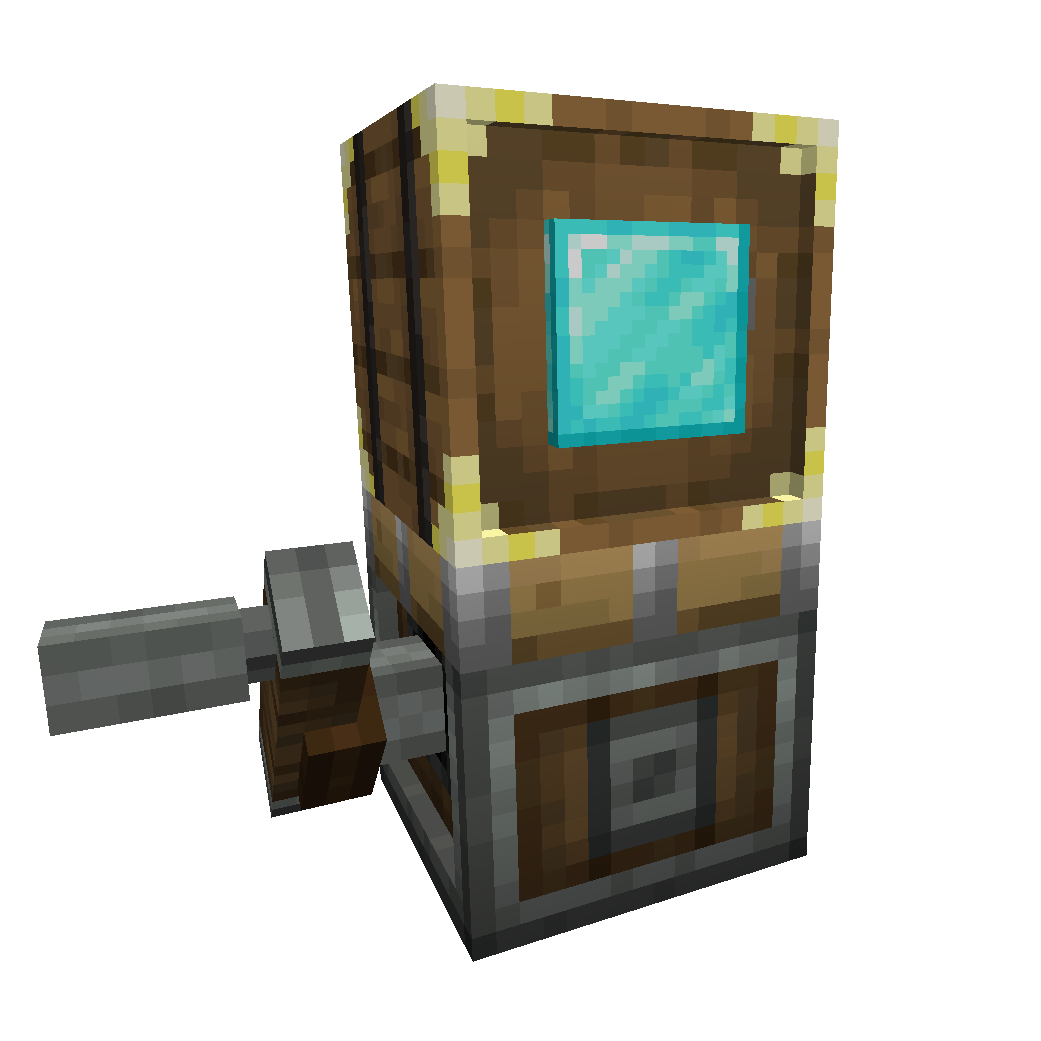
Full Featured Sophisticated Storage on Create Contraptions
 mod
“Ultra-realistic weather: volumetric storm clouds, EF0–EF5 tornadoes, hurricanes, floods and seasons.”
 mod
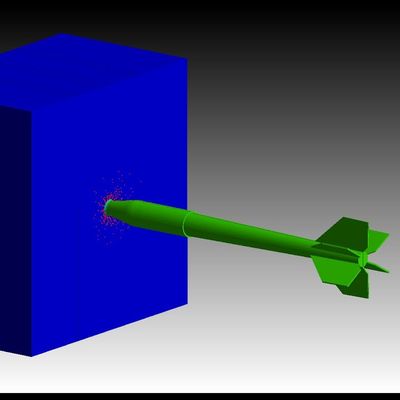
SBW Armor Overhaul enhances SuperB Warfare with realistic armor penetration, modular vehicle damage, crew injuries, internal spalling and ammunition explosions.