Fabric API Needed by Better Command Block UI BetterCommandBlockUI-0.5.3-26.2.jar
requiredMatching file found Matched file: [26.2] Fabric API 0.157.0+26.2
CurseForge · Minecraft mod
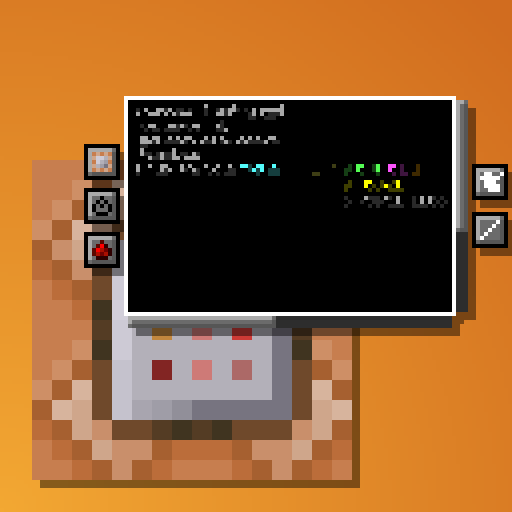
Provides a more usable UI for Command Blocks
Quick answer
Better Command Block UI BetterCommandBlockUI-0.5.3-26.2.jar targets 26.2 with Fabric, Quilt. The project page does not say whether this file belongs on the client, dedicated server, or both. All 1 required mods have matching files.
Where it goes
The project page does not say whether this file belongs on the client, dedicated server, or both.
The source does not explicitly classify this release as client-only or server-only.
BetterCommandBlockUI-0.5.3-26.2.jar. Change the file and its required mods may change too.
Install Fabric API first. We found matching files for this game-version and loader setup.
We only count dependency files that match this setup. A file for another loader does not fill the gap.
Before you install it
Built for Better Command Block UI BetterCommandBlockUI-0.5.3-26.2.jar. Pick another file and the loader, install side or required mods may change.
Use BetterCommandBlockUI-0.5.3-26.2.jar. It targets 26.2 with Fabric, Quilt; another release may have different loader, side or dependency requirements.
Install Fabric API first. We found matching files for this game-version and loader setup.
The project page does not say whether this file belongs on the client, dedicated server, or both.
Use the “Get this file” button beside BetterCommandBlockUI-0.5.3-26.2.jar. It opens that exact file at the source.
About this project
Tired of holding down your arrow keys to get to the middle of a long command, only to overshoot and spend another half an eternity backtracking? Wishing you could just see the whole thing in a more structured format without needing to copy it into external software and back again?
This clientside mod intends to address these issues and more by completely overhauling the Command Block UI.
Current features:

As mentioned, the mod is entirely clientside. It takes in the command as received from the server and just displays it across multiple lines and with indentation, but doesn't actually add any line breaks to it.
Project description from CurseForge.
Pick your setup
Choose the version and loader you play, then open the matching release.
Showing the newest 12 of 33 game versions. Older files are in the list below.
Check the dependencies, then try the file in a copied instance before changing a world you care about.
Recent files
27 Jun 2026
27 Mar 2026
20 Dec 2025
25 Oct 2025
2 Jul 2025
30 Jun 2025
27 Mar 2025
27 Mar 2025
28 Jan 2025
1 Nov 2024
1 Sept 2024
14 Jun 2024
Looking for an older file? The official CurseForge project page is in Resources.
 mod
modAscend is a RPG core that adds leveling and future configurable mechanics
 mod
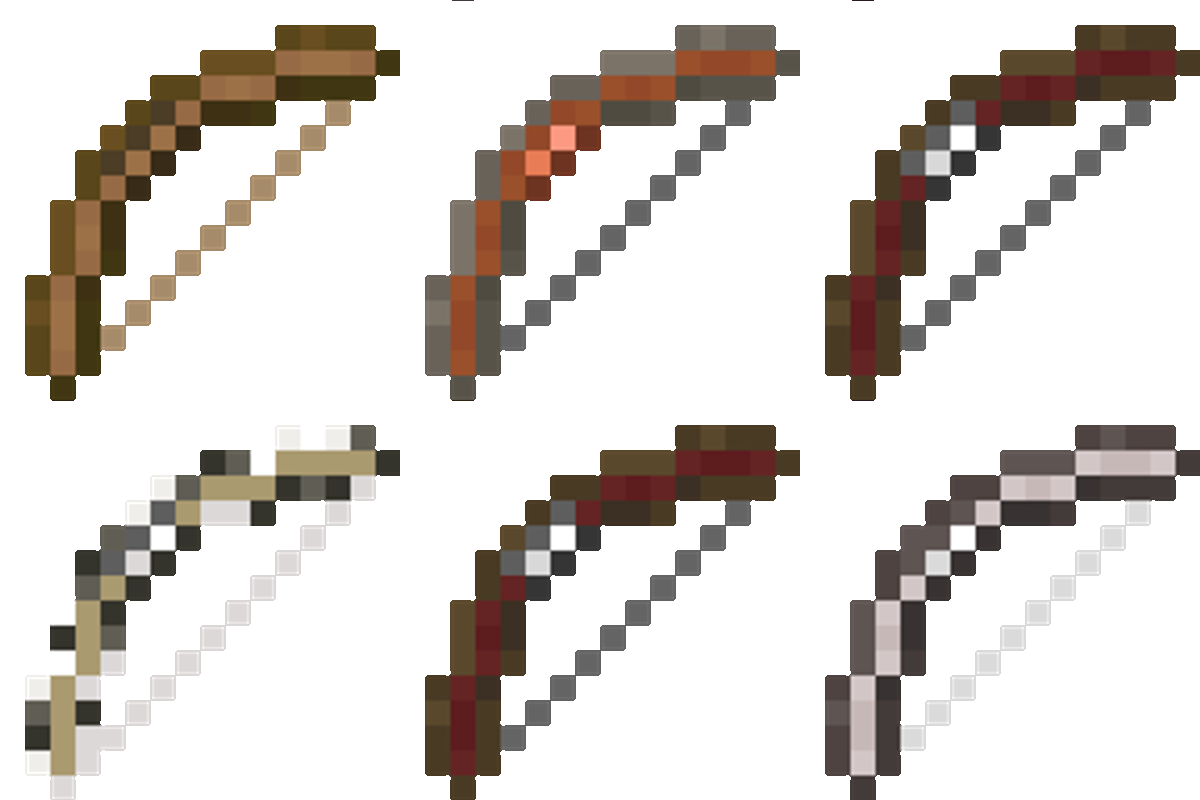
modFletcher’s Trestle overhauls Minecraft’s archery by replacing the basic crafting table bow with a deep, rewarding modular system. From the raw log to the perfect release, every step of the process is in your hands.
 mod
modCreate Tick Control optimisation smart block entities ticks optimise create server and client