Fabric API Needed by Splitscreen Support splitscreen-fabric-1.20.0+26.2.jar
requiredMatching file found Matched file: 0.161.0+26.2

CurseForge · Minecraft mod
Easy window positioning for local multiplayer
Quick answer
Splitscreen Support splitscreen-fabric-1.20.0+26.2.jar targets 26.2 with Fabric. The project page does not say whether this file belongs on the client, dedicated server, or both. All 1 required mods have matching files.
Where it goes
The project page does not say whether this file belongs on the client, dedicated server, or both.
The source does not explicitly classify this release as client-only or server-only.
splitscreen-fabric-1.20.0+26.2.jar on 26.2 Fabric. Every mod below is checked against that same setup.
Install Fabric API first. We found matching files for this game-version and loader setup.
We only count dependency files that match this setup. A file for another loader does not fill the gap.
Before you install it
Built for Splitscreen Support splitscreen-fabric-1.20.0+26.2.jar on 26.2 Fabric. Pick another file and the loader, install side or required mods may change.
Use splitscreen-fabric-1.20.0+26.2.jar. It targets 26.2 with Fabric; another release may have different loader, side or dependency requirements.
Install Fabric API first. We found matching files for this game-version and loader setup.
The project page does not say whether this file belongs on the client, dedicated server, or both.
Use the “Get this file” button beside splitscreen-fabric-1.20.0+26.2.jar. It opens that exact file at the source.
About this project
Simple mod that makes it easier to position windows for local multiplayer.
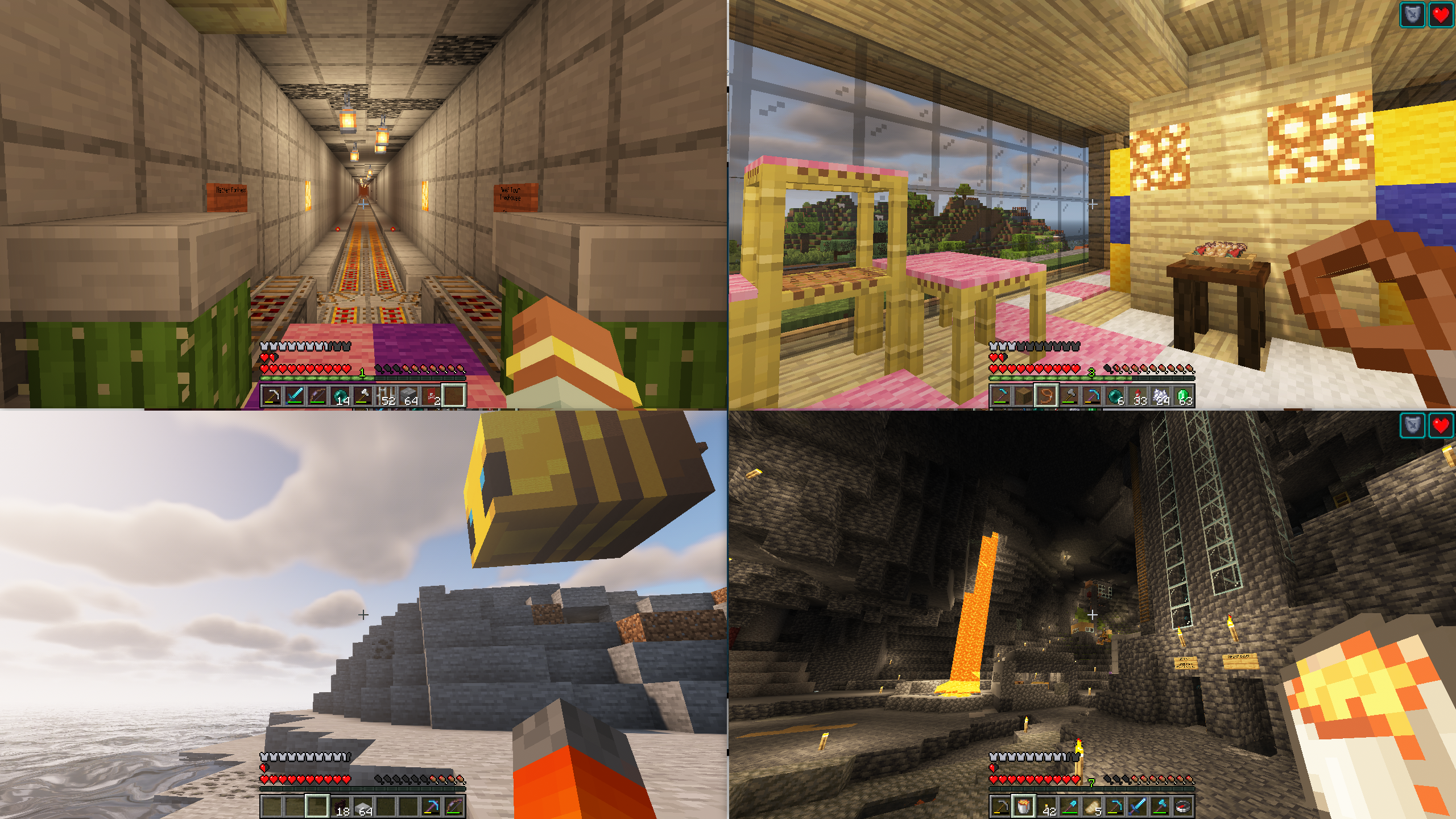
With this mod installed, hitting the 'Toggle Fullscreen' button (F11) will cycle you through different half- and quarter-size window positions for split screen play. It then saves your choice and brings the window up in the same place when you restart the game.
This makes it easier for you to start two or more copies of Minecraft and have the windows be positioned automatically for splitscreen.
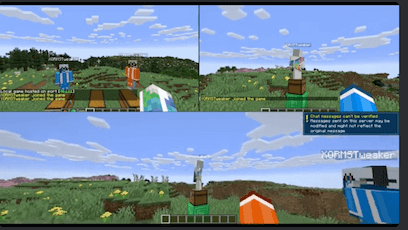
If you have questions about this mod, please join the Discord server:
Comments have been disabled and I will not reply to private messages on Curseforge.
Project description from CurseForge.
Pick your setup
Choose the version and loader you play, then open the matching release.
Showing the newest 12 of 21 game versions. Older files are in the list below.
Check the dependencies, then try the file in a copied instance before changing a world you care about.
Recent files
9 Jul 2026
Looking for an older file? The official CurseForge project page is in Resources.
 mod
The all-in-one Hypixel SkyBlock companion: Replaces the stack of mods you’d normally run: tooltips and prices, a picture warp menu, a minimap, trackers, garden, mining, rift, dungeon and slayer helpers, profile viewer. One mod, one look, one settings menu.
 mod
Remembers and restores your Minecraft window’s display, position, and style.
 mod
ESSX Rank Manager is a rank mod who adds ranks with permission color codes and prefixes.