Fabric API Needed by Splitscreen Support 1.20.0+26.2
requiredMatching file found Matched file: 0.161.0+26.2
Modrinth · Minecraft mod
Easy window positioning for local multiplayer
Quick answer
Splitscreen Support 1.20.0+26.2 targets 26.2 with Fabric. It must be installed on the client. Do not install it on the dedicated server. All 1 required mods have matching files.
Where it goes
It must be installed on the client. Do not install it on the dedicated server.
This file is marked client-only.
1.20.0+26.2. Change the file and its required mods may change too.
Install Fabric API first. We found matching files for this game-version and loader setup.
We only count dependency files that match this setup. A file for another loader does not fill the gap.
Before you install it
Built for Splitscreen Support 1.20.0+26.2. Pick another file and the loader, install side or required mods may change.
Use 1.20.0+26.2. It targets 26.2 with Fabric; another release may have different loader, side or dependency requirements.
Install Fabric API first. We found matching files for this game-version and loader setup.
It must be installed on the client. Do not install it on the dedicated server.
Use the “Get this file” button beside 1.20.0+26.2. It opens that exact file at the source.
About this project
Simple mod that makes it easier to position windows for local multiplayer.
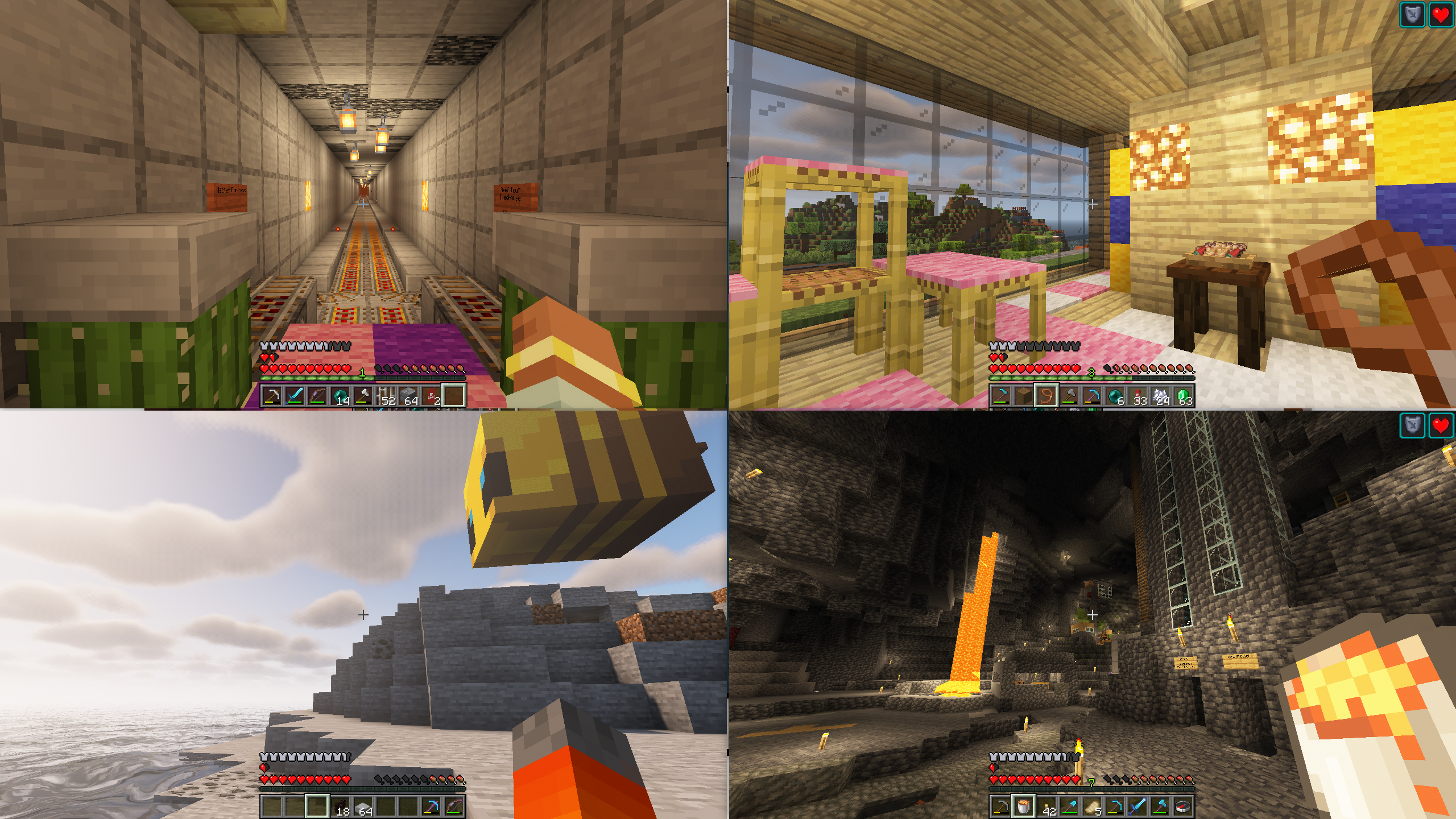
With this mod installed, hitting the 'Toggle Fullscreen' button (F11) will cycle you through different half- and quarter-size
window positions for split screen play. It then saves your choice and brings the window up in the same place when you
restart the game.
This makes it easier for you to start two or more copies of Minecraft and have the windows be positioned automatically
for splitscreen.
This mod is designed to be used in conjunction with a Minecraft launcher (such as PrismLauncher) and
a gamepad mod (such Midnight Controls)
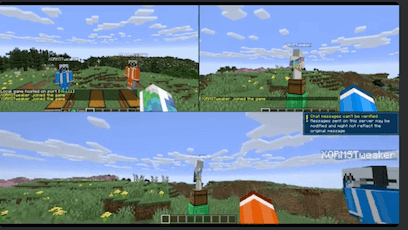
F11 to position the windowsUnfocused Input and Virtual Mouse as described hereF3+P to disable Pause on Lost FocusBy default, the mod puts a small gap between windows. You can change the width of this gap
(or make it 0) by setting the value of the gap property in config/splitscreen.properties.
(This file doesn't exist until you quit minecraft for the first time with the mod running).
If you have questions about this mod, please join the Discord server:
Comments have been disabled and I will not reply to private messages on Curseforge.
Project description from Modrinth.
Pick your setup
Choose the version and loader you play, then open the matching release.
Showing the newest 12 of 20 game versions. Older files are in the list below.
Check the dependencies, then try the file in a copied instance before changing a world you care about.
Recent files
splitscreen-fabric-1.20.0+26.2.jar
9 Jul 2026
splitscreen-neoforge-1.20.0+26.2.jar
9 Jul 2026
splitscreen-fabric-1.19.0+26.1.2.jar
6 May 2026
splitscreen-neoforge-1.19.0+26.1.2.jar
6 May 2026
splitscreen-fabric-1.18.0+26.1.1.jar
6 May 2026
splitscreen-neoforge-1.18.0+26.1.1.jar
6 May 2026
splitscreen-fabric-1.17.0+26.1.jar
6 May 2026
splitscreen-neoforge-1.17.0+26.1.jar
6 May 2026
splitscreen-neoforge-0.3.1+1.20.6.jar
27 Jan 2026
splitscreen-fabric-0.3.1+1.20.6.jar
27 Jan 2026
splitscreen-fabric-1.16.1+1.21.11.jar
26 Jan 2026
splitscreen-neoforge-1.16.1+1.21.11.jar
26 Jan 2026
Looking for an older file? The official Modrinth project page is in Resources.
 mod
modFences connecting diagonally? Wait. That's illegal.
 mod
modAdds immersive phrases to villagers when you interact with or walk near them.
 mod
modAdds various turrets that can be customized with a simple targeting system and upgrade chips.