GeckoLib Needed by Axolootl: Resourceful Axolotls Axolootl 19.2.1.2
requiredMatching file found Matched file: geckolib-forge-1.19-3.1.40.jar

CurseForge · Minecraft mod
Build aquariums and gain resources from axolotls!
Quick answer
Axolootl: Resourceful Axolotls Axolootl 19.2.1.2 targets 1.19.2 with Forge. The project page does not say whether this file belongs on the client, dedicated server, or both. All 1 required mods have matching files.
Where it goes
The project page does not say whether this file belongs on the client, dedicated server, or both.
The source does not explicitly classify this release as client-only or server-only.
Axolootl 19.2.1.2. Change the file and its required mods may change too.
Install GeckoLib first. We found matching files for this game-version and loader setup. 2 come through another mod in the chain.
2 extra mods were pulled in by other dependencies. Indented rows show who needs each one. We only count dependency files that match this setup. A file for another loader does not fill the gap.
Before you install it
Built for Axolootl: Resourceful Axolotls Axolootl 19.2.1.2. Pick another file and the loader, install side or required mods may change.
Use Axolootl 19.2.1.2. It targets 1.19.2 with Forge; another release may have different loader, side or dependency requirements.
Install GeckoLib first. We found matching files for this game-version and loader setup. 2 come through another mod in the chain.
The project page does not say whether this file belongs on the client, dedicated server, or both.
Use the “Get this file” button beside Axolootl 19.2.1.2. It opens that exact file at the source.
About this project

Axolotls are known for swimming, eating, and playing dead. Nothing else. Nothing else... until now. Introducing Axolootl, a mod to build aquariums, breed axolotls, and gain resources!

To start your own axolootl breeding adventure:
~~ Video creators: post a showcase video in the comments and it might be added here! ~~
Aquarium Basics
Start by choosing a location. Bigger tanks can hold more axolootls, so you want plenty of room. Your aquarium must have a minimum size of 3x3x3 and a maximum size of 64x64x64.
Warning: large tanks can cause excessive lag. See the config file for lag-reducing options.
Next, collect all the blocks you want to build with. The outer walls must be any combination of the following:


Make sure to fully enclose a rectangular/cuboid area! The inside is hollow but the outside cannot have any gaps.

Once you finish building your aquarium, replace one of the blocks in the wall with a Controller. Open the Controller and press "Activate." If the tank is built correctly, the Controller will detect the tank and start running.


Controller
The Aquarium Controller is the "brains" of the aquarium. It tracks axolootls and tank upgrades in one handy UI. Click on the Controller to see what it can do!


Aquarium Floor
Hold a sand or gravel block and click on the aquarium floor to customize it. If you don't like how it looks, use a shovel on the aquarium floor to quickly take the block out. Crafting recipes are also available for sand and gravel variants.

Aquarium Upgrades
A basic aquarium can do some things, but additional blocks are necessary to unlock its full potential.
Bubbler
The Bubbler is the first and most important mandatory upgrade. It can be placed inside the aquarium to provide a comfortable and healthy environment. It can be upgraded to the Powered Bubbler if you have a mod that provides Forge Energy.


Output
The Aquarium Output is the second mandatory upgrade. It can be placed as part of the outer wall. You can upgrade it to the Large Aquarium Output for more storage space.


Axolootl Interface
This block can be placed as part of the outer wall. It allows you to quickly insert and remove axolootls from your aquarium without getting your feet wet. A must have for the serious axolootl caretaker!

Axolootl Inspector
This block can be placed as part of the outer wall. It allows you to inspect axolootl variants and learn more about the resources they generate, their lineage, foods, and more.

Water Interface
This handy block allows you fill up a large tank without having to place every single bucket of water yourself. It can be placed as part of the outer wall and must have unobstructed access to the inside of the tank. Insert water buckets or pump in water using a pipe mod. Power the block with redstone to pause it.

Autofeeder
This block can be placed inside the aquarium to automatically feed axolootls. Well-fed axolootls give speed bonuses to your aquarium.

Breeder
This block can be placed inside the aquarium to automatically breed axolootls. There is no way to breed axolootls by hand, so this upgrade is extremely important!

Monsterium
This block can be placed inside the aquarium to allow offspring that produce mob resources. It is an addition to the Breeder, not a replacement.

Nursery
This block can be placed inside the aquarium provide a small speed boost to the Breeder and Monsterium.

Energy Interface
Some upgrades use Forge Energy. These upgrades are optional and are only useful if you install a mod that can produce Forge Energy. Connect the Energy Interface to a Forge Energy generator or energy pipe in order to disperse energy to the rest of the aquarium.

Aquarium Airlock
This block can be placed as part of the outer wall. It allows you to enter and exit the tank without breaking holes in the glass or letting your axolootls escape. Not required, but highly recommended to have.

Decoration
Some decoration blocks provide your aquarium with speed bonuses! Check the list inside the Controller to find out more. It pays to take good care of your axolootls :)

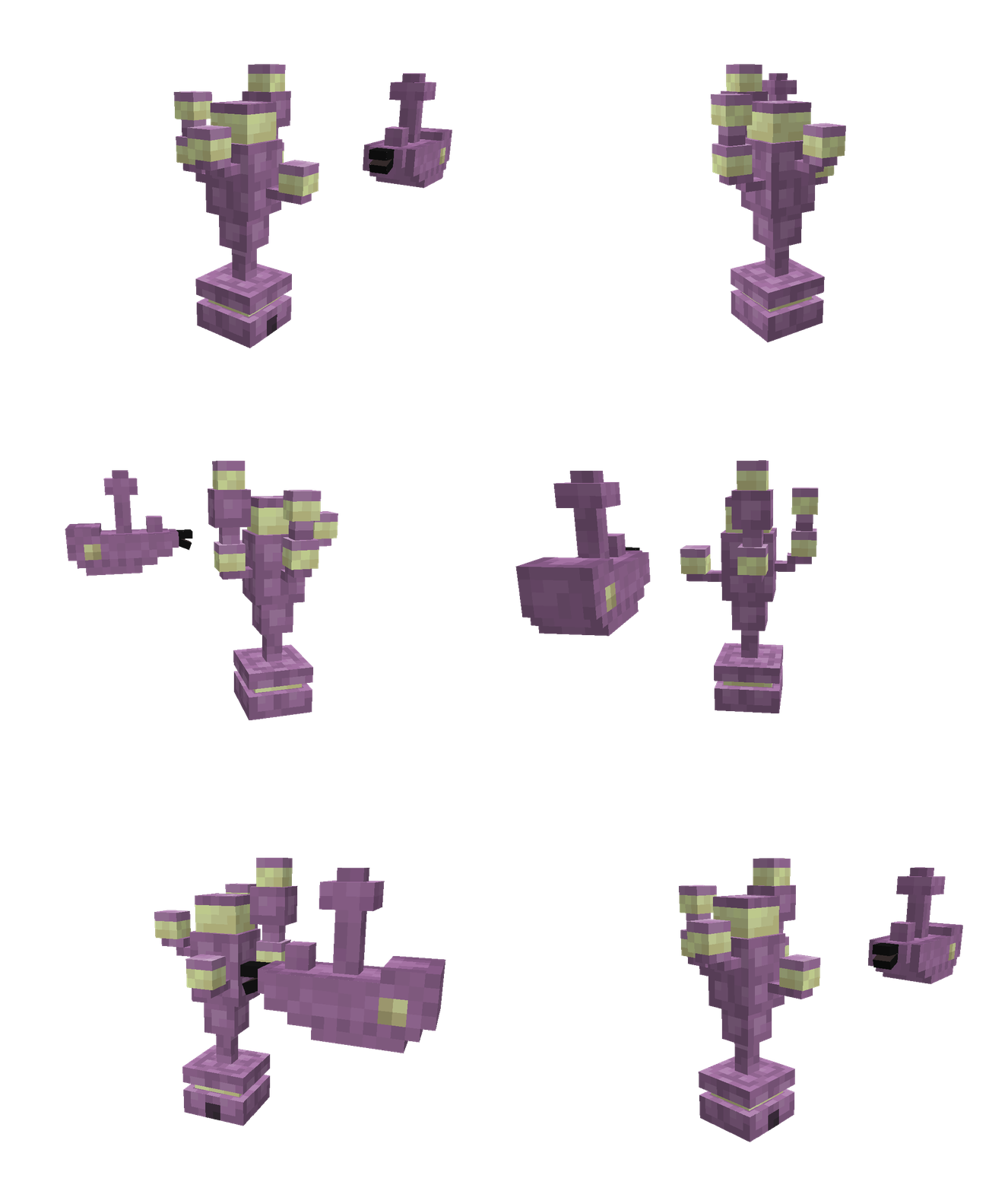
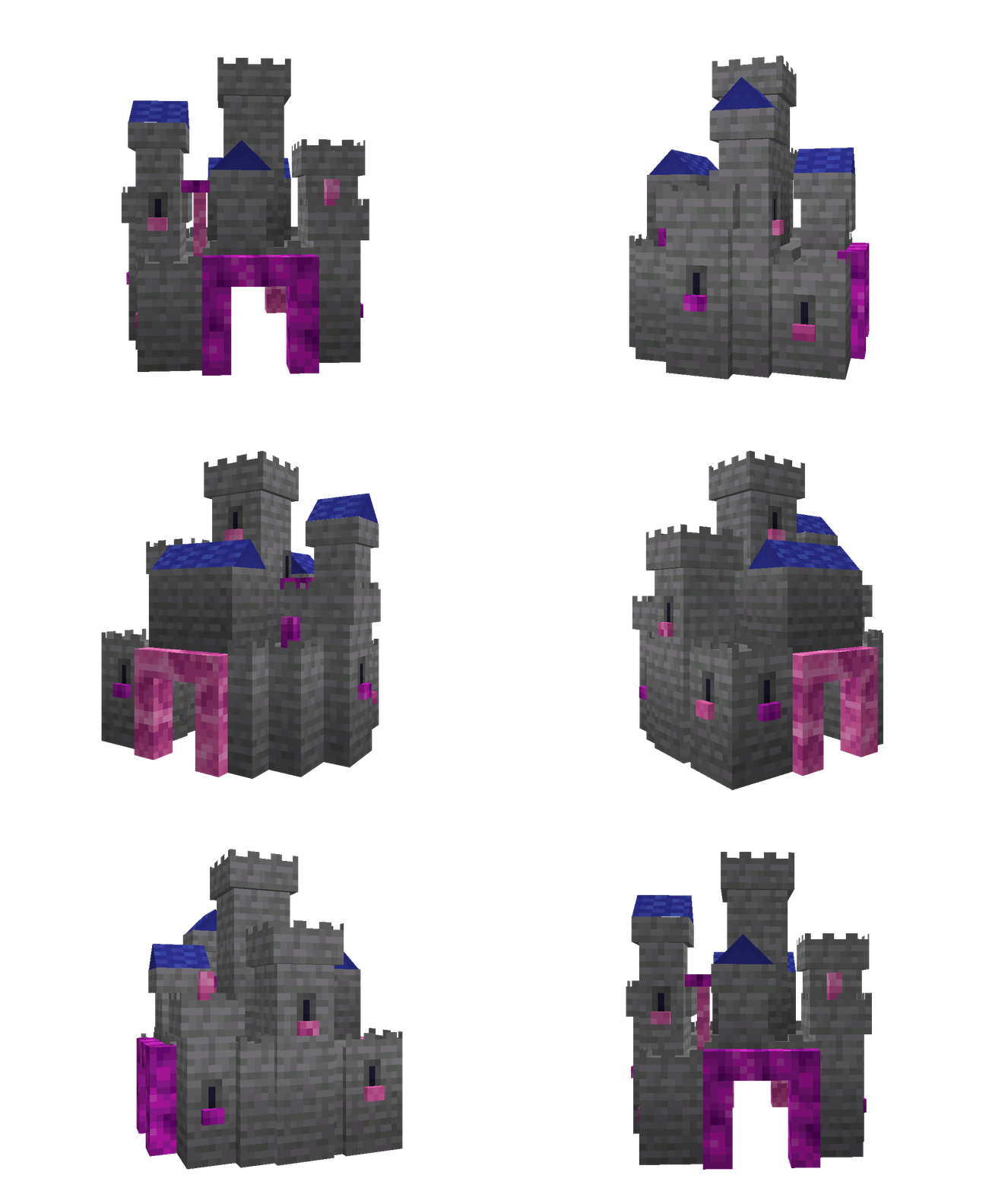


Axolootl Crafting
Only one Axolootl can be crafted: the Basic Axolootl.

Axolootl Breeding
Once you have two or more Basic Axolootls, you can begin breeding them. Open the Breeder or Monsterium and place the appropriate breeding food inside. For Basic Axolootls, this includes most fish.

The Monsterium is required to breed axolootls that produce mob drops, such as Creeper, Spider, or Zombie Axolootls.
Eventually your adult axolootls will consume the food and breed to create a brand-new axolootl! Different combinations of axolootls will produce different offspring, which in turn produce different resources once they grow up.
Spoiler Alert: A rough guide to axolootl breeding lineages can be found here.
Customization
Axolootl variants can be added using datapacks. That's right, any axolootl you can imagine! For instructions, see the Getting Started section of the wiki.
You can also use datapacks to add bonuses when using any block as a decoration. Useful for modpack creators! See the wiki for details.
The blocks that are used to build the aquarium are defined by the axolootl:aquarium block tag.
FAQ
Q: Forge or Fabric?
A: Forge only.
Q: Can I use the mod in a modpack?
A: Yes. Please link to the CurseForge page instead of redistributing the mod.
Q: Do you have a Discord?
A: You can find me on the MMD server in the #skyjay-mods channel (under "Community Mods")
Enjoy!
Project description from CurseForge.
Pick your setup
Choose the version and loader you play, then open the matching release.
Check the dependencies, then try the file in a copied instance before changing a world you care about.
Recent files
axolootl-19.2.1.2.jar
27 Nov 2023
axolootl-19.3.0.1.jar
27 Nov 2023
axolootl-19.2.1.0.jar
10 Oct 2023
axolootl-19.2.0.2.jar
23 Sept 2023
Looking for an older file? The official CurseForge project page is in Resources.
 mod
TON 618 Addition, an unofficial addon for TON 618: TA-01 Last Light (TON618 evaporates by Hawking radiation and the world comes back) and TA-02 Quasar Jets (feed a star to TON618, its quasar jet hits the Earth). Needs RimuLib.
 mod
Data-driven multiblock machines for NeoForge.
 mod
Industrial complex from the coal mine to the closed nuclear fuel cycle: steel, power grids, oil and gas, chemistry and reactors on real physics, run by relays, PLCs and SCADA that you build.