Minecraft version
Back to mods 
CurseForge · Minecraft mod
Valarian Conquest
Valarian Conquest
Choose a version Pick your version below, then grab the matching file.
Quick answer
Which Valarian Conquest release should I use?
Latest stable file Valarian Conquest 4.2.2 - Forge 1.20.1
Game version 1.20.1
Loader Forge
Valarian Conquest 4.2.2 - Forge 1.20.1 targets 1.20.1 with Forge. The project page does not say whether this file belongs on the client, dedicated server, or both. No extra mods listed for this file.
Where it goes
Is Valarian Conquest required on the client, server, or both?
The project page does not say whether this file belongs on the client, dedicated server, or both.
Client Source doesn’t say
Dedicated server Source doesn’t say
Loader for this release Forge
Required install it here Optional supported, not mandatory Not supported do not install here Source doesn’t say do not assume
The source does not explicitly classify this release as client-only or server-only.
What else does Valarian Conquest 4.2.2 - Forge 1.20.1 need?
Valarian Conquest 4.2.2 - Forge 1.20.1. Change the file and its required mods may change too.
This file does not list any required mods. Do not add a library just because a different file uses it.
This file does not list any required or optional mods.
Before you install it
Add Valarian Conquest without breaking your instance.
Built for Valarian Conquest 4.2.2 - Forge 1.20.1. Pick another file and the loader, install side or required mods may change.
- 01
Stick to this file
Use Valarian Conquest 4.2.2 - Forge 1.20.1. It targets 1.20.1 with Forge; another release may have different loader, side or dependency requirements.
- 02
Bring the mods it needs
This file does not list any required mods. Do not add a library just because a different file uses it.
- 03
Put it on the correct side
The project page does not say whether this file belongs on the client, dedicated server, or both.
- 04
Pick the file you checked
Use the “Get this file” button beside Valarian Conquest 4.2.2 - Forge 1.20.1. It opens that exact file at the source.
About this project
What does Valarian Conquest add?
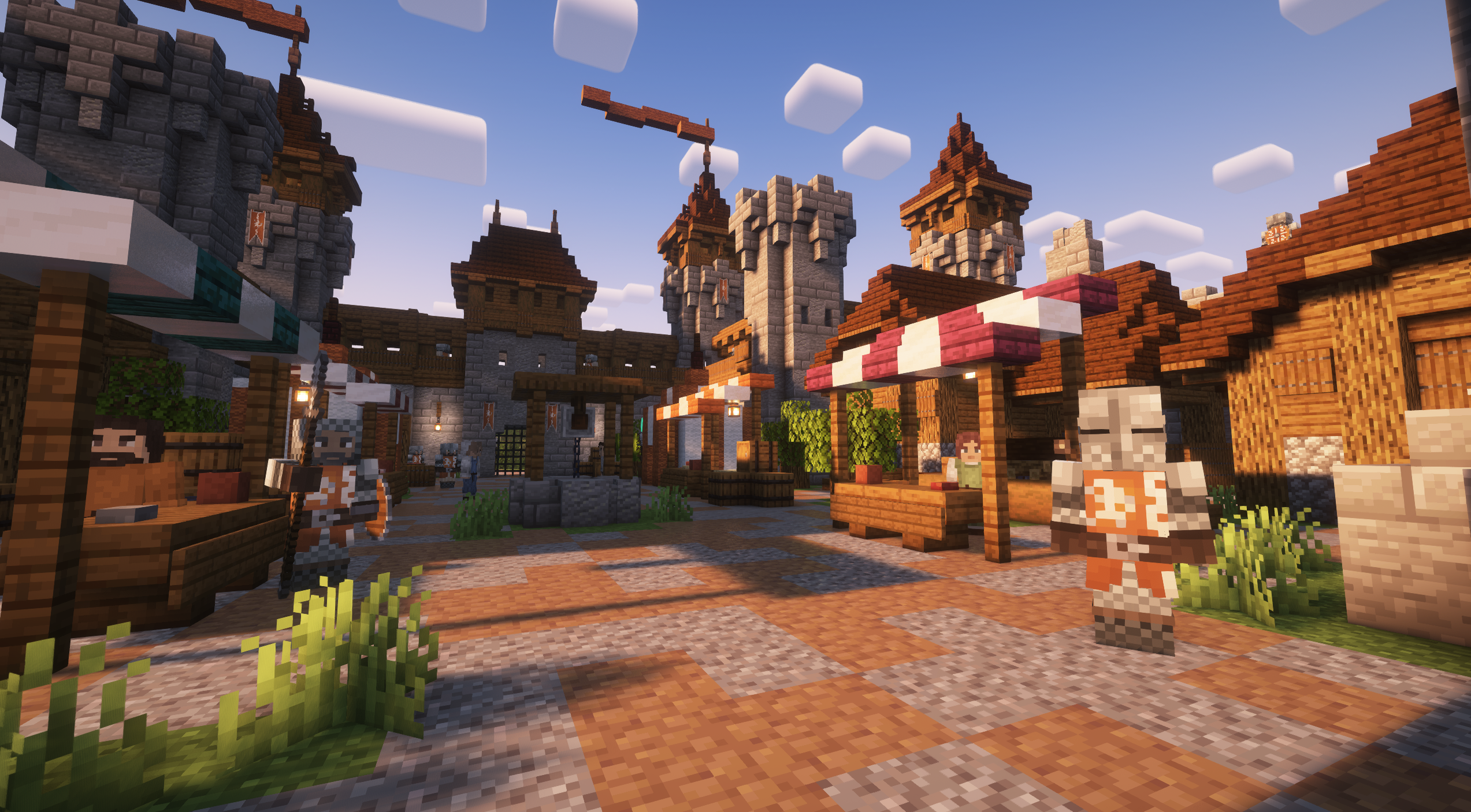
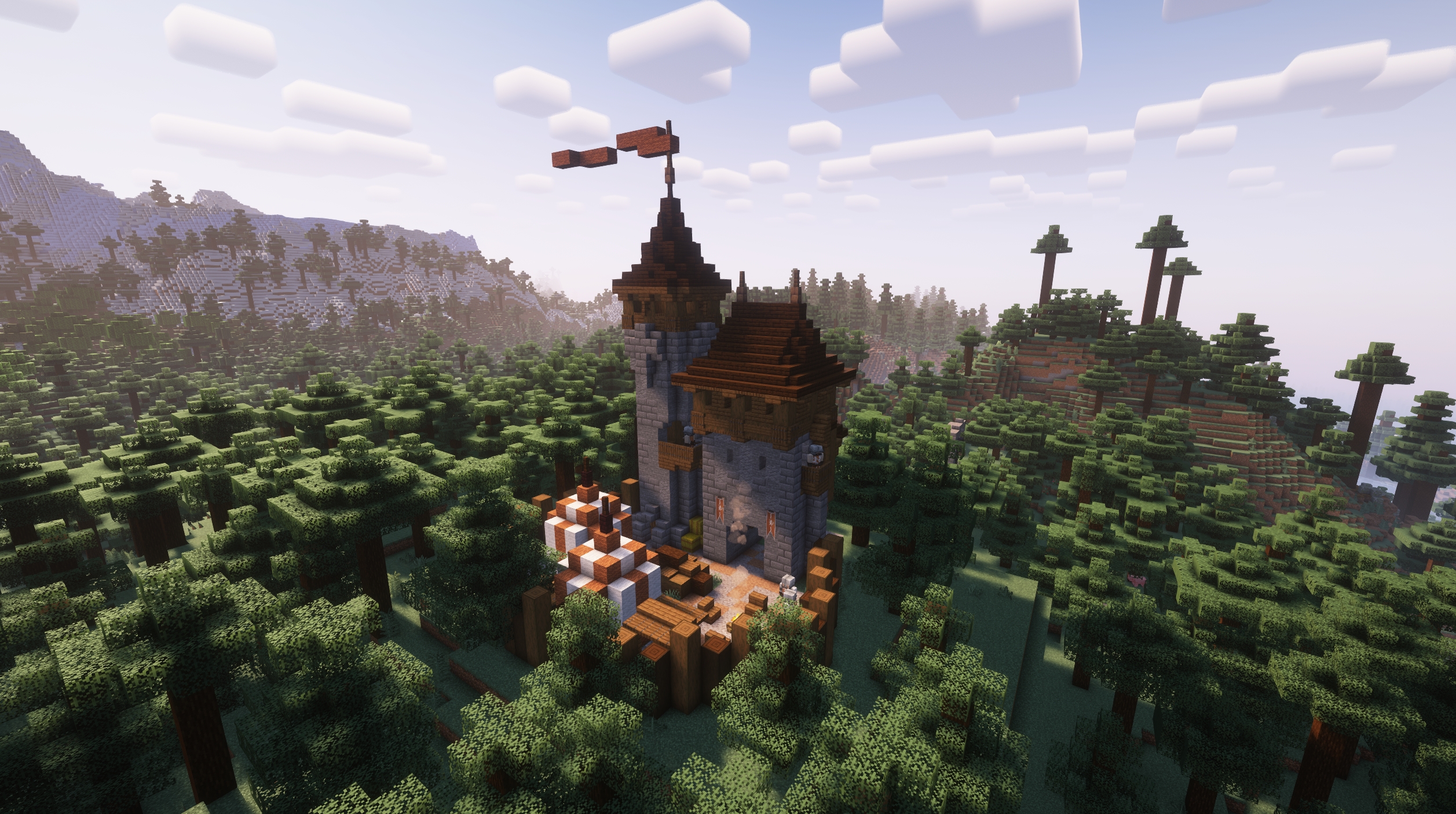
Valarian Conquest aims to enhance the overall feeling of combat and exploration in the overworld. It adds new factions, structures and mobs in an effort to make the world feel more alive, medieval and explorable. As of update 4.0 the mod now has numerous factions and unique armor and structures for each of them. Some of the human and fantasy factions from previous versions are still being worked on and will be readded over time in updates. Each of these factions can be joined and allied with and within these factions structures you can find citizens that can be rescued and claimed as your own. Once claimed, these citizens can hold villager professions or combat roles and will remain with you on your journey. Over time my hope is to expand on the features of this mod and add even more exciting gameplay elements. Just keep in mind this is the first time I have attempted a mod so if you find bugs or issues feel free to let me know and I'll do my best to address them.
This mod has no required dependencies, but some mods might enhance the experience.
Structurify - Allows tweaking structure generation to be more natural
Epic Fight Compatibility - Adds Epic Fight animations and combat to mobs
Fresh Animations Mob Compatibility - Adds Fresh Animations to mobs
Better Combat Mob Compatibility - Adds Better Combat animations to mobs
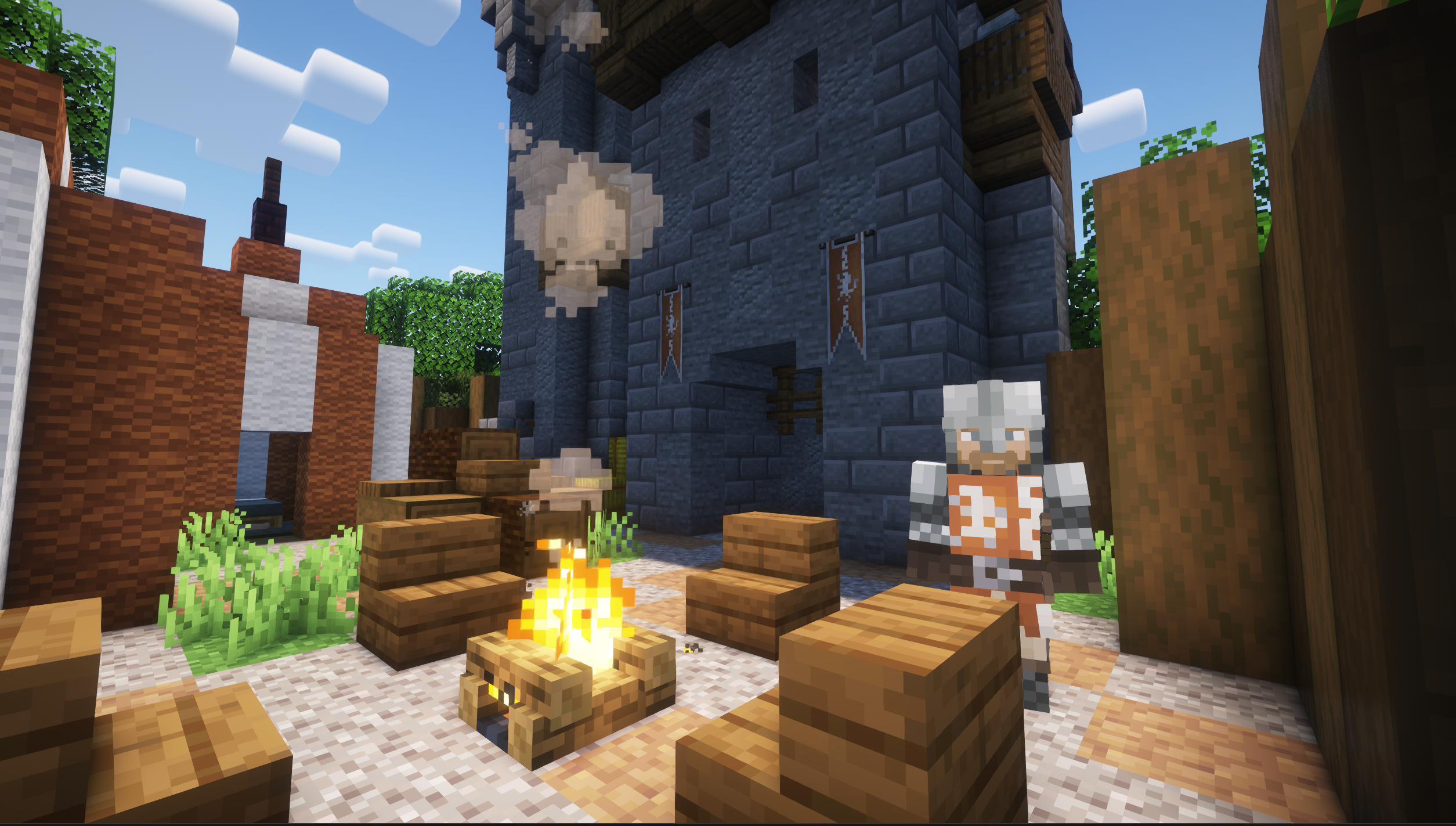
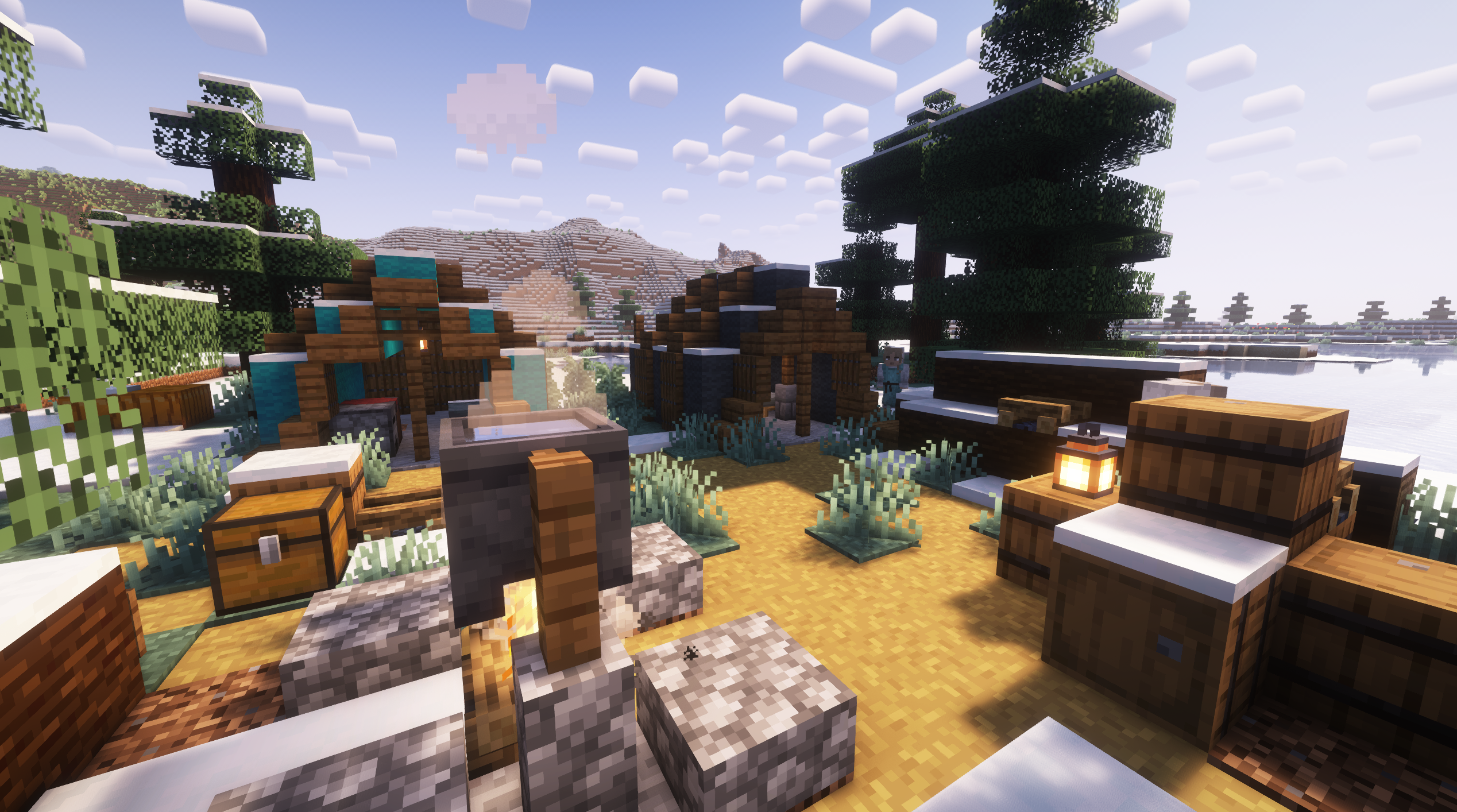
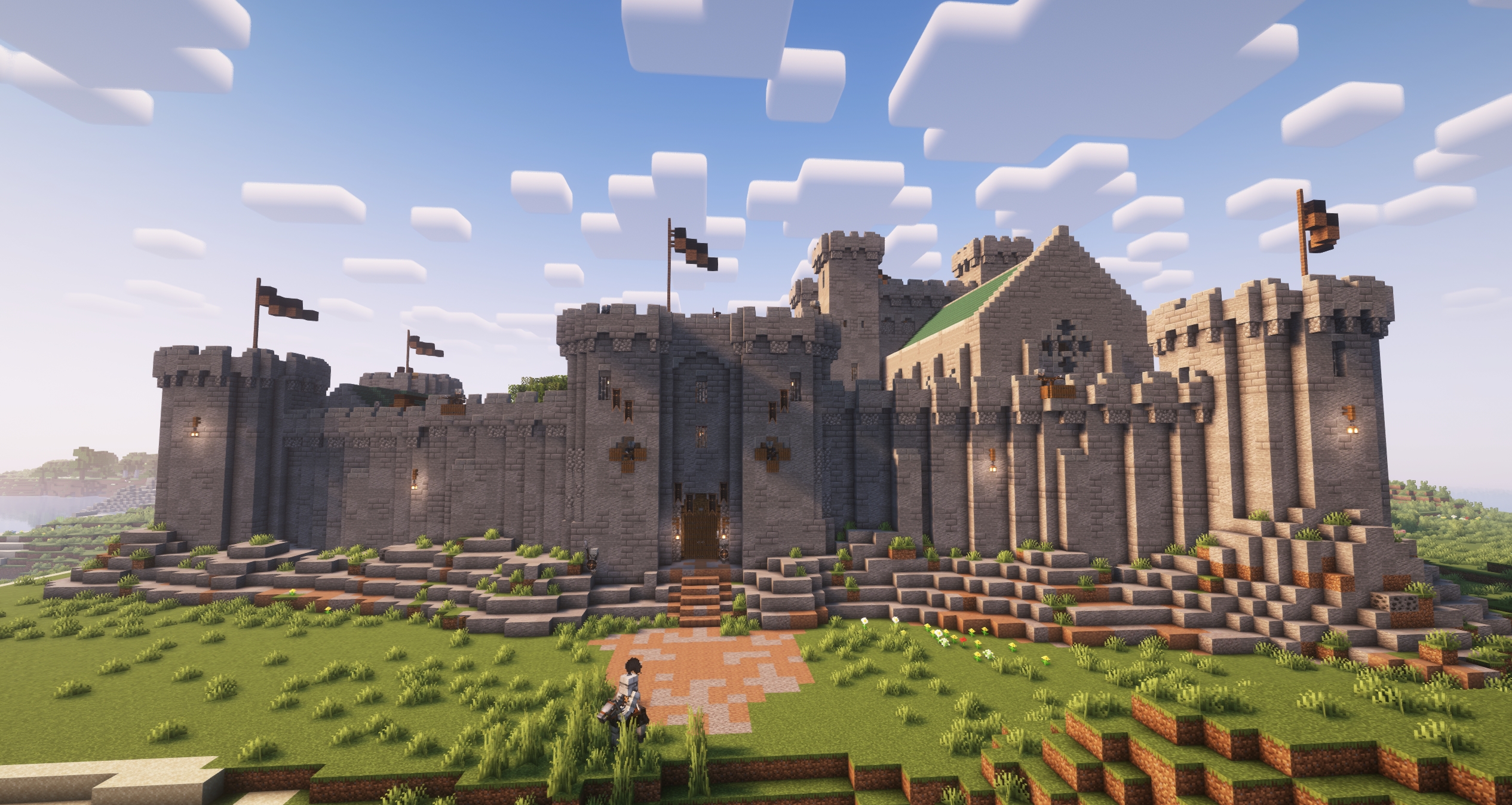
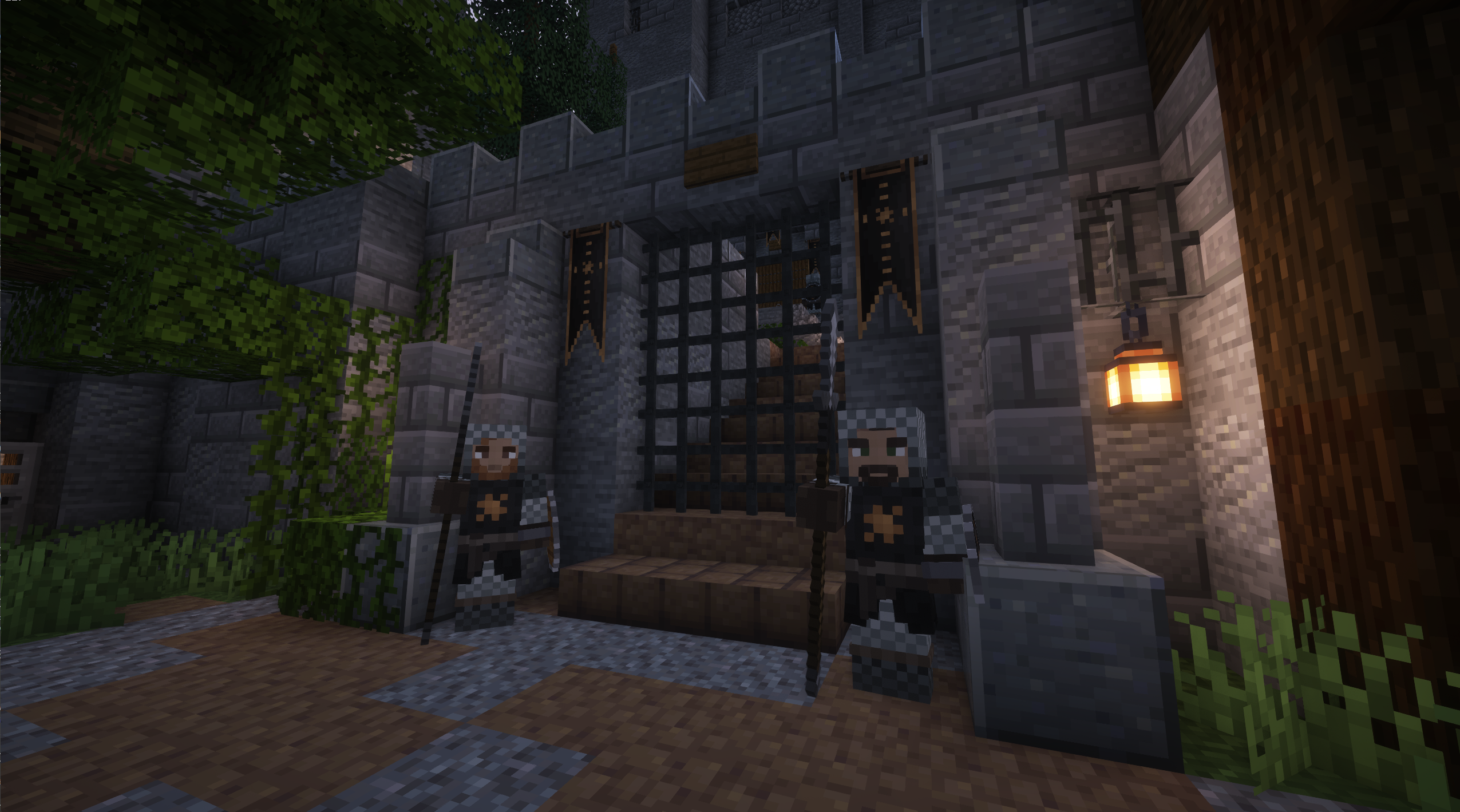
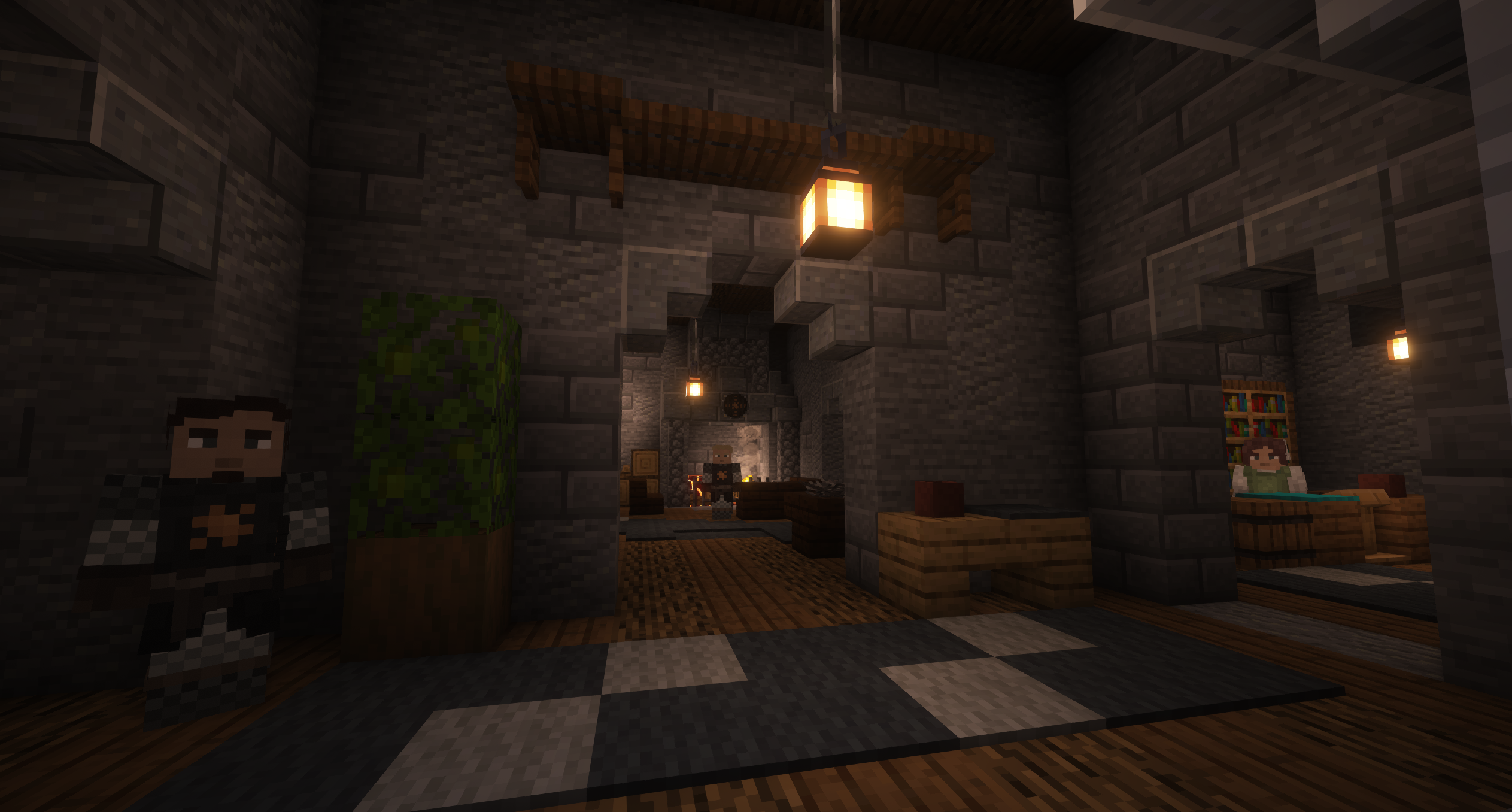
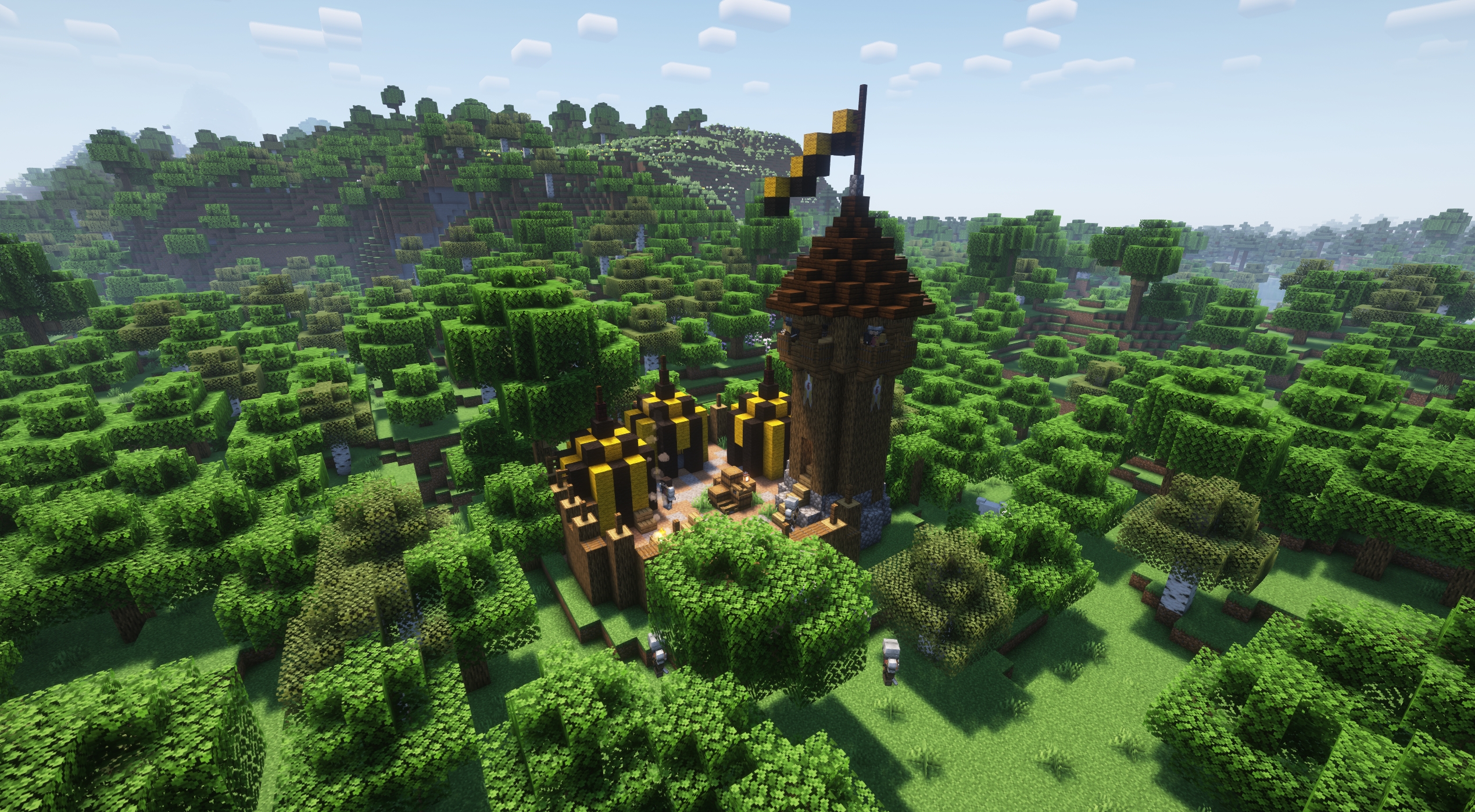
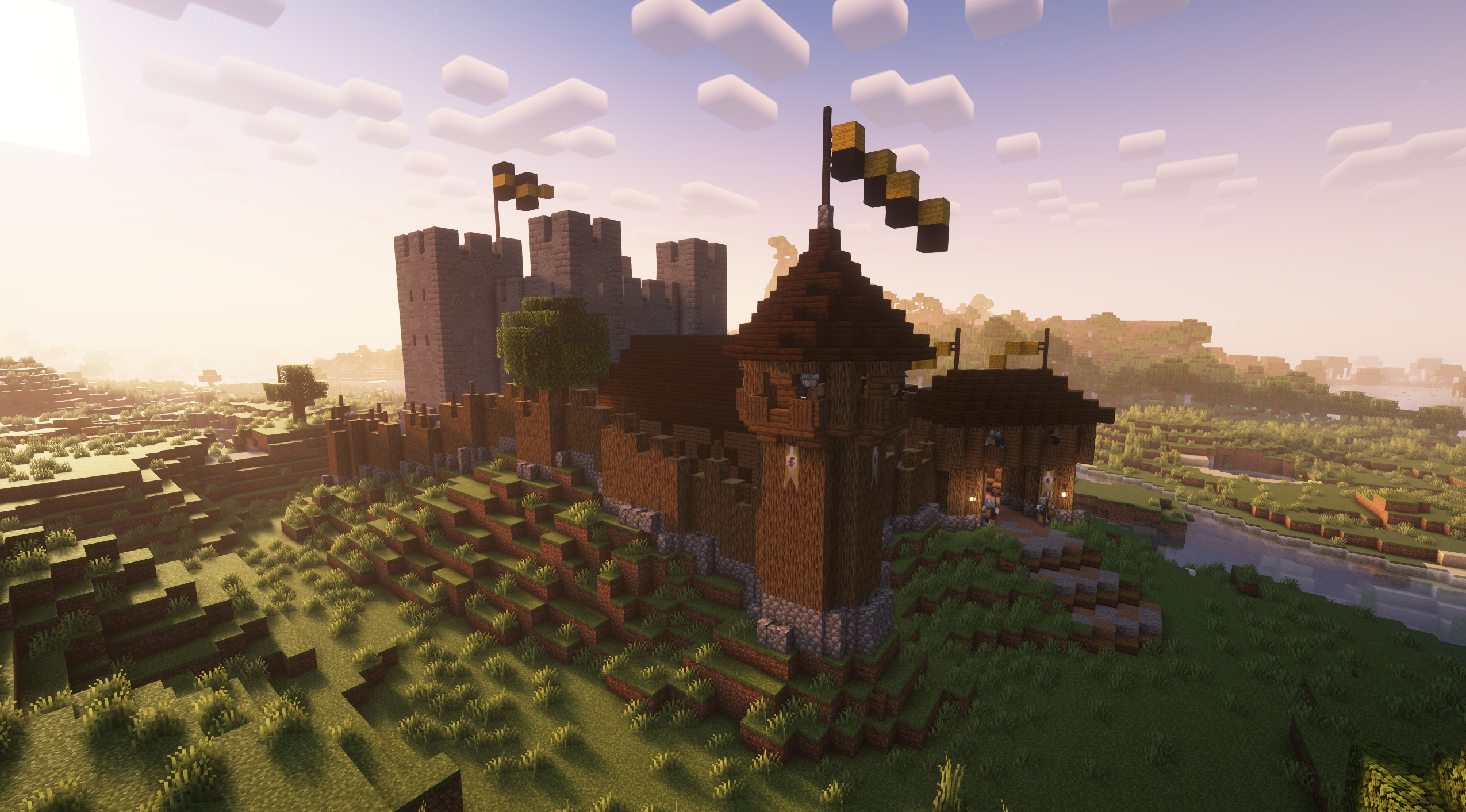
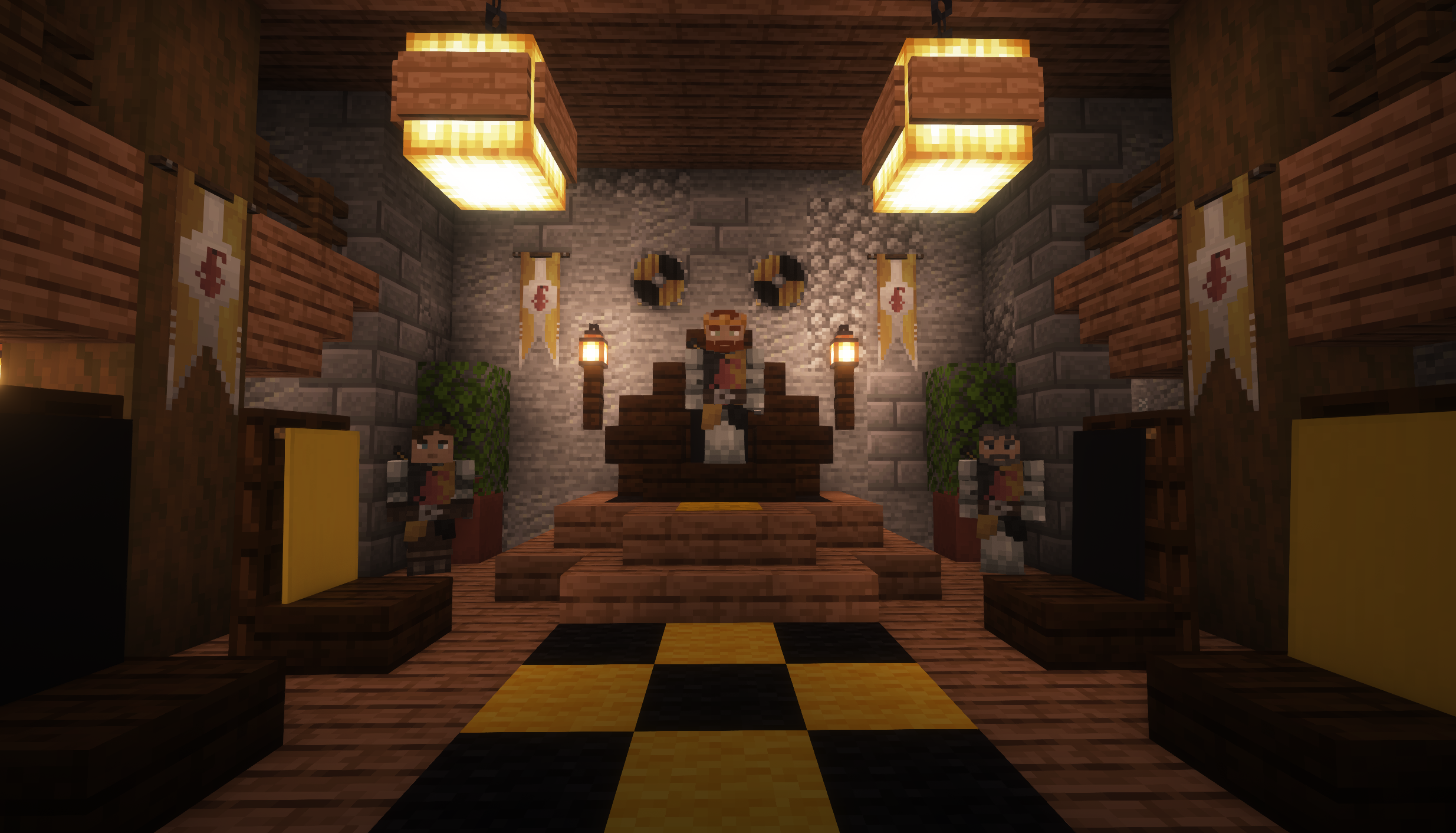
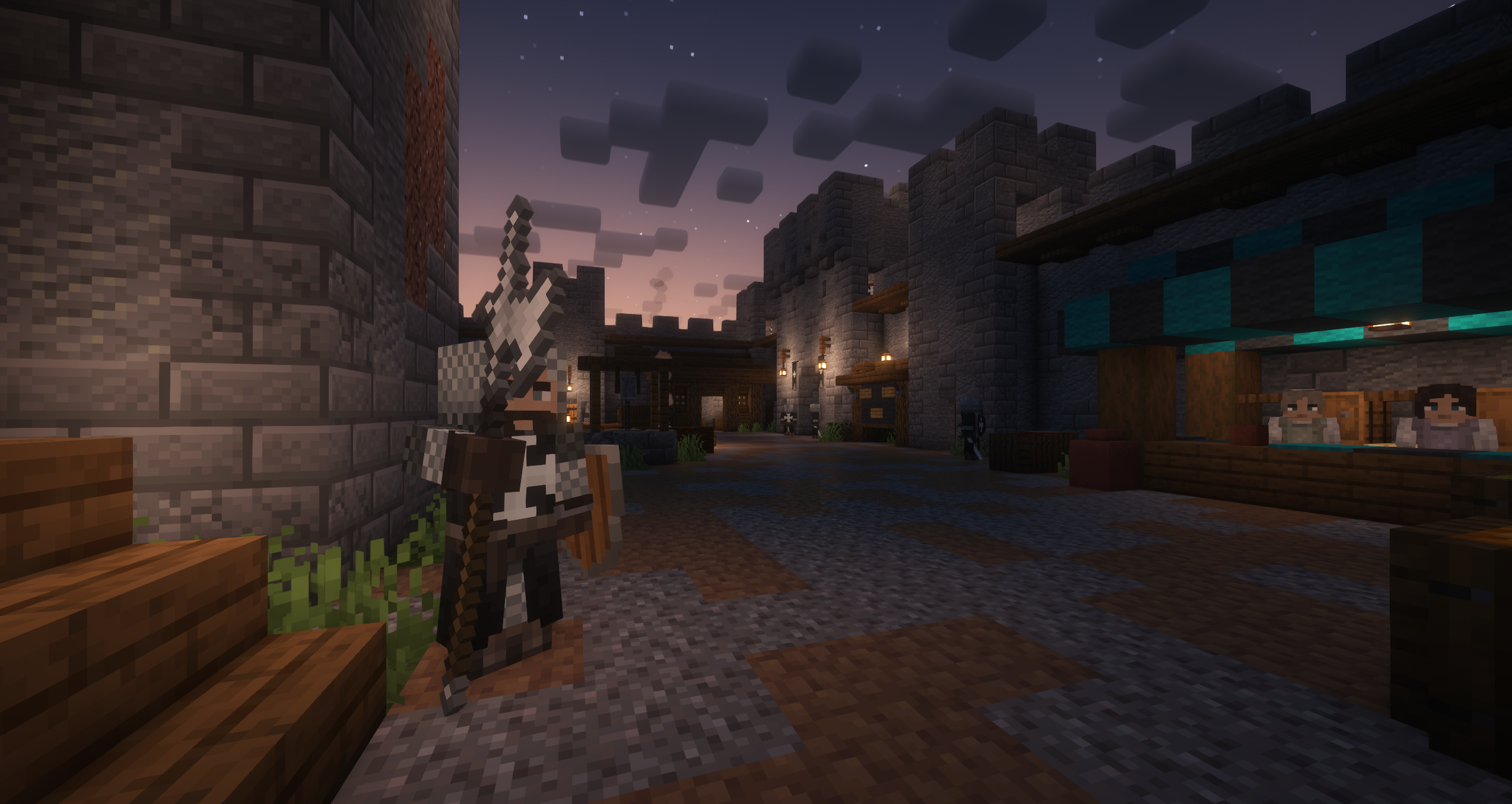
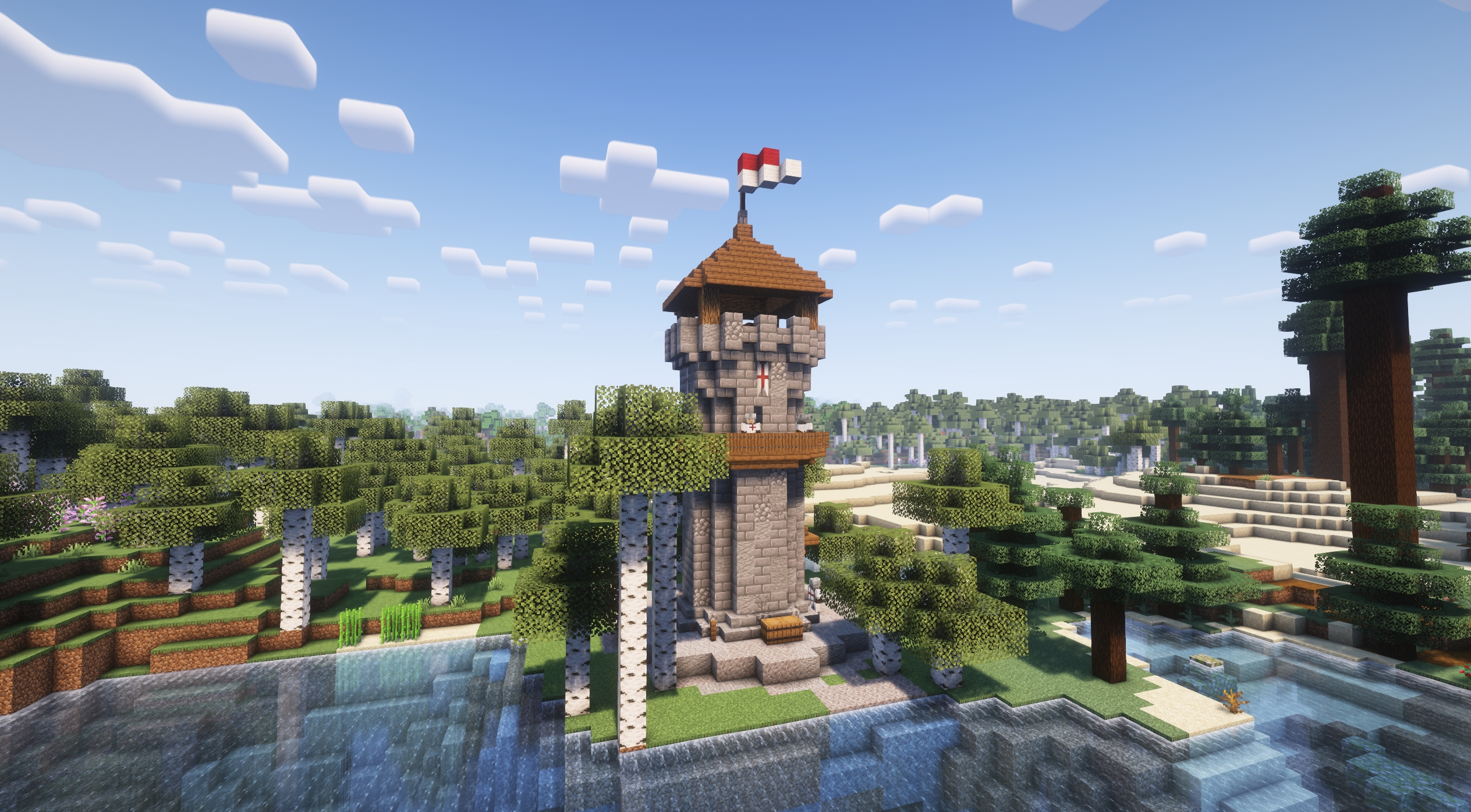
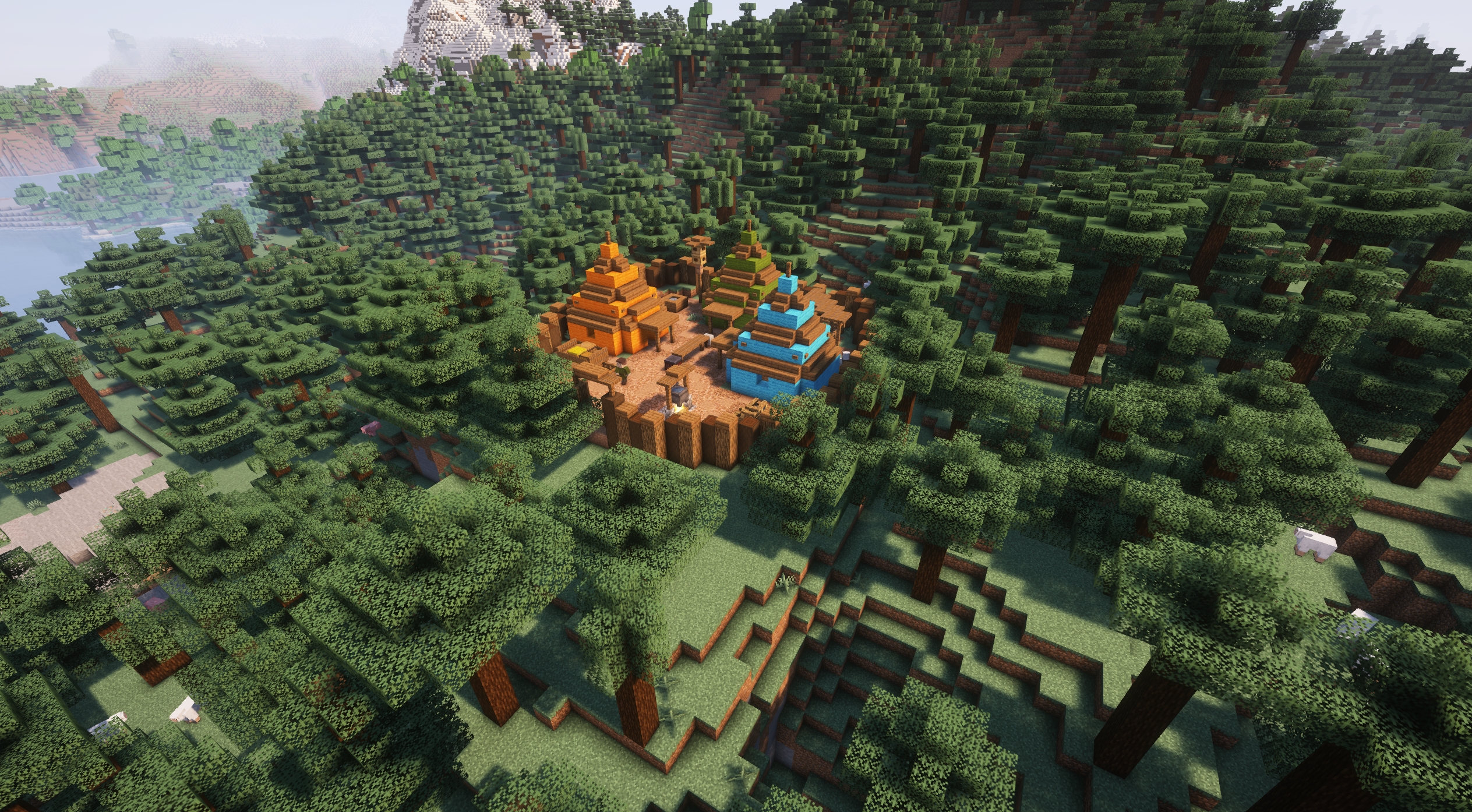
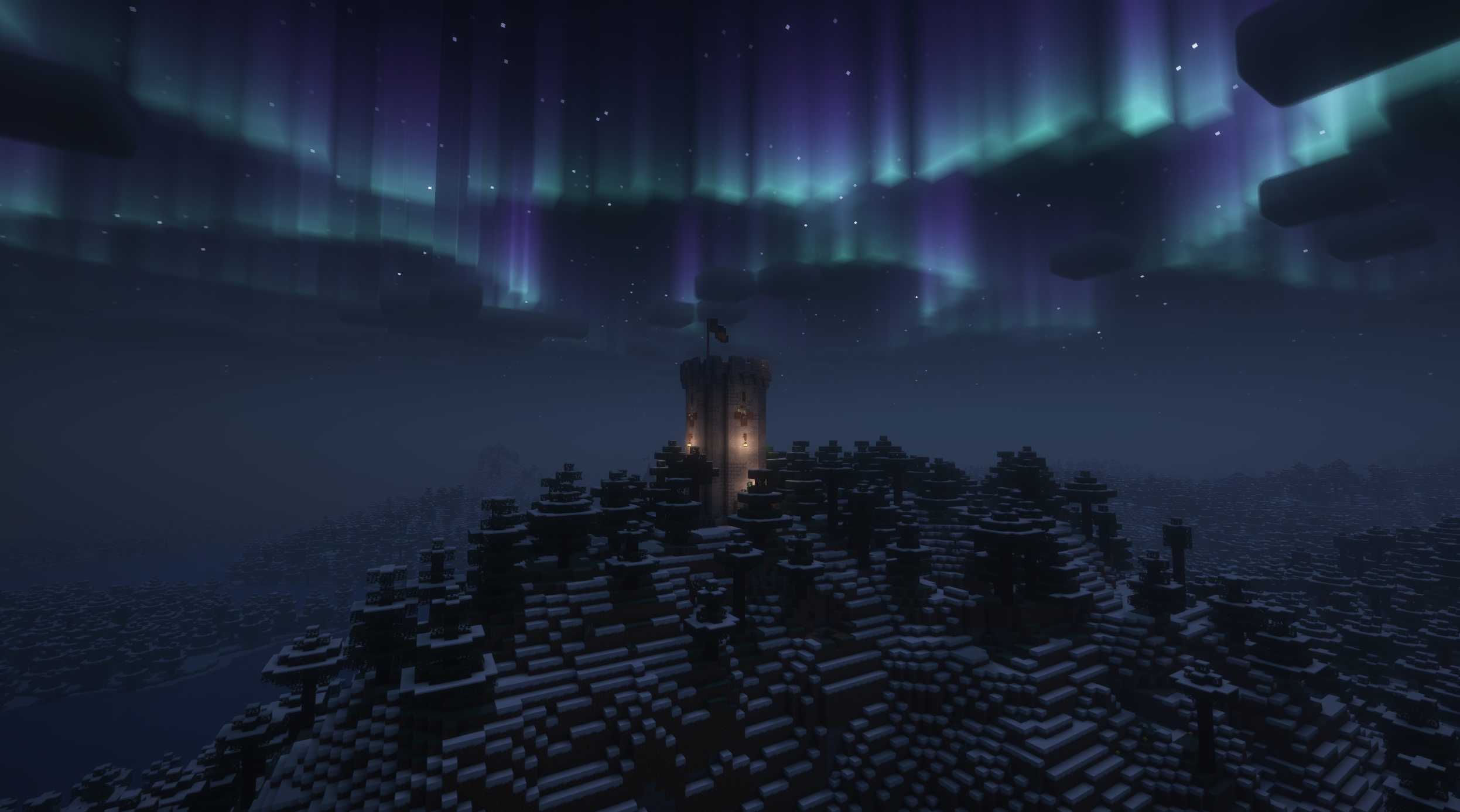
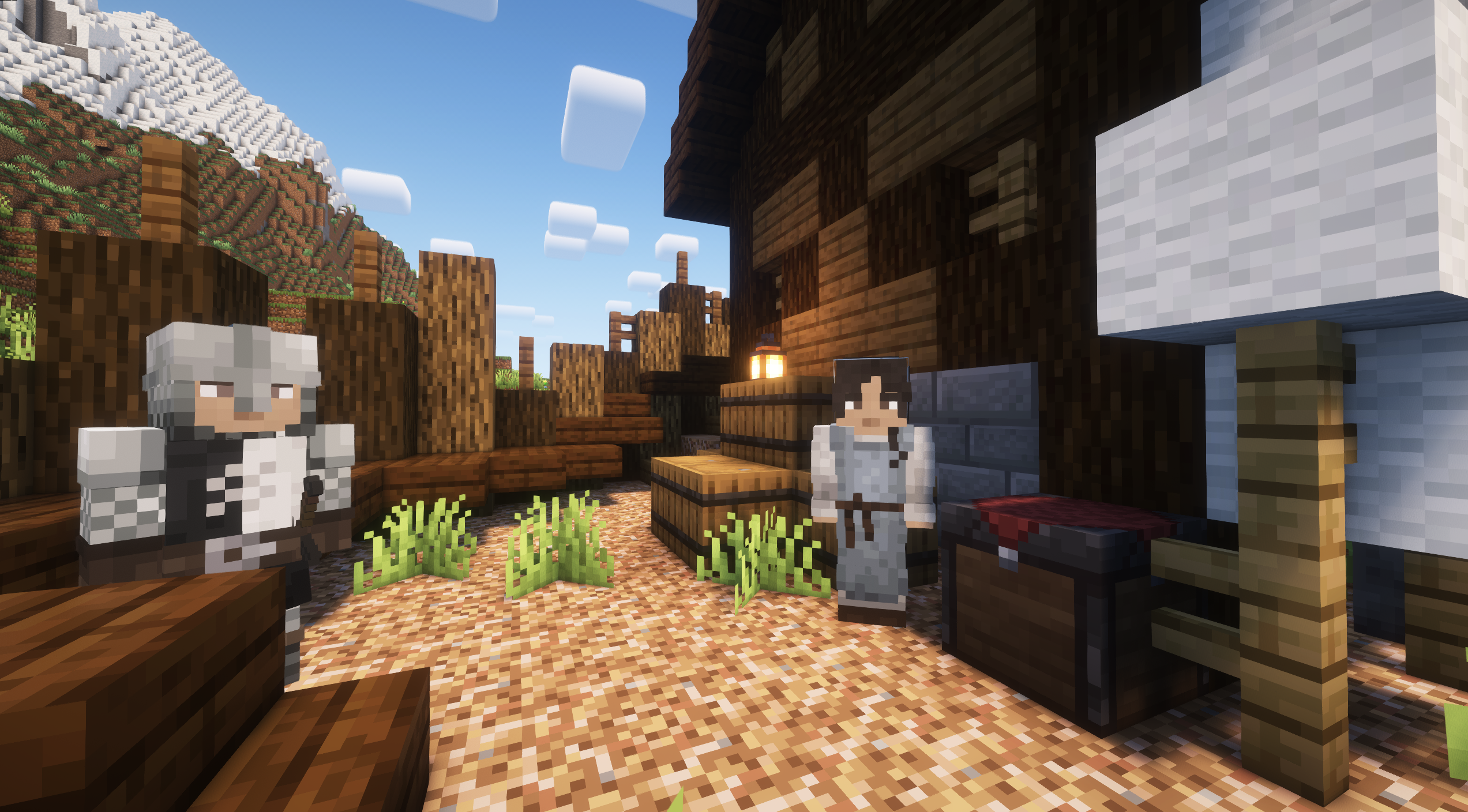
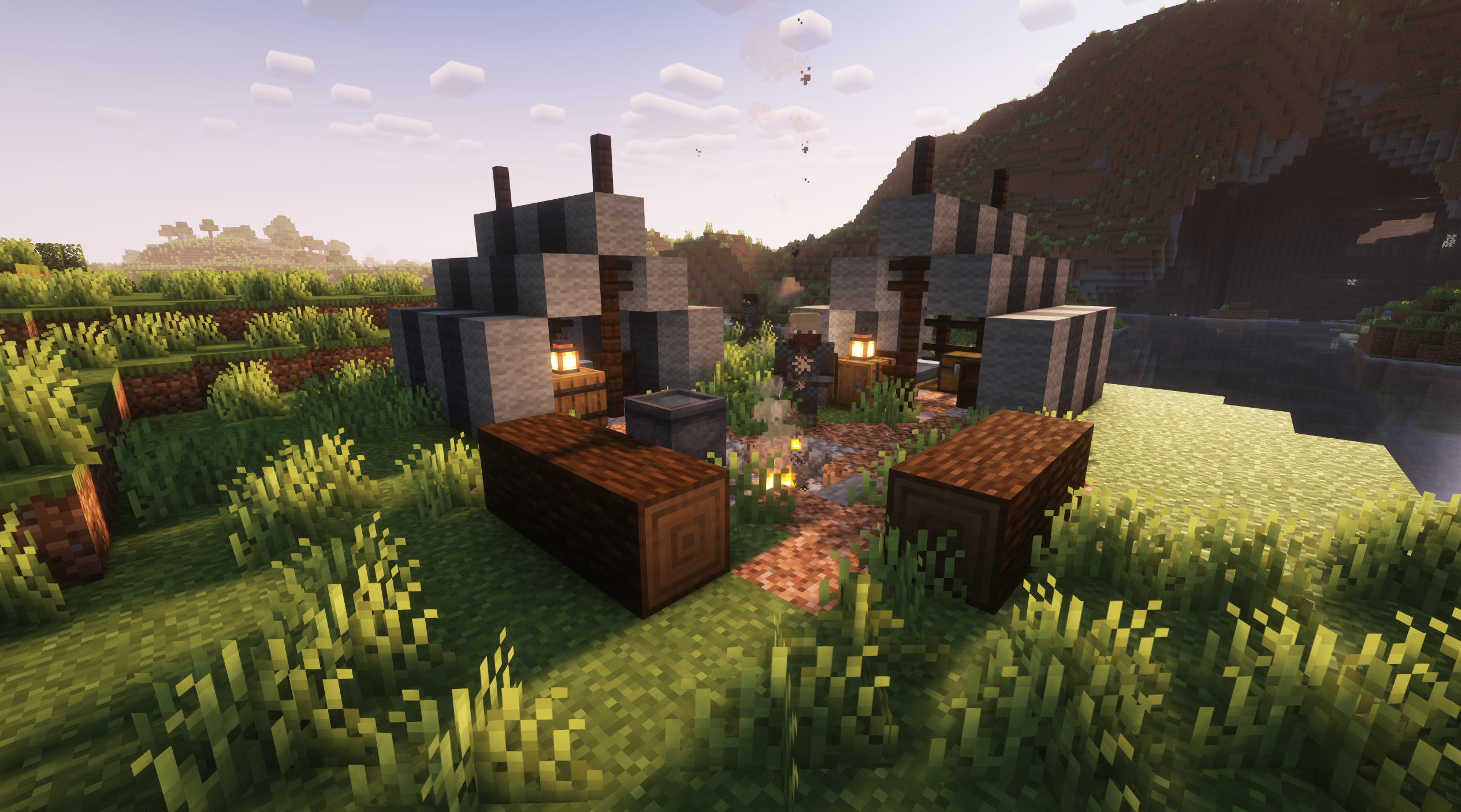
Project description from CurseForge.
Pick your setup
Valarian Conquest by Minecraft version and loader
Choose the version and loader you play, then open the matching release.
Minecraft version
1.20.4
1 loader buildMinecraft version
1.20.1
1 loader buildCheck the dependencies, then try the file in a copied instance before changing a world you care about.
Recent files
Valarian Conquest versions and loaders
Valarian Conquest 4.2.2 - Forge 1.20.1
valarian_conquest-4.2.2-forge-1.20.1.jar
13 Jul 2026
Client Source doesn’t say Server Source doesn’t say Dependencies No extras listed Listed on Release listing
Check the 1.20.1 · Forge setup 1.20.1Forge release
Valarian Conquest 4.2.1.1 - NeoForge 1.21.1
valarian_conquest-4.2.1.1-neoforge-1.21.1.jar
14 Mar 2026
Client Source doesn’t say Server Source doesn’t say Dependencies No extras listed Listed on Release listing
Check the 1.21.1 · NeoForge setup 1.21.1NeoForge release
Valarian Conquest 4.2.1 - Forge 1.20.1
valarian_conquest-4.2.1-forge-1.20.1.jar
14 Mar 2026
Client Source doesn’t say Server Source doesn’t say Dependencies No extras listed Listed on Release listing
Check the 1.20.1 · Forge setup 1.20.1Forge release
Valarian Conquest 4.2.1 - NeoForge 1.21.1
valarian_conquest-4.2.1-neoforge-1.21.1.jar
14 Mar 2026
Client Source doesn’t say Server Source doesn’t say Dependencies No extras listed Listed on Release listing
Check the 1.21.1 · NeoForge setup 1.21.1NeoForge release
Valarian Conquest 4.2 - NeoForge 1.21.1
valarian_conquest-4.2-neoforge-1.21.1.jar
25 Jan 2026
Client Source doesn’t say Server Source doesn’t say Dependencies No extras listed Listed on Release listing
Check the 1.21.1 · NeoForge setup 1.21.1NeoForge release
Valarian Conquest 4.2 - Forge 1.20.1
valarian_conquest 4.2-forge-1.20.1.jar
20 Jan 2026
Client Source doesn’t say Server Source doesn’t say Dependencies No extras listed Listed on Release listing
Check the 1.20.1 · Forge setup 1.20.1Forge release
Valarian Conquest 4.1.1 - Forge 1.20.1
valarian_conquest-4.1.1-forge-1.20.1.jar
20 Dec 2025
Client Source doesn’t say Server Source doesn’t say Dependencies No extras listed Listed on Release listing
Check the 1.20.1 · Forge setup 1.20.1Forge release
Valarian Conquest 4.1.1-Hotfix NeoForge 1.21.1
valarian_conquest-4.1.1-neoforge-1.21.1-hotfix.jar
16 Dec 2025
Client Source doesn’t say Server Source doesn’t say Dependencies No extras listed Listed on Release listing
Check the 1.21.1 · NeoForge setup 1.21.1NeoForge release
Valarian Conquest 4.1 - Forge 1.20.1
valarian_conquest-4.1.0-forge-1.20.1.jar
5 Dec 2025
Client Source doesn’t say Server Source doesn’t say Dependencies No extras listed Listed on Release listing
Check the 1.20.1 · Forge setup 1.20.1Forge release
Valarian Conquest 4.0 BETA - Forge 1.20.1
valarian_conquest-4.0.0-forge-1.20.1.jar
30 Nov 2025
Client Source doesn’t say Server Source doesn’t say Dependencies No extras listed Listed on Release listing
Check the 1.20.1 · Forge setup 1.20.1Forge beta
Valarian Conquest NeoForge 1.21.1 - 3.2.1
valarian_conquest-3.2.1-neoforge-1.21.1.jar
7 May 2025
Client Source doesn’t say Server Source doesn’t say Dependencies No extras listed Listed on Release listing
Check the 1.21.1 · NeoForge setup 1.21.1NeoForge release
NO STRUCTURES - Valarian Conquest NeoForge 1.21.1 - 3.2.1
NO_STRUCTURES_valarian_conquest-3.2.1-neoforge-1.21.1.jar
7 May 2025
Client Source doesn’t say Server Source doesn’t say Dependencies No extras listed Listed on Release listing
Check the 1.21.1 · NeoForge setup NeoForge1.21.1 beta
Looking for an older file? The official CurseForge project page is in Resources.
 mod
mod CurseForge + Modrinth · Minecraft
Shoulder Surfing Reloaded
Shoulder Surfing Reloaded is a highly configurable third person camera mod for Minecraft
 mod
mod CurseForge · Minecraft
Hands Off My Block!
A mod that prevents players from messing with generated structures! Liberation Mode included!
 mod
mod CurseForge · Minecraft
Epic Fight - Super Golem x Modular Golems
Integrate Modular Golems into the EpicFight System