Hypixel Mod API Needed by Aries 1.2.1
requiredMatching file found Matched file: 1.0.2+build.1+mc26.1

Modrinth · Minecraft mod
A modern Fabric Quality of Life mod for Hypixel SkyBlock, featuring configurable tools, a clean UI, and helpful features to improve your gameplay experience.
Quick answer
Aries 1.2.1 targets 26.2 with Fabric. It must be installed on the client. Do not install it on the dedicated server. All 2 required mods have matching files.
Where it goes
It must be installed on the client. Do not install it on the dedicated server.
This file is marked client-only.
1.2.1. Change the file and its required mods may change too.
Install Hypixel Mod API, Fabric API first. We found matching files for this game-version and loader setup.
We only count dependency files that match this setup. A file for another loader does not fill the gap.
Before you install it
Built for Aries 1.2.1. Pick another file and the loader, install side or required mods may change.
Use 1.2.1. It targets 26.2 with Fabric; another release may have different loader, side or dependency requirements.
Install Hypixel Mod API, Fabric API first. We found matching files for this game-version and loader setup.
It must be installed on the client. Do not install it on the dedicated server.
Use the “Get this file” button beside 1.2.1. It opens that exact file at the source.
About this project
Aries is a modern client-side Quality of Life mod for Hypixel SkyBlock, built for modern versions of Minecraft. It adds configurable visual customisation, chat improvements, SkyBlock utilities, and a polished in-game configuration menu. Designed to make everyday SkyBlock gameplay smoother. It adds configurable visual customisation, chat improvements, SkyBlock utilities, and a polished in-game configuration menu designed to make everyday SkyBlock gameplay smoother.
Whether you're grinding skills, managing chat, or just trying to make SkyBlock less painful, Aries is designed to stay
fast, simple, and helpful.
SkyBlock involves many repetitive actions and visual clutter. Aries focuses on improving these small frustrations through quality-of-life features that give players more control over their visuals, interface, and everyday gameplay.
Instead of adding unnecessary complexity, Aries provides simple tools that can be enabled, disabled, and customised to fit each player's playstyle.
Aries is a Fabric mod designed for Hypixel SkyBlock. It does not require any server installation and only provides client-side improvements, visual customisation, and quality-of-life features.
Found a bug, have a feature suggestion, or need help?
You can report bugs, request features, and provide feedback through GitHub Issues or the Aries Discord:
GitHub Issues are recommended for detailed bug reports, crash logs, and feature requests.
Discord is better for general support, discussion, and quick feedback.
Aries currently includes the following features:
/aries config.jar file into your mods folderOpen the Aries menu using:
/aries
Use the in-game configuration menu to customise features and settings.
.minecraft/config/aries/aries_config.json
Author & Developer VoidedAries
Big thanks to Ricciow for their help, feedback, and inspiration throughout development.
Also, a huge thank you to Earthcomputer for their patience, technical guidance, and support while overcoming
development challenges.
Thanks to everyone who has provided feedback, reported bugs, and helped improve Aries throughout development.
Project description from Modrinth.
Pick your setup
Choose the version and loader you play, then open the matching release.
Check the dependencies, then try the file in a copied instance before changing a world you care about.
Recent files
Aries-1.2.1.jar
19 Aug 2026
Aries-1.2.0.jar
19 Aug 2026
Aries-1.0.0.jar
29 Jul 2026
Looking for an older file? The official Modrinth project page is in Resources.
 mod
modReal-time catch rate calculator for Cobblemon. Shows live percentages, ball comparisons, and status effects. 100% client-side. It works on any server.
 mod
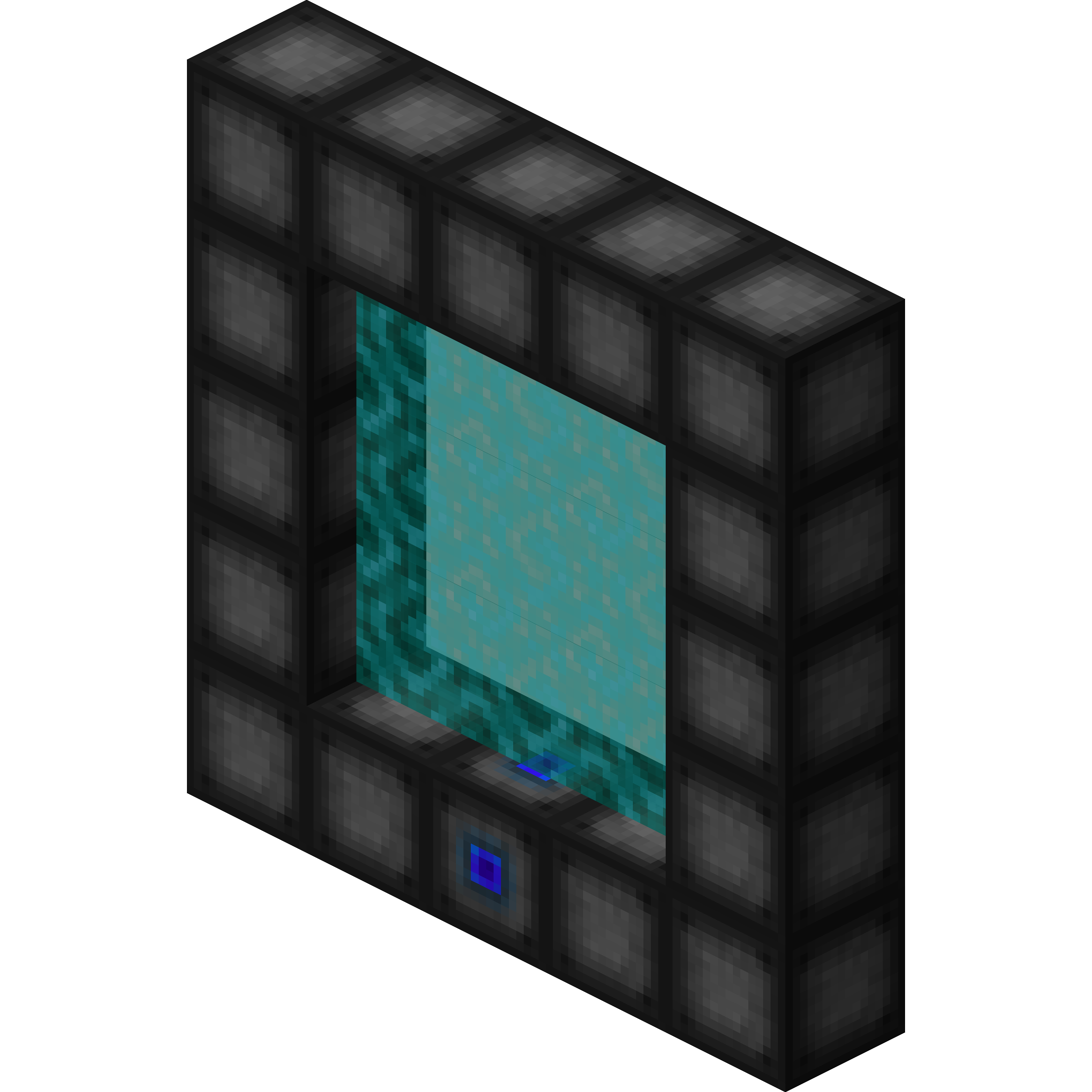
modWormhole allows you to construct teleportation portals with the use of wormhole stabilizer technology!
 mod
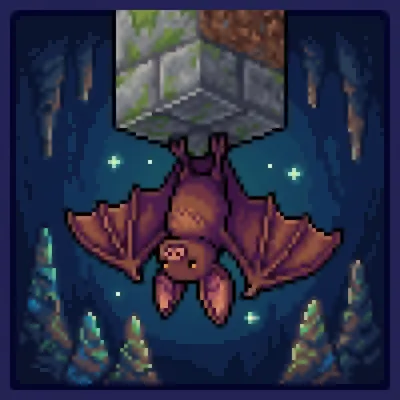
modBetter Bats overhauls the vanilla Bat into a dynamic, ecosystem-driven entity with swarming behaviors, guano fertilization, and pest control mechanics. Built for Minecraft 26.1+ with DasikLibrary integration.
