MidnightLib Needed by Update ME! 2.2-20.4-neoforge
requiredMatching file found Matched file: MidnightLib 1.5.2 - NeoForge 1.20.4

Modrinth · Minecraft mod
Informs the player when your modpack needs an update
Quick answer
Update ME! 2.2-20.4-neoforge targets 1.20.4 with NeoForge. It must be installed on the client. Do not install it on the dedicated server. All 1 required mods have matching files.
Where it goes
It must be installed on the client. Do not install it on the dedicated server.
This file is marked client-only.
2.2-20.4-neoforge. Change the file and its required mods may change too.
Install MidnightLib first. We found matching files for this game-version and loader setup.
We only count dependency files that match this setup. A file for another loader does not fill the gap.
Before you install it
Built for Update ME! 2.2-20.4-neoforge. Pick another file and the loader, install side or required mods may change.
Use 2.2-20.4-neoforge. It targets 1.20.4 with NeoForge; another release may have different loader, side or dependency requirements.
Install MidnightLib first. We found matching files for this game-version and loader setup.
It must be installed on the client. Do not install it on the dedicated server.
Use the “Get this file” button beside 2.2-20.4-neoforge. It opens that exact file at the source.
About this project

Informs the player when your modpack needs an update
versionString in config/updateme.json to the version name before realsing your modpacknewestVersionURL to the direct link to fileExample: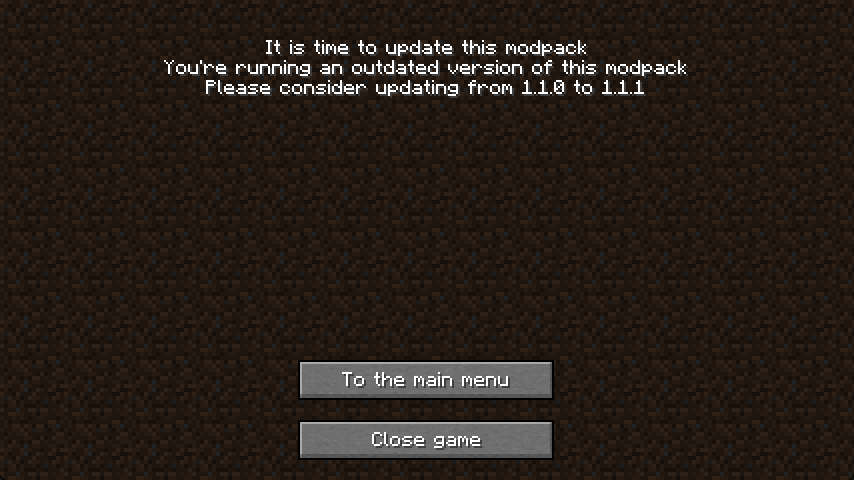
You are allowed to use this in any personal modpack,
but this mod may only be distributed in modpacks published on Modrinth and Curseforge
Project description from Modrinth.
Pick your setup
Choose the version and loader you play, then open the matching release.
Check the dependencies, then try the file in a copied instance before changing a world you care about.
Recent files
UpdateMe-neoforge-2.2.jar
6 Feb 2024
UpdateMe-fabric-2.2.jar
6 Feb 2024
UpdateMe-2.0.jar
29 Jan 2024
UpdateMe-2.1.jar
26 Jan 2024
UpdateMe-2.1.jar
26 Jan 2024
UpdateMe-2.0.jar
26 Jan 2024
update-me-1.1.jar
8 Dec 2023
update-me-1.0b.jar
6 Oct 2023
Looking for an older file? The official Modrinth project page is in Resources.
 mod
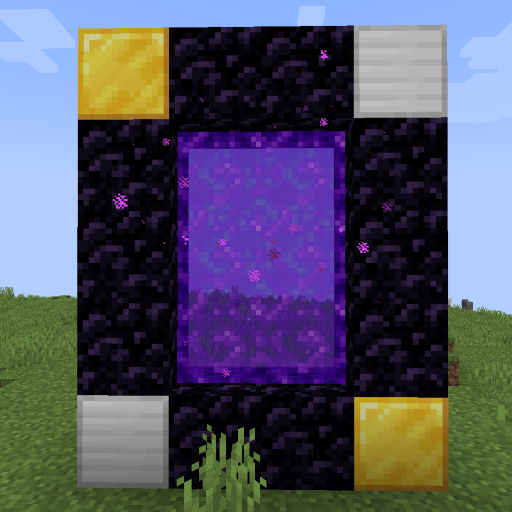
Create custom world portal to travel between dimensions.
 mod
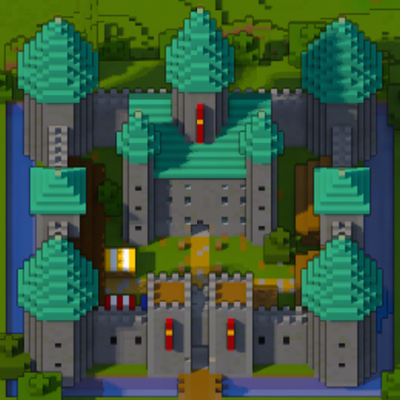
A minimap and world map drawn at an angle, like a model of your world on a table. Towers stand up, cliffs have faces and trees cast shadows.
 mod
Leave the mark!
