Fabric API Needed by NPC Studio 1.3.9
requiredMatching file found Matched file: 0.166.2+26.3

Modrinth · Minecraft mod
Be the director of your best thumbnail yet.
Quick answer
NPC Studio 1.3.9 targets 26.3 with Fabric. It must be installed on the client. Do not install it on the dedicated server. All 1 required mods have matching files.
Where it goes
It must be installed on the client. Do not install it on the dedicated server.
This file is marked client-only.
1.3.9 on Fabric. Every mod below is checked against that same setup.
Install Fabric API first. We found matching files for this game-version and loader setup.
We only count dependency files that match this setup. A file for another loader does not fill the gap.
Before you install it
Built for NPC Studio 1.3.9 on Fabric. Pick another file and the loader, install side or required mods may change.
Use 1.3.9. It targets 26.3 with Fabric; another release may have different loader, side or dependency requirements.
Install Fabric API first. We found matching files for this game-version and loader setup.
It must be installed on the client. Do not install it on the dedicated server.
Use the “Get this file” button beside 1.3.9. It opens that exact file at the source.
About this project
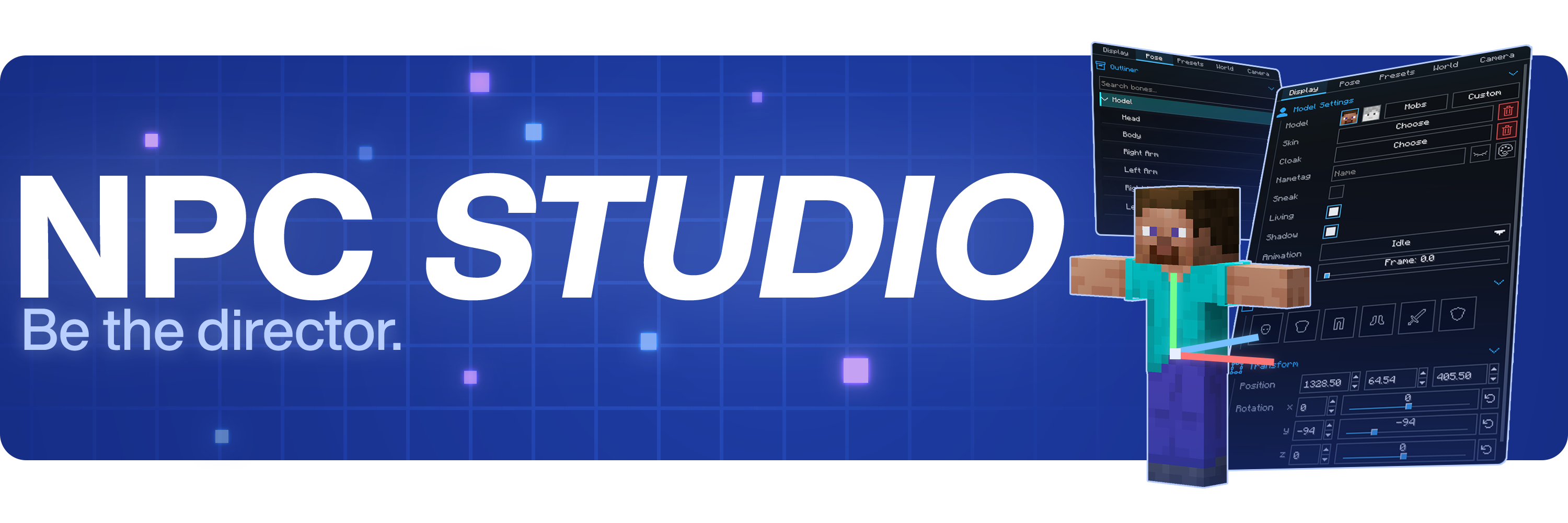


Stage the shot, pose the characters, control the world, and capture it all inside Minecraft.
Join the Discord at discord.gg/mdh. For bug reports, include your Minecraft version, NPC Studio version, mod loader, what you expected to happen, what actually happened, and any useful logs or screenshots.
Open the model picker, then use the import folder button. NPC Studio supports .bbmodel, .geo.json, and .jar files. For .bbmodel and .geo.json models, place the matching .png texture beside the model file and use the same file name.
Open the preset folder from the Presets tab, then share the preset .json file or the folder that contains it. The other person can place it in their config/npcstudio/presets folder and load it from the Presets tab.
Install Iris and a WEM cutout-compatible shaderpack, then enable WEM Cutout in the Batch Screenshots screen. If you have more than one compatible shaderpack installed, choose the one you want to use for the cutout pass before running the batch.
Project description from Modrinth.
Pick your setup
Choose the version and loader you play, then open the matching release.
Check the dependencies, then try the file in a copied instance before changing a world you care about.
Recent files
NPCStudio-1.3.9-mc26.3-fabric.jar
9 Nov 2026
NPCStudio-1.3.9-mc26.2-fabric.jar
9 Nov 2026
NPCStudio-1.3.9-mc26.1.2-fabric.jar
9 Nov 2026
NPCStudio-1.3.9-mc1.21.11-fabric.jar
9 Nov 2026
NPCStudio-1.3.9-mc1.20.1-fabric.jar
9 Nov 2026
NPCStudio-1.3.8-mc26.3-fabric.jar
28 Oct 2026
NPCStudio-1.3.8-mc26.2-fabric.jar
28 Oct 2026
NPCStudio-1.3.8-mc26.1.2-fabric.jar
28 Oct 2026
NPCStudio-1.3.8-mc1.21.11-fabric.jar
28 Oct 2026
NPCStudio-1.3.8-mc1.20.1-fabric.jar
28 Oct 2026
NPCStudio 1.3.7.jar
15 Aug 2026
NPCStudio 1.3.6.jar
8 Aug 2026
Looking for an older file? The official Modrinth project page is in Resources.
 mod
Well-rounded client-side optimization mod. Extremely compatible Vulkan backend for 1.21.11-26.1.2. By Polyfrost, best with OneClient.
 mod
Find oil, refine it into aviation fuel, and build an air force. Ten flyable helicopters and airplanes, from a two-seat trainer to a thirty-passenger airliner, backed by a full industrial chain that starts with a pickaxe and ends with a runway.
 mod
Tango-Oscar-November-India; Walkie-talkies for Simple Voice Chat: tune a frequency and talk to everyone on it, with radio sound, beeps, signal bars and a clean HUD.