Necronomicon API Needed by Welcome Screen (Modpack Utils Series) Fabric 1.21.1 | v1.0.0
requiredMatching file found Matched file: Necronomicon 1.6.0

CurseForge · Minecraft mod
Adds a 100% customizable welcome & update screen on world join.
Quick answer
Welcome Screen (Modpack Utils Series) Fabric 1.21.1 | v1.0.0 targets 1.21, 1.21.1 with Fabric, Quilt. The project page does not say whether this file belongs on the client, dedicated server, or both. All 6 required mods have matching files.
Where it goes
The project page does not say whether this file belongs on the client, dedicated server, or both.
The source does not explicitly classify this release as client-only or server-only.
Fabric 1.21.1 | v1.0.0. Change the file and its required mods may change too.
Install Necronomicon API, FancyMenu, Necronomicon API, Fabric API and 2 more first. We found matching files for this game-version and loader setup. 3 come through another mod in the chain.
3 extra mods were pulled in by other dependencies. Indented rows show who needs each one. We only count dependency files that match this setup. A file for another loader does not fill the gap.
Before you install it
Built for Welcome Screen (Modpack Utils Series) Fabric 1.21.1 | v1.0.0. Pick another file and the loader, install side or required mods may change.
Use Fabric 1.21.1 | v1.0.0. It targets 1.21, 1.21.1 with Fabric, Quilt; another release may have different loader, side or dependency requirements.
Install Necronomicon API, FancyMenu, Necronomicon API, Fabric API and 2 more first. We found matching files for this game-version and loader setup. 3 come through another mod in the chain.
The project page does not say whether this file belongs on the client, dedicated server, or both.
Use the “Get this file” button beside Fabric 1.21.1 | v1.0.0. It opens that exact file at the source.
About this project
Allows to add welcome and "What's new" update screens, fully customizable using FancyMenu. Great for accessibility and showing important information
Requires Necronomicon API and FancyMenu
Update Screen requires Better Compatibility Checker
Welcome Screens are only shown one time, once a player installs the modpack and joins a world or server, then it no longer shows. Useful to show important information, like keybinds, etc.
Example:
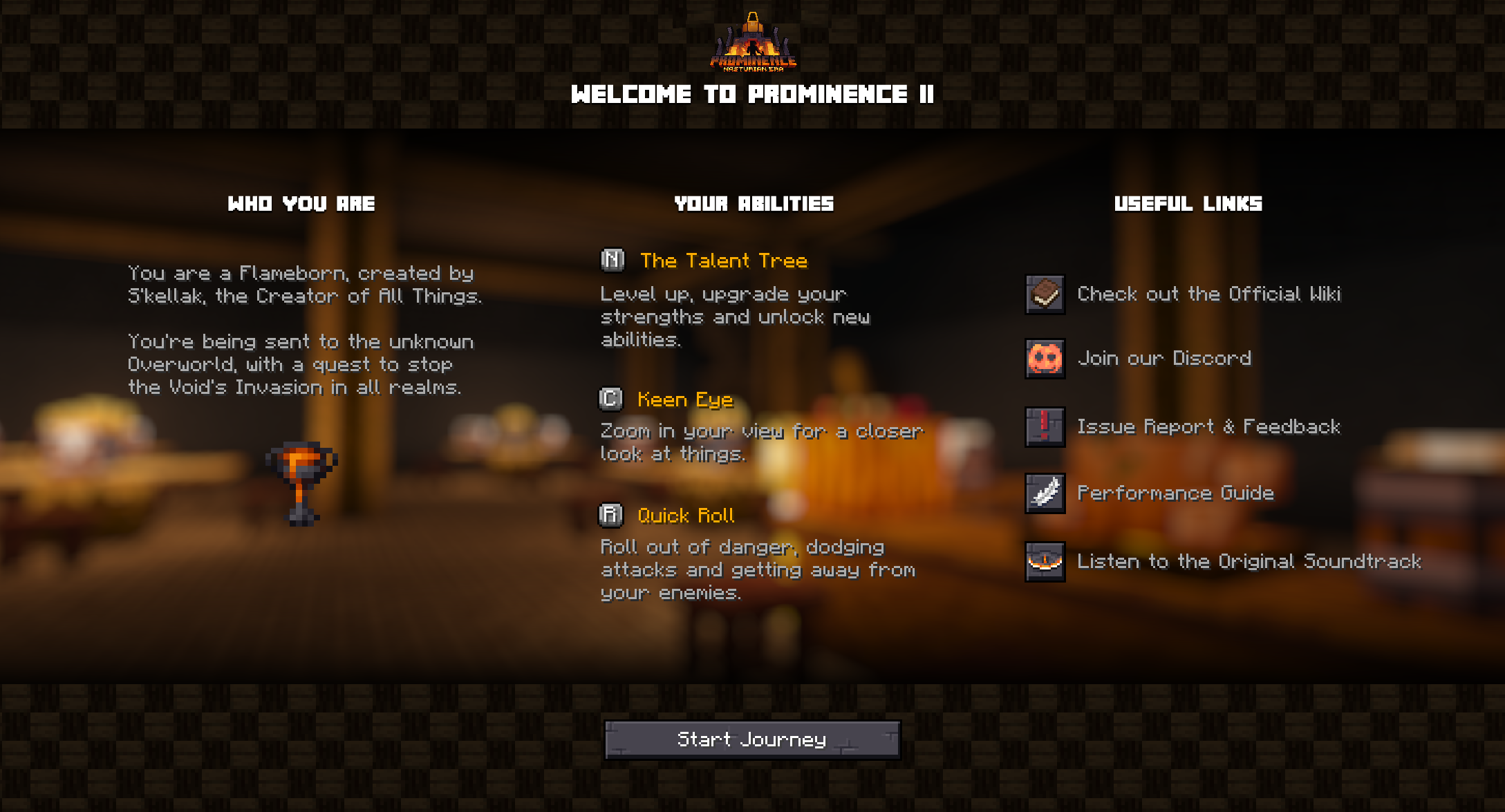
Update Screens will appear when the user updates the modpack directly from their launcher, and serve as a way to showcase important changes in the newer version, etc.
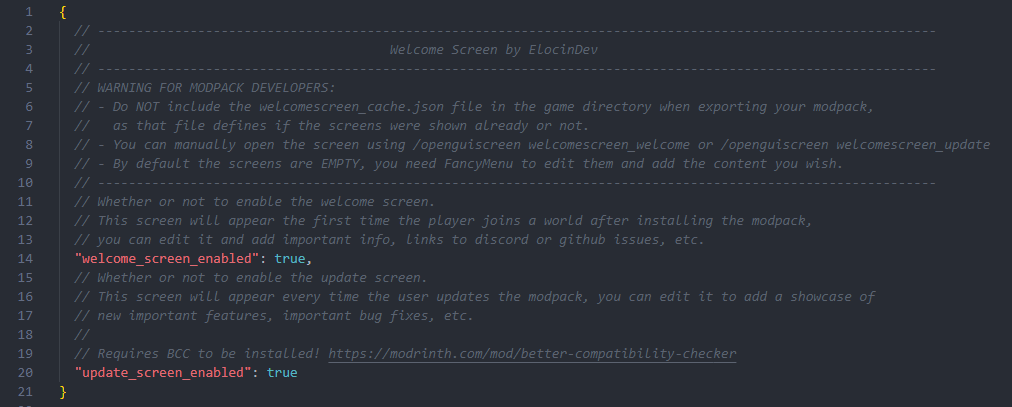
Project description from CurseForge.
Pick your setup
Choose the version and loader you play, then open the matching release.
Check the dependencies, then try the file in a copied instance before changing a world you care about.
Recent files
welcomescreen-fabric-1.0.0-1.21.1.jar
4 Feb 2025
welcomescreen-neoforge-1.0.0-1.21.1.jar
4 Feb 2025
welcomescreen-fabric-1.0.0-1.20.1.jar
4 Feb 2025
welcomescreen-forge-1.0.0-1.20.1.jar
4 Feb 2025
Looking for an older file? The official CurseForge project page is in Resources.
 mod
A Hodgepodge of Fixes
 mod
Giants that carry a real island on their backs. Climb aboard, build, ride a lift, steer one. Starts with the Zaratan, a giant turtle. Needs Sable and GeckoLib.
 mod
A Minecraft mod adding various blocks and items useful for industrial-style building.