Simple Voice Chat Needed by Simple Voice Animations fabric-1.3.1+26.3
requiredMatching file found Matched file: fabric-2.6.27+26.3

Modrinth · Minecraft mod
Adds various head animations to Simple Voice Chat
Quick answer
Simple Voice Animations fabric-1.3.1+26.3 targets 26.3 with Fabric, Quilt. Installation on the client is optional. Installation on the dedicated server is optional. All 1 required mods have matching files.
Where it goes
Installation on the client is optional. Installation on the dedicated server is optional.
The source marks this as usable on both the client and server.
fabric-1.3.1+26.3. Change the file and its required mods may change too.
Install Simple Voice Chat first. We found matching files for this game-version and loader setup. 9 come through another mod in the chain.
9 extra mods were pulled in by other dependencies. Indented rows show who needs each one. We only count dependency files that match this setup. A file for another loader does not fill the gap.
Before you install it
Built for Simple Voice Animations fabric-1.3.1+26.3. Pick another file and the loader, install side or required mods may change.
Use fabric-1.3.1+26.3. It targets 26.3 with Fabric, Quilt; another release may have different loader, side or dependency requirements.
Install Simple Voice Chat first. We found matching files for this game-version and loader setup. 9 come through another mod in the chain.
Installation on the client is optional. Installation on the dedicated server is optional.
Use the “Get this file” button beside fabric-1.3.1+26.3. It opens that exact file at the source.
About this project
Animates player heads using Simple Voice Chat.
Each player chooses their own animation style.
If the mod is installed on the server, everyone's animation settings are synced to all other players.
Players without the mod on their client use the style set in the default_head_animation_style server config option.
On servers without the mod, your own animation settings are applied to all other players instead (can be disabled with the fallback_to_own_animations config option).
Squish - The head squishes while talking.
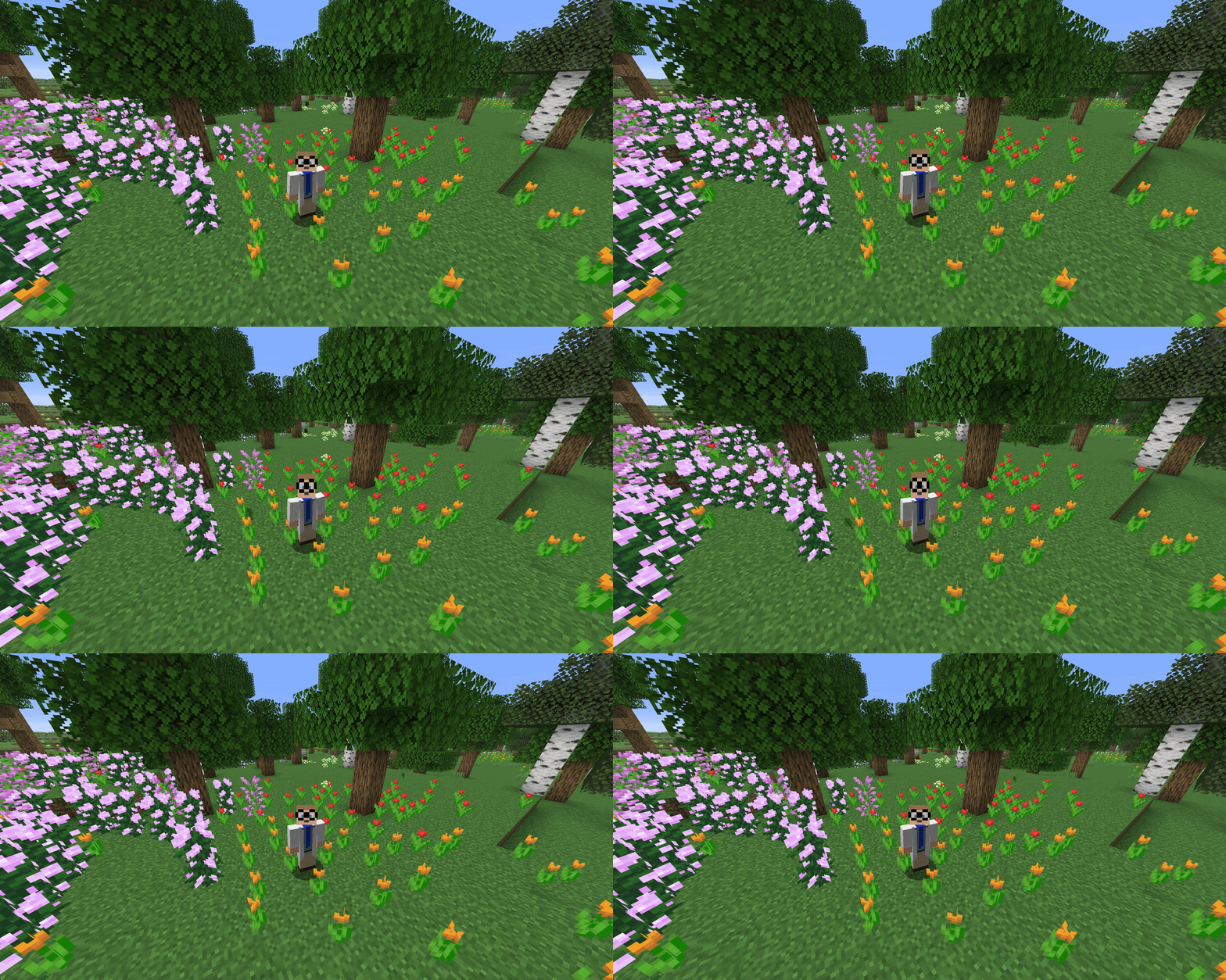
Scale Height - The head stretches vertically while talking.
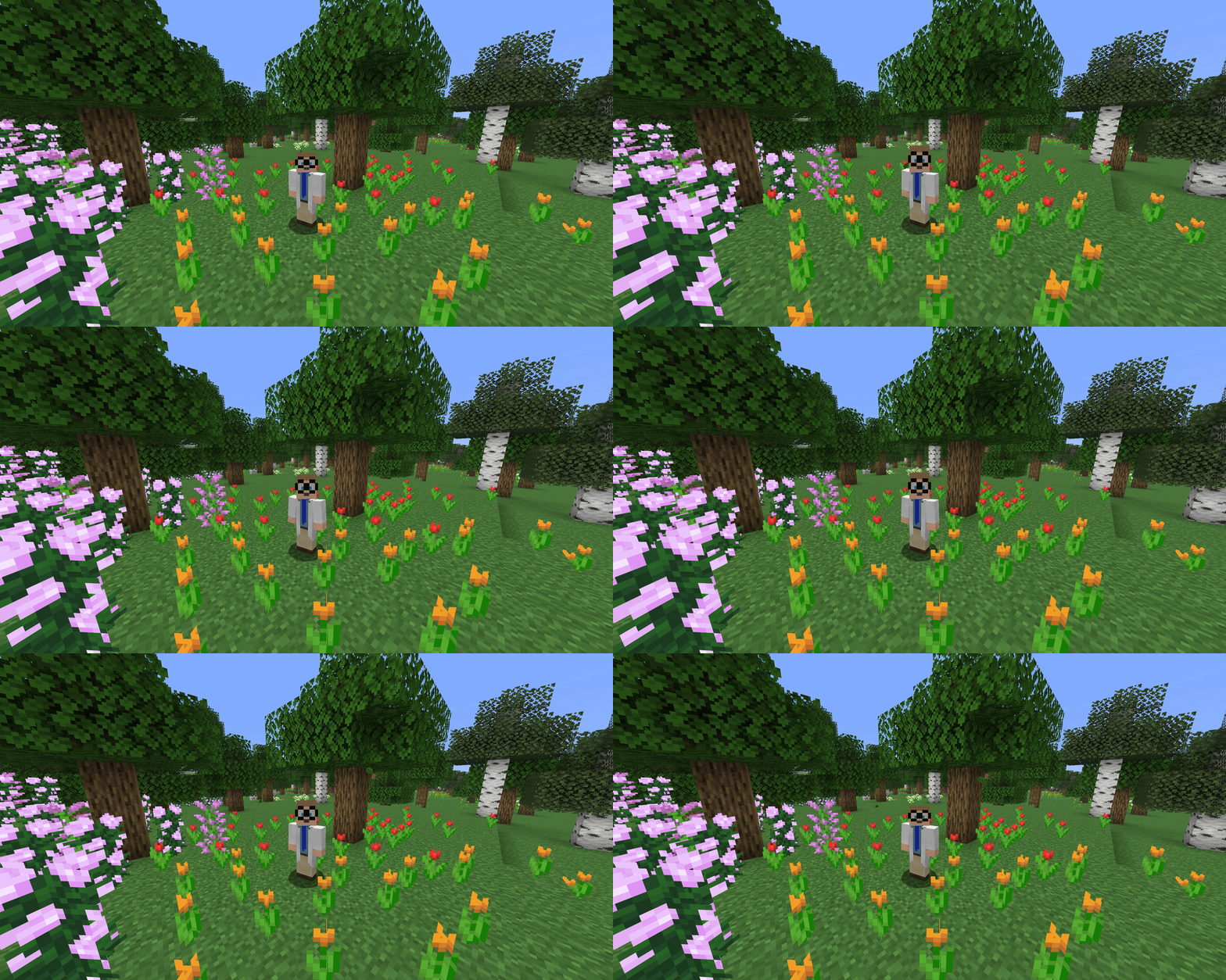
Scale - The whole head scales up and down while talking.
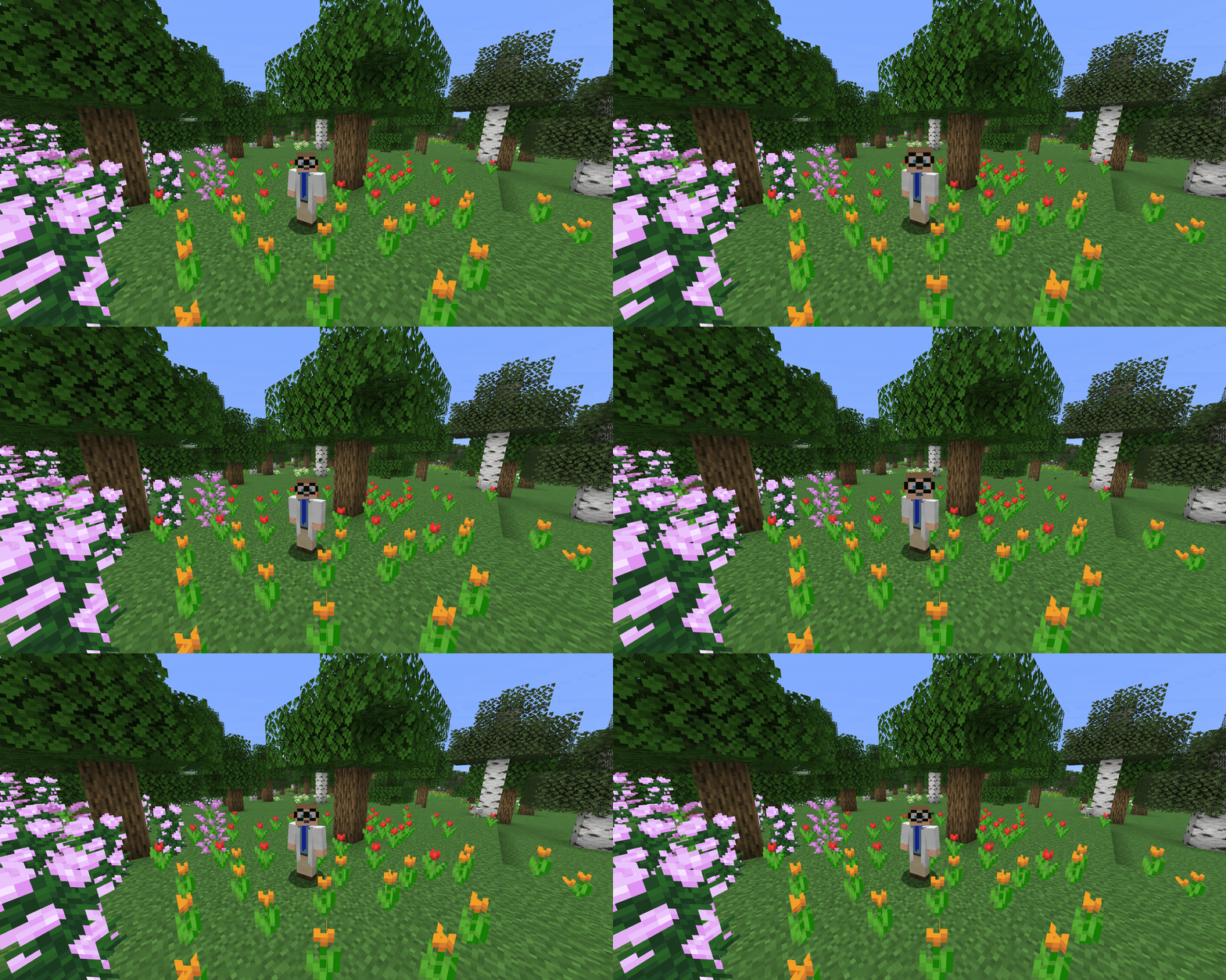
Split Head (Hinge) - The head splits open like a jaw.
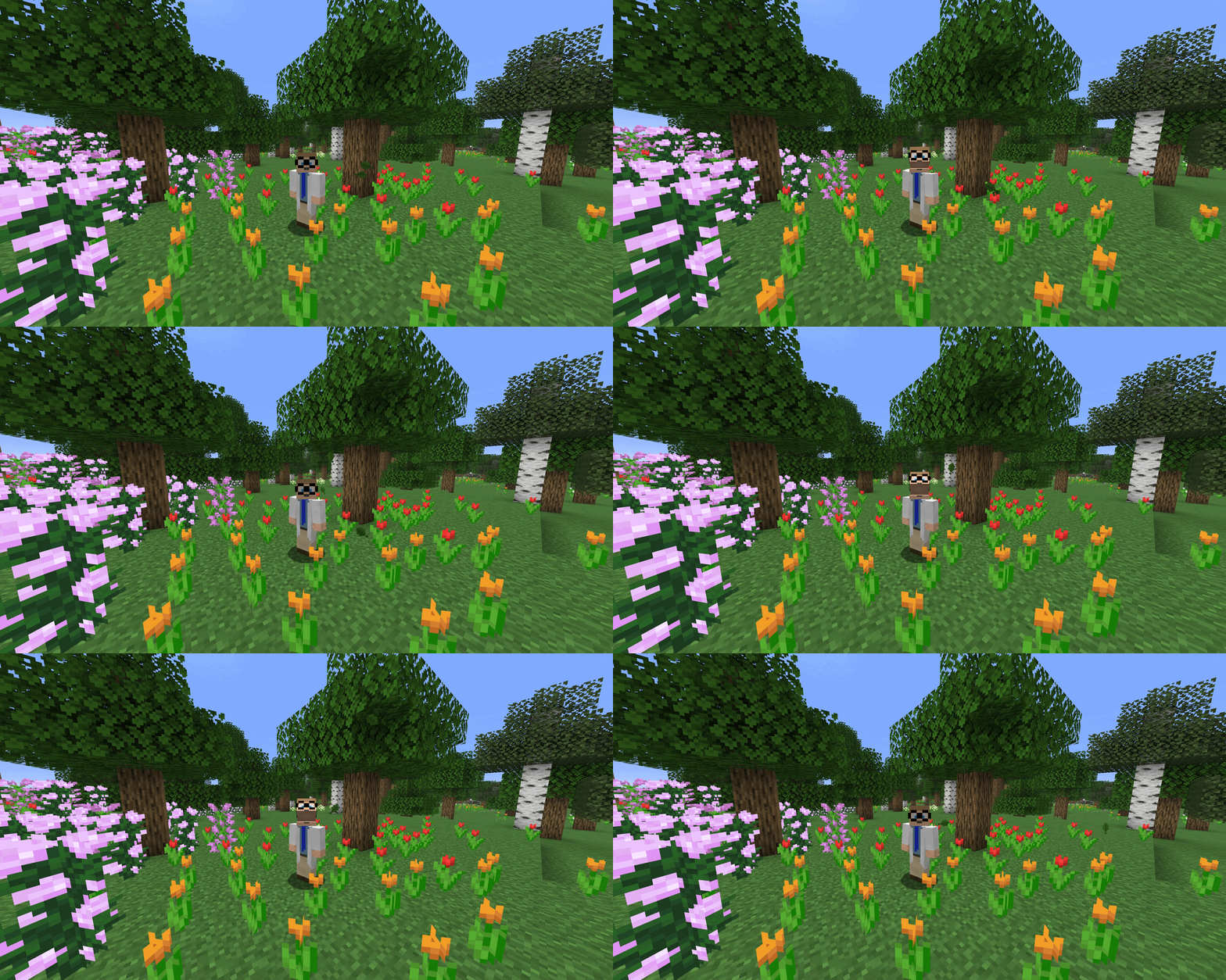
Split Head (Vertical) - The upper part of the head lifts straight up.
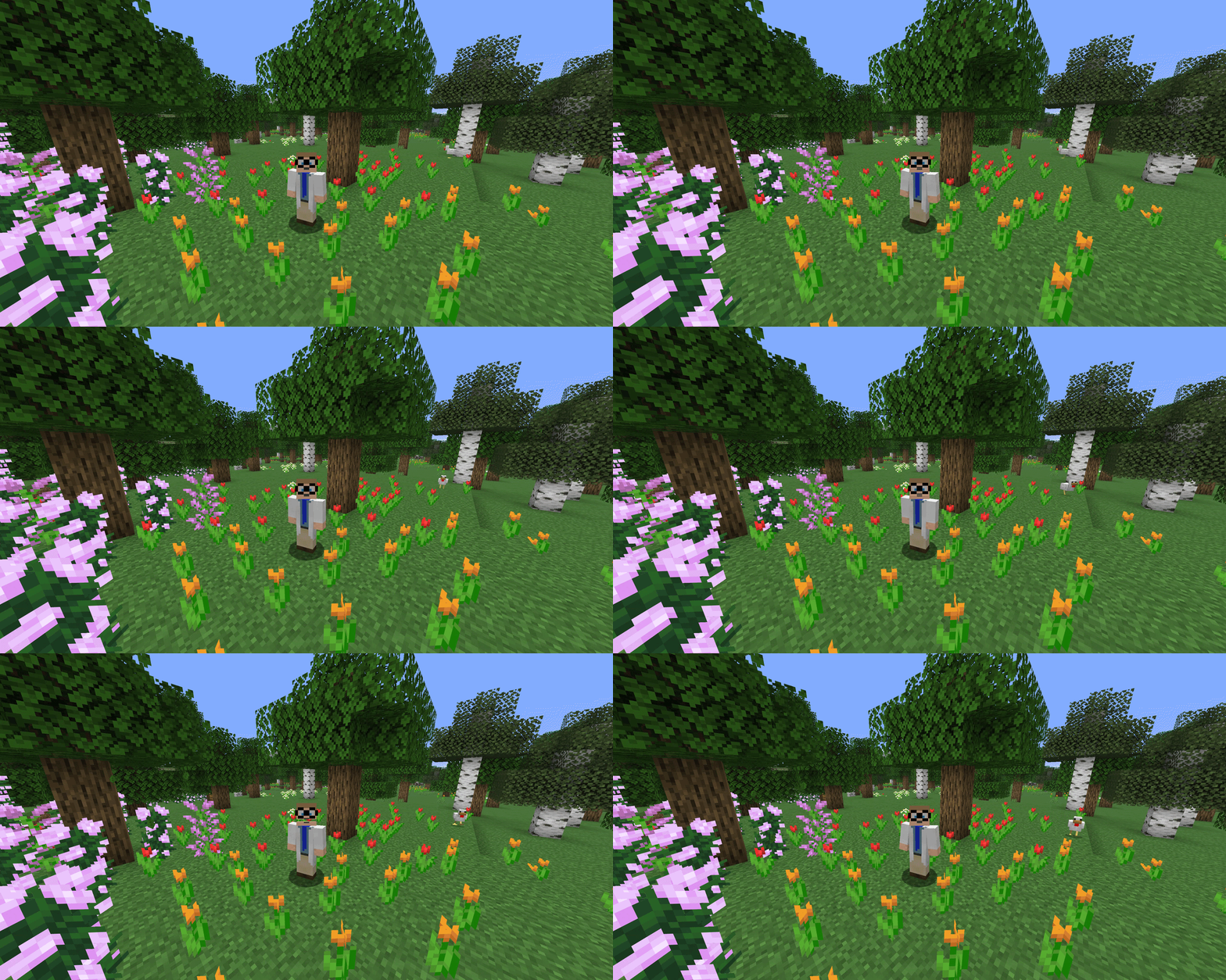
The split height is configurable for both split styles.
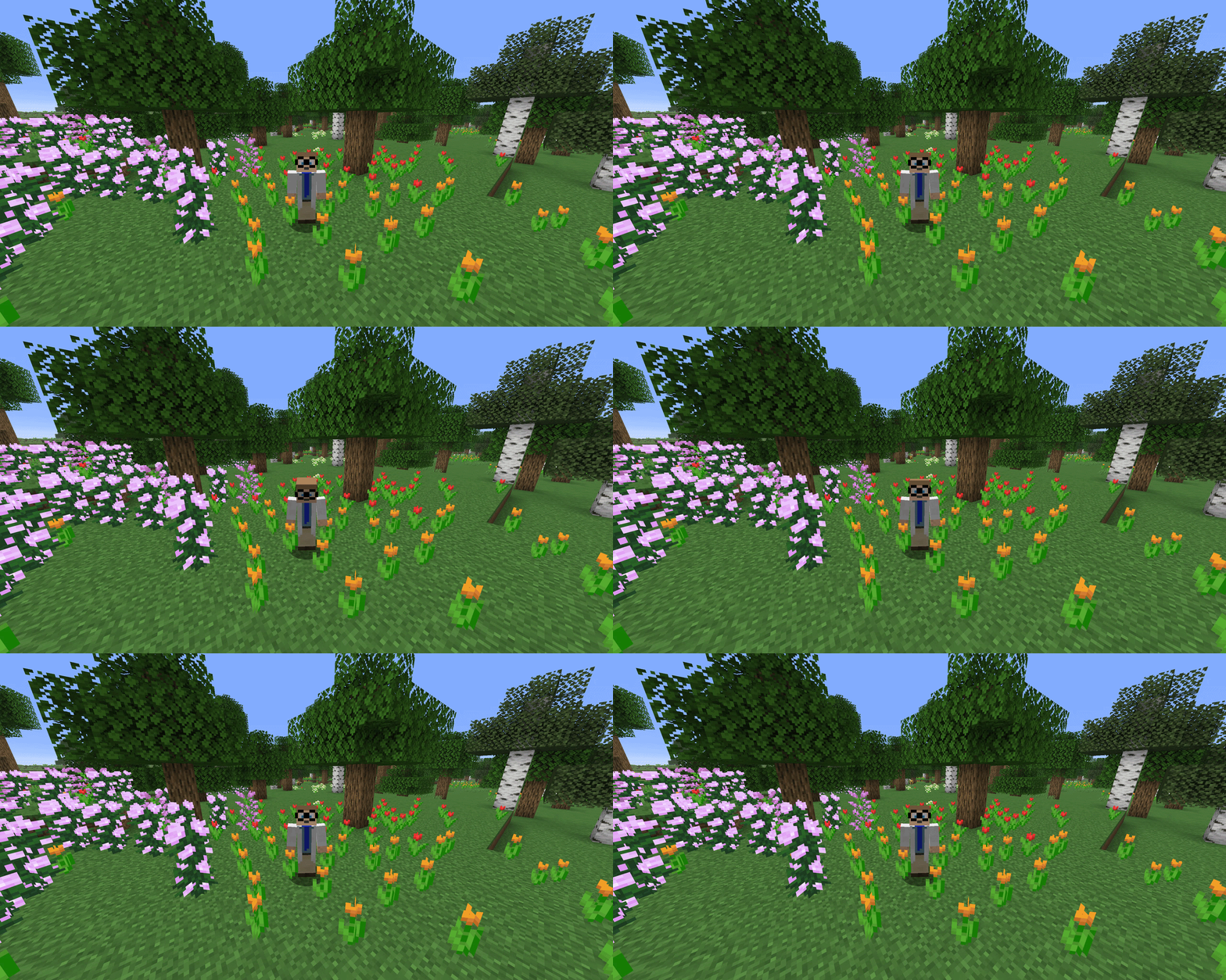
Nod - The head nods while talking.
Press J (configurable in the Minecraft key bindings) to open the settings screen.
Choose your animation style and drag the bar in the preview to set where your head splits.
Project description from Modrinth.
Pick your setup
Choose the version and loader you play, then open the matching release.
Check the dependencies, then try the file in a copied instance before changing a world you care about.
Recent files
simplevoiceanimations-fabric-1.3.1+26.3.jar
15 Sept 2026
simplevoiceanimations-fabric-1.3.1+26.2.jar
17 Aug 2026
simplevoiceanimations-fabric-1.3.0+26.2.jar
2 Aug 2026
simplevoiceanimations-fabric-1.2.0+26.2.jar
21 Jul 2026
simplevoiceanimations-fabric-1.1.0+26.2.jar
18 Jul 2026
simplevoiceanimations-fabric-1.0.0+26.2.jar
12 Jul 2026
Looking for an older file? The official Modrinth project page is in Resources.
 mod
A mod that allows players to fix their anvils by shift + right-clicking an anvil with an iron ingot
 mod
A per-world timer for challenges and speedruns: 3 styles, 7 animated effects, an hourly celebration, a live-preview settings screen and drag-and-drop positioning. Client-side.
 mod
A vanilla+ datapack that adds four brand-new raids with powerful enemies to conquer and rewarding loot to win!