Minecraft version
Back to mods 
Modrinth · Minecraft mod
CC: HUD Glasses
What the computer writes to the modem is visible to the player in the glasses.
Choose a version Pick your version below, then grab the matching file.
Quick answer
Which CC: HUD Glasses release should I use?
beta file 0.1.4-beta
Game version 1.21.1
Loader NeoForge
CC: HUD Glasses 0.1.4-beta targets 1.21.1 with NeoForge. Installation on the client is optional. Installation on the dedicated server is optional. No extra mods listed for this file.
Where it goes
Is CC: HUD Glasses required on the client, server, or both?
Installation on the client is optional. Installation on the dedicated server is optional.
Client Optional
Dedicated server Optional
Loader for this release NeoForge
Required install it here Optional supported, not mandatory Not supported do not install here Source doesn’t say do not assume
The source marks this as usable on both the client and server.
What else does CC: HUD Glasses 0.1.4-beta need?
0.1.4-beta. Change the file and its required mods may change too.
This file does not list any required mods. Do not add a library just because a different file uses it.
This file does not list any required or optional mods.
Before you install it
Add CC: HUD Glasses without breaking your instance.
Built for CC: HUD Glasses 0.1.4-beta. Pick another file and the loader, install side or required mods may change.
- 01
Stick to this file
Use 0.1.4-beta. It targets 1.21.1 with NeoForge; another release may have different loader, side or dependency requirements.
- 02
Bring the mods it needs
This file does not list any required mods. Do not add a library just because a different file uses it.
- 03
Put it on the correct side
Installation on the client is optional. Installation on the dedicated server is optional.
- 04
Pick the file you checked
Use the “Get this file” button beside 0.1.4-beta. It opens that exact file at the source.
About this project
What does CC: HUD Glasses add?
CC: HUD Glasses
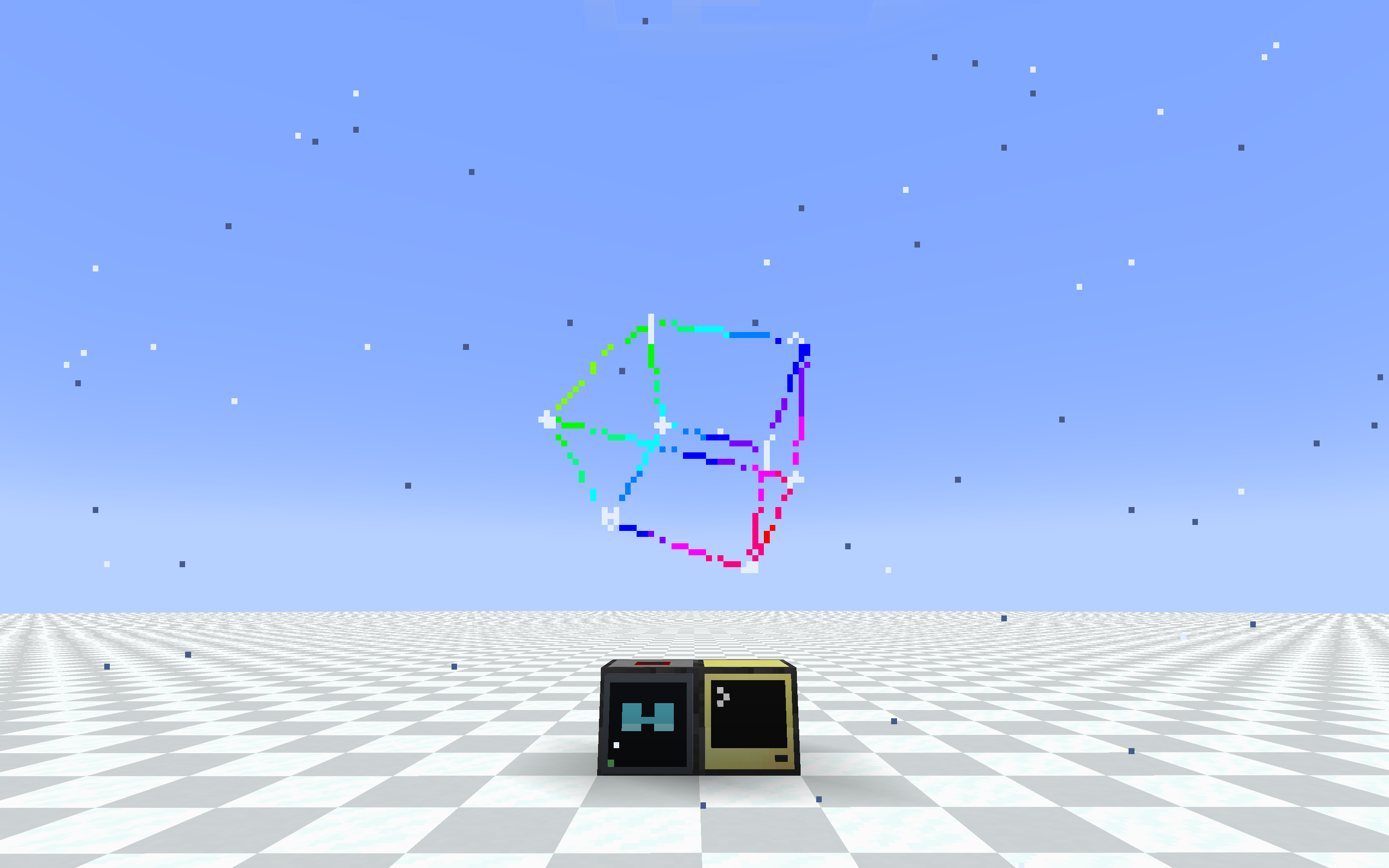
3d cube
Wear a ComputerCraft monitor on your face. A pair of glasses and a special modem
let any computer draw a heads-up display straight onto a player's screen, using
the same monitor/term API you already know.
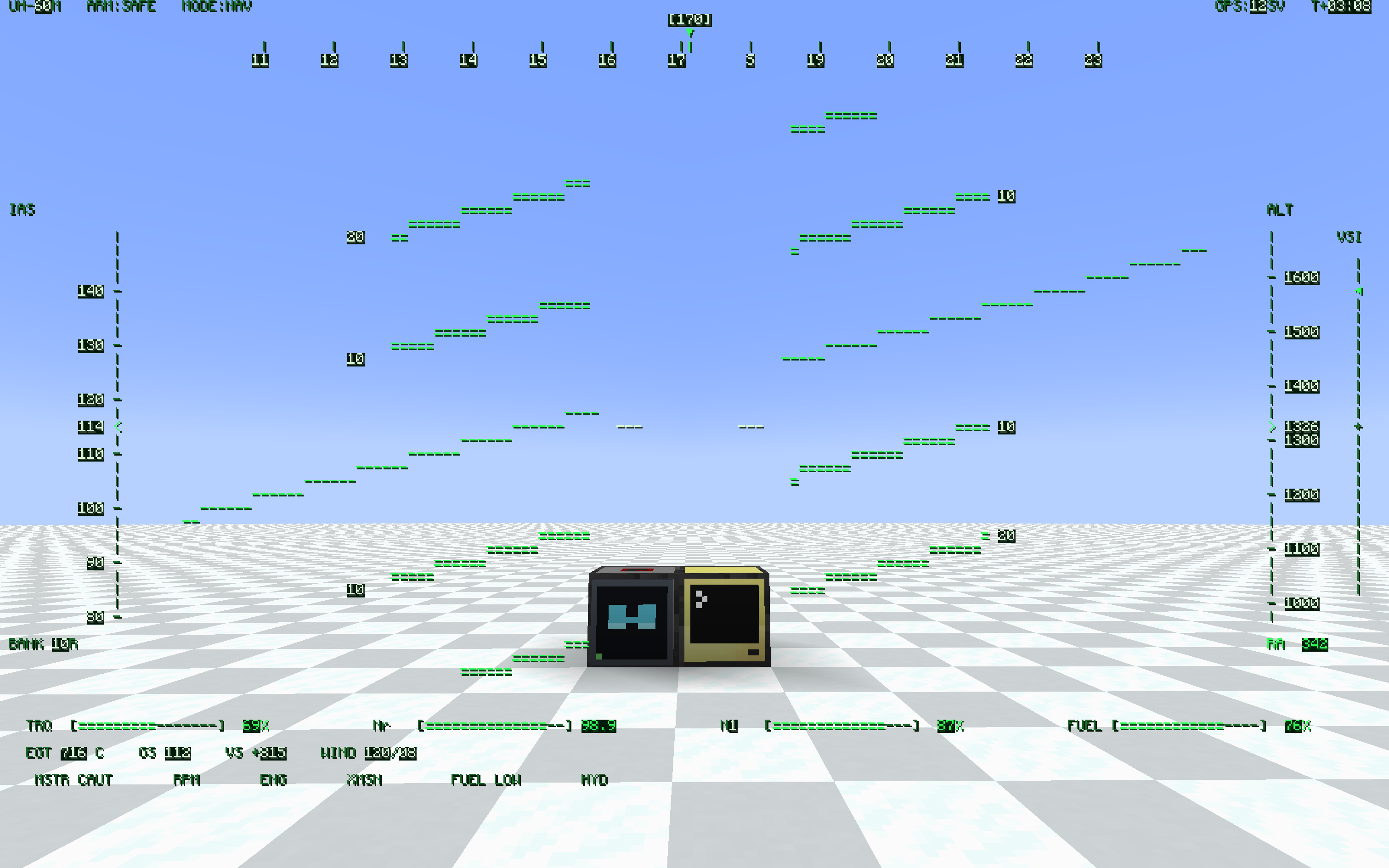
helicopter hud with shadow
What it does
- HUD Glasses — worn in the helmet slot (or a Curios slot). Whatever the bound
modem outputs is drawn as a full-screen overlay. - HUD Modem — a ComputerCraft peripheral (
type = "hud_glasses"). Wire it to a
computer like any other peripheral and write to it like a monitor. - Binding lives on the glasses. Right-click a modem with the glasses in hand and
they're bound to it. Hand the glasses to a friend and the HUD goes with them.
Any number of players can watch the same modem.
local hud = peripheral.find("hud_glasses")
hud.setBackgroundColour(0)        -- transparent background
hud.setTextColour(colors.lime)
hud.setCursorPos(1, 1)
hud.write("Hello, HUD!")
If you've ever written a monitor program, you already know this peripheral.
Features
- Monitor-compatible API: write, blit, clear, scroll, setCursorPos,
setTextColour, setBackgroundColour, setPaletteColour, getSize, and more. Most
monitor scripts run unchanged. - Transparent background — setBackgroundColour(0) (or
-in blit) lets the world
show through, so the HUD overlays the game instead of covering it. - Pixel-perfect CC font — reuses CC: Tweaked's own glyph sheet, so all 256
characters (box-drawing, sub-pixel blocks, arrows) look exactly like a real
terminal. - Runtime resolution — setSize(w, h) from Lua, or set defaults in the config.
Fewer cells means bigger text. Choose how the grid maps to the screen: FIT
(keep aspect, letterbox), STRETCH (fill the screen), or COVER (fill + crop). - Shared screens — bind several glasses to one modem and everyone sees the same
display. Good for team status boards, base alarms, and shared coordinates. - Place anywhere — the modem mounts on any block face (floor, wall, ceiling),
screen facing out. - Portable HUD — craft a pocket computer together with a HUD Modem to give it the HUD
upgrade, and carry the display with you. Same hud_glasses peripheral; bind your worn
glasses to it with sneak + right-click (a plain right-click still opens the terminal). - HUD + ender modem in one slot — a pocket computer only has one upgrade slot, so craft
a HUD Ender Modem (HUD Modem + Ender Modem) and fit it to the pocket: one peripheral
that is both screen and radio. rednet works on it, peripheral.find("hud_glasses") finds
it, and the modem half is interdimensional. Servers can turn the recipe off in config. - In-game config — edit settings from the Mods list "Config" button, or bind a
key to jump straight to the client settings. - Toggle key — press H to hide or show the HUD; the setting persists.
- Optimized rendering — batched draws and a server-side payload cache keep the
overhead low even for large, frequently-updated displays.
Requirements
- NeoForge 1.21.1
- CC: Tweaked 1.119.0 or newer (required)
Optional integrations
- Curios — adds a dedicated Glasses accessory slot so the glasses don't occupy
your helmet. Works with the vanilla helmet slot too; the glasses render on the
head either way. - Create: Aeronautics / Sable — the binding uses a stable modem ID and a
Sable-aware distance check, so the HUD keeps working when the modem rides inside
a flying sub-level. Sable Companion is bundled, so there's nothing extra to
install.
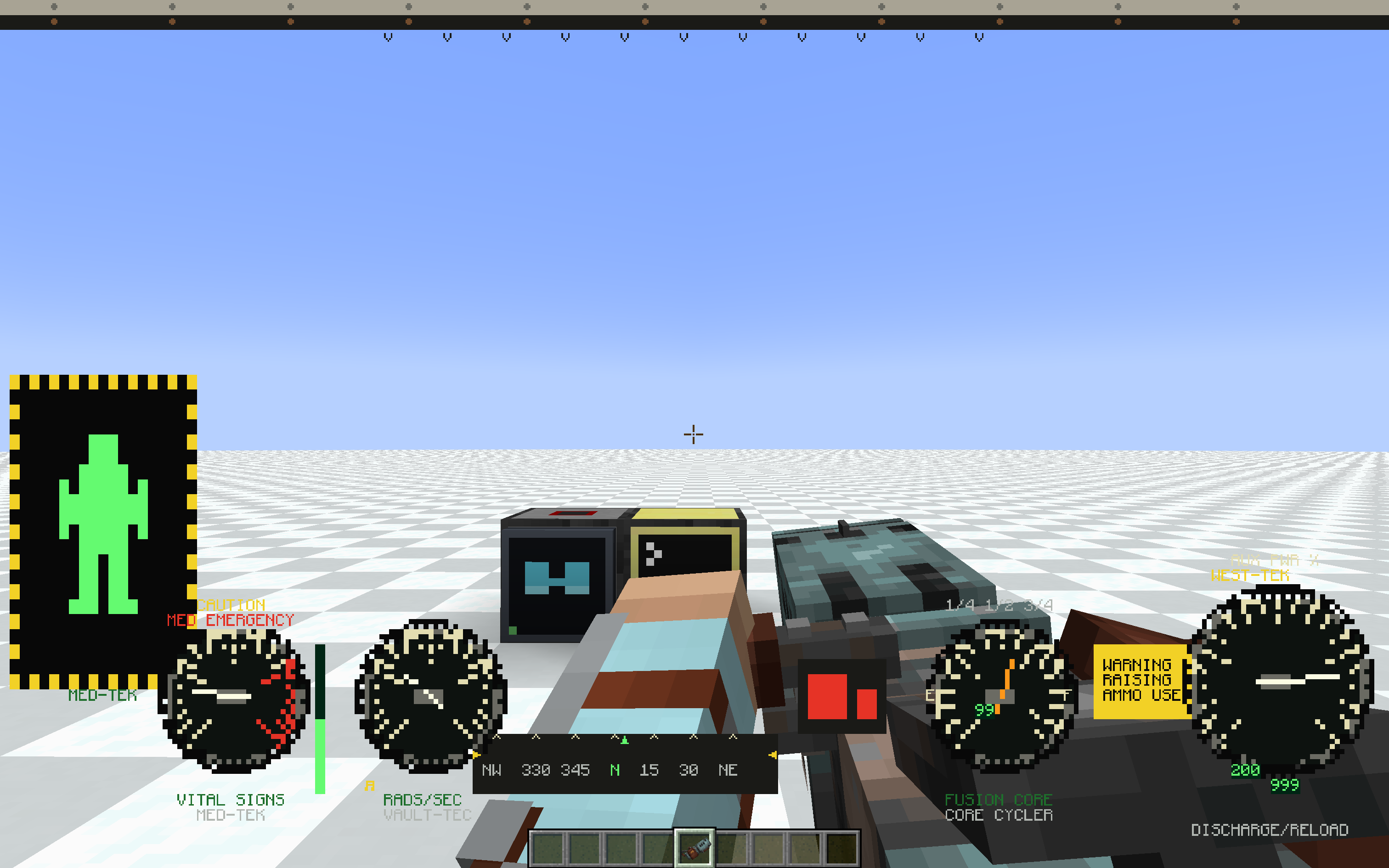
power armor hud with weapon
Configuration
Server (hudglassescc-common.toml, applied live):
- hudWidth (default 80) — default grid width in characters
- hudHeight (default 28) — default grid height in characters
- maxRangeBlocks (default -1) — max modem-to-player distance in blocks, -1 means
unlimited - allowPocketHudEnderCraft (default true) — whether the HUD Ender Modem can be crafted.
false removes the recipe entirely; pockets that already have the upgrade keep working
Client (hudglassescc-client.toml, per-player):
- hudEnabled (default true) — render the HUD, toggle with the H key
- hudFit (default FIT) — how the HUD scales to the screen: FIT (keep aspect,
letterbox), STRETCH (fill, may distort), COVER (fill, crops overflow) - textShadow (default NONE) — text shadow style: NONE / SHADOW / OUTLINE
(experimental) - textShadowLayer (default OVER_BACKGROUND) — whether the shadow/outline is drawn over or
under the cell backgrounds (experimental) - fastGlyphRendering (default true) — draw HUD text from cached glyphs, much faster at
large HUD sizes. Turn off only if another mod's text rendering conflicts with it
Status
Beta. Core features are in and stable, but expect rough edges and breaking
changes while the mod settles. Bug reports and feedback are welcome.
Project description from Modrinth.
Pick your setup
CC: HUD Glasses by Minecraft version and loader
Choose the version and loader you play, then open the matching release.
Check the dependencies, then try the file in a copied instance before changing a world you care about.
Recent files
CC: HUD Glasses versions and loaders
0.1.4-beta
hudglassescc-0.1.4-beta.jar
1 Sept 2026
Client Optional Server Optional Dependencies No extras listed Listed on Release listing
Check the 1.21.1 · NeoForge setup 1.21.1NeoForge beta
0.1.3-beta
hudglassescc-0.1.3-beta.jar
18 Jul 2026
Client Optional Server Optional Dependencies No extras listed Listed on Release listing
Check the 1.21.1 · NeoForge setup 1.21.1NeoForge beta
0.1.2-beta
hudglassescc-0.1.2-beta.jar
17 Jun 2026
Client Optional Server Optional Dependencies No extras listed Listed on Release listing
Check the 1.21.1 · NeoForge setup 1.21.1NeoForge beta
0.1.1-beta
hudglassescc-0.1.1-beta.jar
13 Jun 2026
Client Optional Server Optional Dependencies No extras listed Listed on Release listing
Check the 1.21.1 · NeoForge setup 1.21.1NeoForge beta
0.1.0-beta
hudglassescc-0.1.0-beta.jar
7 Jun 2026
Client Optional Server Optional Dependencies 1 required · 1 unchecked Listed on Release listing
Check the 1.21.1 · NeoForge setup 1.21.1NeoForge beta
Looking for an older file? The official Modrinth project page is in Resources.
 mod
mod CurseForge · Minecraft
Applestats AddOn
While Applestats only shows stats, this addon brings real gameplay changes: instantly tame horse (mounts),eat anytime even when full
 mod
mod CurseForge + Modrinth · Minecraft
Gouge
Slam your pickaxe into a wall mid-fall to slow your descent or lock yourself in place before you hit the ground.
 mod
mod Modrinth · Minecraft
Mekanism:Lightning Generator
This mod adds a Lightning Generator. It is quite costly to build, yet produces an enormous amount of power, which can help ease performance issues caused by power generation in the late game.