Minecraft version
Back to mods 
CurseForge · Minecraft mod
Free camera API
Free camera mode and modify camera state flexible
Choose a version Pick your version below, then grab the matching file.
Quick answer
Which Free camera API release should I use?
Latest stable file 3.2.0
Game version 1.21.1
Loader NeoForge
Free camera API 3.2.0 targets 1.21.1 with NeoForge. Installation on the client is optional. Installation on the dedicated server is optional. No extra mods listed for this file.
Where it goes
Is Free camera API required on the client, server, or both?
Installation on the client is optional. Installation on the dedicated server is optional.
Client Optional
Dedicated server Optional
Loader for this release NeoForge
Required install it here Optional supported, not mandatory Not supported do not install here Source doesn’t say do not assume
The source marks this as usable on both the client and server.
What else does Free camera API 3.2.0 need?
3.2.0. Change the file and its required mods may change too.
This file does not list any required mods. Do not add a library just because a different file uses it.
This file does not list any required or optional mods.
Before you install it
Add Free camera API without breaking your instance.
Built for Free camera API 3.2.0. Pick another file and the loader, install side or required mods may change.
- 01
Stick to this file
Use 3.2.0. It targets 1.21.1 with NeoForge; another release may have different loader, side or dependency requirements.
- 02
Bring the mods it needs
This file does not list any required mods. Do not add a library just because a different file uses it.
- 03
Put it on the correct side
Installation on the client is optional. Installation on the dedicated server is optional.
- 04
Pick the file you checked
Use the “Get this file” button beside 3.2.0. It opens that exact file at the source.
About this project
What does Free camera API add?
Free camera API V3

What are the advantages?
- Decouples from camera internals, reducing complexity.
- Simple and flexible usage.
- Supports loading chunks beyond the player's view range (with expansion).
How to Register and Use the Plugin
Create the plugin class
@CameraPlugin(value = "example", priority = ModifierPriority.LOWEST)
public class ExamplePlugin implements ICameraPlugin {
    // ...
}
value: Plugin unique identifier (string)
priority: Priority setting (ModifierPriority.HIGH/LOWEST etc.)Initialization
@Override
public void initialize(ICameraModifier modifier) {
    this.modifier = modifier;
    modifier.enable();
}
Update camera data every frame
modifier .enablePos() // Enable position modification .enableRotation() // Enable rotation modification .enableFov() // Enable FOV modification .setPos(1, 2, 3) // Set camera position to (1,2,3), default is local coordinates centered on player .addPos(1, 2, 3) .setRotationYXZ(90f, 15f, 25f) // Set camera rotation to (90f, 15f, 25f) .move(0, 0, -5) // Move camera based on current rotation .enableGlobalMode() // Enable global mode, all coordinates and rotations will be modified according to world coordinates .enableChunkLoader() // Enable chunk loader, load chunks around the camera. An additional Free Camera API Addition mod needs to be installed to enable this feature, otherwise it will have no effect .enableObstacle() // Enable collision detection
Gallery
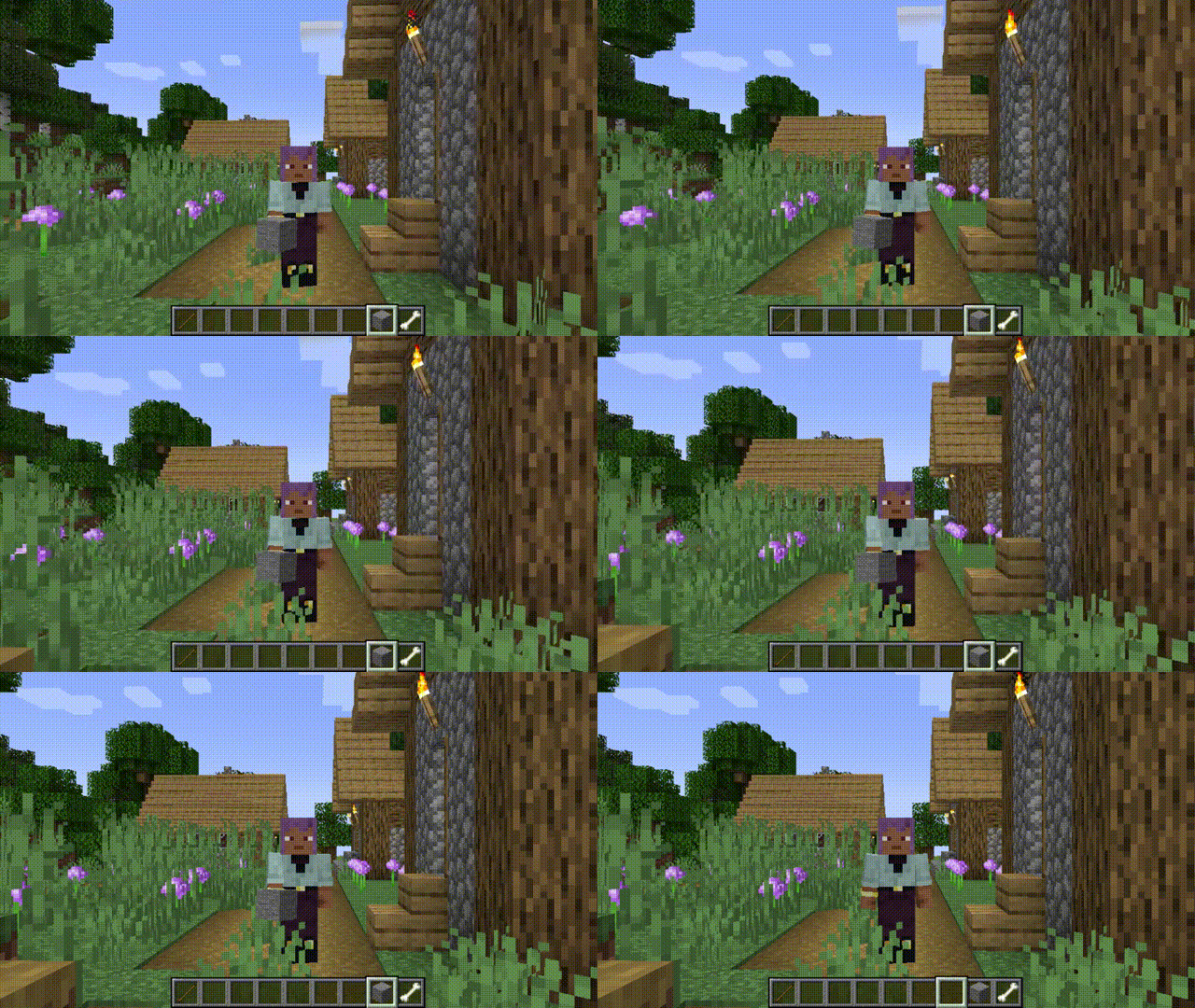
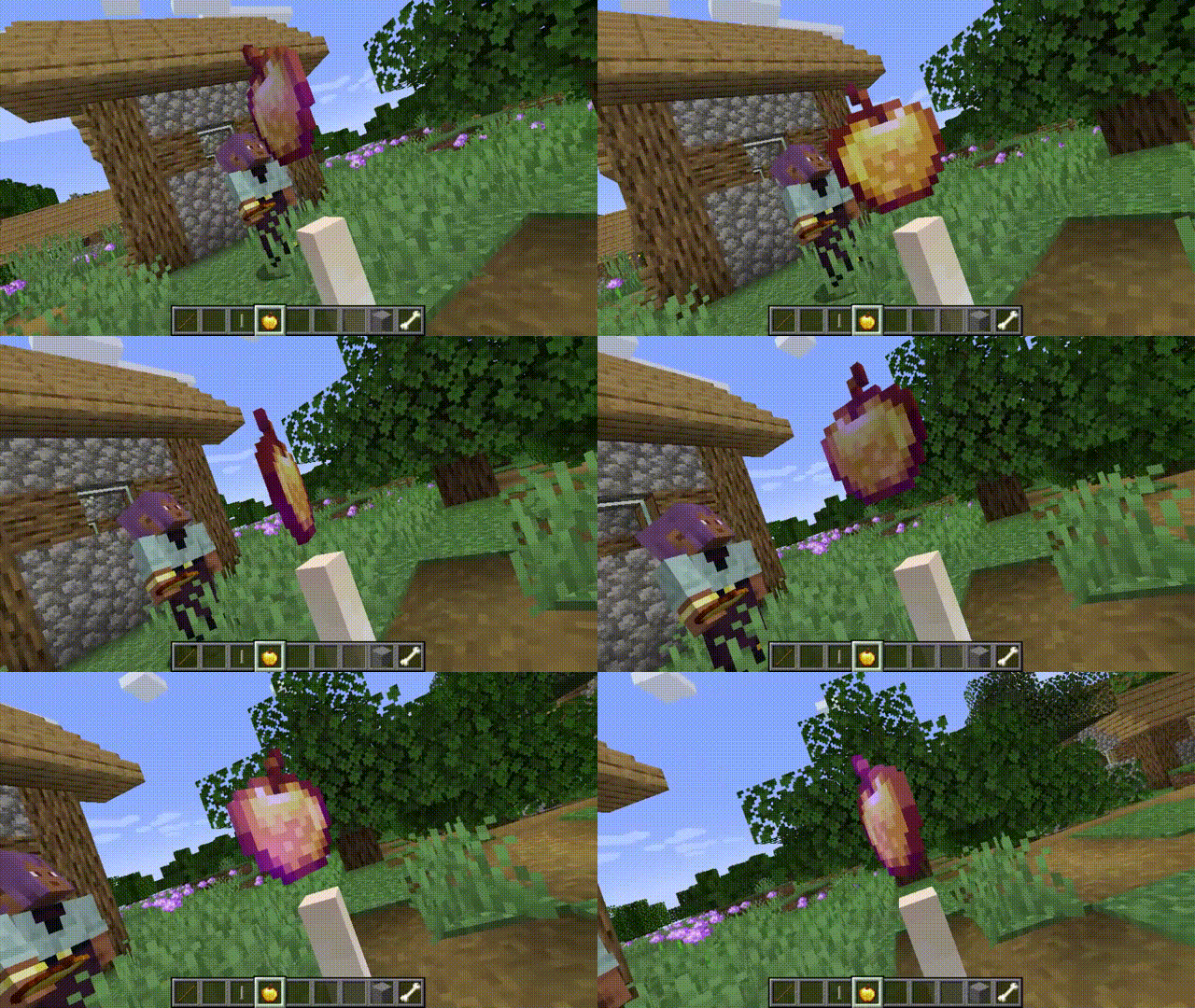
Project description from CurseForge.
Pick your setup
Free camera API by Minecraft version and loader
Choose the version and loader you play, then open the matching release.
Minecraft version
1.21.11
1 loader buildMinecraft version
1.21.10
1 loader buildMinecraft version
1.21.9
1 loader buildMinecraft version
1.21.8
1 loader buildMinecraft version
1.21.7
1 loader buildMinecraft version
1.21.6
1 loader buildMinecraft version
1.21.3
1 loader buildMinecraft version
1.21.2
1 loader buildMinecraft version
1.21.1
1 loader buildMinecraft version
1.21
1 loader buildMinecraft version
1.20.1
1 loader buildCheck the dependencies, then try the file in a copied instance before changing a world you care about.
Recent files
Free camera API versions and loaders
5.1.1-beta
free_camera_api-neo-26.1.2-5.1.1-beta.jar
6 May 2026
Client Optional Server Optional Dependencies No extras listed Listed on Release listing
Check the 26.1.2 · NeoForge setup 26.1.2NeoForge beta
5.1.0-beta
free_camera_api-neo-26.1.2-5.1.0-beta.jar
5 May 2026
Client Optional Server Optional Dependencies No extras listed Listed on Release listing
Check the 26.1.2 · NeoForge setup 26.1.2NeoForge beta
5.0.0-beta
free_camera_api-neo-26.1.2-5.0.0-beta.jar
4 May 2026
Client Optional Server Optional Dependencies No extras listed Listed on Release listing
Check the 26.1.2 · NeoForge setup 26.1.2NeoForge beta
4.0.0-beta
free_camera_api-neo-1.21.11-4.0.0-beta.jar
13 Dec 2025
Client Optional Server Optional Dependencies No extras listed Listed on Release listing
Check the 1.21.11 · NeoForge setup 1.21.11NeoForge beta
3.2.0
free_camera_api-neo-1.21.1-3.2.0.jar
12 Nov 2025
Client Optional Server Optional Dependencies No extras listed Listed on Release listing
Check the 1.21.1 · NeoForge setup 1.21.1NeoForge release
3.2.1
free_camera_api-neo-1.21.7-3.2.1.jar
9 Nov 2025
Client Optional Server Optional Dependencies No extras listed Listed on Release listing
Check the 1.21.8 · NeoForge setup 1.21.71.21.8NeoForge release
3.2.0
free_camera_api-neo-1.21.9-3.2.0.jar
9 Nov 2025
Client Optional Server Optional Dependencies No extras listed Listed on Release listing
Check the 1.21.10 · NeoForge setup 1.21.91.21.10NeoForge release
3.2.0
free_camera_api-neo-1.21.7-3.2.0.jar
8 Nov 2025
Client Optional Server Optional Dependencies No extras listed Listed on Release listing
Check the 1.21.8 · NeoForge setup 1.21.71.21.8NeoForge release
free_camera_api-neo-1.21.7-3.1.0.jar
6 Jul 2025
Client Source doesn’t say Server Source doesn’t say Dependencies No extras listed Listed on Release listing
Check the 1.21.7 · NeoForge setup NeoForge1.21.7 release
free_camera_api-neo-1.21.6-3.0.2.jar
25 Jun 2025
Client Source doesn’t say Server Source doesn’t say Dependencies No extras listed Listed on Release listing
Check the 1.21.6 · NeoForge setup NeoForge1.21.6 release
3.0.1
free_camera_api-neo-1.21.6-3.0.1.jar
24 Jun 2025
Client Optional Server Optional Dependencies No extras listed Listed on Release listing
Check the 1.21.6 · NeoForge setup 1.21.6NeoForge release
freecameraapi-forge-1.20.1-2.1.1.jar
6 Jan 2025
Client Source doesn’t say Server Source doesn’t say Dependencies No extras listed Listed on Release listing
Check the 1.20.1 · Forge setup 1.20.1Forge release
Looking for an older file? The official CurseForge project page is in Resources.
 mod
mod CurseForge · Minecraft
CakeStickLib
An utility library to simplify mod creation with playable content
 mod
mod CurseForge · Minecraft
MezzConfig
Simple configuration library for Minecraft Mods
 mod
mod CurseForge + Modrinth · Minecraft
Berry Pouch [Cobblemon]
A simple mod that adds some small gadgets related to Cobblemon.