oωo (owo-lib) Needed by Isometric Renders 0.4.9+1.21.4
requiredMatching file found Matched file: 0.12.20+1.21.4

Modrinth · Minecraft mod
Creates high-resolution isometric screenshots of game objects
Quick answer
Isometric Renders 0.4.9+1.21.4 targets 1.21.4 with Fabric, Quilt. It must be installed on the client. Do not install it on the dedicated server. All 2 required mods have matching files.
Where it goes
It must be installed on the client. Do not install it on the dedicated server.
This file is marked client-only.
0.4.9+1.21.4. Change the file and its required mods may change too.
Install oωo (owo-lib), Fabric API first. We found matching files for this game-version and loader setup. 1 comes through another mod in the chain.
1 extra mod was pulled in by another dependency. Indented rows show who needs each one. We only count dependency files that match this setup. A file for another loader does not fill the gap.
Before you install it
Built for Isometric Renders 0.4.9+1.21.4. Pick another file and the loader, install side or required mods may change.
Use 0.4.9+1.21.4. It targets 1.21.4 with Fabric, Quilt; another release may have different loader, side or dependency requirements.
Install oωo (owo-lib), Fabric API first. We found matching files for this game-version and loader setup. 1 comes through another mod in the chain.
It must be installed on the client. Do not install it on the dedicated server.
Use the “Get this file” button beside 0.4.9+1.21.4. It opens that exact file at the source.
About this project
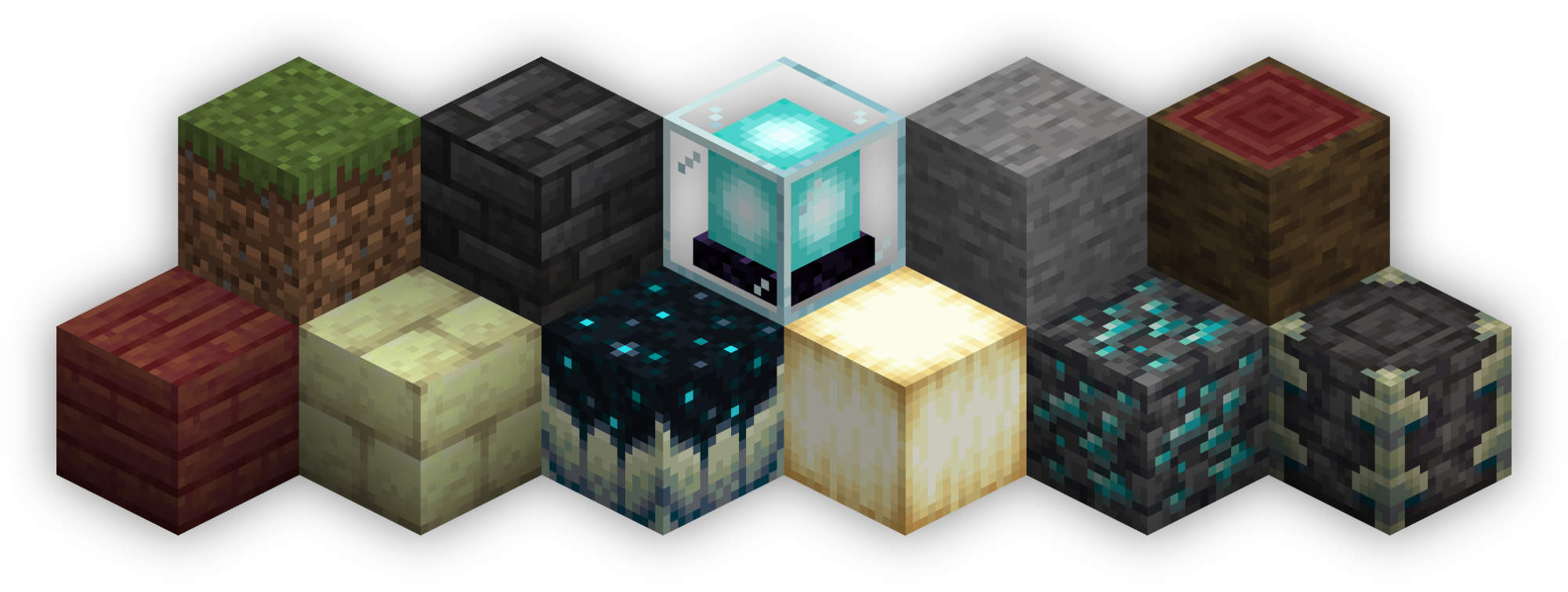
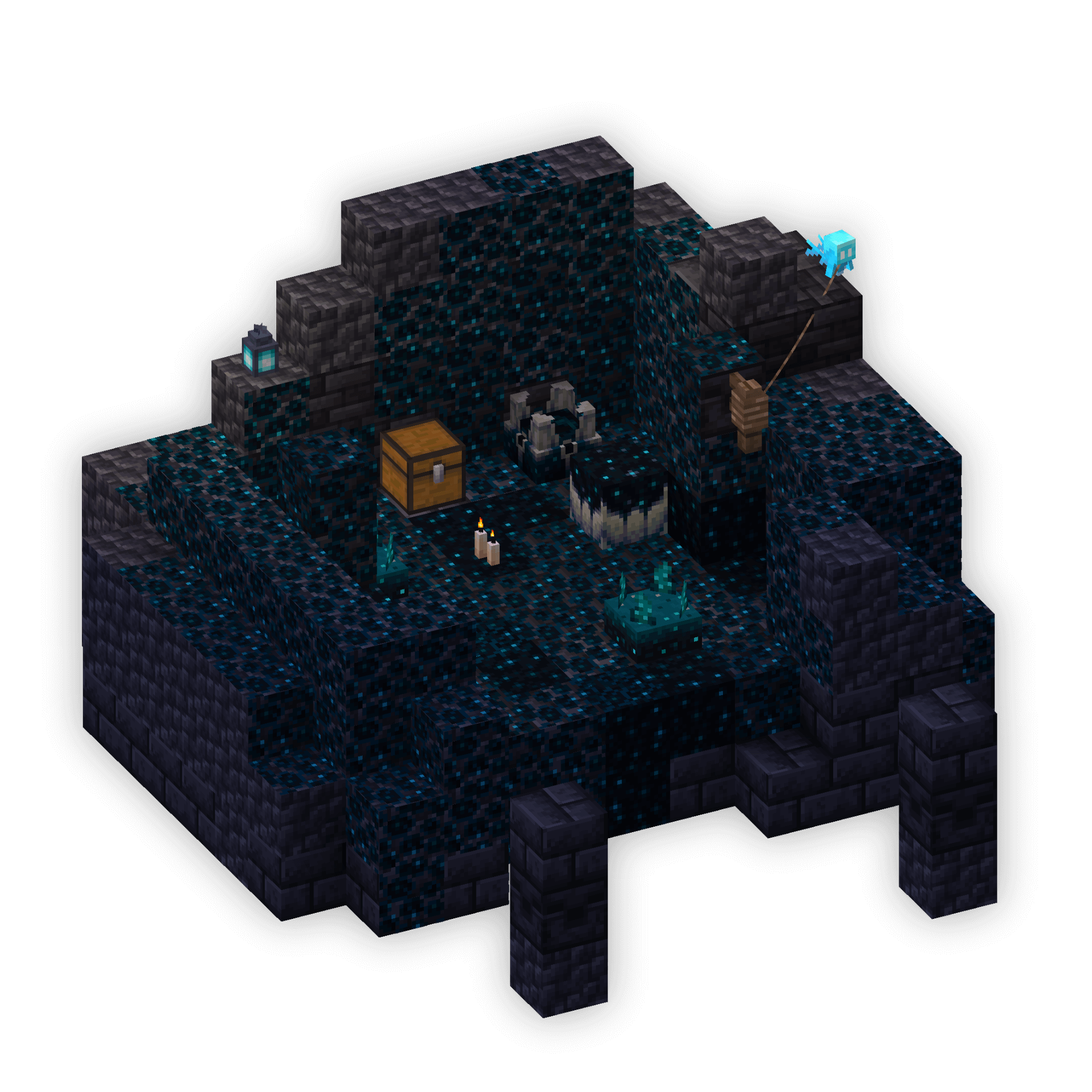
Isometric Renders allows you to take isometric screenshots, or rather, create renders of game objects like parts of world, blocks, items and entities.
These are automatically keyed to have a transparent background and you can adjust scale, positioning and many more options right in-game in a fancy gui.
This was designed with modded wikis or similar documentation in mind, should be easy to use and mostly pretty performant.
In-Depth documentation is available on https://docs.wispforest.io/isometric-renders/home
🌟 Currently Supported Rendering Targets 🌟
The basic command is /isorender
Project description from Modrinth.
Pick your setup
Choose the version and loader you play, then open the matching release.
Showing the newest 12 of 28 game versions. Older files are in the list below.
Check the dependencies, then try the file in a copied instance before changing a world you care about.
Recent files
isometric-renders-0.4.9+1.21.4.jar
1 Mar 2025
isometric-renders-0.4.8+1.21.4.jar
13 Jan 2025
isometric-renders-0.4.8+1.21.2.jar
24 Nov 2024
isometric-renders-0.4.7+1.21.jar
15 Jun 2024
isometric-renders-0.4.7+1.20.5.jar
9 May 2024
isometric-renders-0.4.7+1.20.3.jar
25 Feb 2024
isometric-renders-0.4.6+1.20.3.jar
11 Jan 2024
isometric-renders-0.4.6+1.20.2.jar
29 Nov 2023
isometric-renders-0.4.5+1.20.2.jar
10 Oct 2023
isometric-renders-0.4.5+1.20.jar
25 Aug 2023
isometric-renders-0.4.4+1.20.jar
9 Jun 2023
isometric-renders-0.4.4+1.19.4.jar
24 Mar 2023
Looking for an older file? The official Modrinth project page is in Resources.
 mod
modAn expansive open-ended magic mod inspired by the web serials Pact and Pale by wildbow.
 mod
modAre you tired of mods that you want to disable but you have to restart the launcher and find the mod. well lucky you, with this you can do that all in minecraft itself
 mod
modA Minecraft Mod witch adds crystals...