playerAnimator Needed by JumpAnimation 2.0.0
requiredMatching file found Matched file: 1.0.2-forge

Modrinth · Minecraft mod
Adds a jumping animation and some cool mechanics
Quick answer
JumpAnimation 2.0.0 targets 1.19 with Forge. Installation on the client is optional. Installation on the dedicated server is optional. All 1 required mods have matching files.
Where it goes
Installation on the client is optional. Installation on the dedicated server is optional.
The source marks this as usable on both the client and server.
2.0.0. Change the file and its required mods may change too.
Install playerAnimator first. We found matching files for this game-version and loader setup. 1 comes through another mod in the chain.
1 extra mod was pulled in by another dependency. Indented rows show who needs each one. We only count dependency files that match this setup. A file for another loader does not fill the gap.
Before you install it
Built for JumpAnimation 2.0.0. Pick another file and the loader, install side or required mods may change.
Use 2.0.0. It targets 1.19 with Forge; another release may have different loader, side or dependency requirements.
Install playerAnimator first. We found matching files for this game-version and loader setup. 1 comes through another mod in the chain.
Installation on the client is optional. Installation on the dedicated server is optional.
Use the “Get this file” button beside 2.0.0. It opens that exact file at the source.
About this project
Almost every animation modset out there changes everything except the one thing we do the most, the jumping animation for the player.
So here it is.
walking:
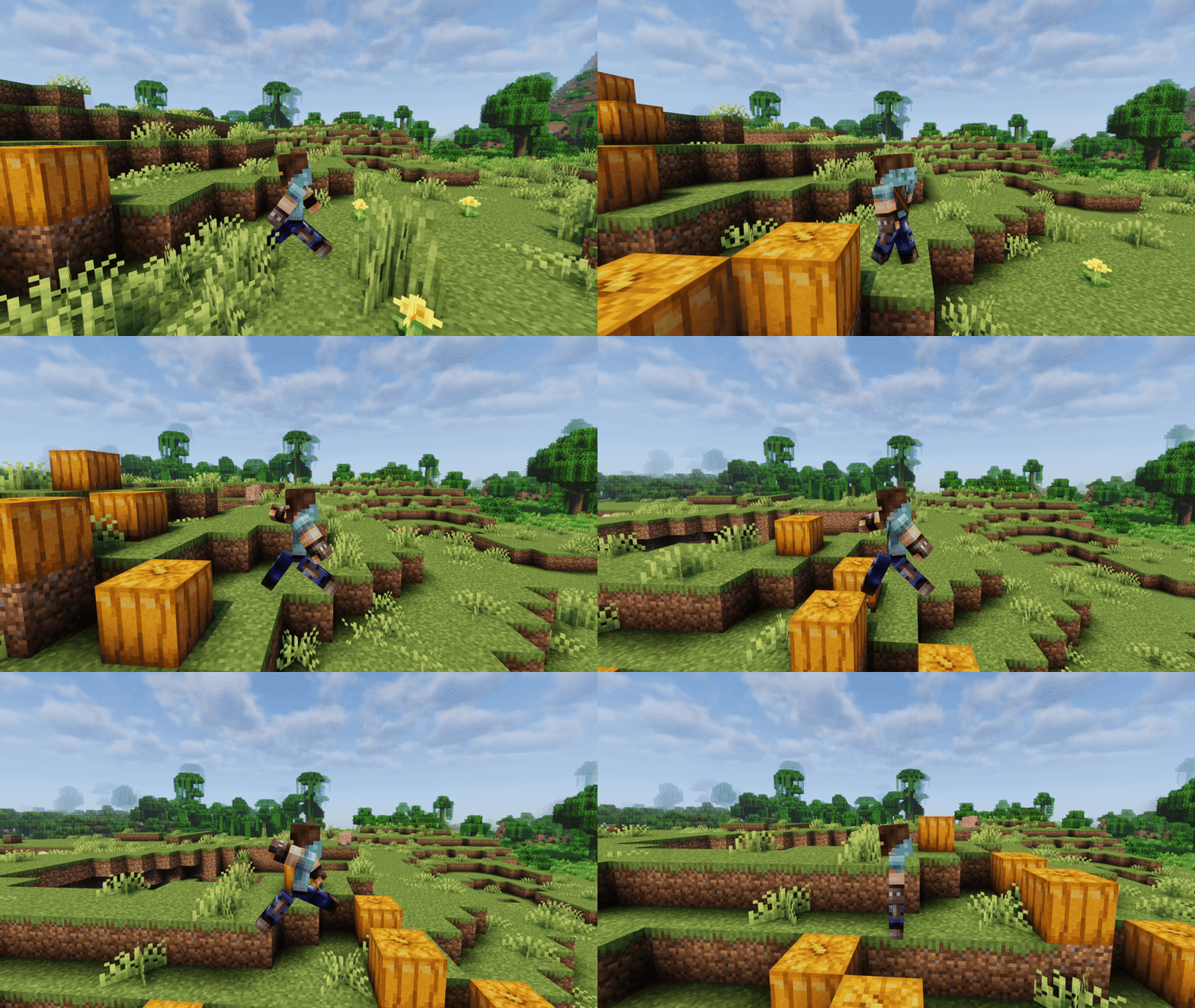
Idle:
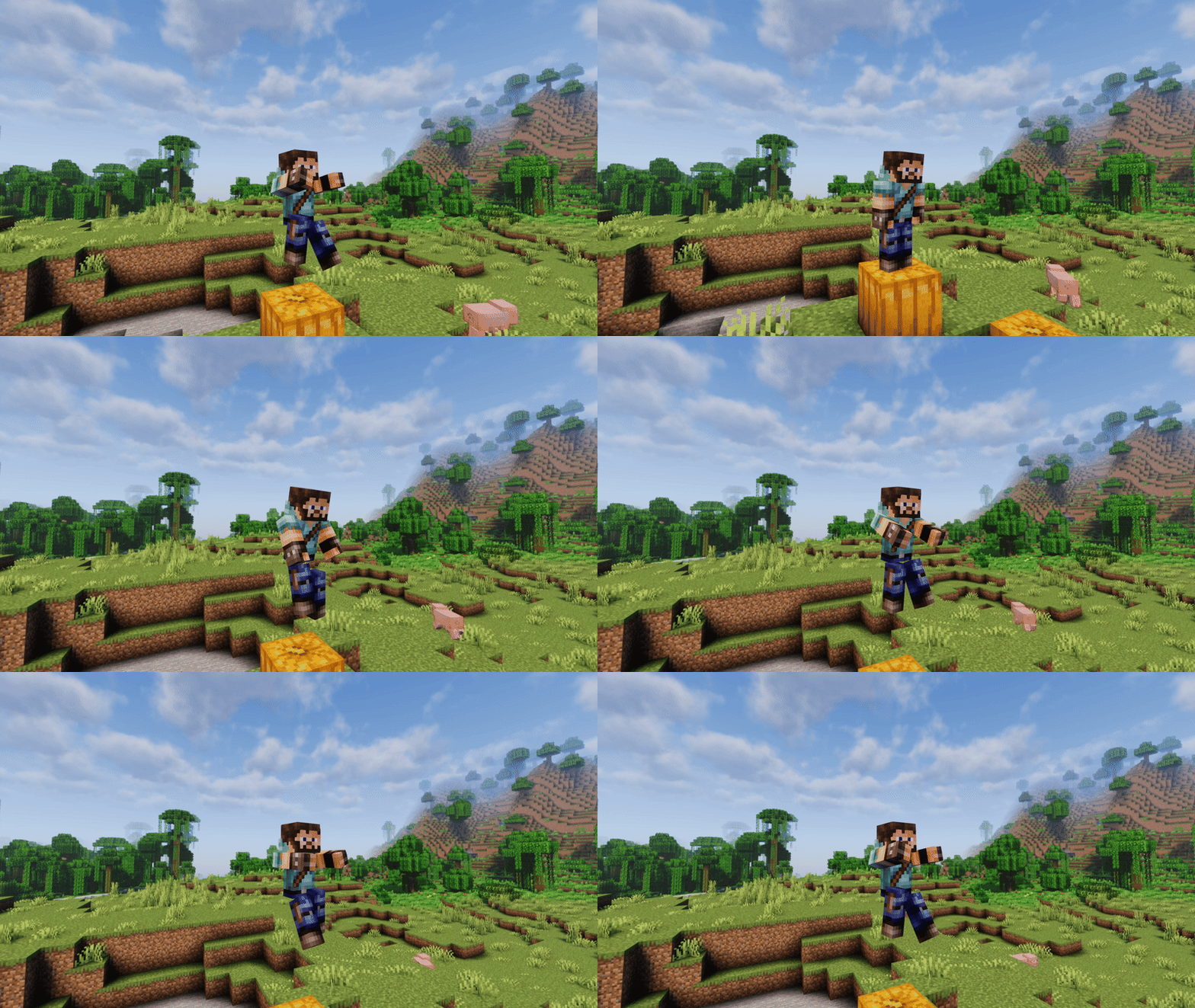
Sprinting:
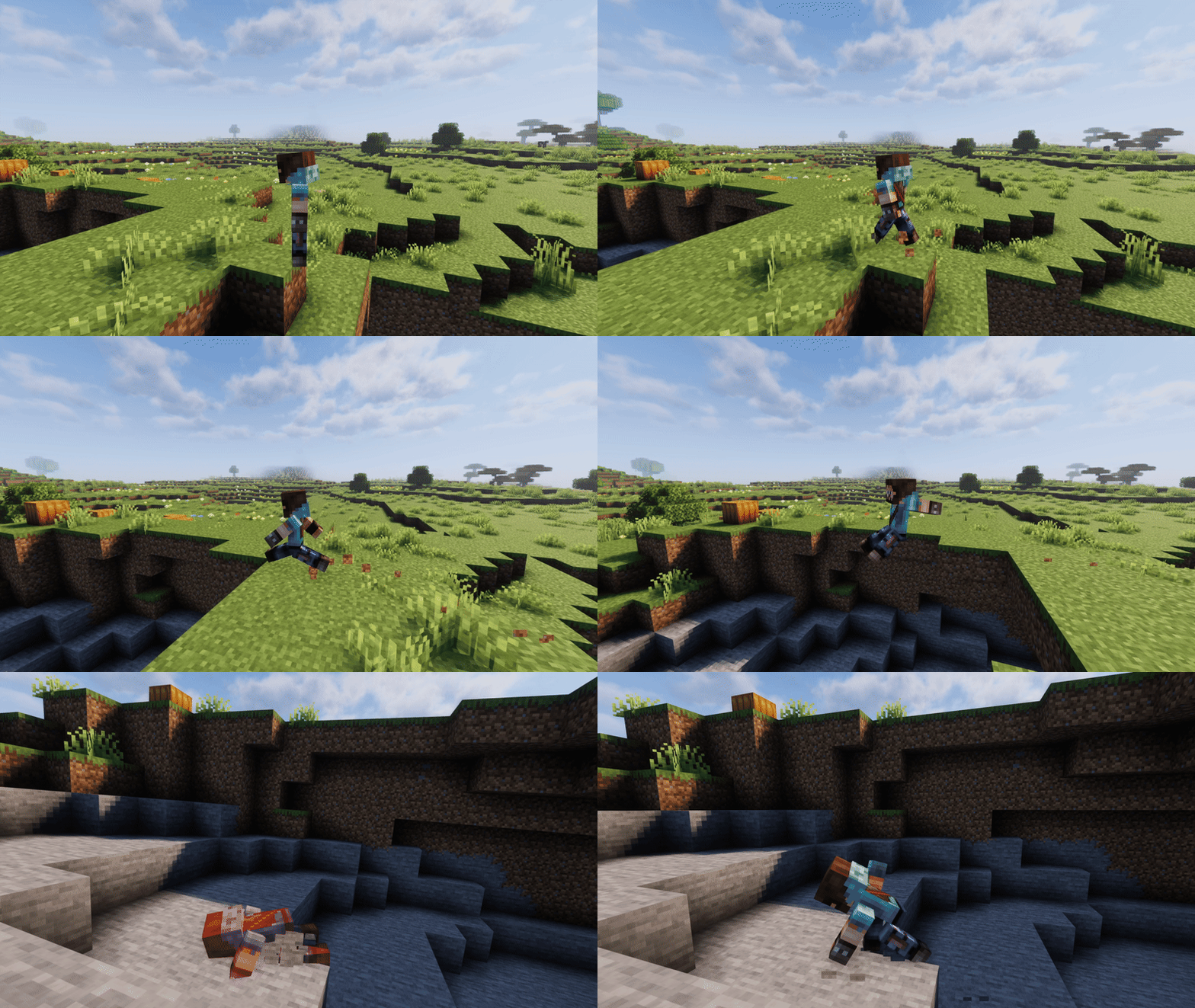
Falling:
Falling and taking damage will slow you down a little bit: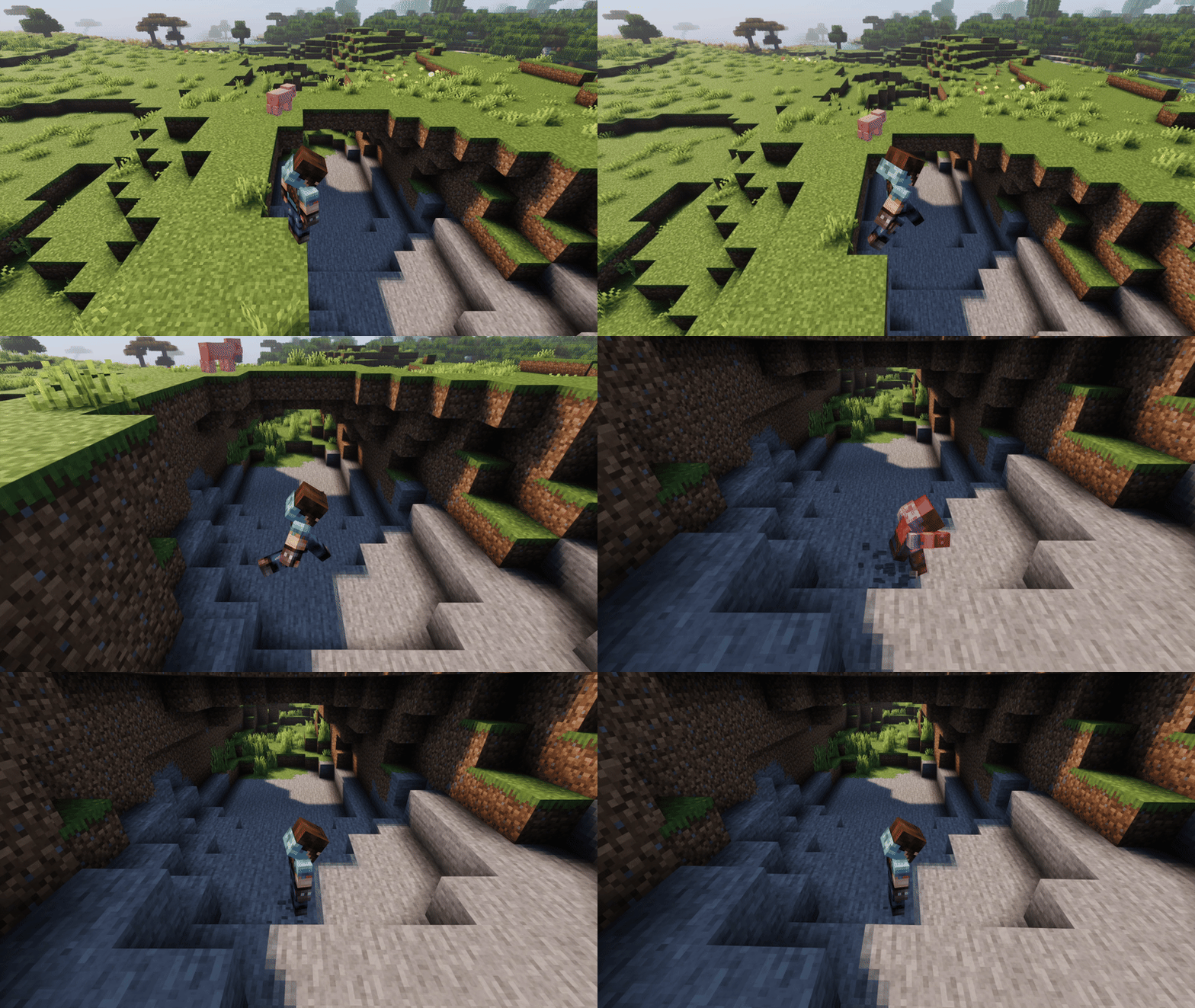
Falling from too high will slow you down even more: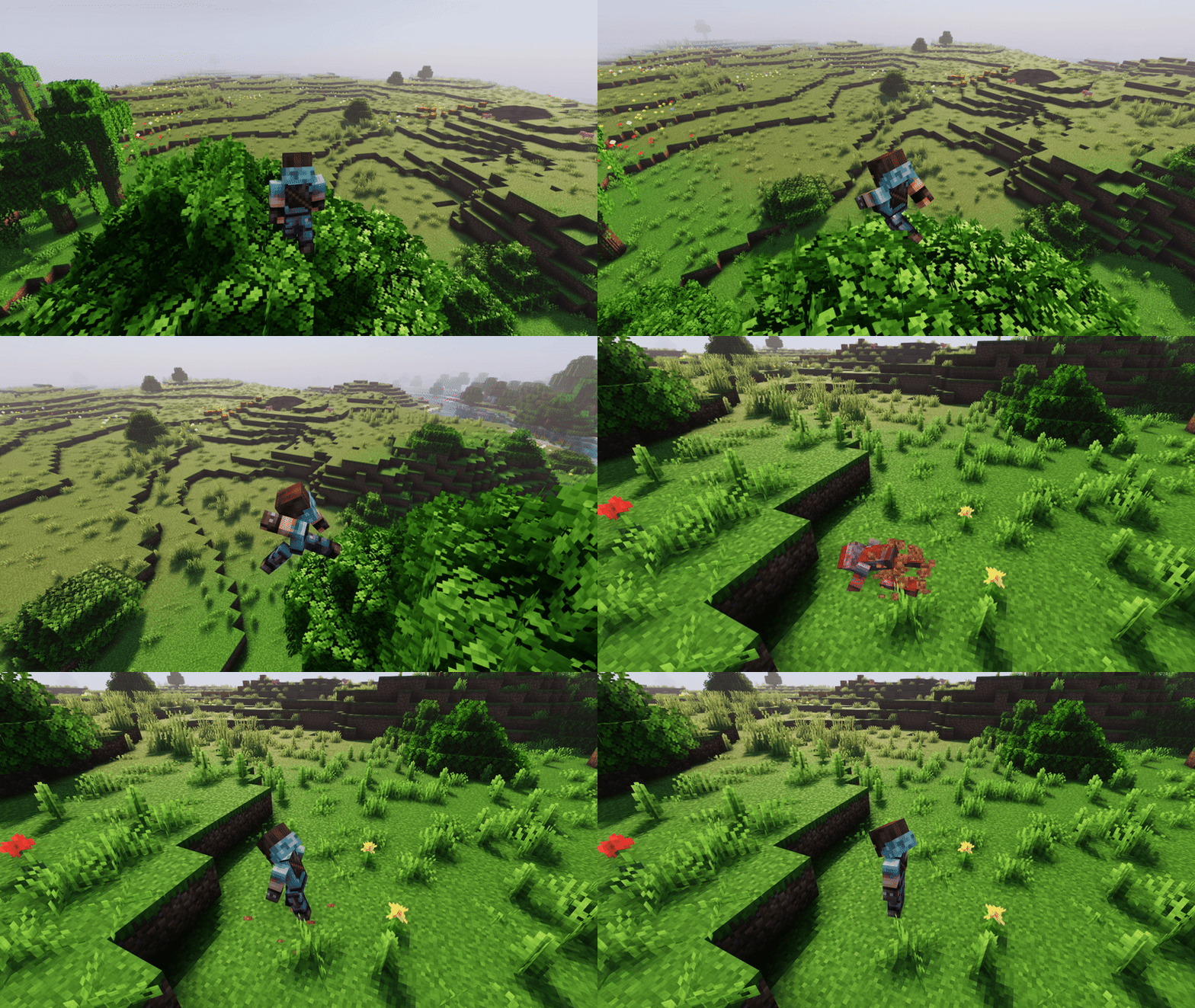
Falling on hay bale negates all fall damage but you'll be unable to move for a short time: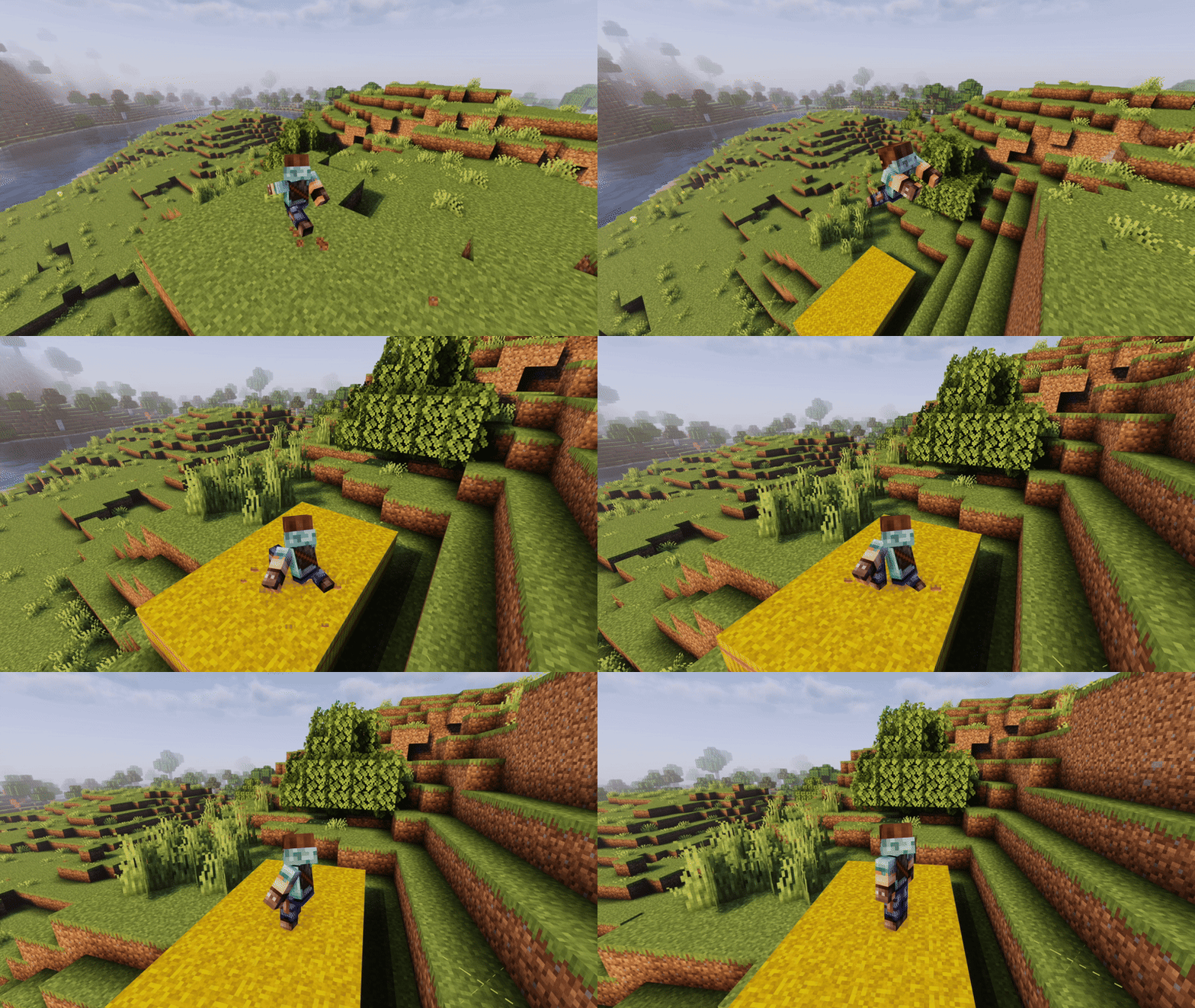
Diving:
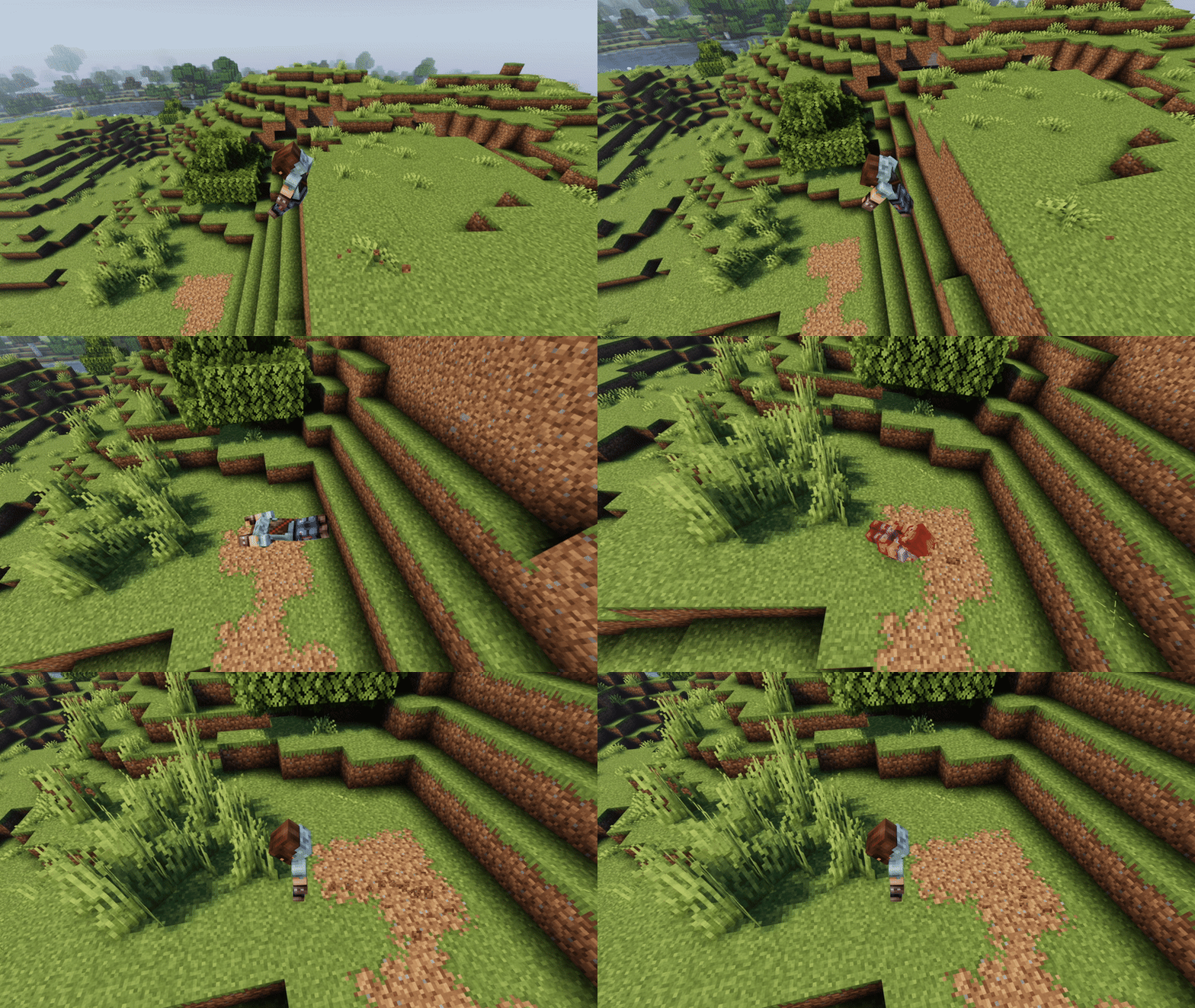
Diving can be performed by pressing space right after the jump animation, diving can be used to negate high falls speed penalty.
If you hit the ground you will roll:
If you hit water you will swim up: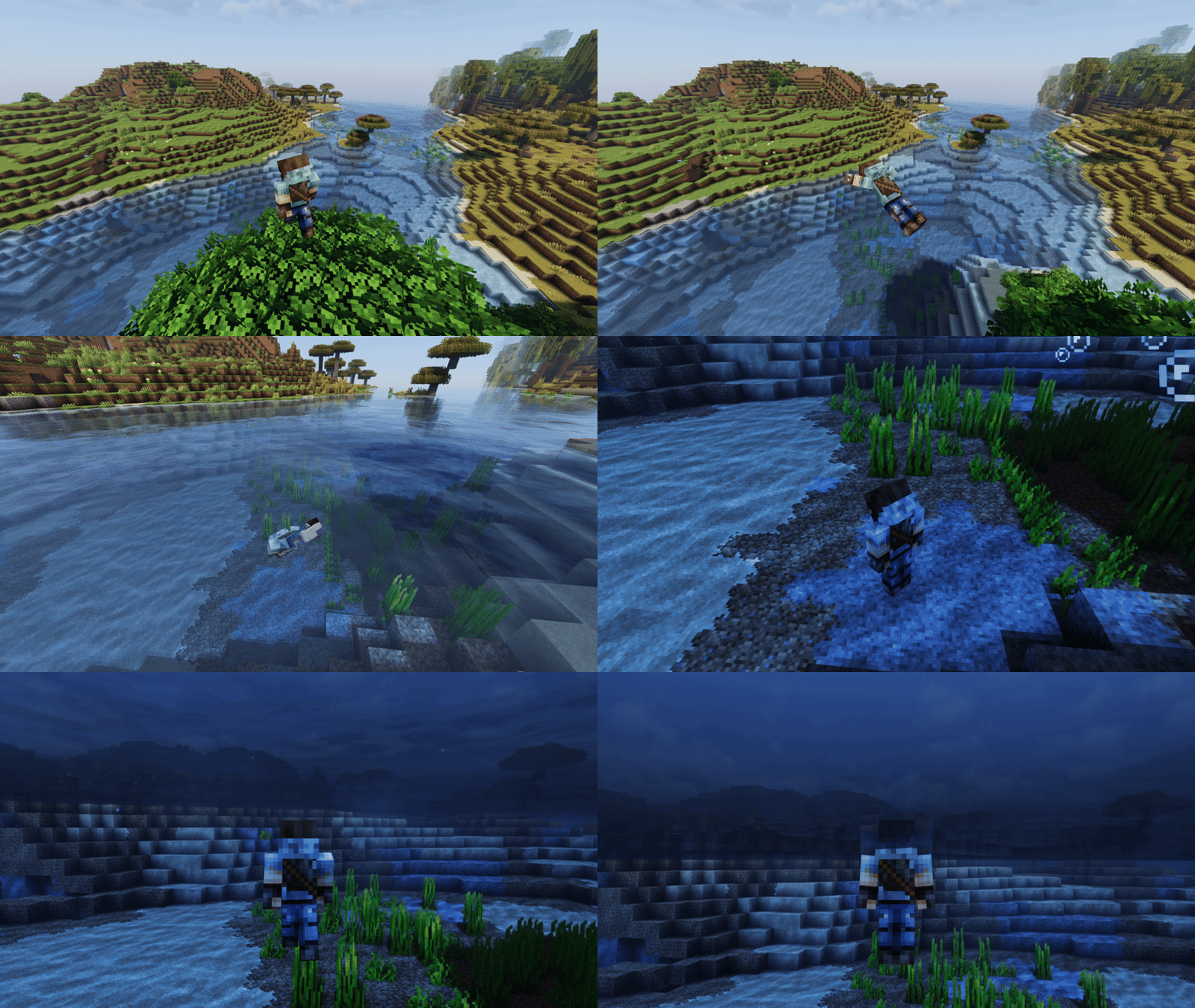
Cannonball:
To perform the cannonball you need to fall at least 5 blocks (that's when the player starts the falling animation) just press space once (while falling) and you'll perform the cannonball pose.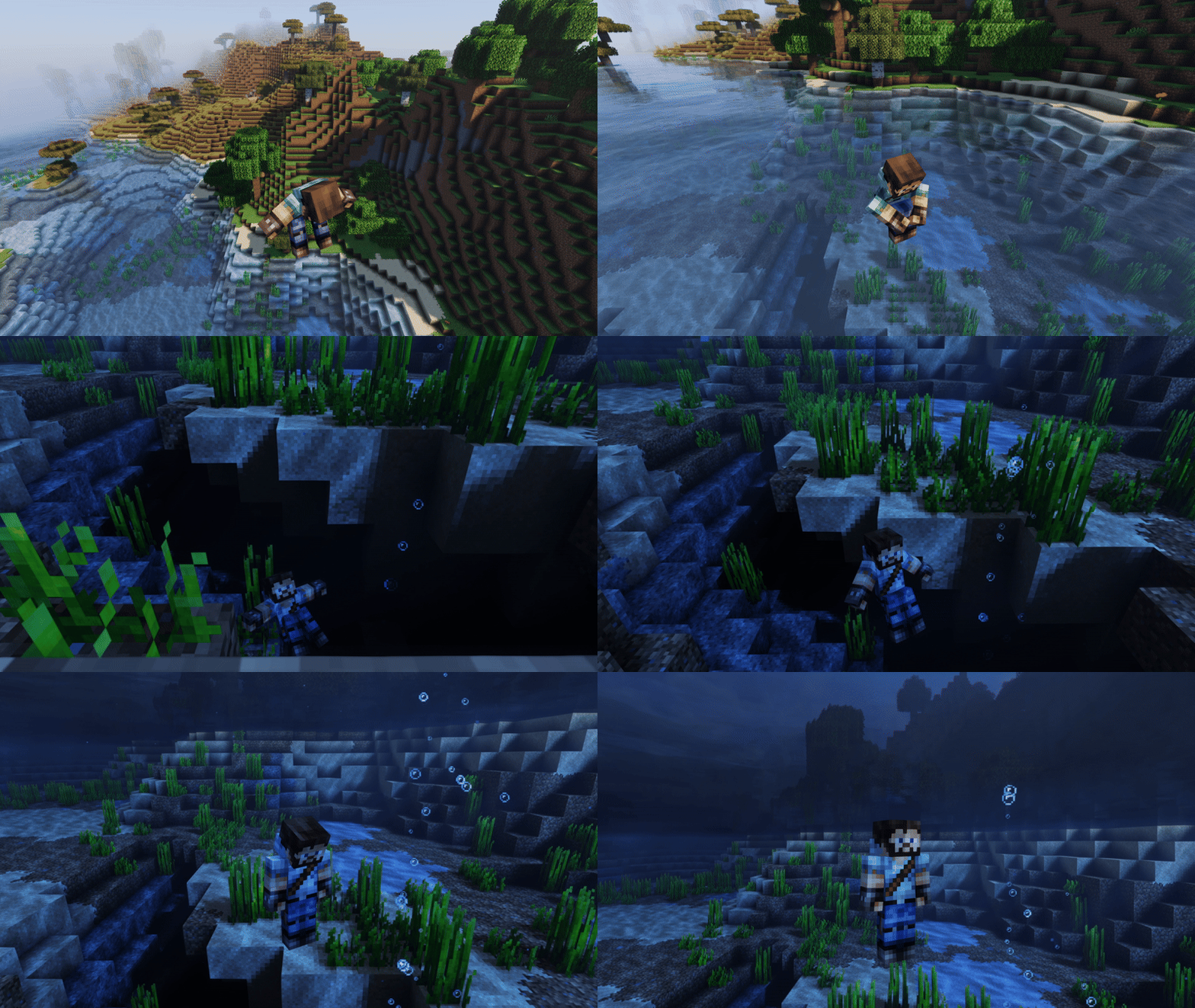
There's particularly no use for the cannonball, but damn it's fun to do it.
I highly recommend you to use this mod with a first person mod like real camera mod, or a third person mod like Betther Third Person mod.
This mod needs Player Animator 1.0.2.
Project description from Modrinth.
Pick your setup
Choose the version and loader you play, then open the matching release.
Check the dependencies, then try the file in a copied instance before changing a world you care about.
Recent files
jumpanimation-2.0.0-1.19.jar
17 Apr 2025
jumpanimation-2.0.0-1.19.1.jar
17 Apr 2025
jumpanimation-2.0.0-1.19.2.jar
17 Apr 2025
jumpanimation-2.0.0-1.19.3.jar
17 Apr 2025
jumpanimation-2.0.0-1.19.4.jar
17 Apr 2025
jumpanimation-2.0.0-1.20.jar
17 Apr 2025
jumpanimation-2.0.0-1.20.1.jar
17 Apr 2025
jumpanimation-1.0.1-1.19.jar
12 Apr 2025
jumpanimation-1.0.1-1.19.1.jar
12 Apr 2025
jumpanimation-1.0.1-1.19.2.jar
12 Apr 2025
jumpanimation-1.0.1-1.19.3.jar
12 Apr 2025
jumpanimation-1.0.1-1.19.4.jar
12 Apr 2025
Looking for an older file? The official Modrinth project page is in Resources.
 mod
modHighlight nearby inventories containing an item, and restock items from or deposit items to them directly from your inventory.
 mod
modOffering more tools and methods to automate food processing of other mod in Create.
 mod
modLDLib is a libarary mod for custom rendering, modular gui.