Minecraft version
Back to mods 
Modrinth · Minecraft mod
Magic Vibe Decorations
Mod adding decorations and crystals with magical aesthetics. Some crystals provide protective effects.
Choose a version Pick your version below, then grab the matching file.
Quick answer
Which Magic Vibe Decorations release should I use?
Latest stable file 3.0.1
Game version 26.1.2, 26.2
Loader Fabric
Magic Vibe Decorations 3.0.1 targets 26.1.2, 26.2 with Fabric. Installation on the client is optional. Installation on the dedicated server is optional. No extra mods listed for this file.
Where it goes
Is Magic Vibe Decorations required on the client, server, or both?
Installation on the client is optional. Installation on the dedicated server is optional.
Client Optional
Dedicated server Optional
Loader for this release Fabric
Required install it here Optional supported, not mandatory Not supported do not install here Source doesn’t say do not assume
The source marks this as usable on both the client and server.
What else does Magic Vibe Decorations 3.0.1 need?
3.0.1. Change the file and its required mods may change too.
This file does not list any required mods. Do not add a library just because a different file uses it.
This file does not list any required or optional mods.
Before you install it
Add Magic Vibe Decorations without breaking your instance.
Built for Magic Vibe Decorations 3.0.1. Pick another file and the loader, install side or required mods may change.
- 01
Stick to this file
Use 3.0.1. It targets 26.1.2, 26.2 with Fabric; another release may have different loader, side or dependency requirements.
- 02
Bring the mods it needs
This file does not list any required mods. Do not add a library just because a different file uses it.
- 03
Put it on the correct side
Installation on the client is optional. Installation on the dedicated server is optional.
- 04
Pick the file you checked
Use the “Get this file” button beside 3.0.1. It opens that exact file at the source.
About this project
What does Magic Vibe Decorations add?
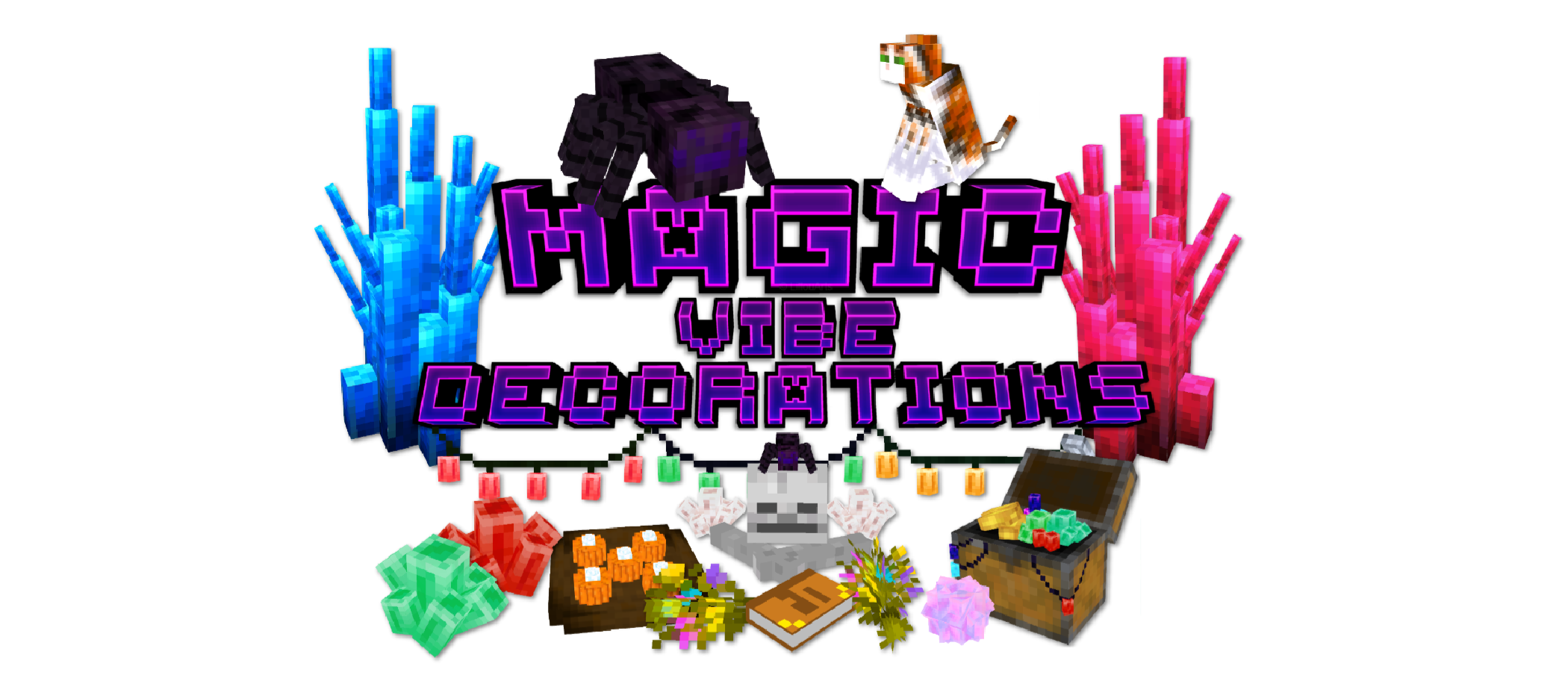
Mod adding new crystals and decorations with magical aesthetics.
Crystals are all inspired by natural minerals and some of them grant protective abilities.
All crystals except crystallised clusters can be converted into crystal shards to craft new decorations.
You can interact with crystal balls, books, baskets, and placed foods. Most crystals are also placeable on walls or ceilings.
This mod contains versions for Fabric, Forge, and NeoForge.
Fabric API is required for Fabric versions.
JEI is recommended.
A detailed guide and crafting recipes are also available here:
Magic Vibe Decorations Guide
1.21.4+ Update
You can now use shears to obtain new crystal shapes from placed crystals.
Older Versions (1.21.1 and below)
Grow new crystal shapes using a crystal planter and crystal shards crafted from vanilla resources.
Note: Potion collection and magic pot can be crafted with any potions.
Tip: Enabling glowing particles in your shader settings is highly recommended for full effect.
Please do not redistribute this mod, re-uploading it to other websites is not permitted.
You may include it in modpacks or videos with proper credit.
🌸 My Other Mods


☕ Support
If you enjoy my work, you can support me here:

Project description from Modrinth.
Pick your setup
Magic Vibe Decorations by Minecraft version and loader
Choose the version and loader you play, then open the matching release.
Minecraft version
26.2
3 loader buildsMinecraft version
26.1.2
3 loader buildsMinecraft version
1.21.11
3 loader buildsMinecraft version
1.21.10
3 loader buildsMinecraft version
1.21.9
3 loader buildsMinecraft version
1.21.8
3 loader buildsMinecraft version
1.21.7
3 loader buildsMinecraft version
1.21.6
3 loader buildsMinecraft version
1.21.5
2 loader buildsMinecraft version
1.21.4
1 loader buildMinecraft version
1.21.1
3 loader buildsShowing the newest 12 of 17 game versions. Older files are in the list below.
Check the dependencies, then try the file in a copied instance before changing a world you care about.
Recent files
Magic Vibe Decorations versions and loaders
3.0.1
magic_vibe_decorations-3.0.1-neoforge-26.3.jar
17 Sept 2026
Client Optional Server Optional Dependencies No extras listed Listed on Release listing
Check the 26.3 · NeoForge setup 26.3NeoForge beta
3.0.1
magic_vibe_decorations-3.0.1-fabric-26.3.jar
17 Sept 2026
Client Optional Server Optional Dependencies No extras listed Listed on Release listing
Check the 26.3 · Fabric setup 26.3Fabric beta
3.0.1
magic_vibe_decorations-3.0.1-fabric-26.1.2-26.3.jar
14 Aug 2026
Client Optional Server Optional Dependencies No extras listed Listed on Release listing
Check the 26.2 · Fabric setup 26.1.226.2Fabric release
3.0.1
magic_vibe_decorations-3.0.1-neoforge-26.1.2-26.3.jar
14 Aug 2026
Client Optional Server Optional Dependencies No extras listed Listed on Release listing
Check the 26.2 · NeoForge setup 26.1.226.2NeoForge release
2.3.4
magic_vibe_decorations-2.3.4-forge-26.1.2-26.3.jar
5 Aug 2026
Client Optional Server Optional Dependencies No extras listed Listed on Release listing
Check the 26.2 · Forge setup 26.1.226.2Forge release
2.3.4
magic_vibe_decorations-2.3.4-fabric-26.1.2.jar
1 Aug 2026
Client Optional Server Optional Dependencies No extras listed Listed on Release listing
Check the 26.1.2 · Fabric setup 26.1.2Fabric release
2.3.3
magic_vibe_decorations-2.3.3-neoforge-1.21.11.jar
9 Mar 2026
Client Optional Server Optional Dependencies No extras listed Listed on Release listing
Check the 1.21.11 · NeoForge setup 1.21.11NeoForge release
2.3.3
magic-vibe-decorations-2.3.3-fabric-1.21.11.jar
7 Mar 2026
Client Optional Server Optional Dependencies No extras listed Listed on Release listing
Check the 1.21.11 · Fabric setup 1.21.11Fabric release
2.3.3
magic_vibe_decorations-2.3.3-forge-1.21.11.jar
7 Mar 2026
Client Optional Server Optional Dependencies No extras listed Listed on Release listing
Check the 1.21.11 · Forge setup 1.21.11Forge release
2.3.2
magic_vibe_decorations-2.3.2-forge-1.21.9-1.21.10.jar
15 Oct 2025
Client Optional Server Optional Dependencies No extras listed Listed on Release listing
Check the 1.21.10 · Forge setup 1.21.91.21.10Forge release
2.3.2
magic_vibe_decorations-2.3.2-neoforge-1.21.9-1.21.10.jar
15 Oct 2025
Client Optional Server Optional Dependencies No extras listed Listed on Release listing
Check the 1.21.10 · NeoForge setup 1.21.91.21.10NeoForge release
2.3.2
magic-vibe-decorations-2.3.2-fabric-1.21.9-1.21.10.jar
15 Oct 2025
Client Optional Server Optional Dependencies No extras listed Listed on Release listing
Check the 1.21.10 · Fabric setup 1.21.91.21.10Fabric release
Looking for an older file? The official Modrinth project page is in Resources.