Fabric API Needed by Resource Explorer 1.3.2
requiredMatching file found Matched file: [1.21.5] Fabric API 0.128.2+1.21.5

Modrinth · Minecraft mod
A mod allowing the exploration & exporting of all the resources & packs available to Minecraft, as it sees them.
Quick answer
Resource Explorer 1.3.2 targets 1.21.5 with Fabric, Quilt. It must be installed on the client. Do not install it on the dedicated server. All 1 required mods have matching files.
Where it goes
It must be installed on the client. Do not install it on the dedicated server.
This file is marked client-only.
1.3.2. Change the file and its required mods may change too.
Install Fabric API first. We found matching files for this game-version and loader setup.
We only count dependency files that match this setup. A file for another loader does not fill the gap.
Before you install it
Built for Resource Explorer 1.3.2. Pick another file and the loader, install side or required mods may change.
Use 1.3.2. It targets 1.21.5 with Fabric, Quilt; another release may have different loader, side or dependency requirements.
Install Fabric API first. We found matching files for this game-version and loader setup.
It must be installed on the client. Do not install it on the dedicated server.
Use the “Get this file” button beside 1.3.2. It opens that exact file at the source.
About this project


A mod allowing the exploration, editing, & exporting of all the resources & assets available to Minecraft, as it sees them.
(Basically a Windows explorer / editor for Minecraft's resource-pack assets)
To help resource-pack makers with creating packs and exploring modded asset locations, without having to open .jar files or deal with dozens of separate resource-packs & mods
(new ui image of V1.1)
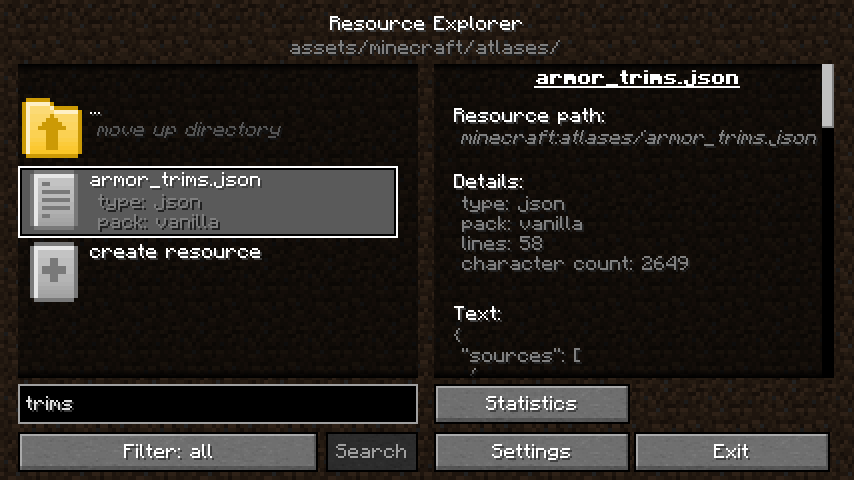
(old ui image of V1.0)
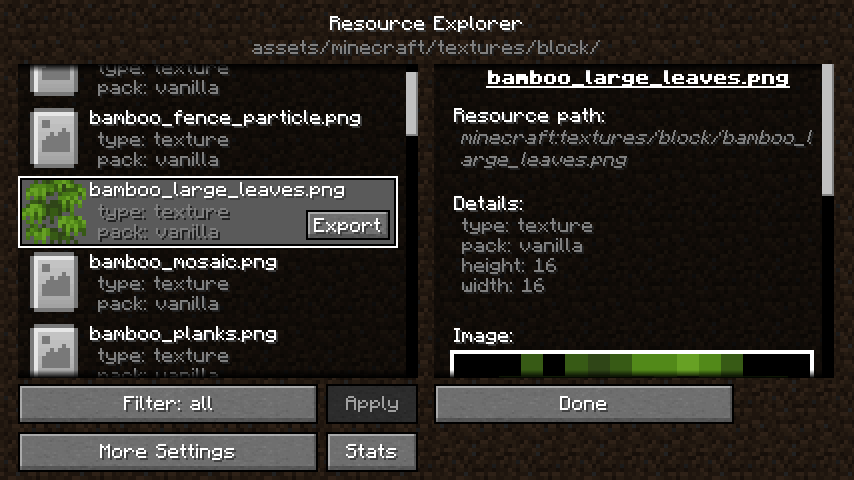
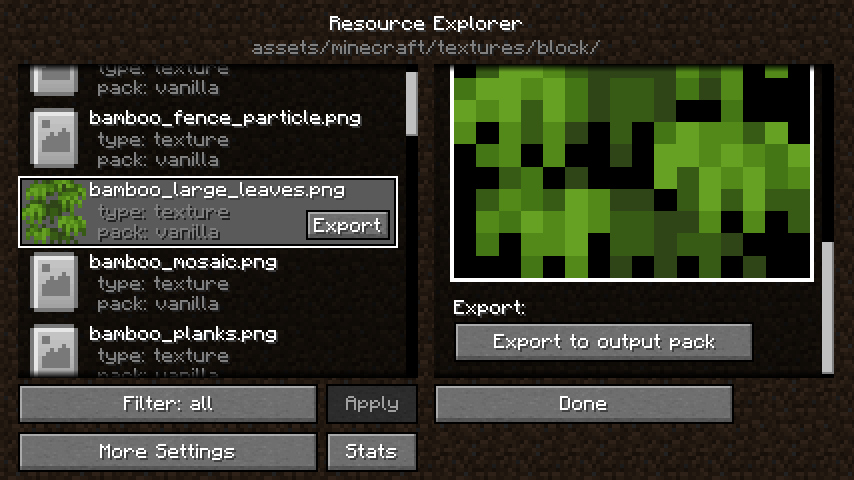
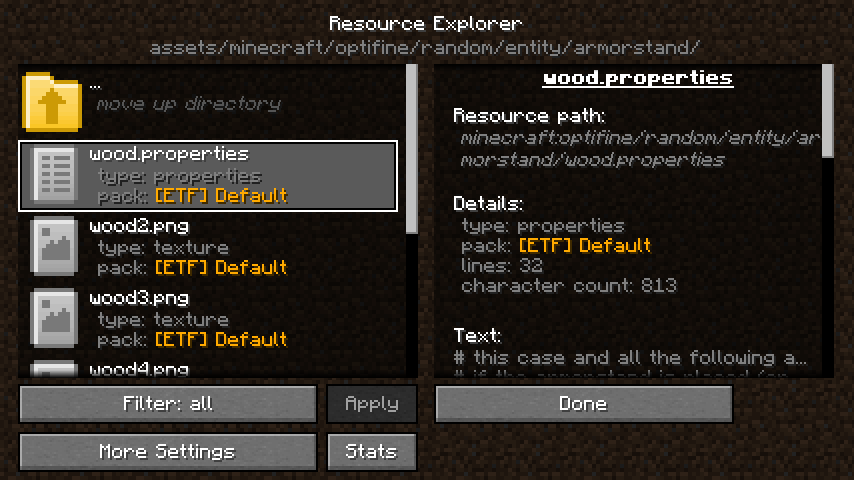
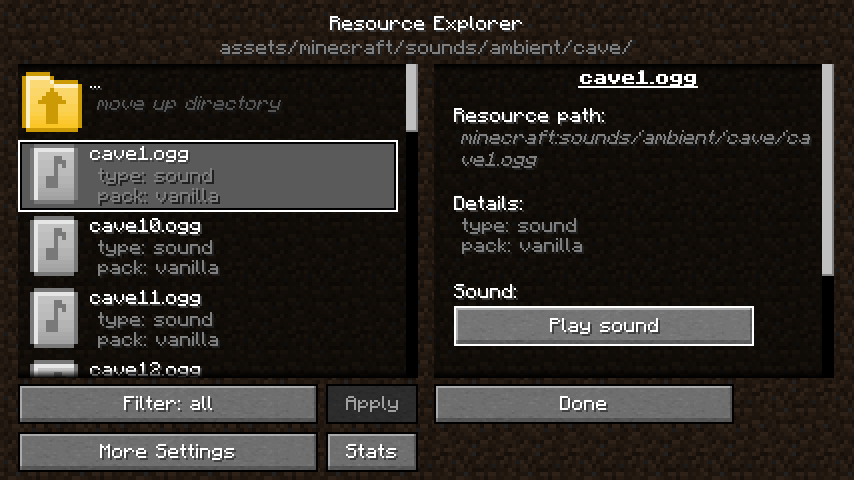
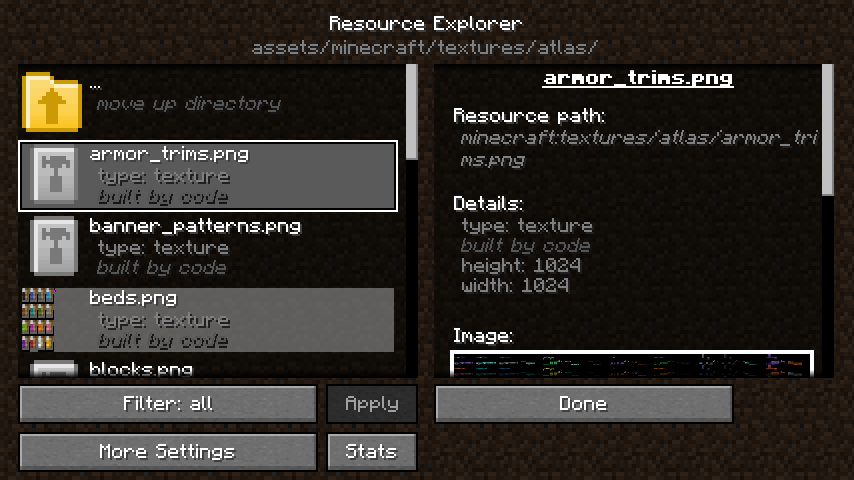
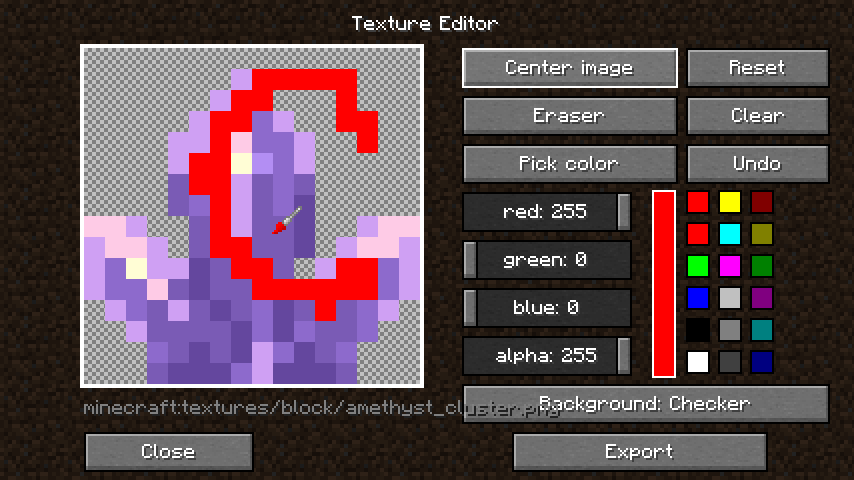
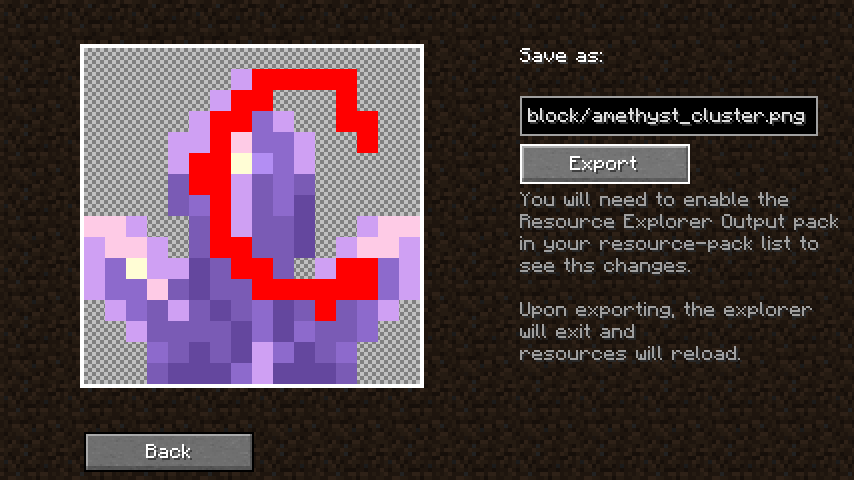
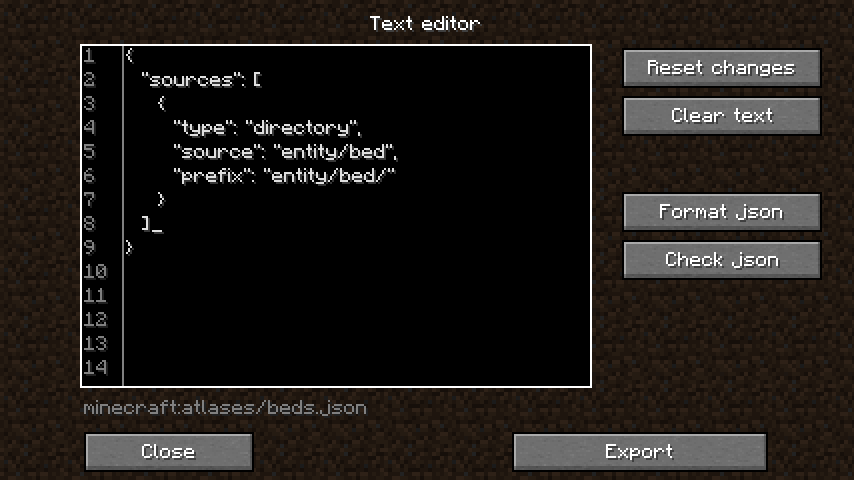
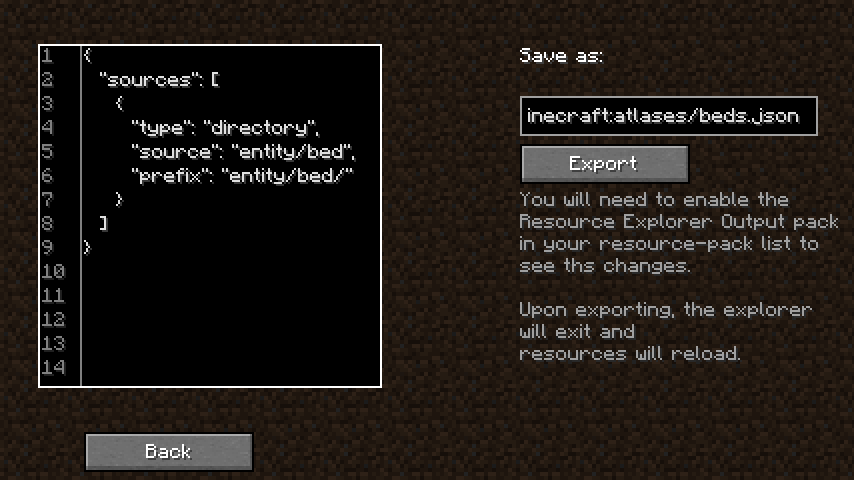
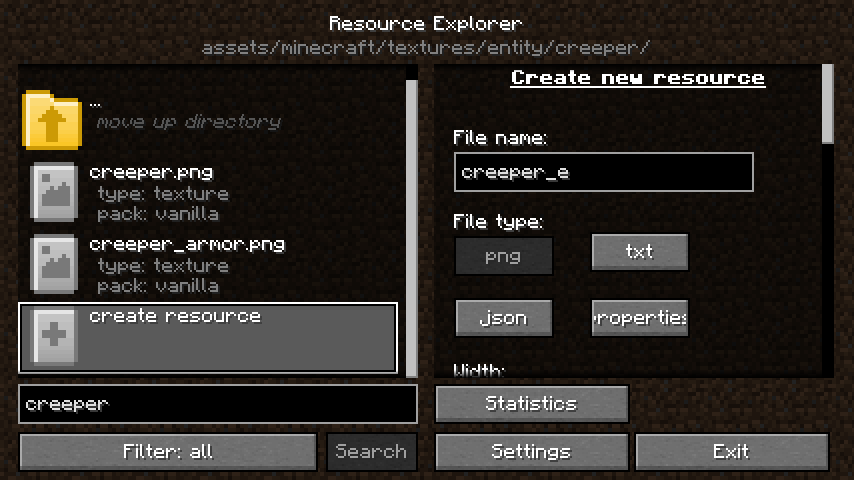
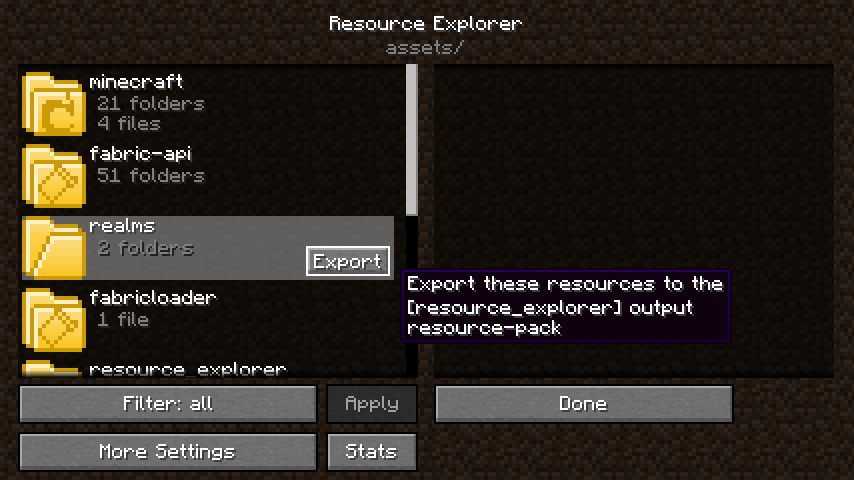
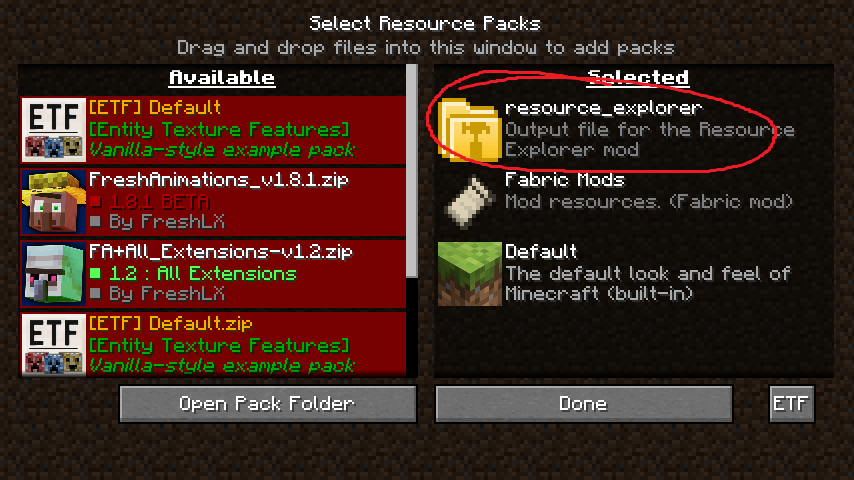
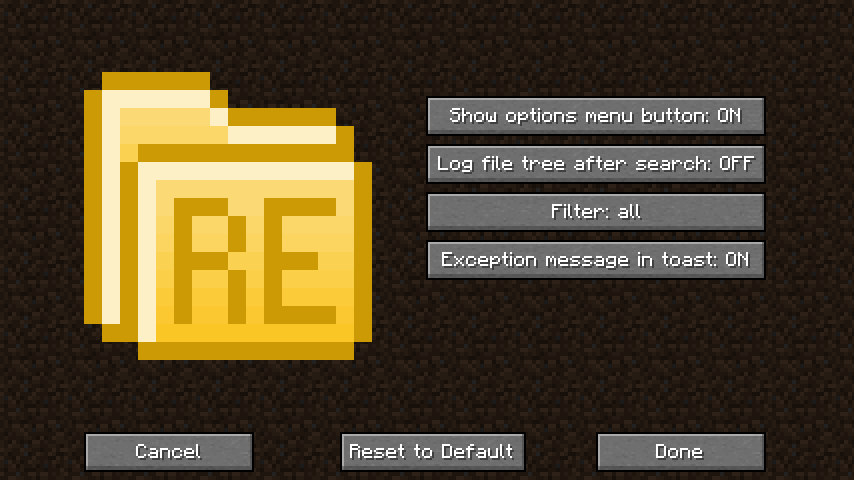
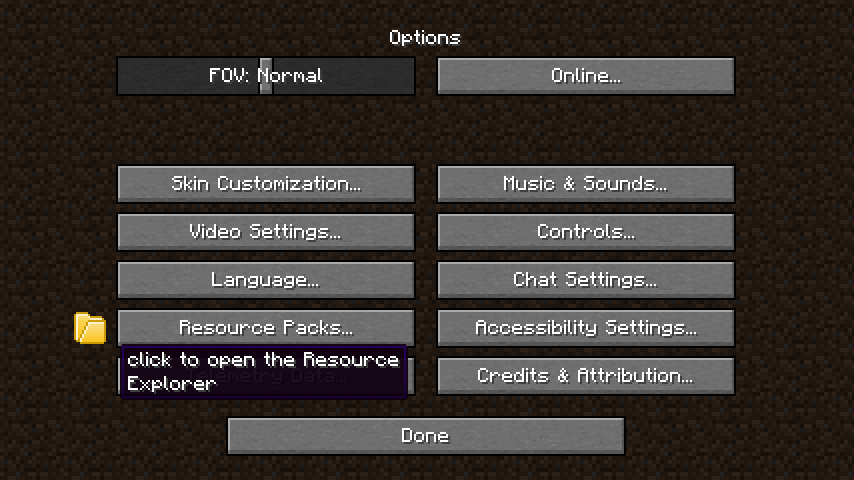
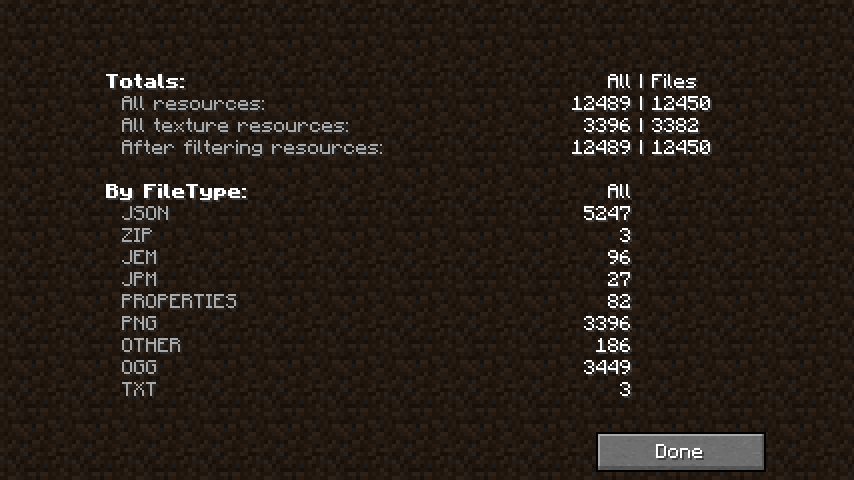
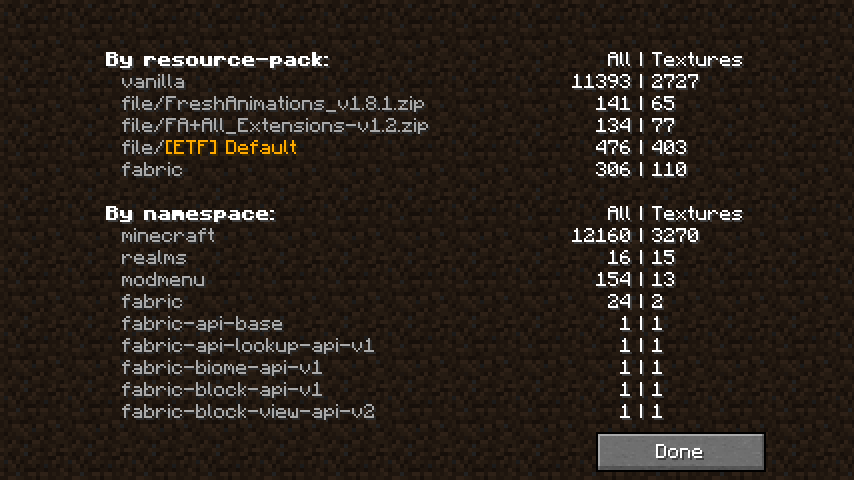
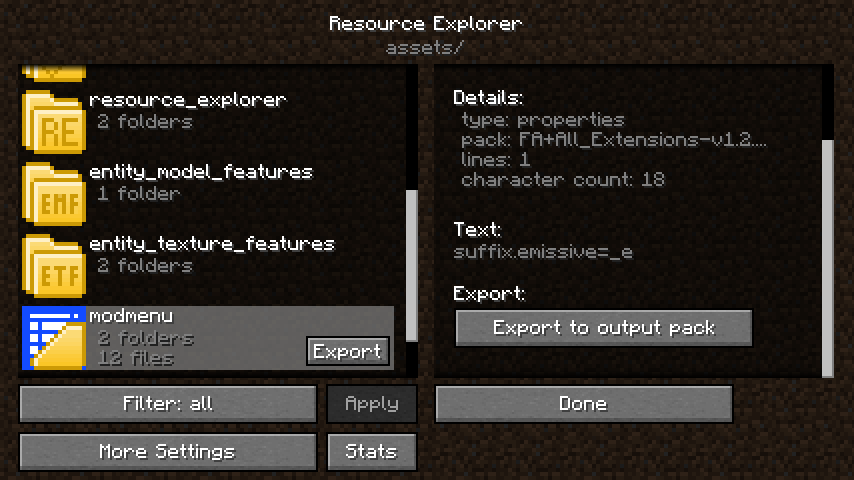
You can find the changelog here.
You can reach out on my Discord (preferred) or open an issue on GitHub.
Project description from Modrinth.
Pick your setup
Choose the version and loader you play, then open the matching release.
Showing the newest 12 of 13 game versions. Older files are in the list below.
Check the dependencies, then try the file in a copied instance before changing a world you care about.
Recent files
resource_explorer_fabric_1.21.5-1.3.2.jar
4 May 2025
resource_explorer_forge_1.21.5-1.3.2.jar
4 May 2025
resource_explorer_neoforge_1.21.5-1.3.2.jar
4 May 2025
resource_explorer_fabric_1.21.4-1.3.1.jar
12 Feb 2025
resource_explorer_forge_1.21.4-1.3.1.jar
12 Feb 2025
resource_explorer_neoforge_1.21.4-1.3.1.jar
12 Feb 2025
resource_explorer_fabric_1.21.3-1.3.jar
27 Nov 2024
resource_explorer_forge_1.21.3-1.3.jar
27 Nov 2024
resource_explorer_neoforge_1.21.3-1.3.jar
27 Nov 2024
resource_explorer_fabric_1.21-1.2.jar
20 Aug 2024
resource_explorer_forge_1.21-1.2.jar
20 Aug 2024
resource_explorer_neoforge_1.21-1.2.jar
20 Aug 2024
Looking for an older file? The official Modrinth project page is in Resources.
 mod
A mod that turns maids into ragdolls.
 mod
A suite of integration and compatibility patches for Thermoo-based mods (including Frostiful and Scorchful) and other mods
 mod
A library for quick ragdoll creation via code and data packs.