Mod Menu Optional for UltNightVision 26.3
optionalMatching file found Matched file: 21.0.0

Modrinth · Minecraft mod
Toggle night vision on/off with a keybind or keep it permanent. Fully configurable.
Quick answer
UltNightVision 26.3 targets 26.3 with Fabric. It must be installed on the client. Do not install it on the dedicated server. All 1 required mods have matching files.
Where it goes
It must be installed on the client. Do not install it on the dedicated server.
This file is marked client-only.
26.3. Change the file and its required mods may change too.
Install Fabric API first. We found matching files for this game-version and loader setup. 1 comes through another mod in the chain.
1 extra mod was pulled in by another dependency. Indented rows show who needs each one. We only count dependency files that match this setup. A file for another loader does not fill the gap.
Before you install it
Built for UltNightVision 26.3. Pick another file and the loader, install side or required mods may change.
Use 26.3. It targets 26.3 with Fabric; another release may have different loader, side or dependency requirements.
Install Fabric API first. We found matching files for this game-version and loader setup. 1 comes through another mod in the chain.
It must be installed on the client. Do not install it on the dedicated server.
Use the “Get this file” button beside 26.3. It opens that exact file at the source.
About this project
The cleanest Night Vision mod for Fabric
Toggle it, keep it permanent, make it yours.
✨ Features
🔦 Core Features
🖥️ HUD & Interface
📋 Requirements
| Dependency | Version |
|---|---|
| Minecraft | 1.21.9 – 1.21.11 |
| Fabric Loader | 0.17.2+ |
| Fabric API | 0.133.14+1.21.9 |
| Java | 21+ |
| ModMenu | Optional |
ModMenu is recommended for in-game configuration but is not required.
📦 Installation
Quick Install
Install Fabric Loader
        ↓
Install Fabric API
        ↓
Drop UltNightVision.jar into /mods
        ↓
(Optional) Install ModMenu
        ↓
Launch Minecraft
Detailed Steps
.minecraft/mods🚀 Usage
Default Controls
| Action | Key |
|---|---|
| Toggle Night Vision | N |
| Open Settings | ModMenu → UltNightVision |
Available Modes
Toggle Mode
Press N to enable or disable Night Vision.
Permanent Mode
Night Vision remains active at all times.
Full Bright Mode
Uses amplifier 255 for maximum brightness and removes the standard green tint.
⚙️ Configuration
Config location:
.minecraft/config/ultnightvision.json
Example Config
{
  "modEnabled": true,
  "permanent": false,
  "fullbright": false,
  "strength": 0,

  "showHud": true,
  "hudX": 4,
  "hudY": 4,
  "hudText": "NV ON"
}
Config Options
| Setting | Description |
|---|---|
| modEnabled | Master switch |
| permanent | Always active Night Vision |
| fullbright | Removes green tint |
| strength | Night Vision amplifier |
| showHud | Show HUD indicator |
| hudX | HUD X position |
| hudY | HUD Y position |
| hudText | Custom HUD text |
⌨️ Keybinds
| Keybind | Default |
|---|---|
| Toggle Night Vision | N |
Rebind through:
Options → Controls → UltNightVision
Permanent Mode disables the toggle keybind until Permanent Mode is turned off.
❓ FAQ
Yes. This is a client-side only mod and does not require installation on servers.
It may conflict with mods that also force Night Vision effects, but is generally compatible with shaders and Iris.
Enable Full Bright mode in the settings menu.
Windows: %appdata%\.minecraft\config\ultnightvision.json
Linux: ~/.minecraft/config/ultnightvision.json
macOS: ~/Library/Application Support/minecraft/config/ultnightvision.json
This project is licensed under All Rights Reserved. Contact the author for permission.
geturplugins
All Rights Reserved © 2026 geturplugins
Project description from Modrinth.
Pick your setup
Choose the version and loader you play, then open the matching release.
Check the dependencies, then try the file in a copied instance before changing a world you care about.
Recent files
ultnightvision-26.3.jar
5 Nov 2026
ultnightvision-26.2.jar
5 Nov 2026
ultnightvision-26.1.jar
5 Nov 2026
ultnightvision-1.0.0.jar
14 Jun 2026
Looking for an older file? The official Modrinth project page is in Resources.
 mod
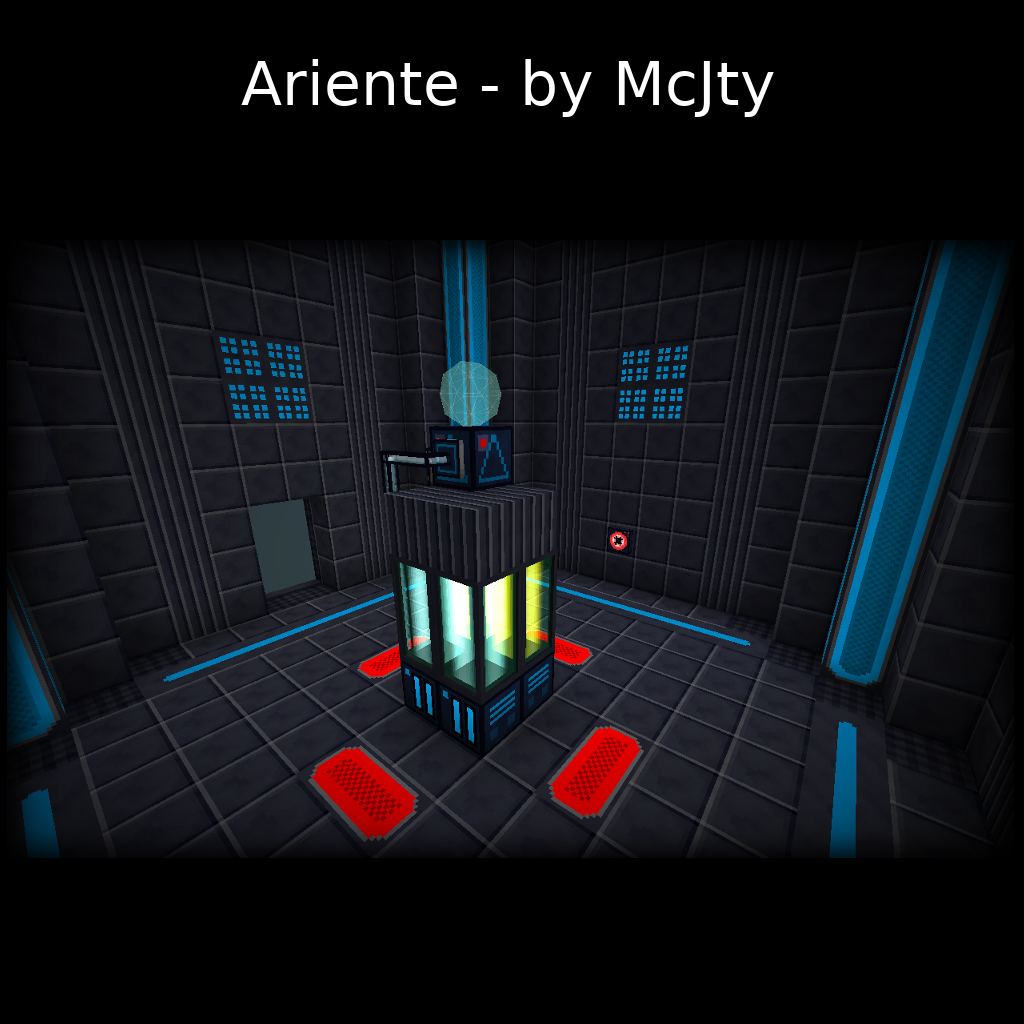
Ariente - a high-tech exploration and tech mod
 mod
An all-in-one hoplite that adds all the QOL & Utility mods you need for Hoplite. Includes Team View, Cooldown viewing, and much more.
 mod
A technology mod featuring an EU energy system, machines, generators, and ore processing for Minecraft.