Just Enough Items (JEI) Optional for Trade Refresh 26.1.0.4
optionalMatching file found Matched file: 29.54.0.123

Modrinth · Minecraft mod
in-UI trade refresh key
Quick answer
Trade Refresh 26.1.0.4 targets 26.1, 26.1.1, 26.1.2 with NeoForge. Installation on the client is optional. Installation on the dedicated server is optional. No extra mods listed for this file.
Where it goes
Installation on the client is optional. Installation on the dedicated server is optional.
The source marks this as usable on both the client and server.
26.1.0.4 on 26.1.1. Every mod below is checked against that same setup.
This file does not list any required mods. Do not add a library just because a different file uses it.
2 extra mods were pulled in by other dependencies. Indented rows show who needs each one. We only count dependency files that match this setup. A file for another loader does not fill the gap.
Before you install it
Built for Trade Refresh 26.1.0.4 on 26.1.1. Pick another file and the loader, install side or required mods may change.
Use 26.1.0.4. It targets 26.1, 26.1.1, 26.1.2 with NeoForge; another release may have different loader, side or dependency requirements.
This file does not list any required mods. Do not add a library just because a different file uses it.
Installation on the client is optional. Installation on the dedicated server is optional.
Use the “Get this file” button beside 26.1.0.4. It opens that exact file at the source.
About this project
1.19.4 / 1.20.1 / 1.21.1 / 26.1: No Dependency
1.19.2 Dependency: L2Library
This mod adds a button in the trading menu that allows player to refresh the trade of an un-traded villager with one click. This is equivalent to breaking and placing the workstation again, but saves player some time.
Refresh can also be bound to a key, allowing faster refresh.
(1.20.1+) If you jave JEI/EMI/REI installed, you can hover over an item in JEI/EMI/REI and press refresh key. It will keep refreshing until the hovered item appears in the trade. Helps you to get the enchantment book you want.

In 2.4.2, you can also control whether to allow enchantments to be permitted in enchantment tables and trades (note that you can only restrict them if they are allowed originally. If they are not allowed at the beginning, you cannot do anything about it). It supports whitelist/blacklist in mod ID or enchantment ID, making it easier to control.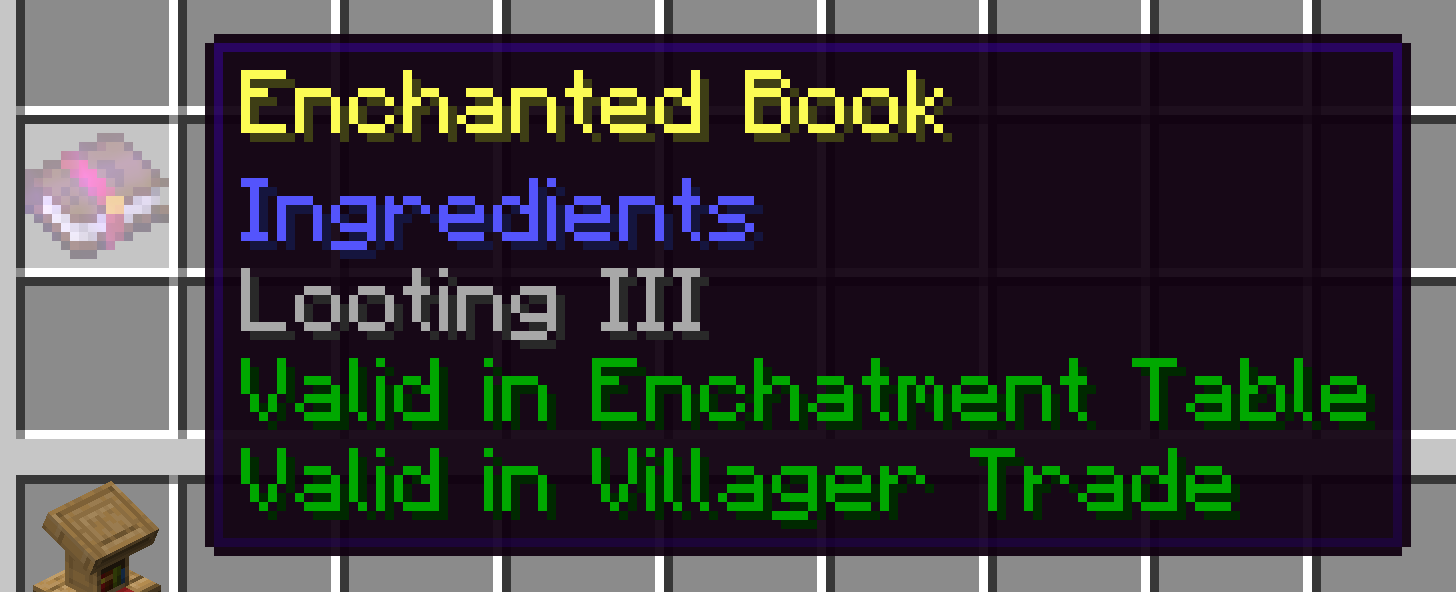
Project description from Modrinth.
Pick your setup
Choose the version and loader you play, then open the matching release.
Check the dependencies, then try the file in a copied instance before changing a world you care about.
Recent files
traderefresh-26.1.0.4.jar
11 Jun 2026
traderefresh-26.1.0.3.jar
11 Jun 2026
traderefresh-26.1.0.2.jar
3 Apr 2026
Looking for an older file? The official Modrinth project page is in Resources.
 mod
A configurable visual representation of your reach and hit distances
 mod
LDLib is a libarary mod for custom rendering, modular gui.
 mod
Reduced delay between music tracks, next track keybind, now playing widget and more